Texture packsBedrock
Animated Menu: Goku Ultra instinct
Bedrock texture pack listed for Minecraft 1.21. File opened and checked on 21 Sep 2026; installs from the MC Bedrock Mods app on Android.
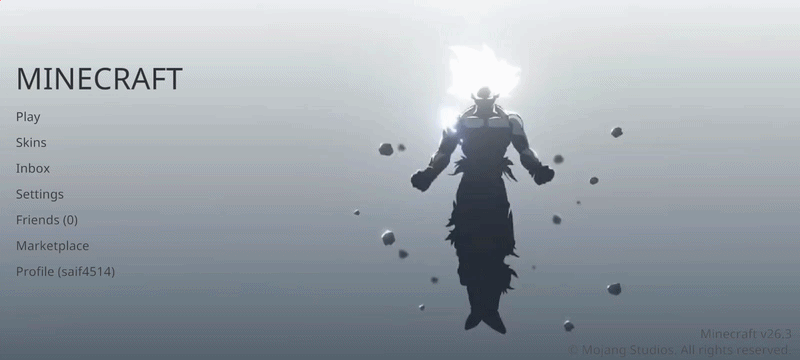
Animated Menu: Goku Ultra instinct completely changes the startup screen, transforming it into a calm and beautiful scene with animation and soft glow…
⬇ Download
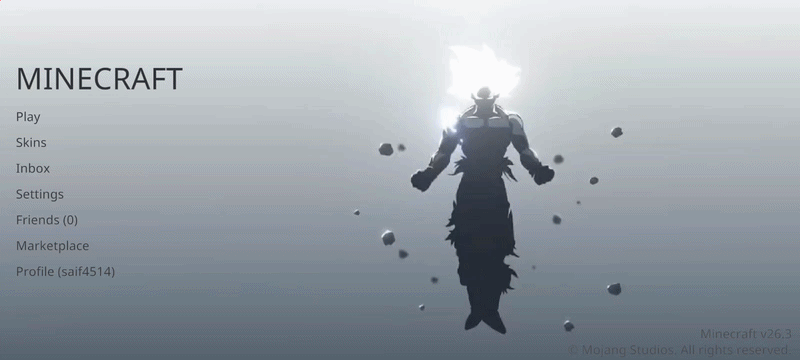

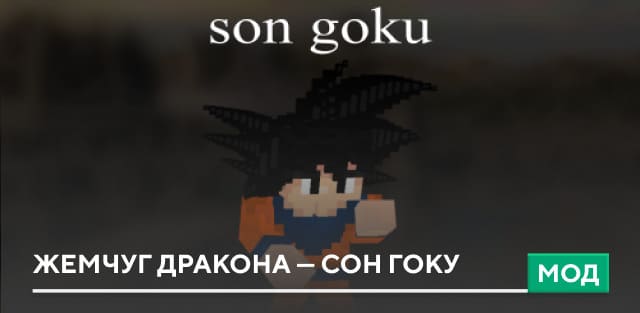
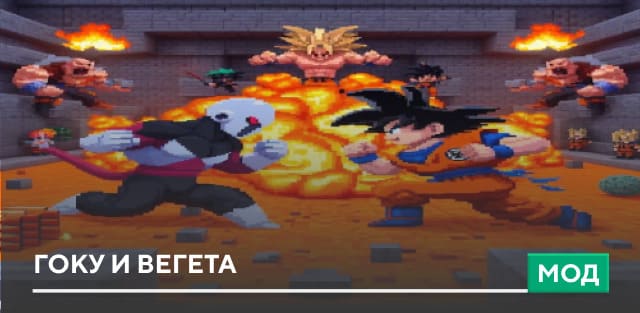
Текстуры Animated Menu: Goku Ultra instinct полностью меняют стартовый экран, превращая его в спокойную и красивую сцену с анимацией и мягким свечением с персонажем из аниме в Minecraft PE. Здесь используется образ Гоку Ультра Инстинкт с серебряной аурой, плавными движениями света и космическим фоном, который создаёт ощущение баланса и силы.
Такой визуальный стиль делает меню более приятным для глаз и добавляет особую атмосферу каждый раз при входе в игру.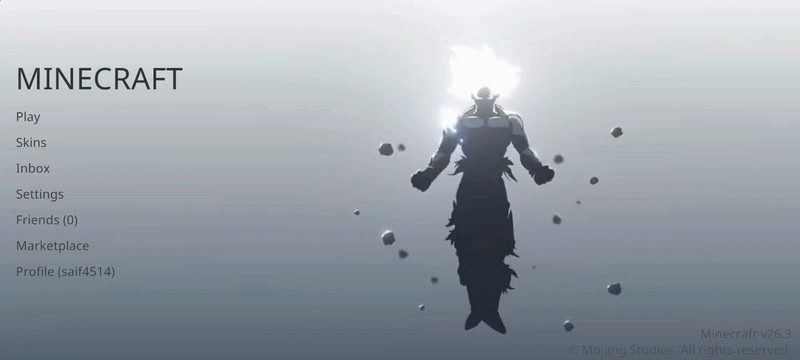
Такой визуальный стиль делает меню более приятным для глаз и добавляет особую атмосферу каждый раз при входе в игру.
Quick facts
- Edition: Minecraft Bedrock
- File type: .mcpack
- How to install: Download the .mcpack. → Open it — Minecraft imports it under Resource Packs. → Activate it in Global Resources, or for one world under Resource Packs → Available.
- Where to get it: In MCModsHub, or directly above on this page.
Install steps are the general flow for this file type — How to install Minecraft Bedrock texture packs walks through it step by step.
File checked by MCModsHub
- Pack type: .mcpack — a single pack
- Manifest requires Minecraft 1.21.0 or newer
- Complete pack — everything it depends on is inside the file
- Download size: 7.0 MB
- Download link checked 6 Jul 2026 — working
- Mirrored on our own servers — the download does not depend on the original host
These come from our own check of the pack file, not from the source page.