Texture packsBedrock
Colourful Containers
Bedrock texture pack listed for Minecraft 1.21. File opened and checked on 23 Sep 2026; installs from the MC Bedrock Mods app on Android.
Colourful Containers textures replace most menus in Minecraft. For example, the pack makes the crafting table interface, enchanting book, or…
⬇ Download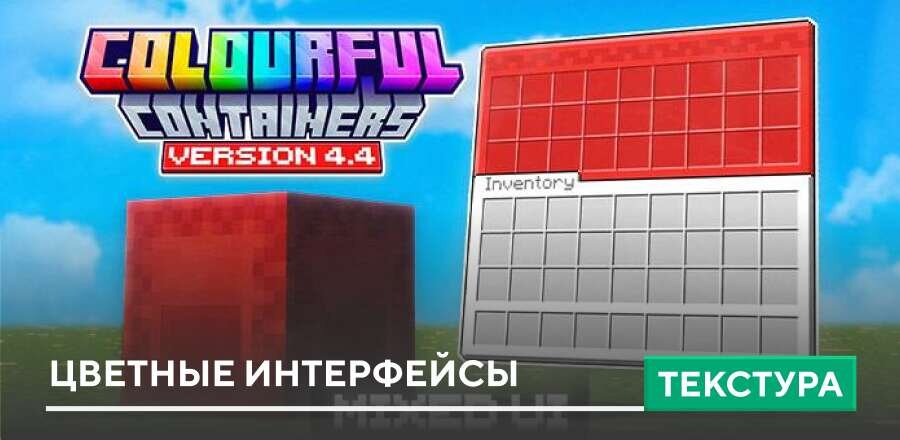
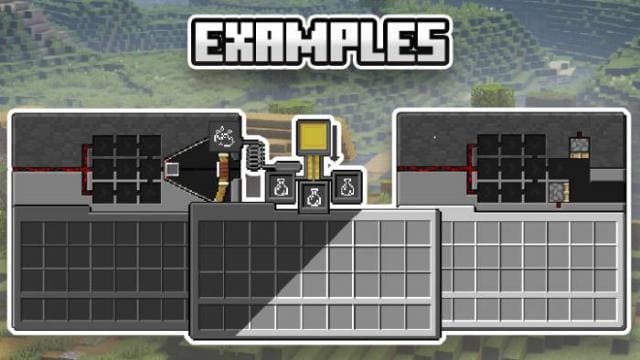
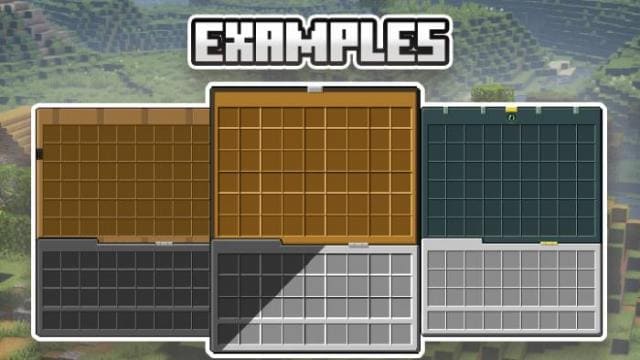
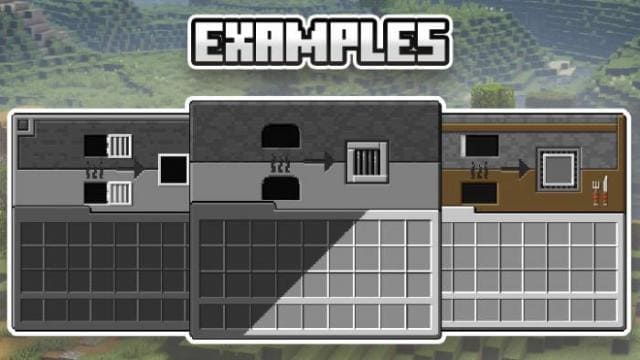


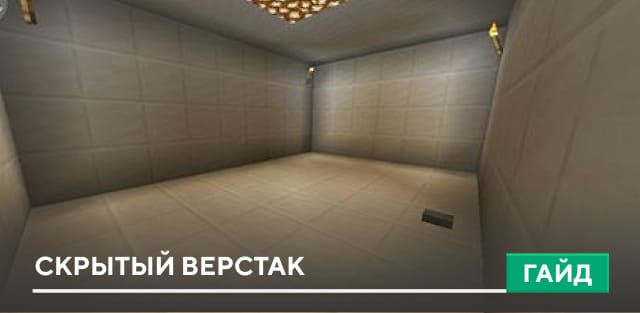
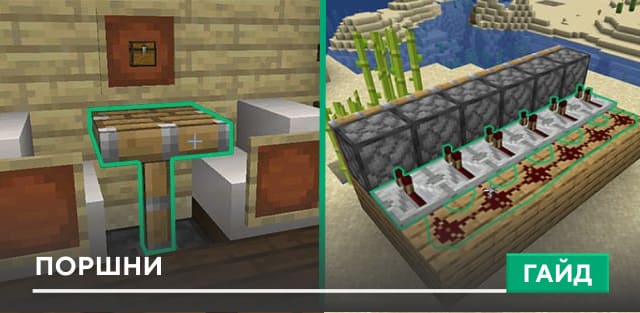
Текстуры Colourful Containers заменяют большинство меню в Майнкрафт. Например, сборка сделает цветными интерфейс верстака, книги зачаровываний или стола картографа. Это крайне полезная сборка, поскольку игра станет ярче, насыщеннее и красивее. Дополнение также затронет меню торговли, наковальни и прочие элементы блочной вселенной. Ниже представлены скриншоты и превью с обзором данной сборки.
Превью
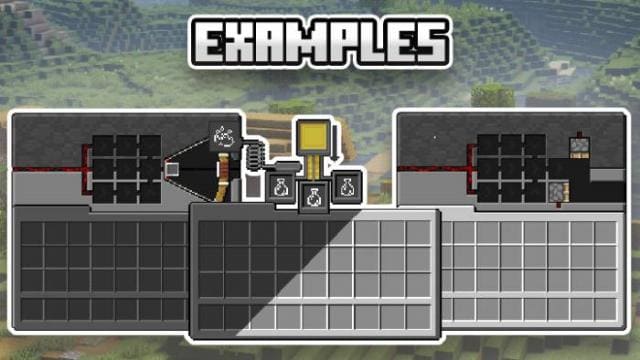
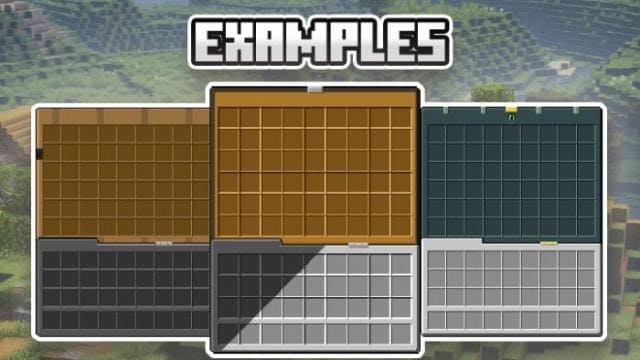
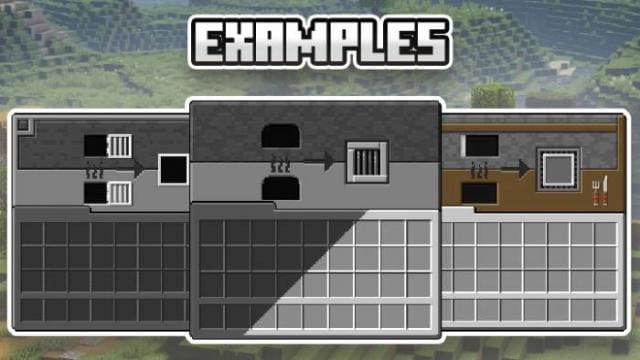
Превью
[media=https://youtu.be/1oCoT4ZlDTM][media=https://youtu.be/BLkM8_yg8lQ]
Изменения в новой версии- Исправили ошибки
- Совместимость с новыми версиями игры
- Добавили больше вариантов текстур
Quick facts
- Edition: Minecraft Bedrock
- File type: .mcpack
- Minecraft version listed: 1.21
- How to install: Download the .mcpack. → Open it — Minecraft imports it under Resource Packs. → Activate it in Global Resources, or for one world under Resource Packs → Available.
- Where to get it: In MCModsHub, or directly above on this page.
Install steps are the general flow for this file type — How to install Minecraft Bedrock texture packs walks through it step by step.
File checked by MCModsHub
- Pack type: .mcpack — a single pack
- Manifest requires Minecraft 1.21.120 or newer
- Complete pack — everything it depends on is inside the file
- Download size: 5.2 MB
- Download link checked 6 Jul 2026 — working
- Mirrored on our own servers — the download does not depend on the original host
These come from our own check of the pack file, not from the source page.