Texture packsBedrock
Inventory Organizer Textures
Bedrock texture pack listed for Minecraft 1.21. File opened and checked on 23 Sep 2026; installs from the MC Bedrock Mods app on Android.
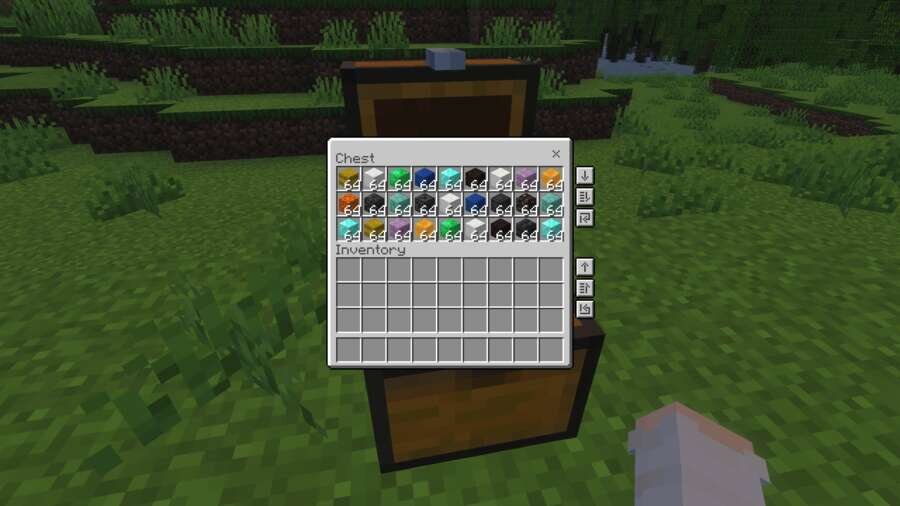
Managing items in your inventory can take too much time. Inventory Organizer textures add convenient inventory management buttons directly to the chest…
⬇ Download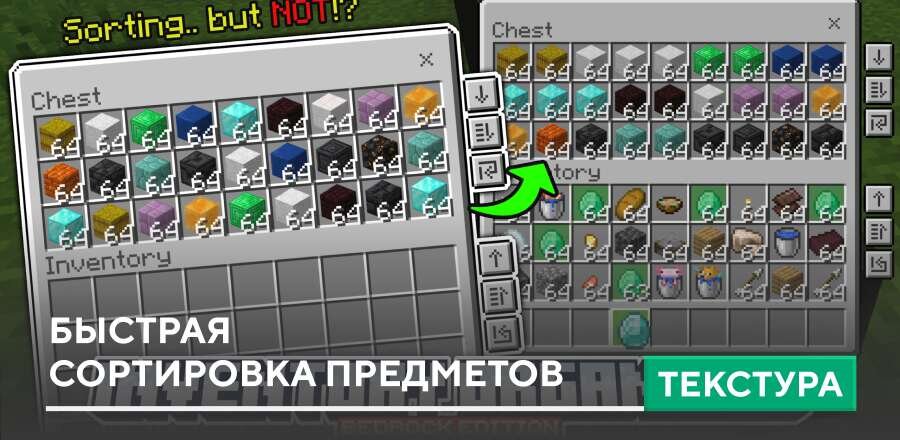
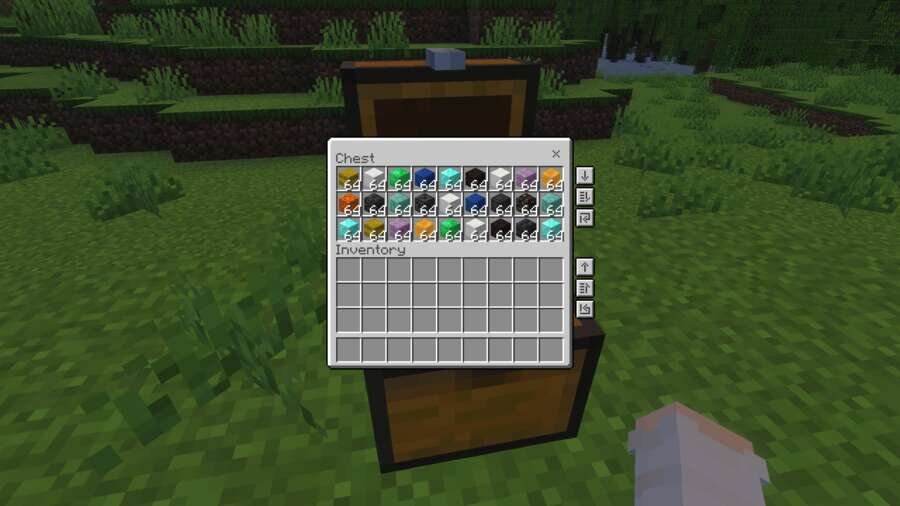
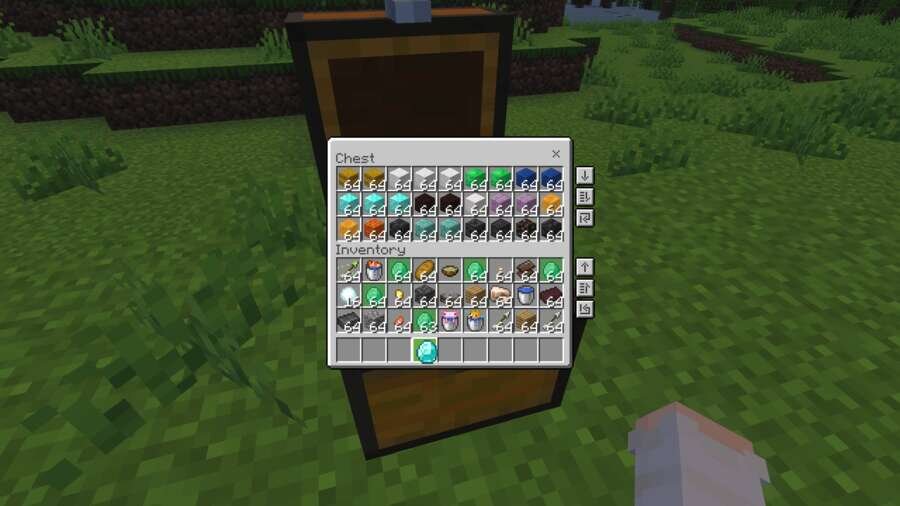

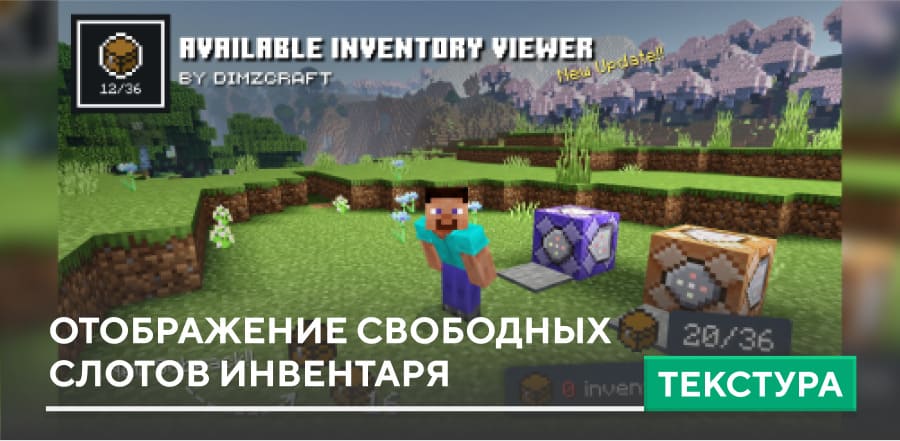
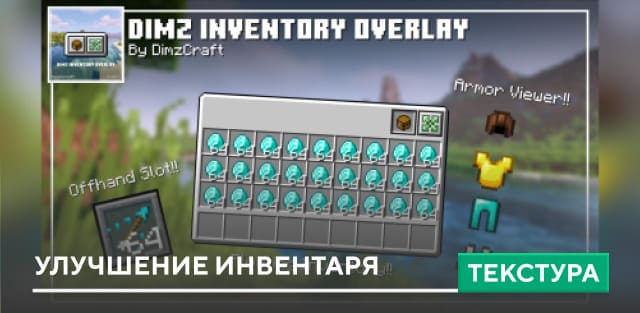
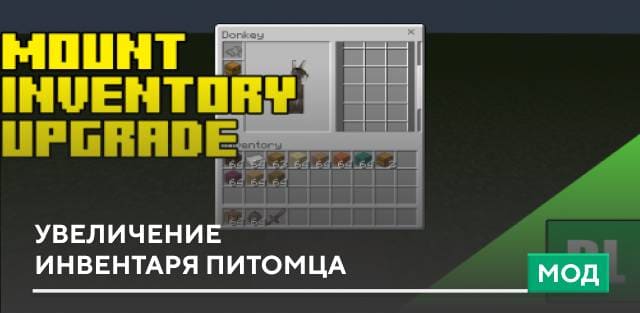
Управление предметами в инвентаре может занимать слишком много времени. Текстуры Inventory Organizer добавляют удобные кнопки управления инвентарем прямо в интерфейсе Сундуков и контейнеров. С их помощью можно быстро переносить все предметы, автоматически перемещать вещи ближе к начальным слотам или мгновенно пополнять ресурсы, например стрелы в раздатчике. Благодаря таким улучшениям управление инвентарем в Minecraft становится гораздо быстрее и удобнее.
Дополнительно реализована подсветка одинаковых предметов, что упрощает поиск.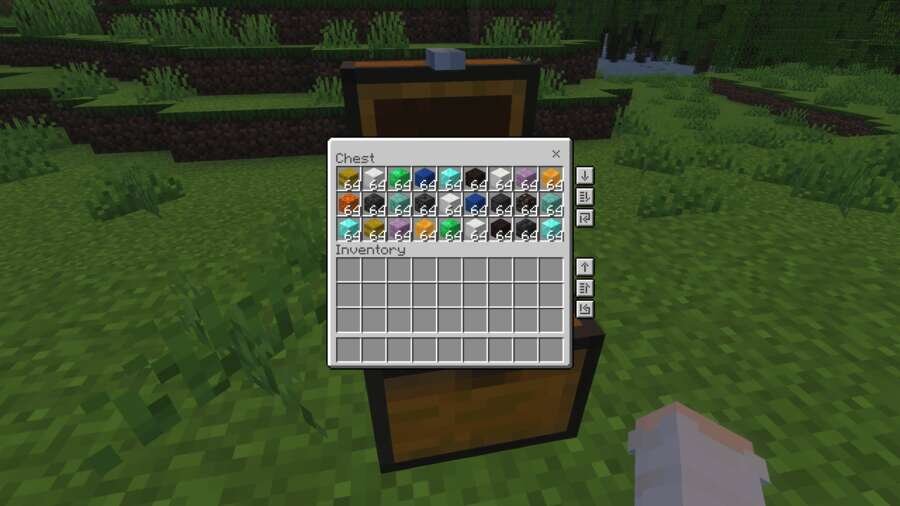
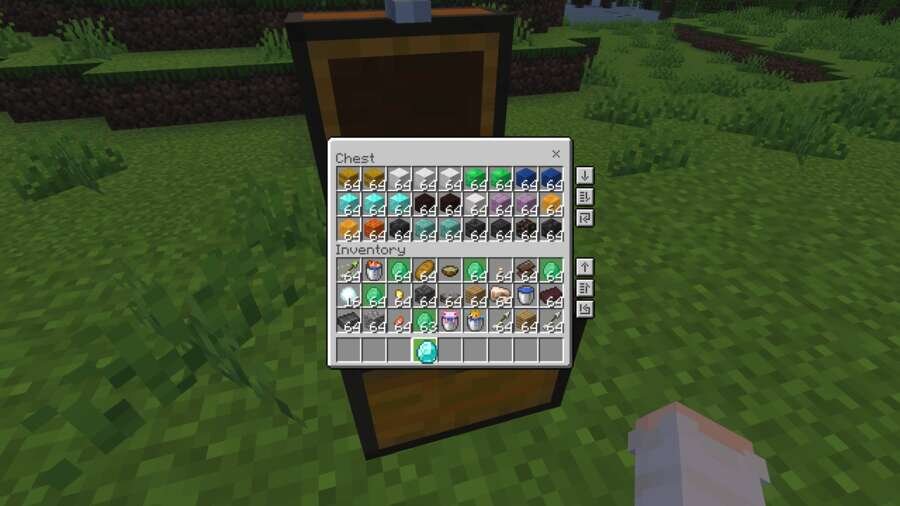
Дополнительно реализована подсветка одинаковых предметов, что упрощает поиск.
Quick facts
- Edition: Minecraft Bedrock
- File type: .mcpack
- Minecraft version listed: 1.21
- How to install: Download the .mcpack. → Open it — Minecraft imports it under Resource Packs. → Activate it in Global Resources, or for one world under Resource Packs → Available.
- Where to get it: In MCModsHub, or directly above on this page.
Install steps are the general flow for this file type — How to install Minecraft Bedrock texture packs walks through it step by step.
File checked by MCModsHub
- Save it as 185543.mcaddon before opening — it downloads as .mcpack, but it is a .mcaddon pack
- Manifest requires Minecraft 1.21.130 or newer
- Complete pack — everything it depends on is inside the file
- Download size: 59 KB
- Download link checked 6 Jul 2026 — working
- Mirrored on our own servers — the download does not depend on the original host
These come from our own check of the pack file, not from the source page.