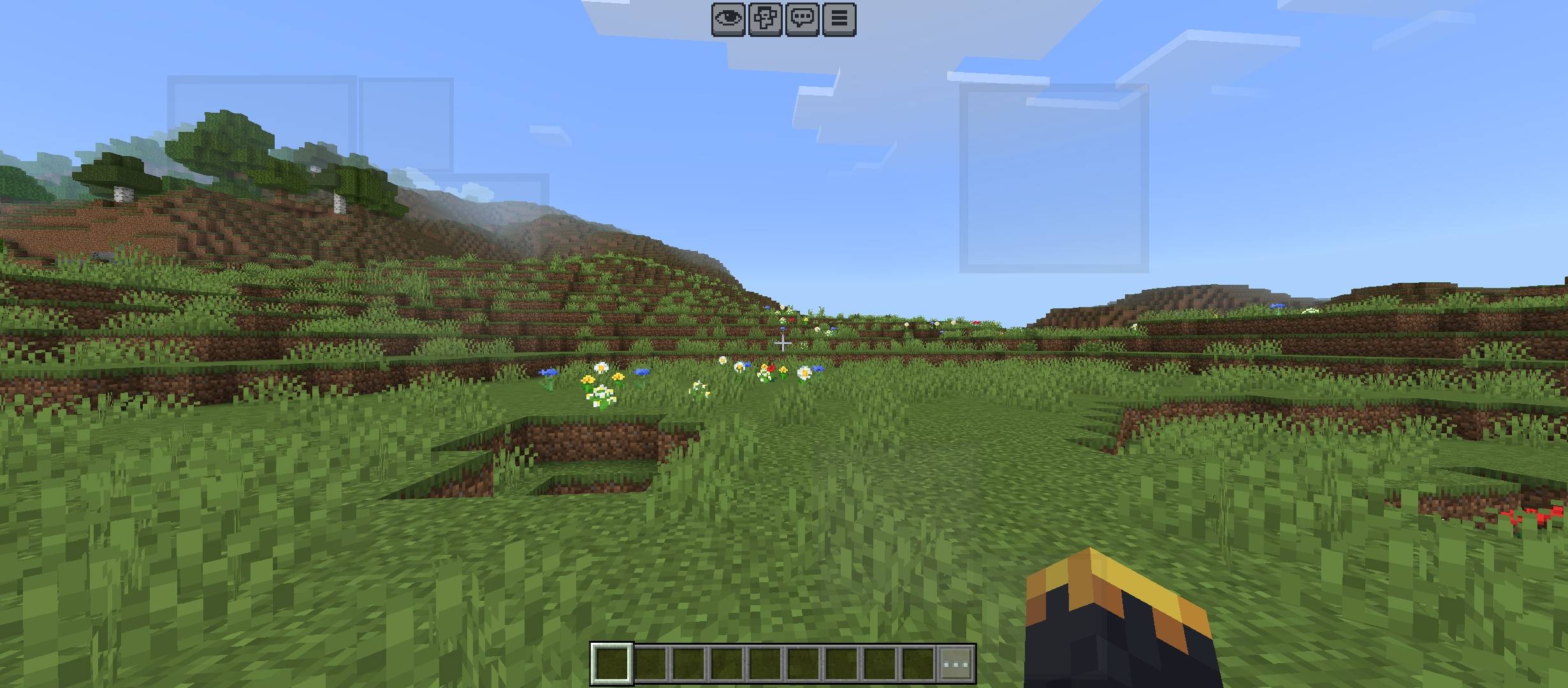
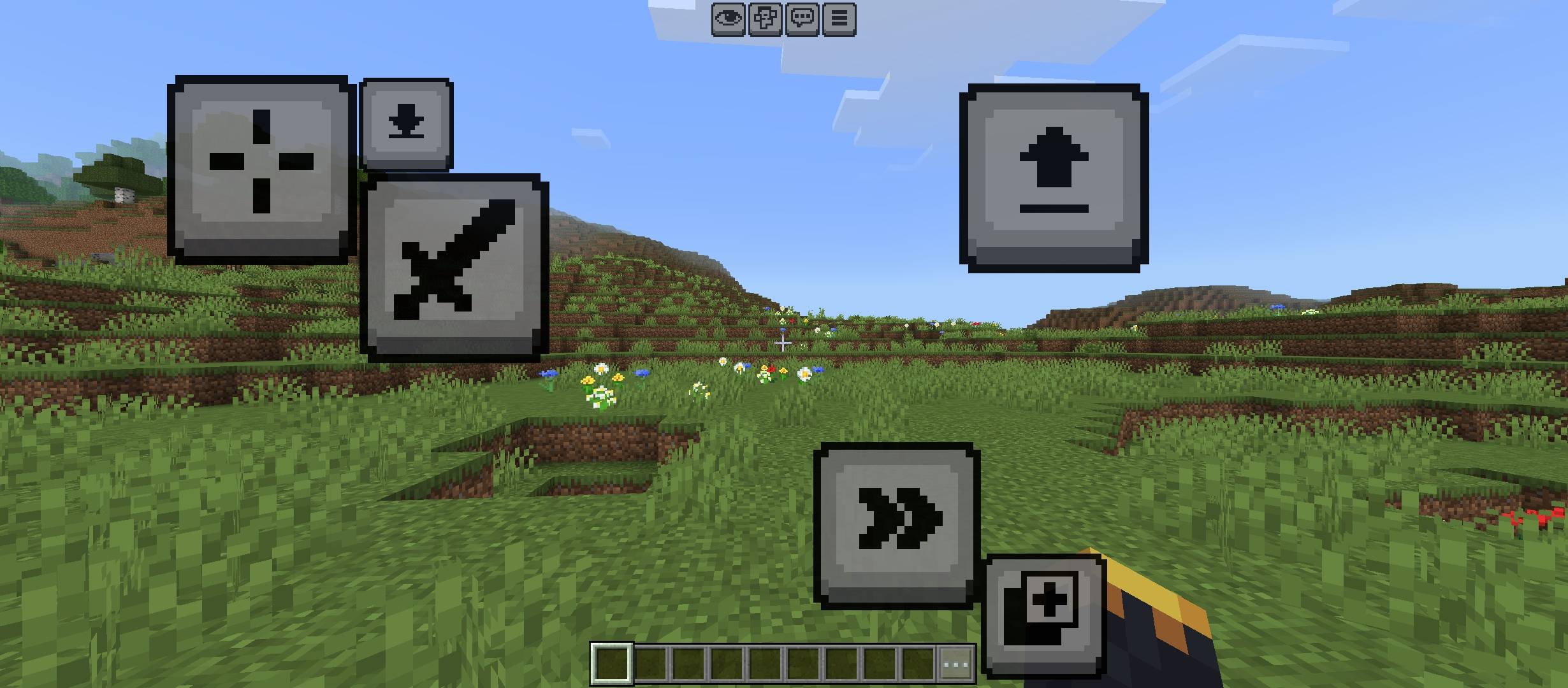
This resource pack is designed for players who love a clean, minimalist, and distraction-free gaming experience. It tones down the vibrant and harsh colors of the default control buttons, giving the entire UI a sleek and soft touch.
Key Features:
Muted & Soft Colors: Reduces the intensity of button colors for a cleaner look.
Minimalist UI: Gives the controls a lightweight, modern, and smooth aesthetic.
Eyes-Friendly: Perfect for long gaming sessions, making the menus much more comfortable to navigate.
Quick facts
- Edition: Minecraft Bedrock
- File type: .mcpack
- Minecraft versions listed: 26.0.02, 26.0, 26.3
- How to install: Download the .mcpack. → Open it — Minecraft imports it under Resource Packs. → Activate it in Global Resources, or for one world under Resource Packs → Available.
- Where to get it: Opens on CurseForge — not every file is mirrored on our own servers.
Install steps are the general flow for this file type — How to install Minecraft Bedrock texture packs walks through it step by step.
Verified by MCModsHub
- Pack type: .mcaddon
- Manifest requires Minecraft 1.17.0 or newer
- Ships one half — this pack asks for another pack that is not included
- Download size: 36 KB
- Download link checked 11 Sept 2026 — working
These come from our own check of the pack file, not from the source page.