Texture packsBedrock
Aetheris Visuals Textures
Bedrock texture pack listed for Minecraft 1.21. File opened and checked on 24 Sep 2026; installs from the MC Bedrock Mods app on Android.
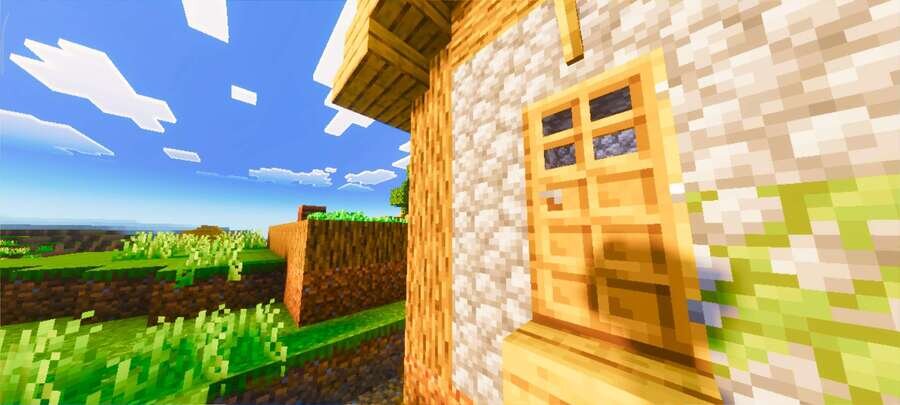
Using Aetheris Visuals textures, the Minecraft world receives more realistic lighting and a careful color palette. Improved atmosphere affects the sky…
⬇ Download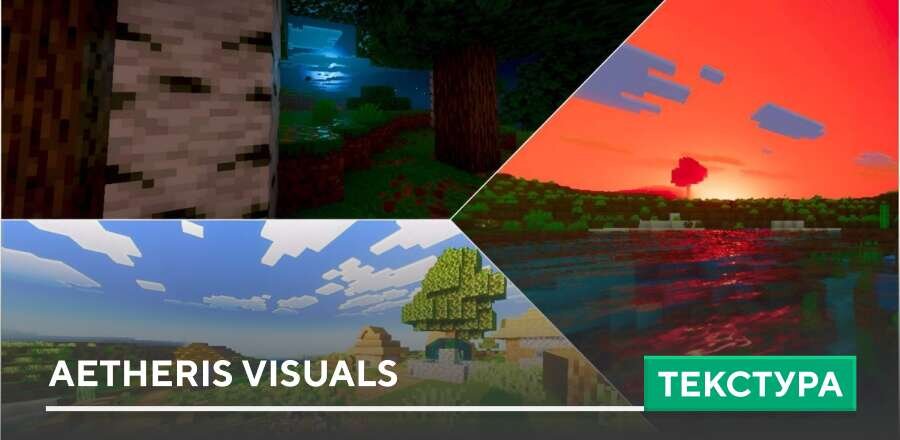
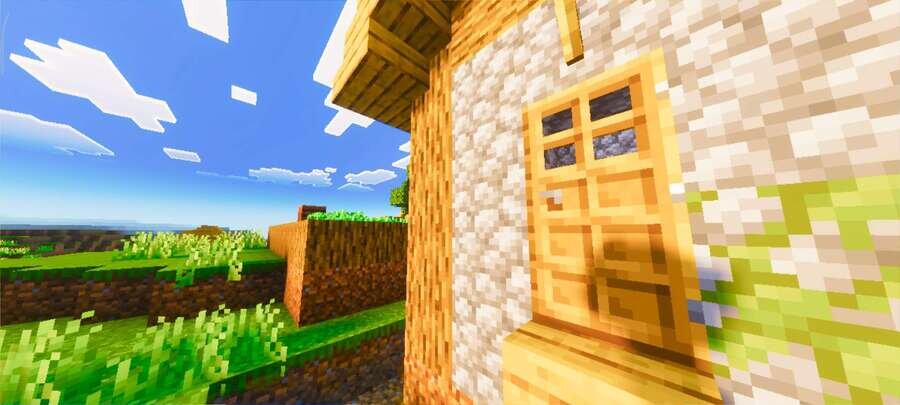
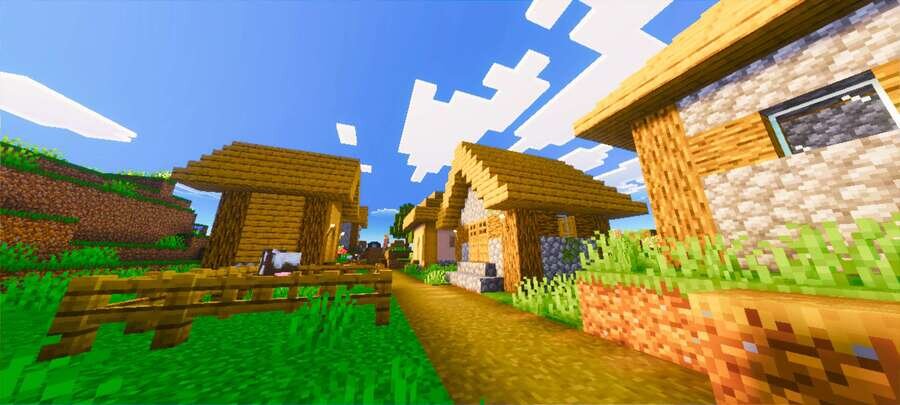
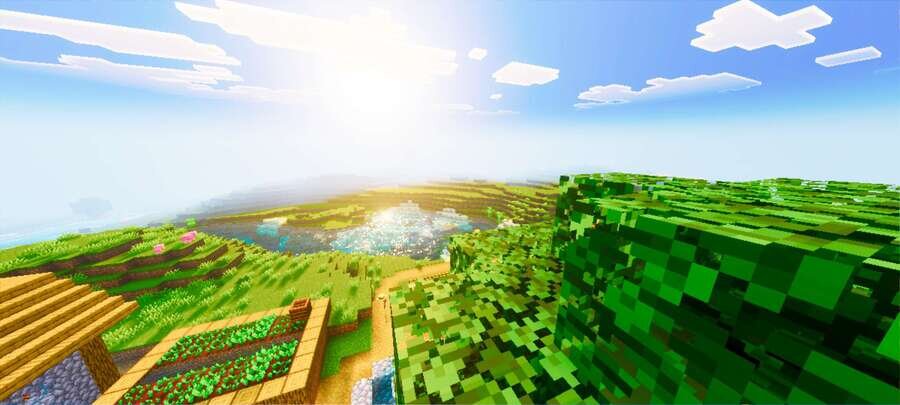
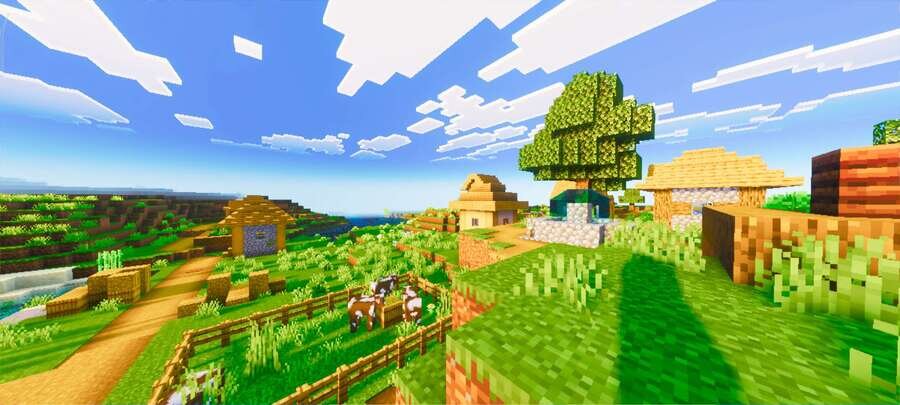
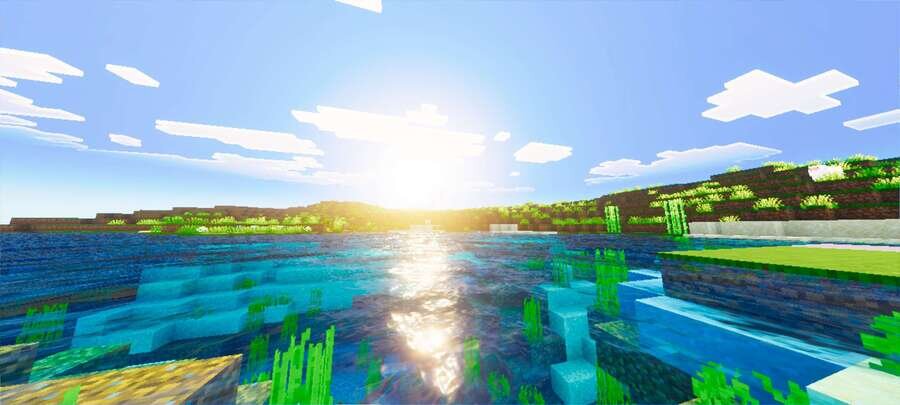
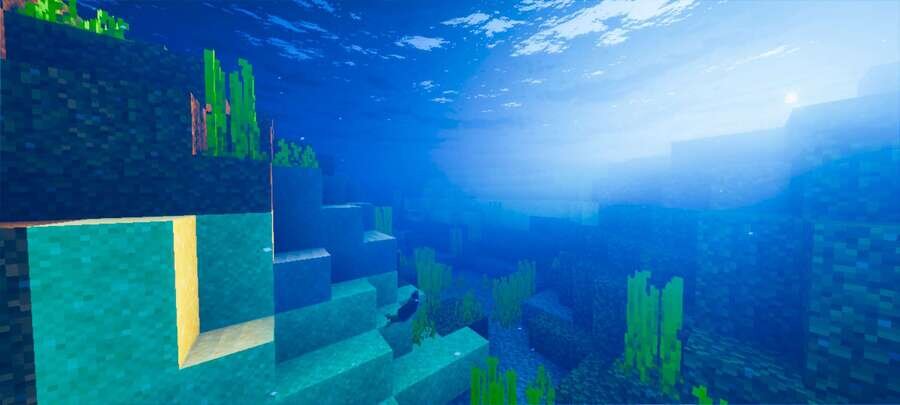
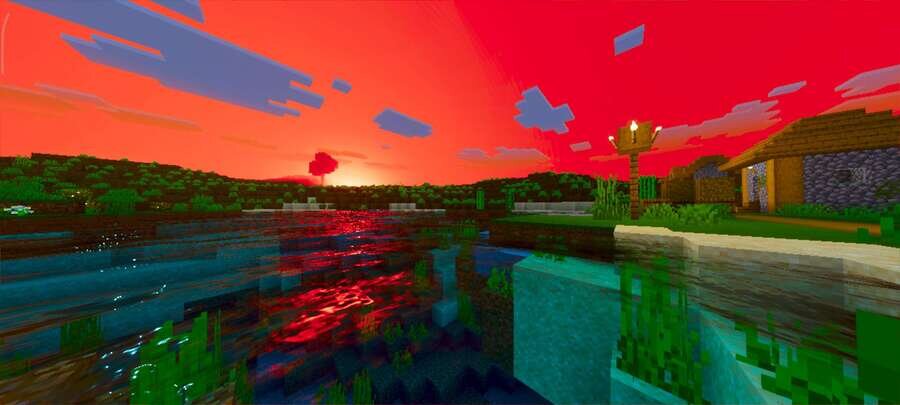
Используя текстуры Aetheris Visuals, мир Minecraft получает более реалистичное освещение и аккуратную цветовую палитру. Улучшенная атмосфера влияет на небо, воду и ночное освещение, делая каждую сцену более выразительной. Баланс света и тени сохраняет видимость окружения без резких контрастов.
Дополнение идеально подходит для спокойного и кинематографичного визуального стиля. А лучше — просто посмотри на скриншоты ниже и сам оцени сборку.
Дополнение идеально подходит для спокойного и кинематографичного визуального стиля. А лучше — просто посмотри на скриншоты ниже и сам оцени сборку.


Quick facts
- Edition: Minecraft Bedrock
- File type: .mcpack
- Minecraft version listed: 1.21
- How to install: Download the .mcpack. → Open it — Minecraft imports it under Resource Packs. → Activate it in Global Resources, or for one world under Resource Packs → Available.
- Where to get it: In MCModsHub, or directly above on this page.
Install steps are the general flow for this file type — How to install Minecraft Bedrock texture packs walks through it step by step.
File checked by MCModsHub
- Save it as 186056.mcaddon before opening — it downloads as .mcpack, but it is a .mcaddon pack
- Manifest requires Minecraft 1.21.0 or newer
- Complete pack — everything it depends on is inside the file
- Download size: 1.0 MB
- Download link checked 6 Jul 2026 — working
- Mirrored on our own servers — the download does not depend on the original host
These come from our own check of the pack file, not from the source page.