Texture packsBedrock
Celestia Visuals Textures
Bedrock texture pack listed for Minecraft 1.21. File opened and checked on 7 Oct 2026; installs from the MC Bedrock Mods app on Android.
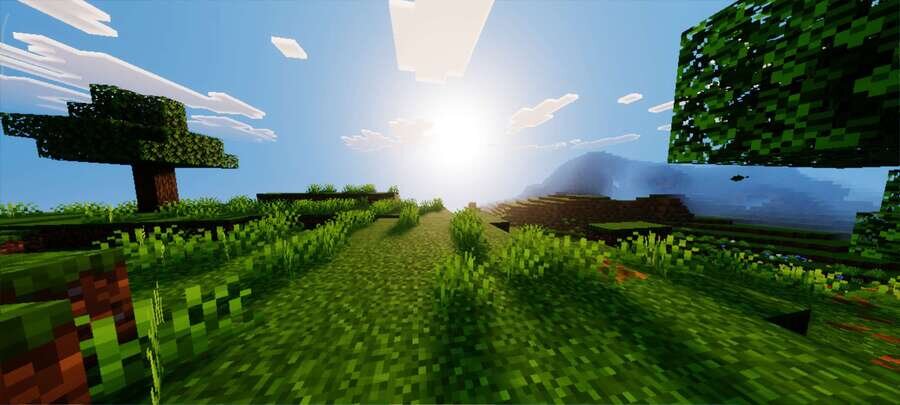
Even familiar locations look different when the color palette becomes warmer and more saturated. Celestia Visuals textures give the world a warmer and…
⬇ Download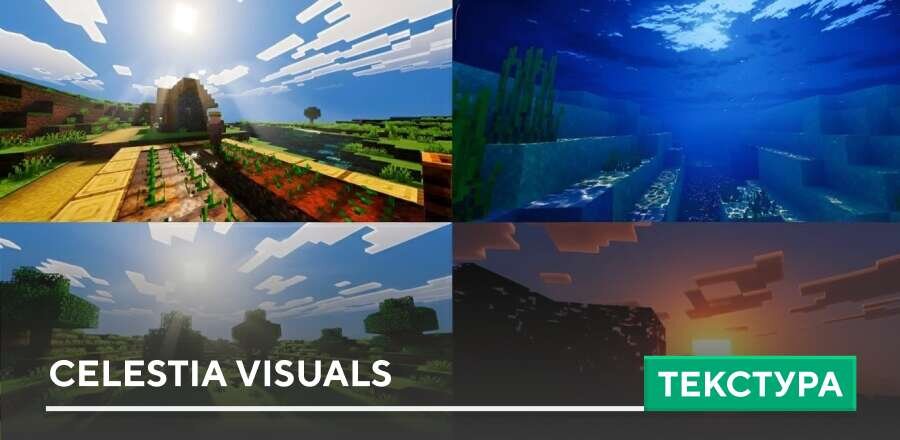
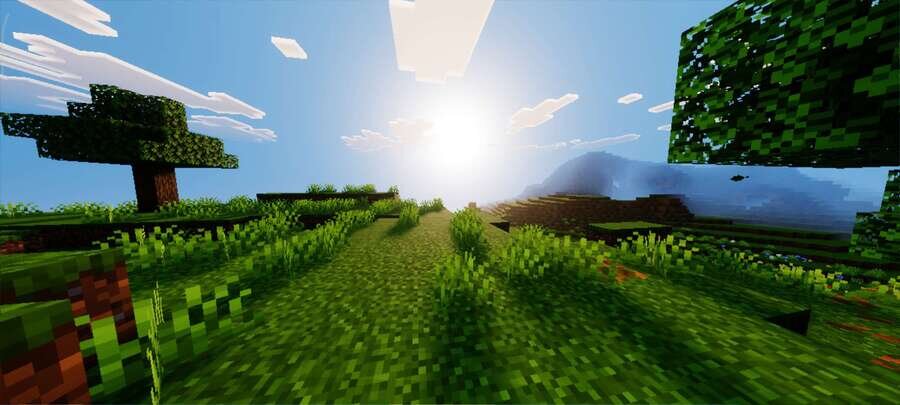
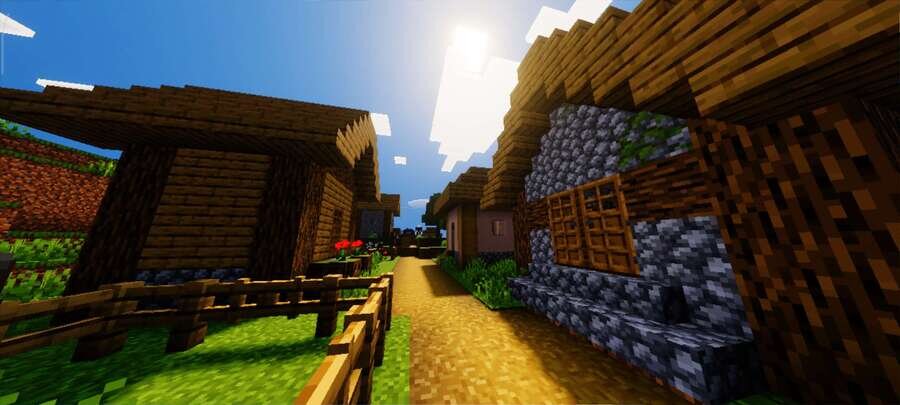
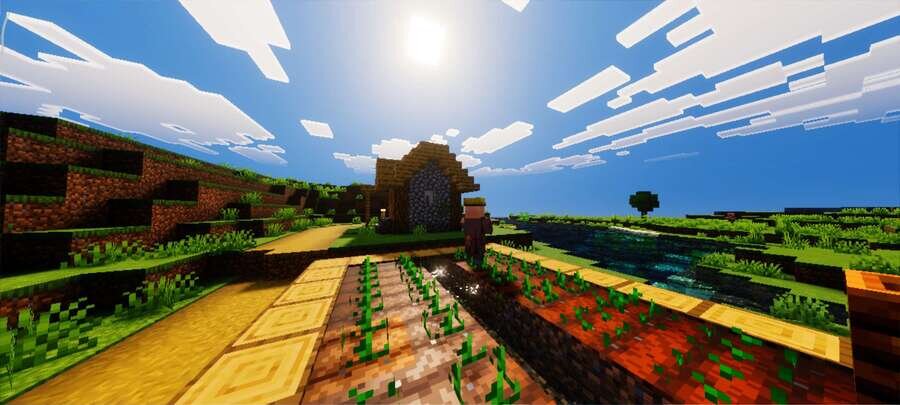
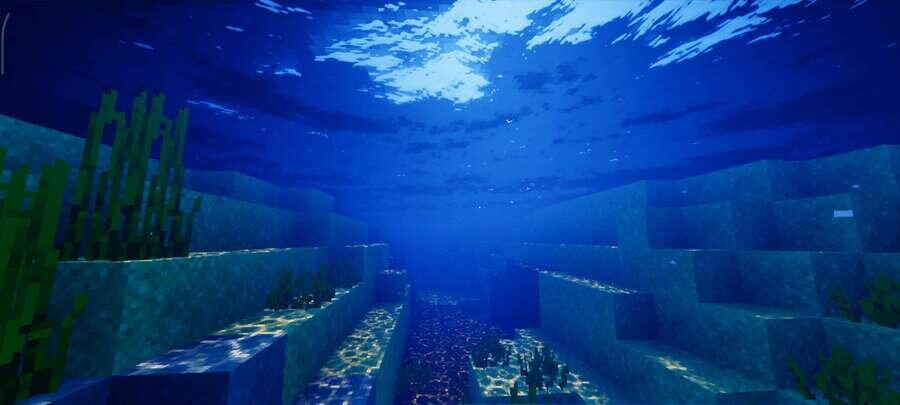
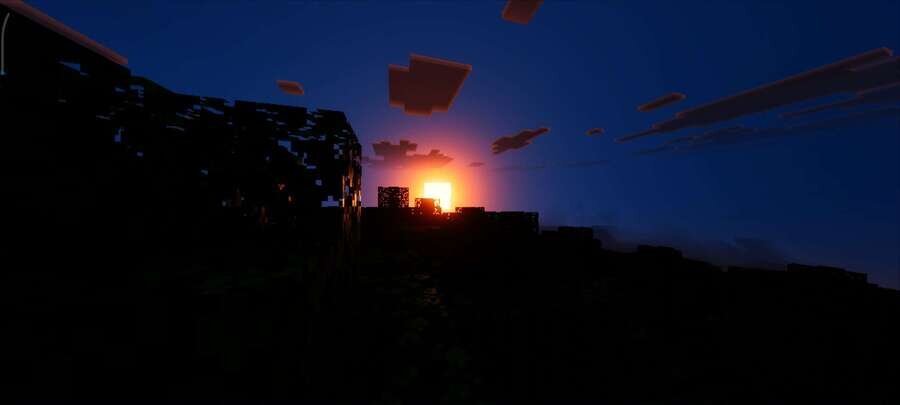
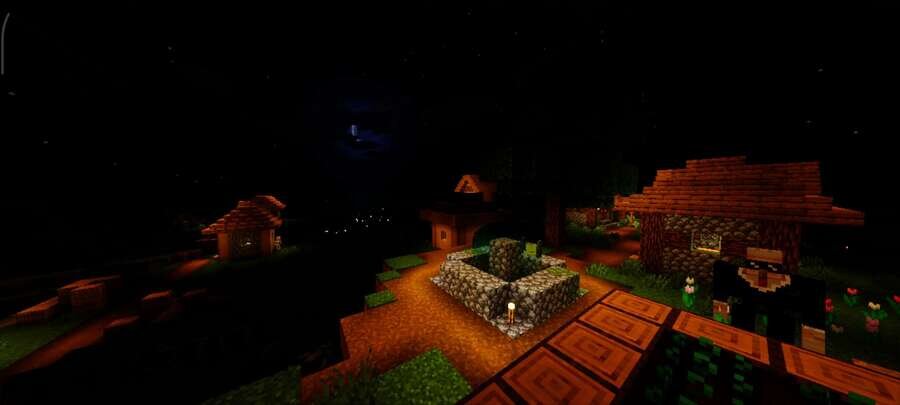
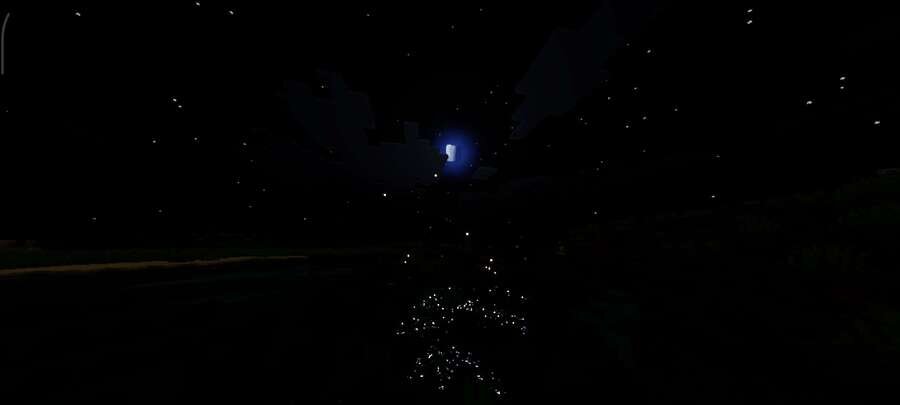
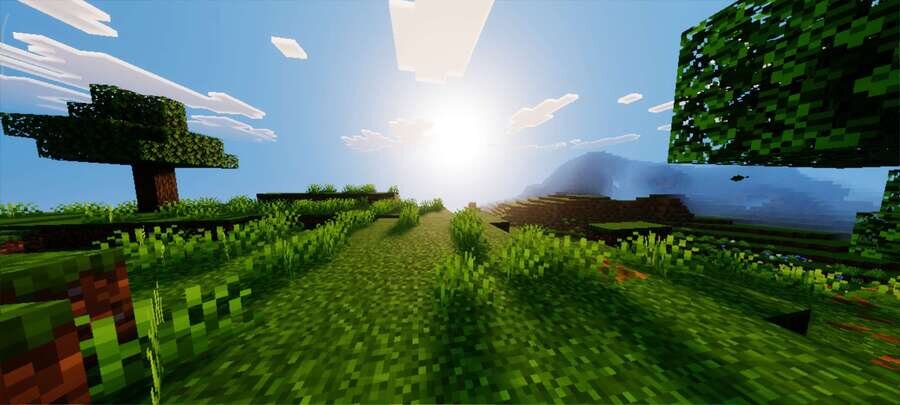
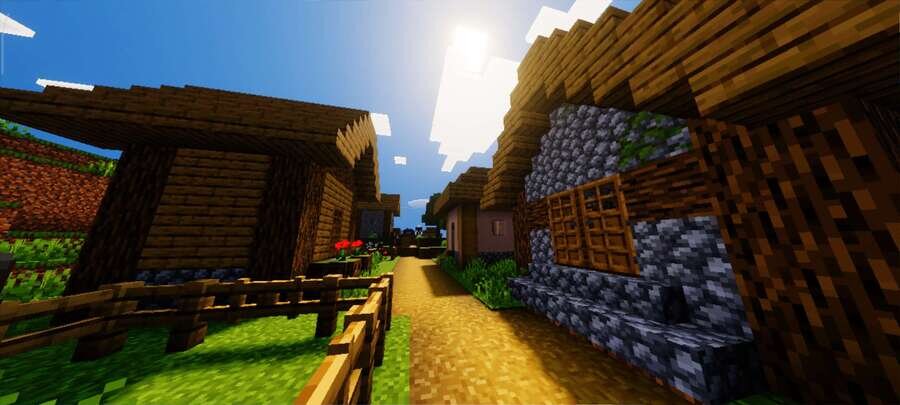
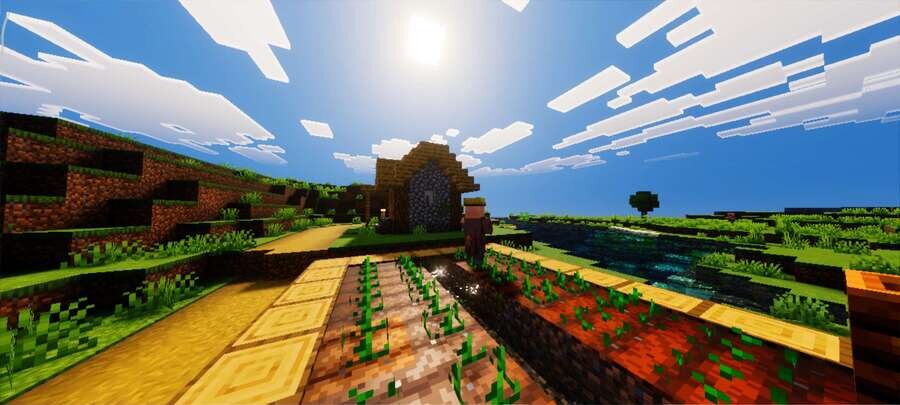
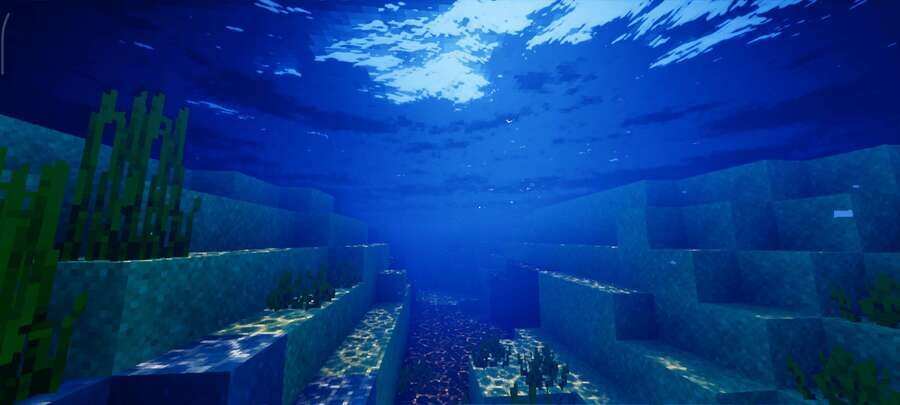
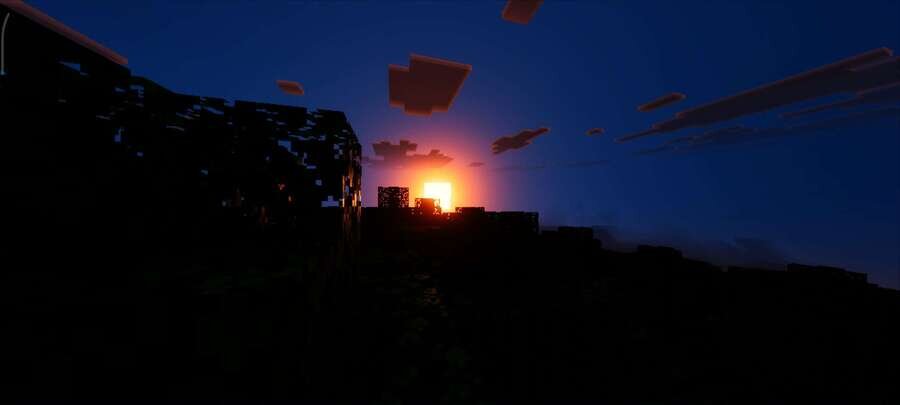
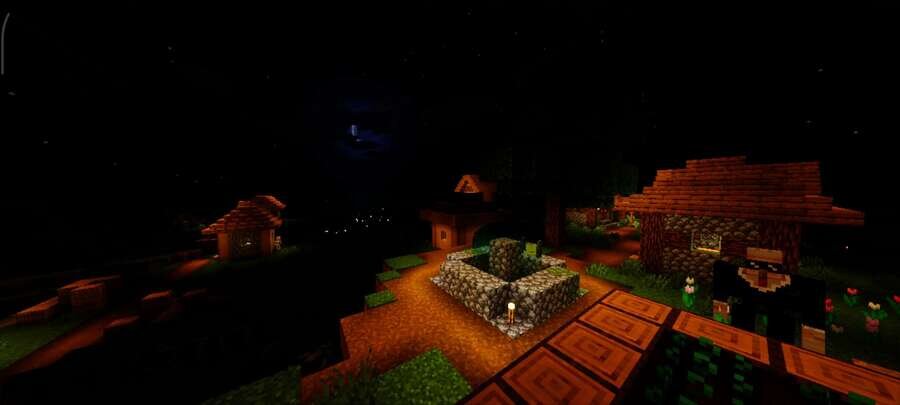
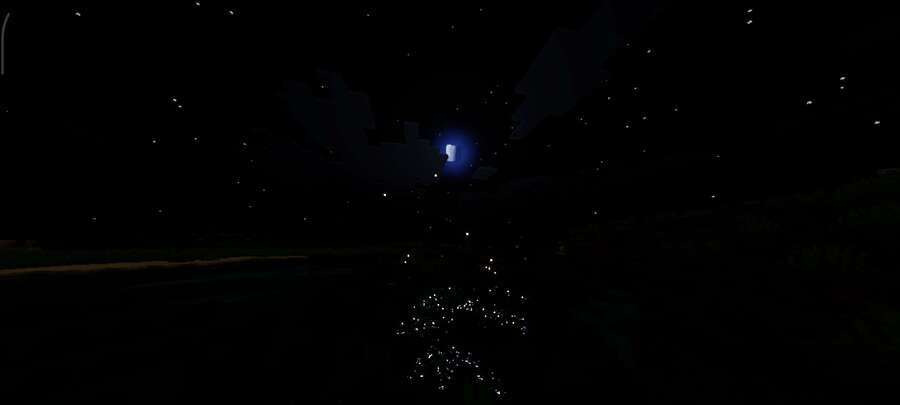
Даже знакомые локации смотрятся иначе, если цветовая палитра становится теплее и насыщеннее. Текстуры Celestia Visuals придают миру более тёплый и насыщенный внешний вид, улучшая цвета, освещение и общее восприятие окружения в Minecraft Pocket Edition. Сборка создаёт мягкую и плавную атмосферу, делая изображение более живым и приятным для глаз. Изменения аккуратно вписываются в стиль игры и не перегружают картинку.
Посмотри на скриншоты ниже: именно такой мир ожидает тебя при установке дополнения.
Посмотри на скриншоты ниже: именно такой мир ожидает тебя при установке дополнения.
Quick facts
- Edition: Minecraft Bedrock
- File type: .mcpack
- Minecraft version listed: 1.21
- How to install: Download the .mcpack. → Open it — Minecraft imports it under Resource Packs. → Activate it in Global Resources, or for one world under Resource Packs → Available.
- Where to get it: In MCModsHub, or directly above on this page.
Install steps are the general flow for this file type — How to install Minecraft Bedrock texture packs walks through it step by step.
File checked by MCModsHub
- Save it as 186064.mcaddon before opening — it downloads as .mcpack, but it is a .mcaddon pack
- Manifest requires Minecraft 1.21.0 or newer
- Complete pack — everything it depends on is inside the file
- Download size: 2.2 MB
- Download link checked 6 Jul 2026 — working
- Mirrored on our own servers — the download does not depend on the original host
These come from our own check of the pack file, not from the source page.