Texture packsBedrock
Default 8x8 Textures
Bedrock texture pack listed for Minecraft 1.16–1.21. File opened and checked on 24 Sep 2026; installs from the MC Bedrock Mods app on Android.
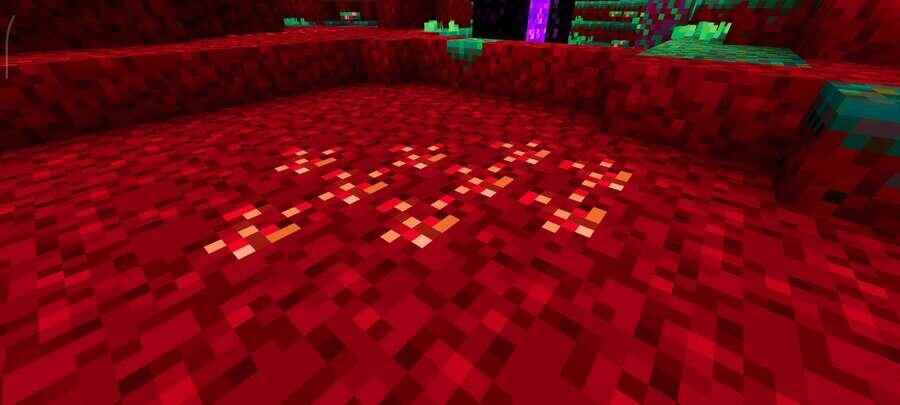
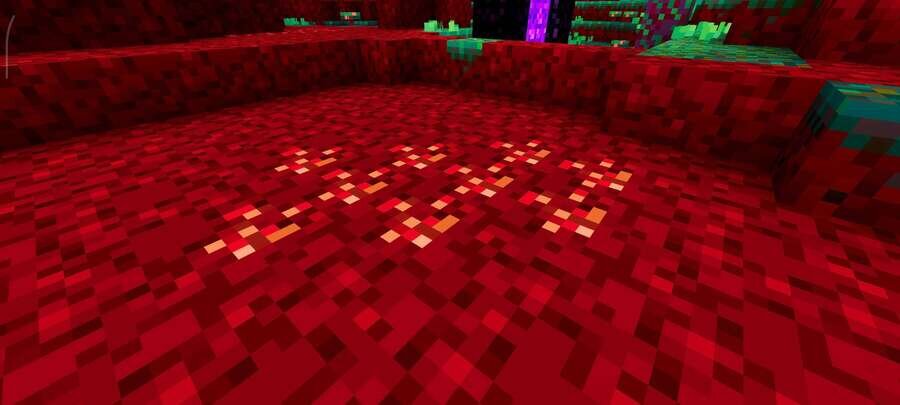
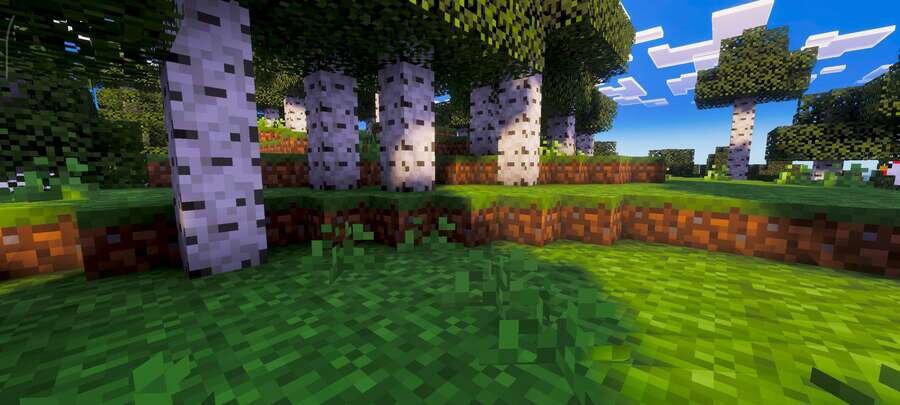
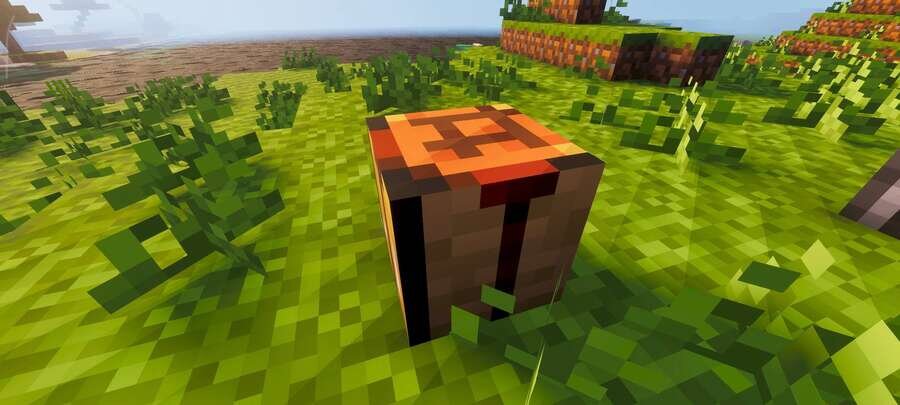
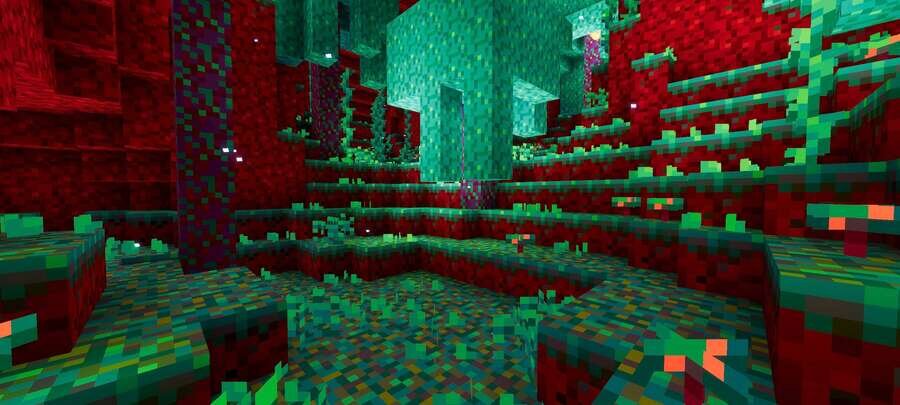
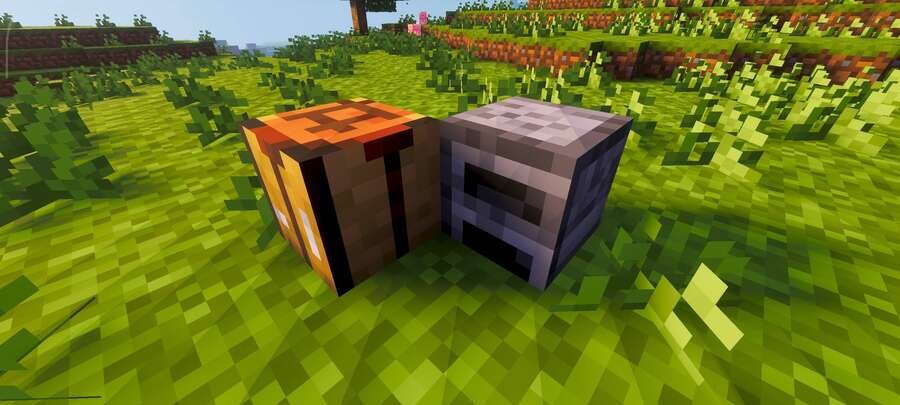
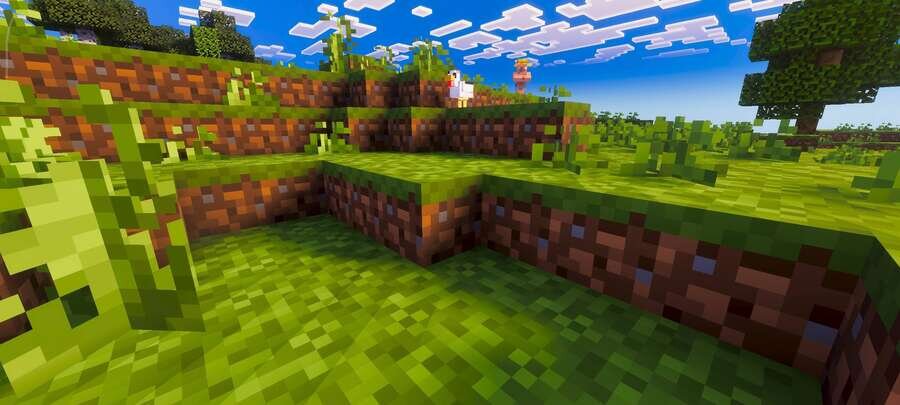
Default 8x8 textures convert all blocks and items to 8x8 format, creating a neat retro style and reducing device load. The image remains readable, and the…
⬇ Download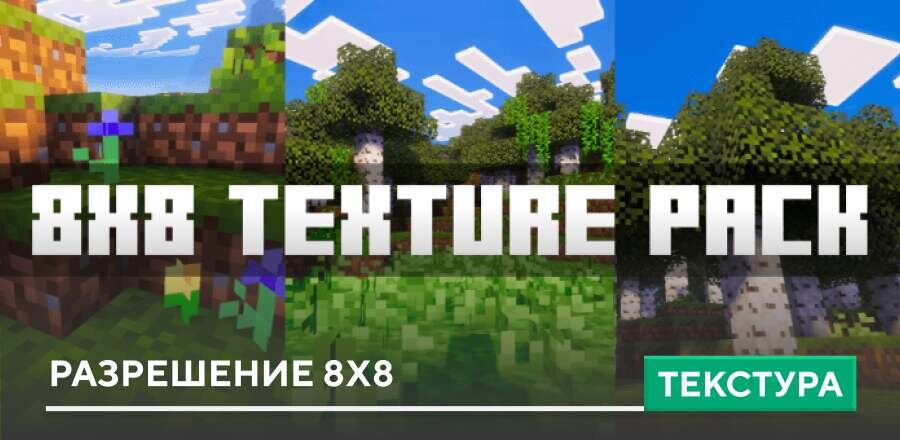
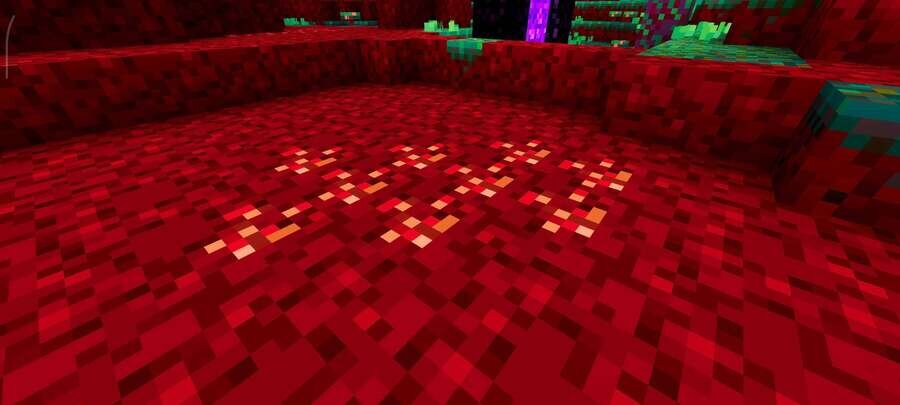
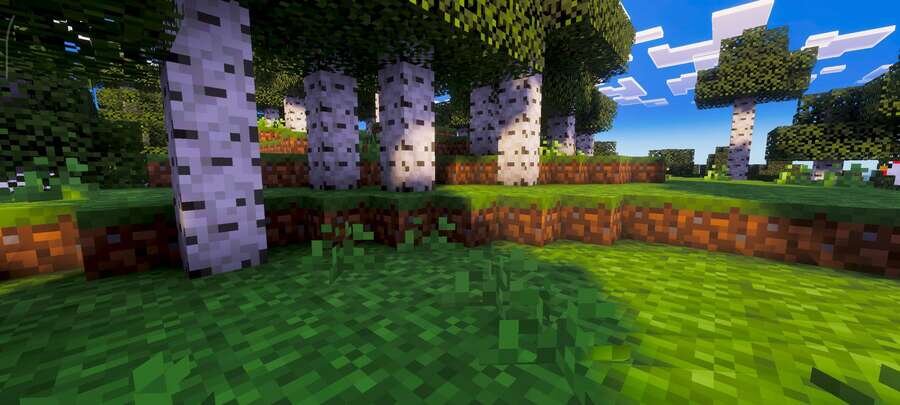
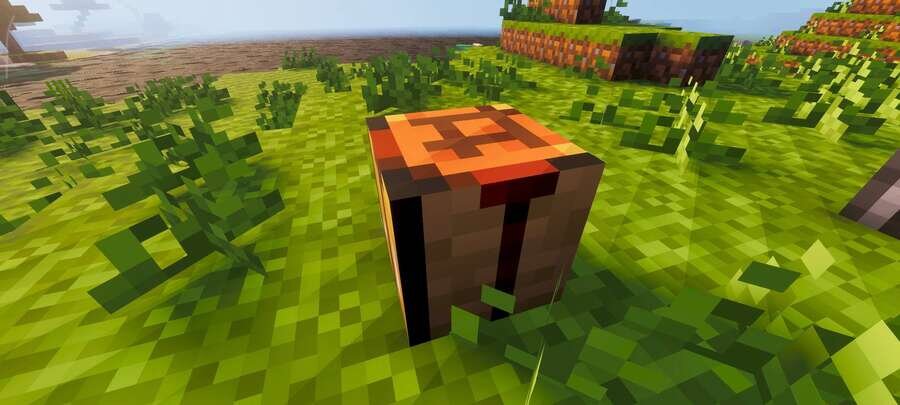
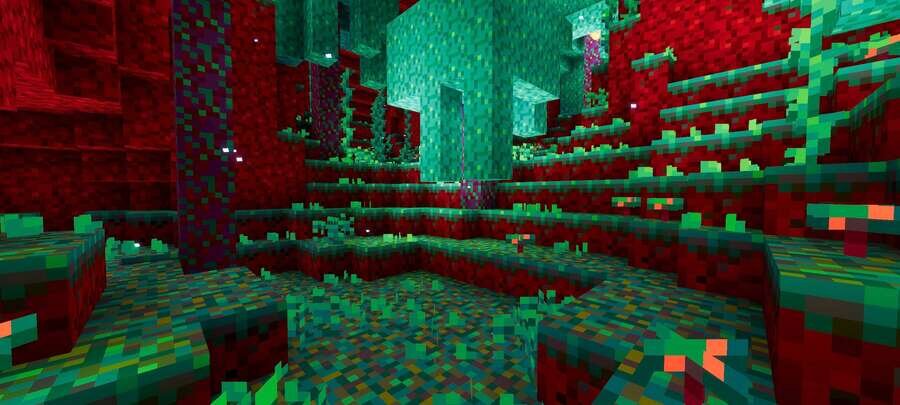
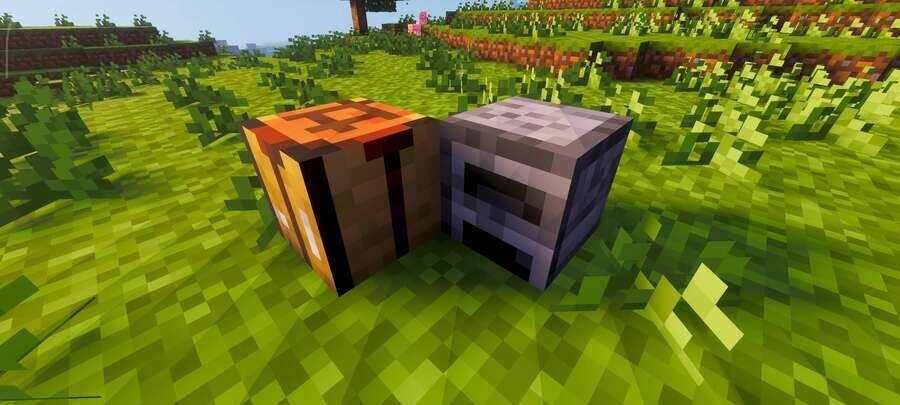
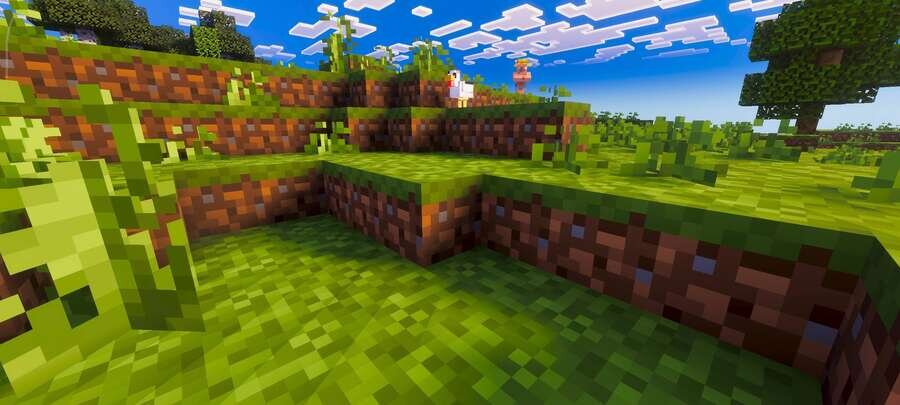

Текстуры Default 8x8 переводят все блоки и предметы в формат 8x8, создавая аккуратный ретро-стиль и снижая нагрузку на устройство. Картинка остаётся читаемой, а мир выглядит проще и чище без лишних деталей. Такой подход подходит для слабых устройств и любителей минимализма в Minecraft.
Теперь все текстуры блоков и элементов получат разрешение 8 на 8 пикселей. Такой визуал делает мир более компактным, лёгким и понятным, не перегружая экран деталями.
Теперь все текстуры блоков и элементов получат разрешение 8 на 8 пикселей. Такой визуал делает мир более компактным, лёгким и понятным, не перегружая экран деталями.
Quick facts
- Edition: Minecraft Bedrock
- File type: .mcpack
- Minecraft version listed: 1.21
- How to install: Download the .mcpack. → Open it — Minecraft imports it under Resource Packs. → Activate it in Global Resources, or for one world under Resource Packs → Available.
- Where to get it: In MCModsHub, or directly above on this page.
Install steps are the general flow for this file type — How to install Minecraft Bedrock texture packs walks through it step by step.
File checked by MCModsHub
- Pack type: .mcpack — a single pack
- Manifest requires Minecraft 1.16.0 or newer
- Complete pack — everything it depends on is inside the file
- Download size: 2.4 MB
- Download link checked 6 Jul 2026 — working
- Mirrored on our own servers — the download does not depend on the original host
These come from our own check of the pack file, not from the source page.