Texture packsBedrock
Blocks In Blocks Renewed Textures
Bedrock texture pack listed for Minecraft 1.16–1.21. File opened and checked on 20 Sep 2026; installs from the MC Bedrock Mods app on Android.
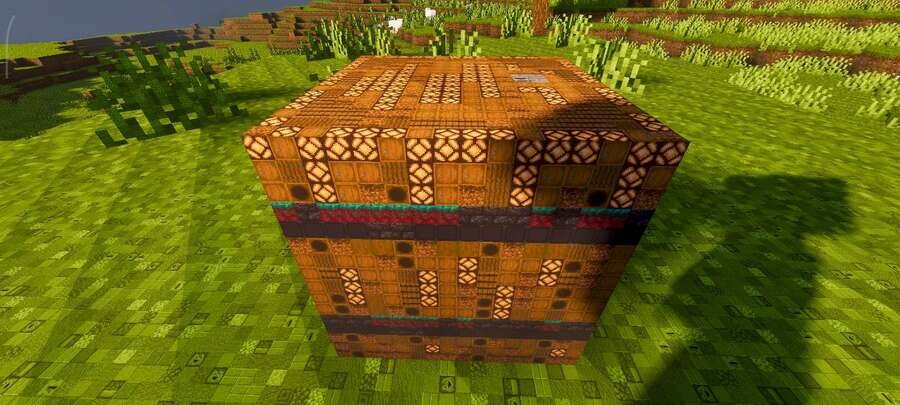
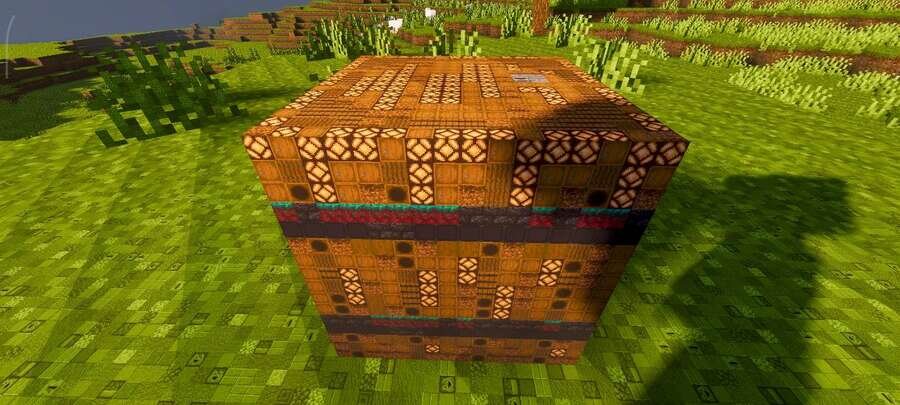
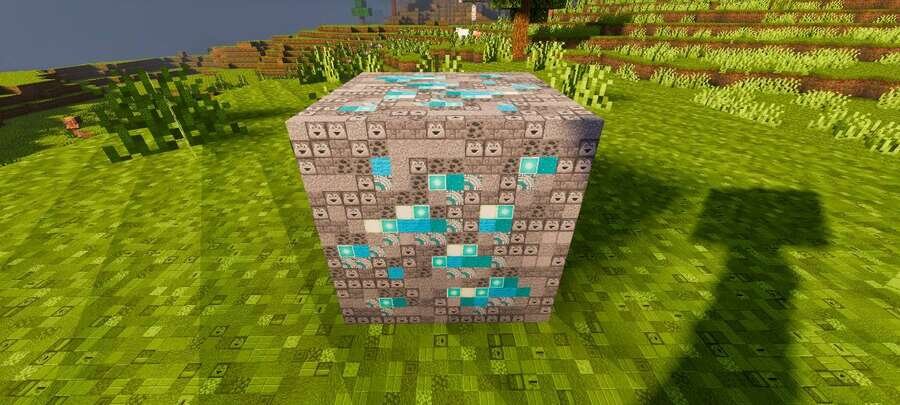
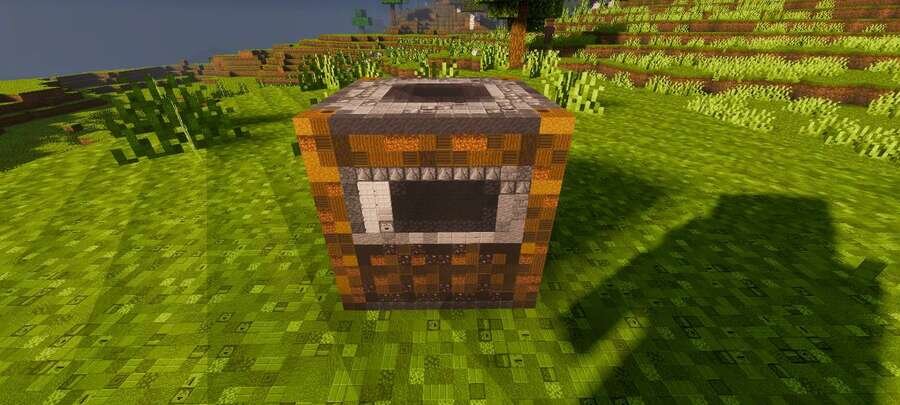
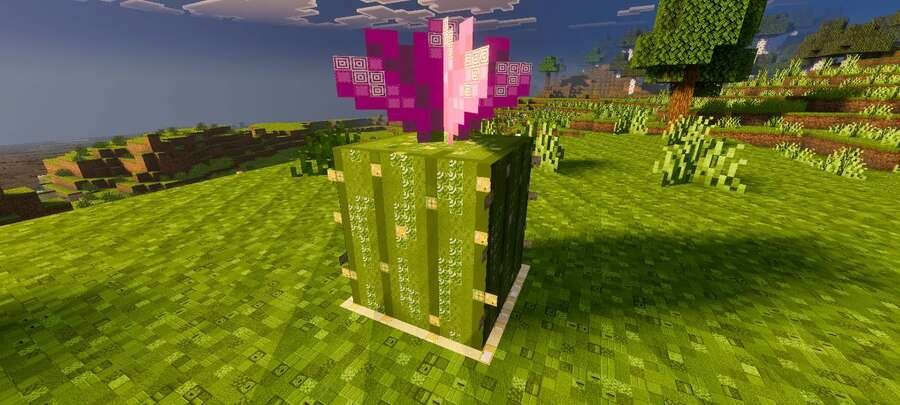
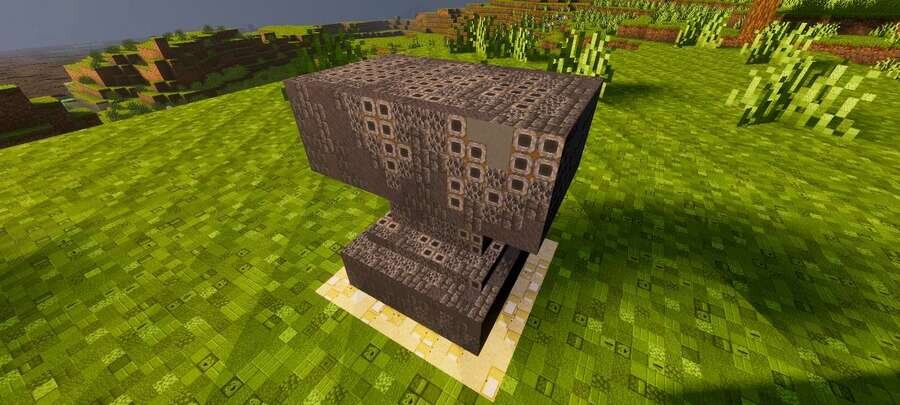
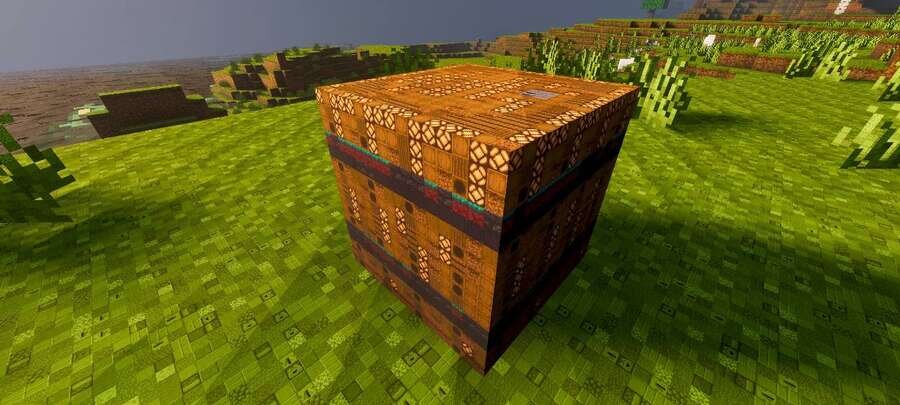
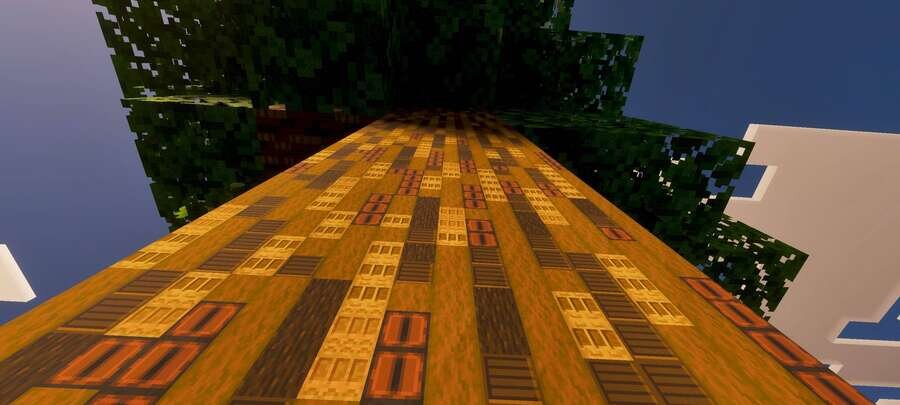
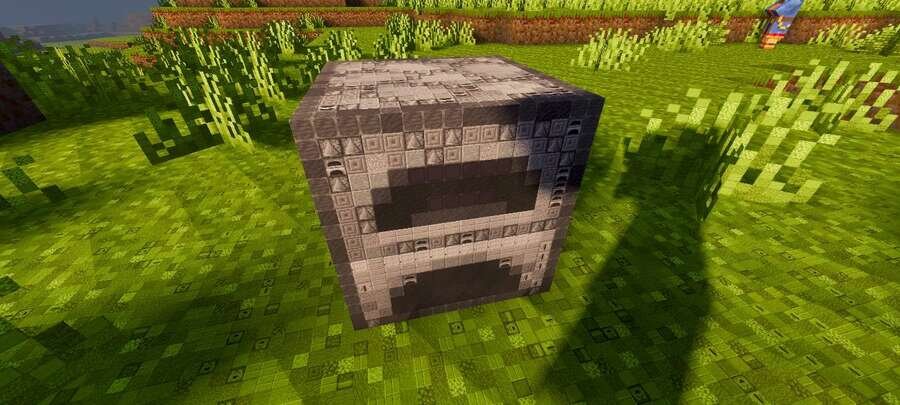
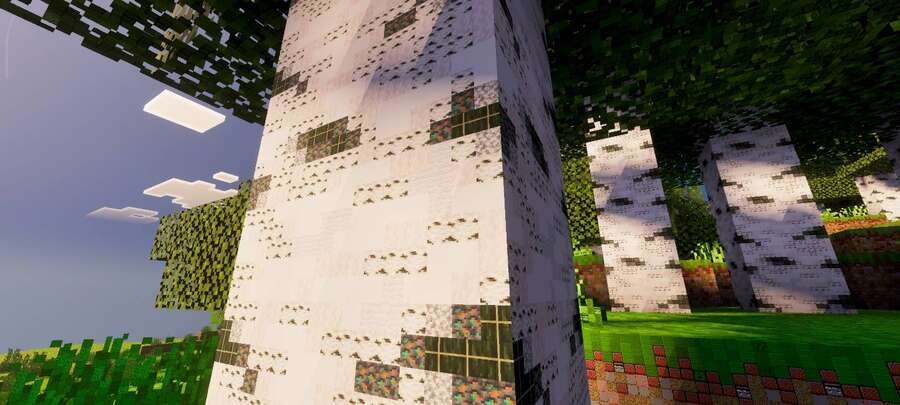
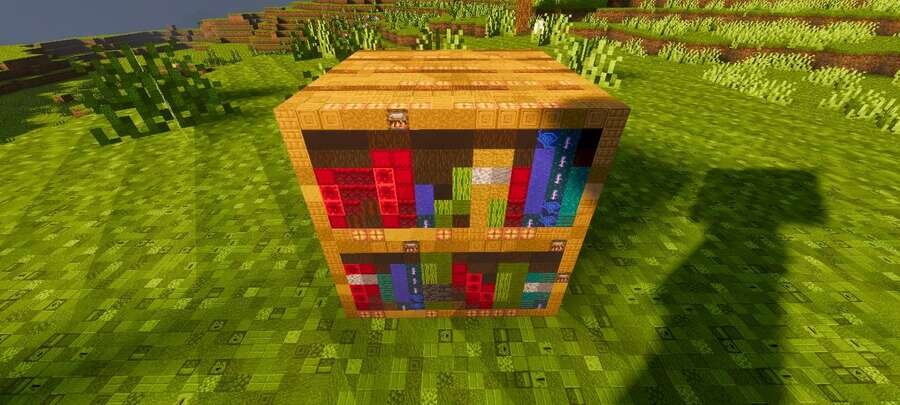
Blocks In Blocks Renewed textures create an unusual visual effect where each block appears to be made of miniature copies of itself. This style makes the…
⬇ Download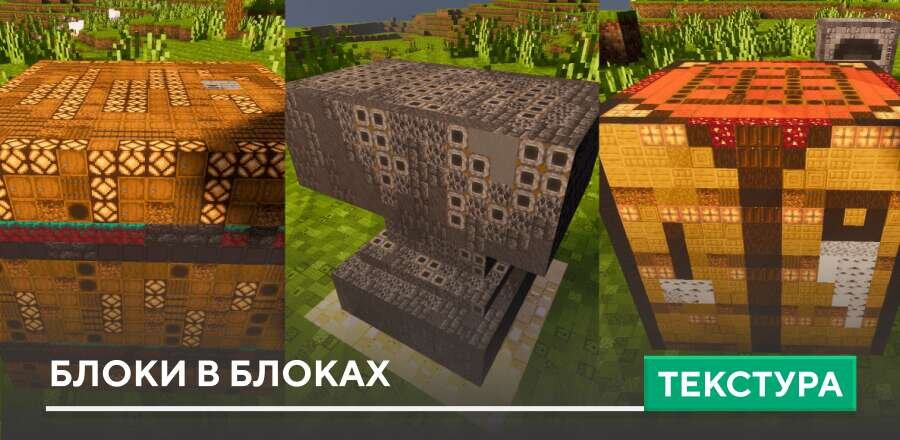
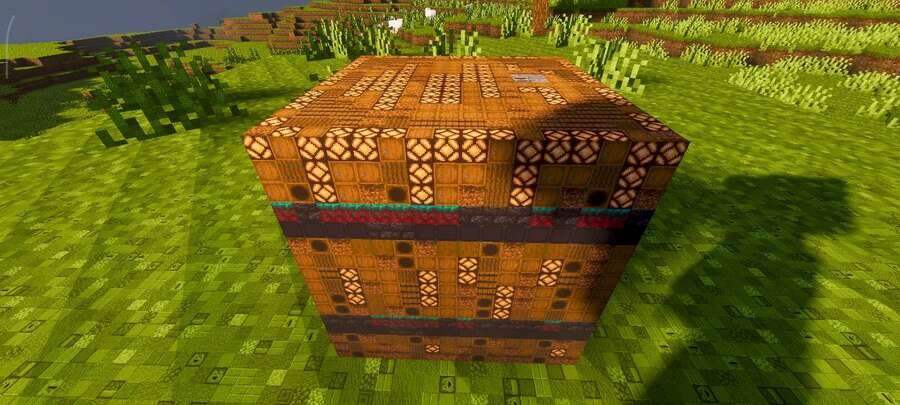
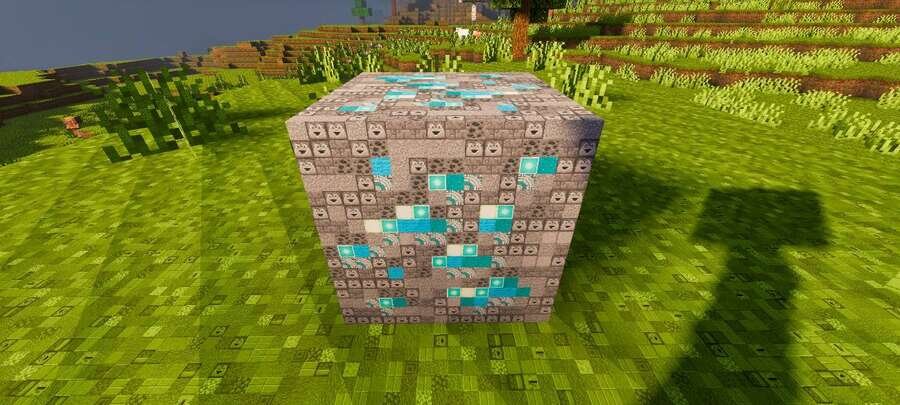
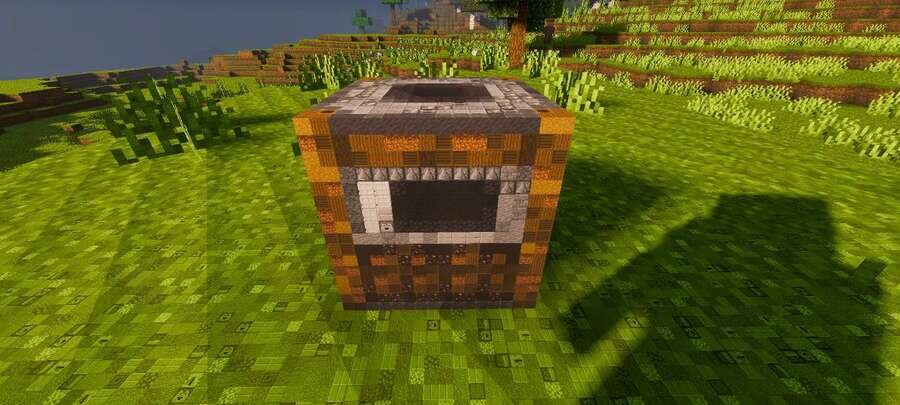
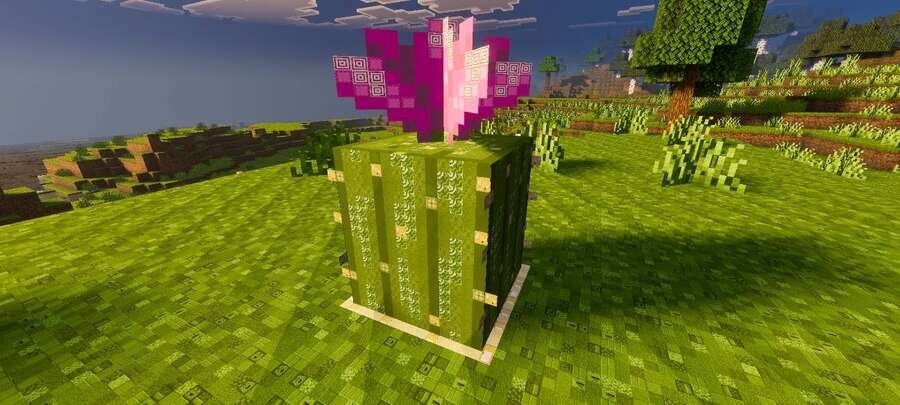
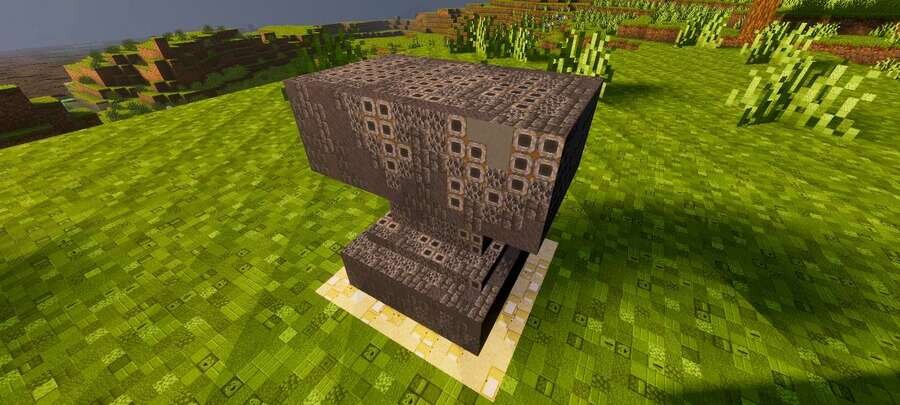
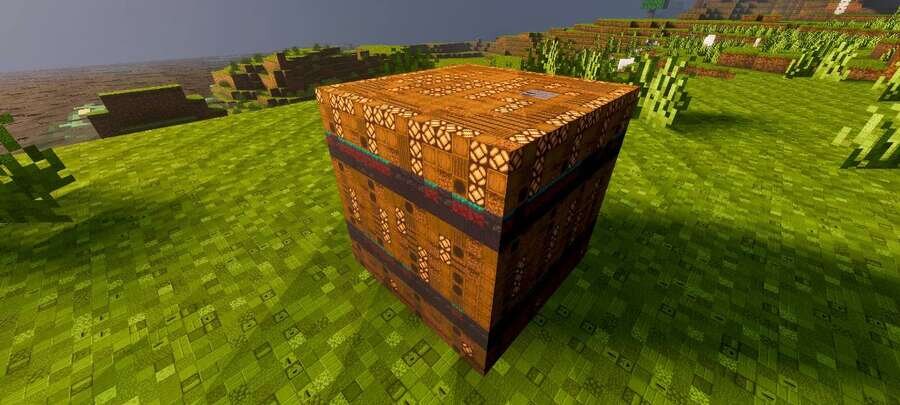
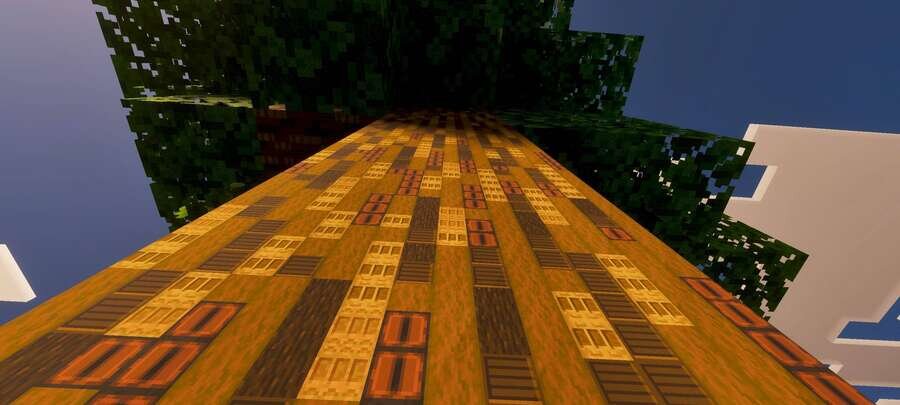
Текстуры Blocks In Blocks Renewed создают необычный визуальный эффект, при котором каждый блок словно состоит из миниатюрных копий самих себя. Такой стиль делает окружение более глубоким, детализированным и выразительным. В Майнкрафт мир начинает выглядеть сложнее и насыщеннее за счёт особой структуры поверхностей.
Ниже можно посмотреть на обновленный вид некоторых блоков в игре.
Ниже можно посмотреть на обновленный вид некоторых блоков в игре.
Quick facts
- Edition: Minecraft Bedrock
- File type: .mcpack
- Minecraft version listed: 1.21
- How to install: Download the .mcpack. → Open it — Minecraft imports it under Resource Packs. → Activate it in Global Resources, or for one world under Resource Packs → Available.
- Where to get it: In MCModsHub, or directly above on this page.
Install steps are the general flow for this file type — How to install Minecraft Bedrock texture packs walks through it step by step.
File checked by MCModsHub
- Pack type: .mcpack — a single pack
- Manifest requires Minecraft 1.16.0 or newer
- Complete pack — everything it depends on is inside the file
- Download size: 23.1 MB
- Download link checked 6 Jul 2026 — working
- Mirrored on our own servers — the download does not depend on the original host
These come from our own check of the pack file, not from the source page.