Texture packsBedrock
Saturation Textures
Bedrock texture pack listed for Minecraft 1.16–1.21. File opened and checked on 25 Sep 2026; installs from the MC Bedrock Mods app on Android.
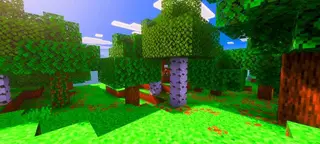
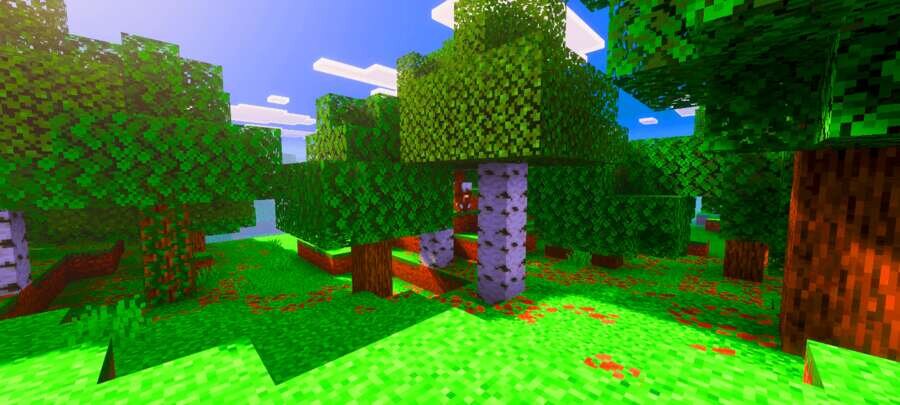
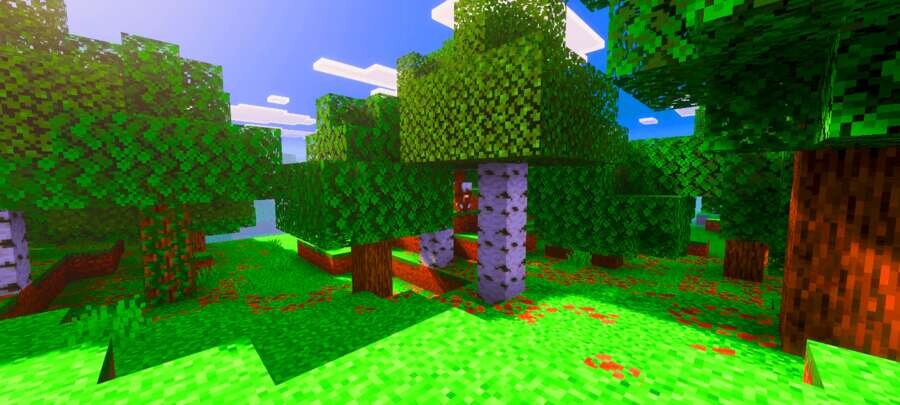
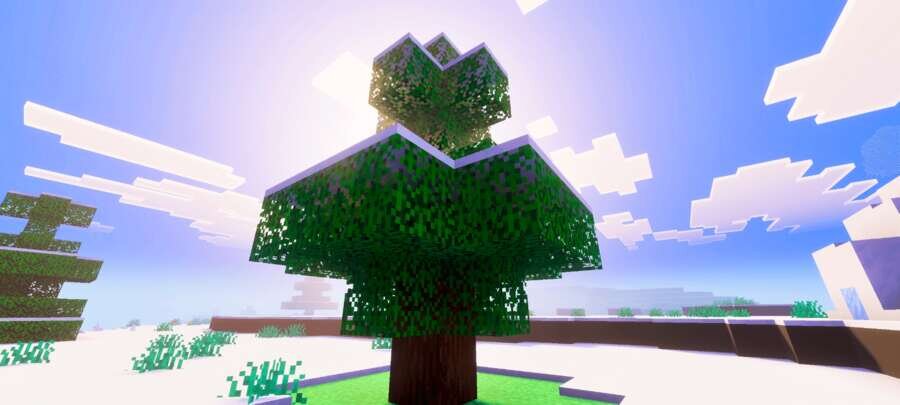
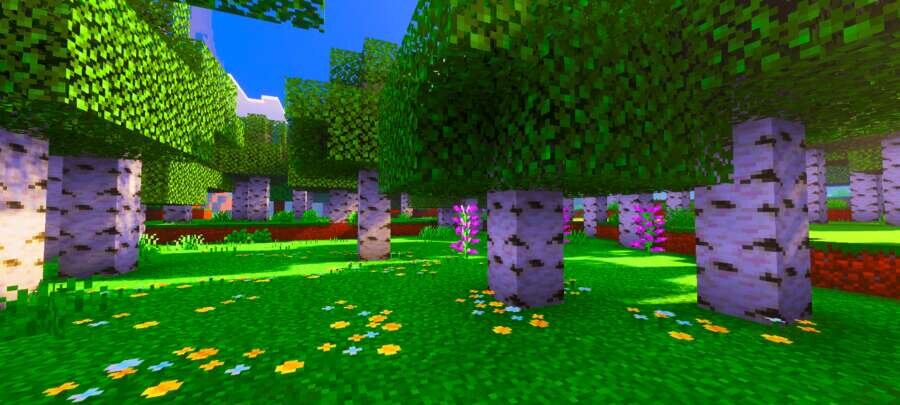
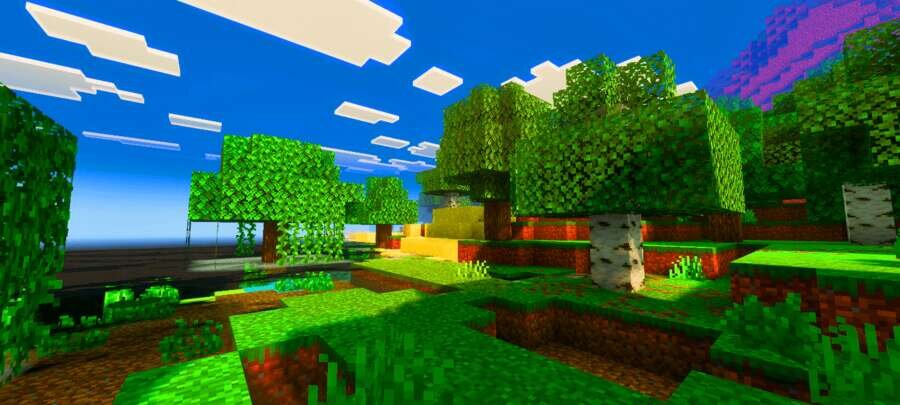
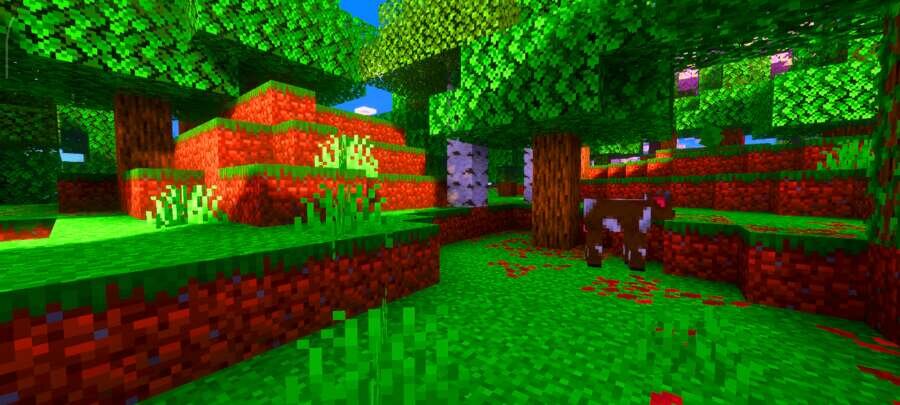
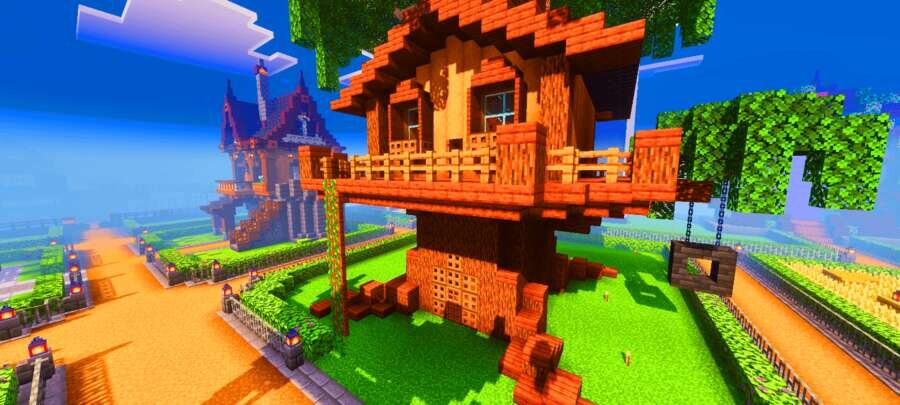
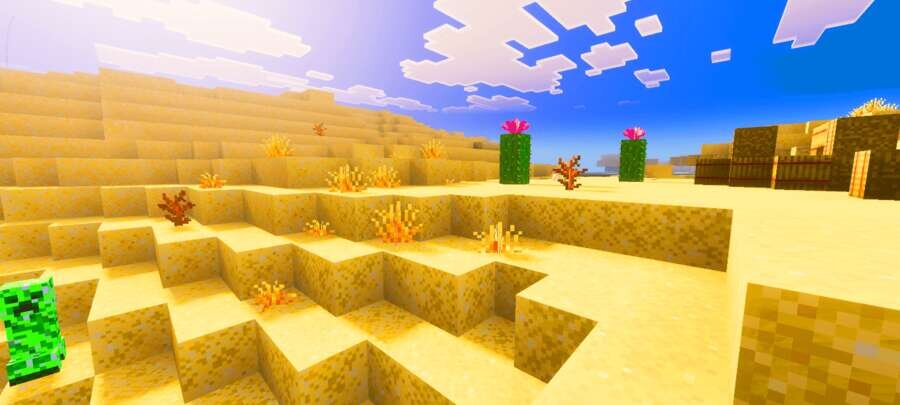
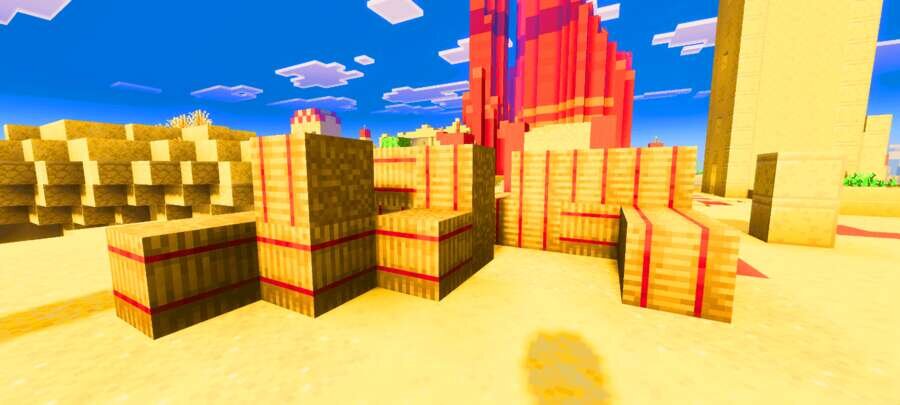
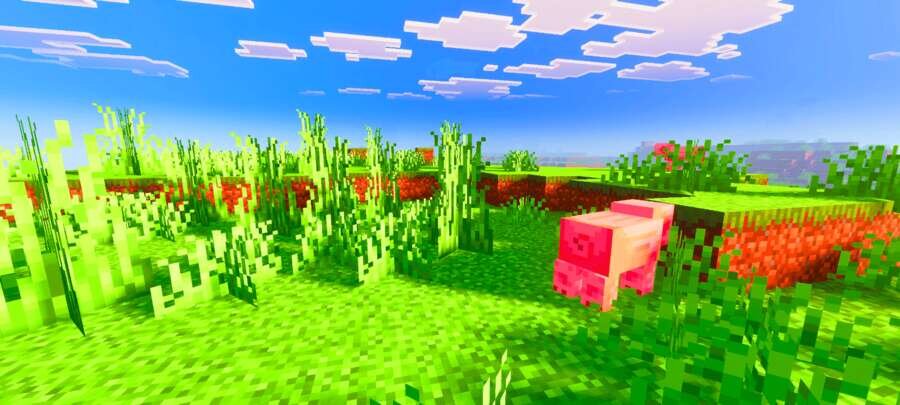
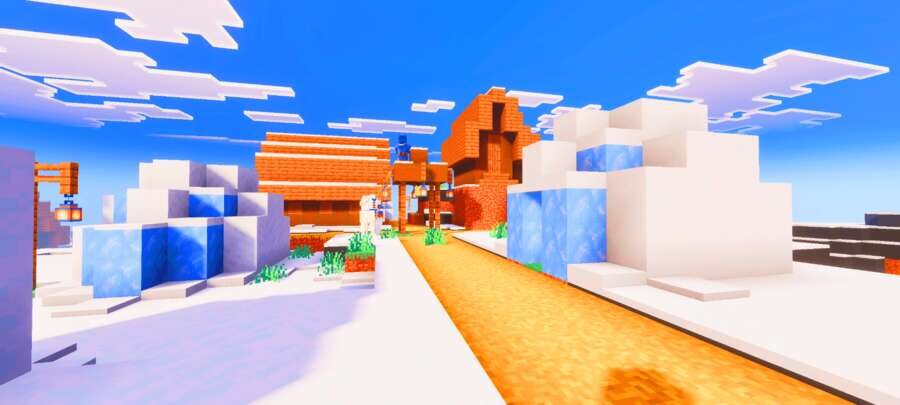
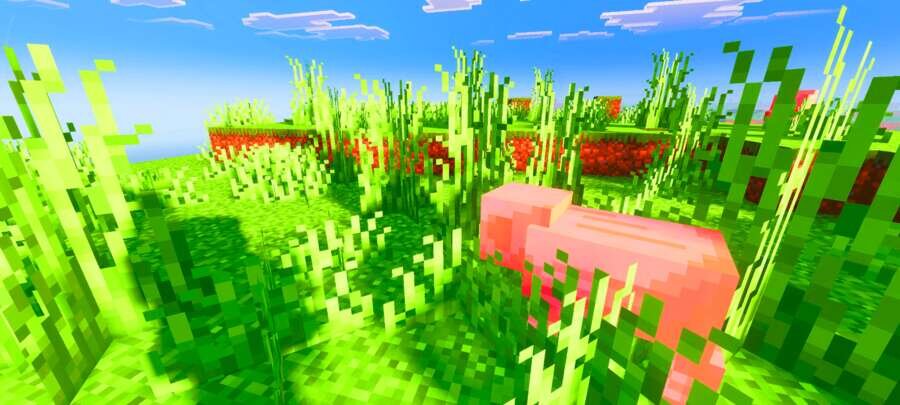
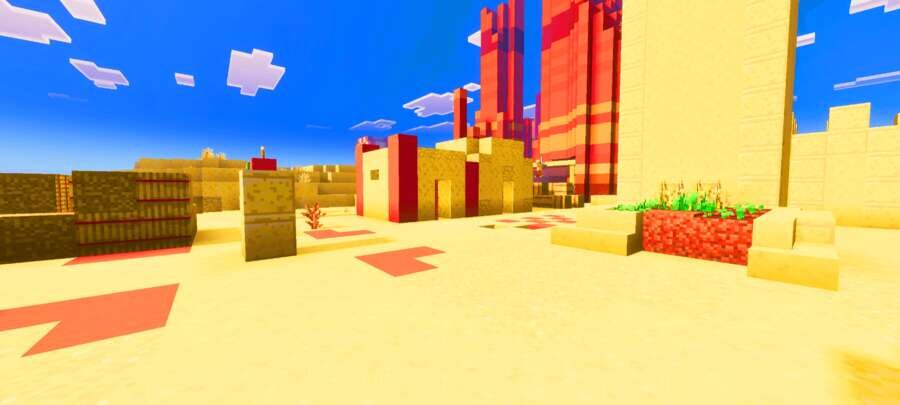
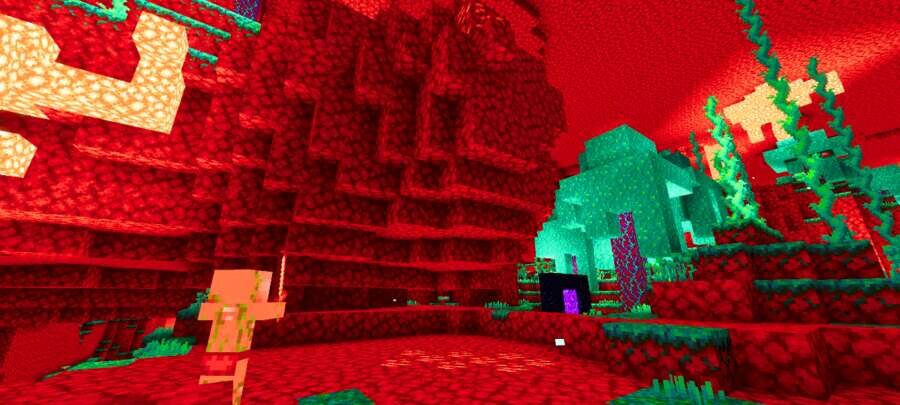
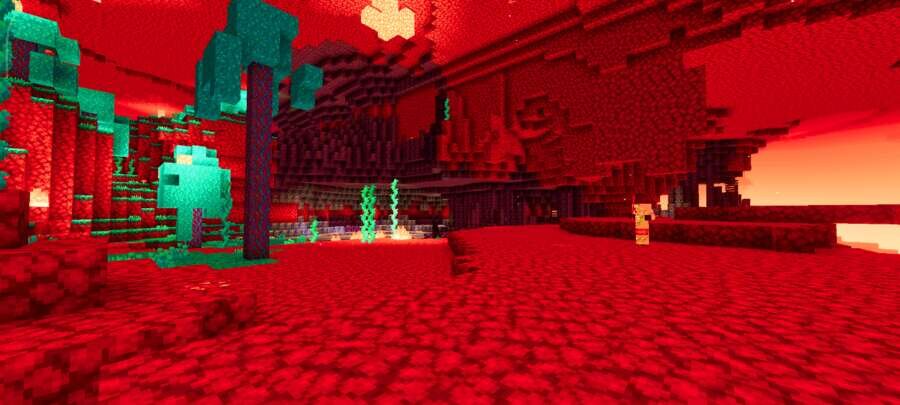
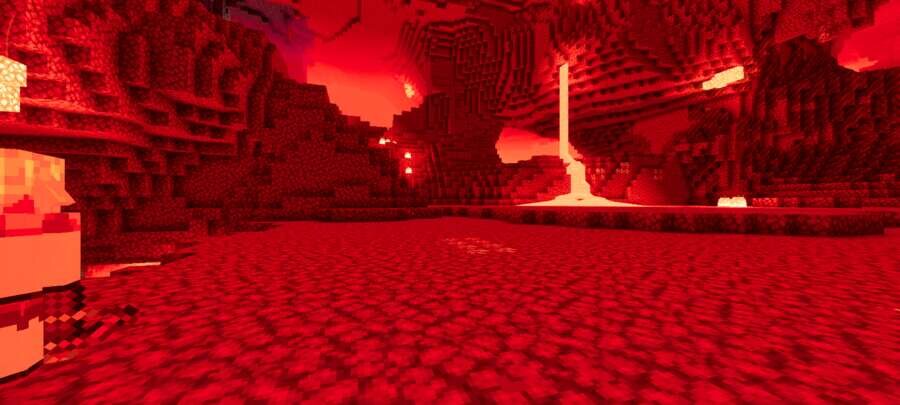
If you want to see a more vibrant and pleasant world, Saturation is perfect for this. In Minecraft Bedrock, the perception of blocks, items, and biomes…
⬇ Download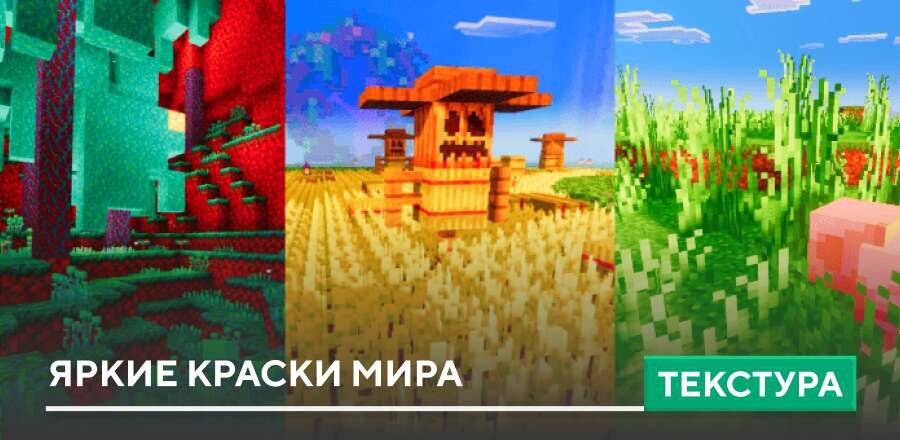
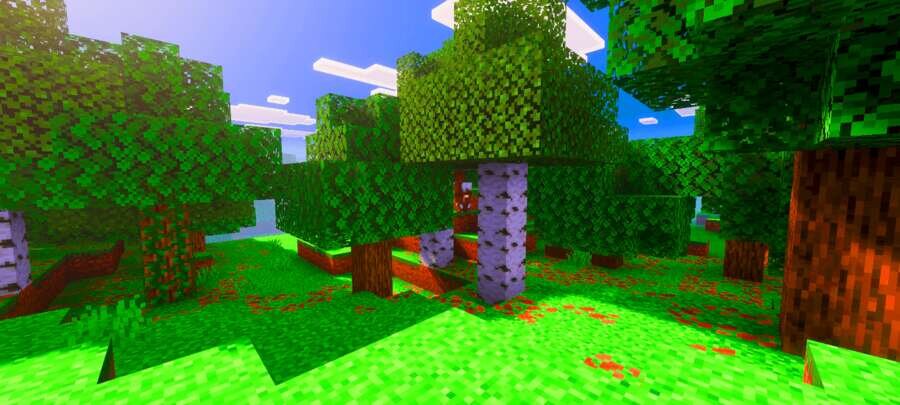
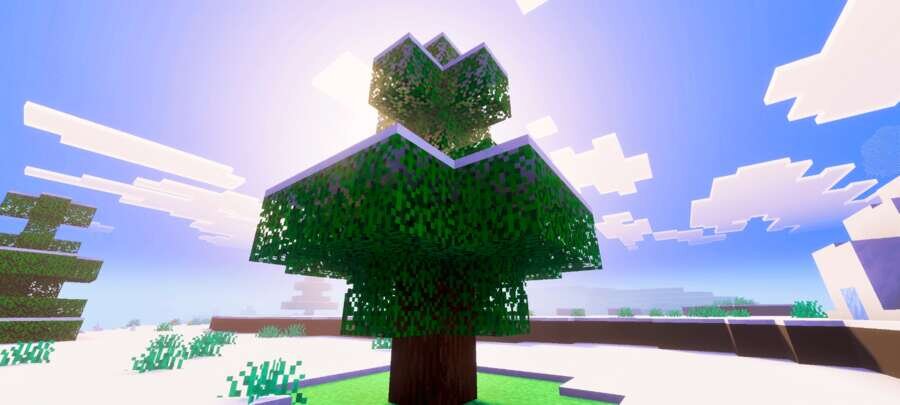
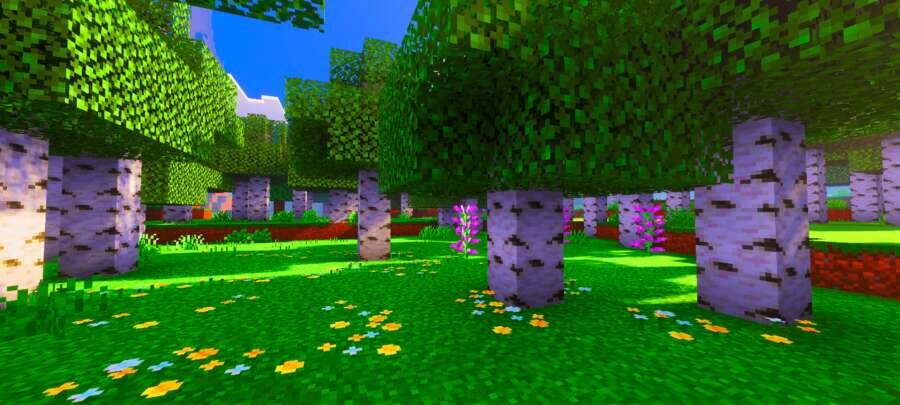
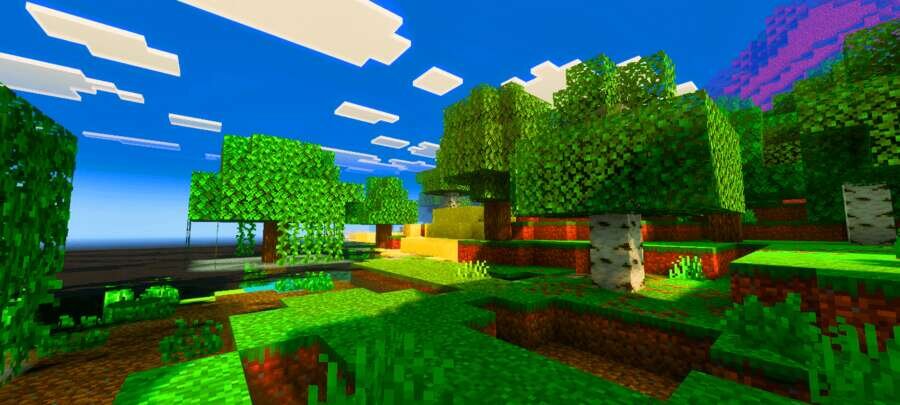
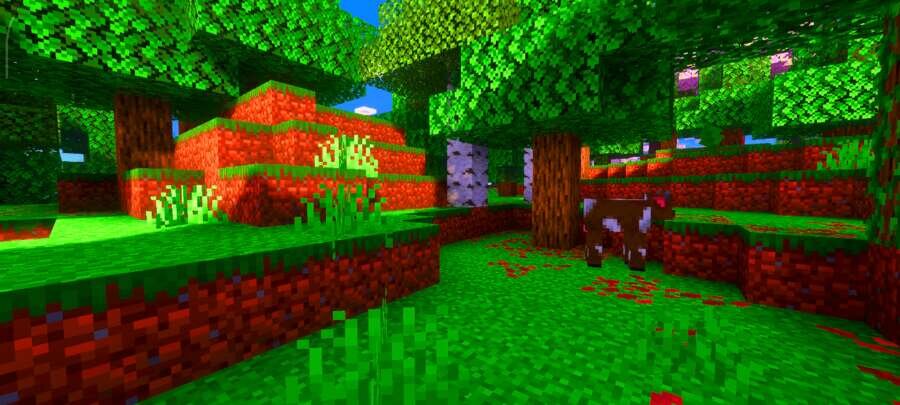
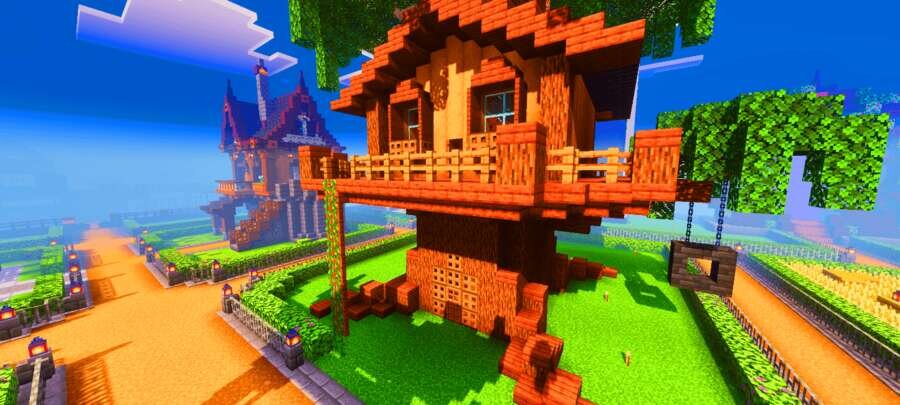
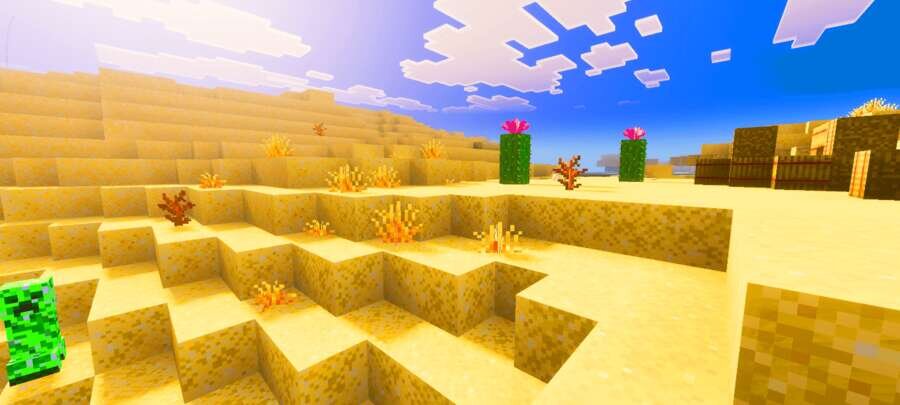
Если тебе хочется видеть более красочный и приятный мир, Saturation отлично подойдёт для этого. В Minecraft Bedrock меняется восприятие блоков, предметов и биомов за счёт более глубоких и выразительных оттенков. Эти текстуры делают изображение сочнее, сохраняя оригинальный стиль, не искажая формы и не ломая атмосферу, благодаря чему визуал становится заметно комфортнее для игры.
Дополнение не перегружает изображение, а лишь подчёркивает глубину оттенков и добавляет визуальной выразительности во время исследования мира.
Дополнение не перегружает изображение, а лишь подчёркивает глубину оттенков и добавляет визуальной выразительности во время исследования мира.
Quick facts
- Edition: Minecraft Bedrock
- File type: .mcpack
- Minecraft version listed: 1.21
- How to install: Download the .mcpack. → Open it — Minecraft imports it under Resource Packs. → Activate it in Global Resources, or for one world under Resource Packs → Available.
- Where to get it: In MCModsHub, or directly above on this page.
Install steps are the general flow for this file type — How to install Minecraft Bedrock texture packs walks through it step by step.
File checked by MCModsHub
- Pack type: .mcpack — a single pack
- Manifest requires Minecraft 1.16.0 or newer
- Complete pack — everything it depends on is inside the file
- Download size: 5.0 MB
- Download link checked 6 Jul 2026 — working
- Mirrored on our own servers — the download does not depend on the original host
These come from our own check of the pack file, not from the source page.