Texture packsBedrock
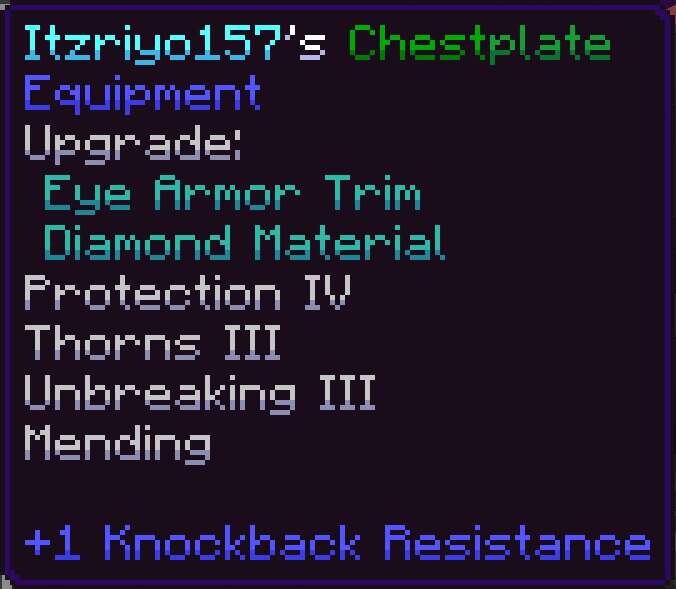
Shaded Font Textures
Bedrock texture pack listed for Minecraft 1.16–1.21. File opened and checked on 7 Oct 2026; installs from the MC Bedrock Mods app on Android.
Visual details greatly affect the overall perception of the interface. Shaded Font textures change the standard font by adding a neat shadow effect to…
⬇ Download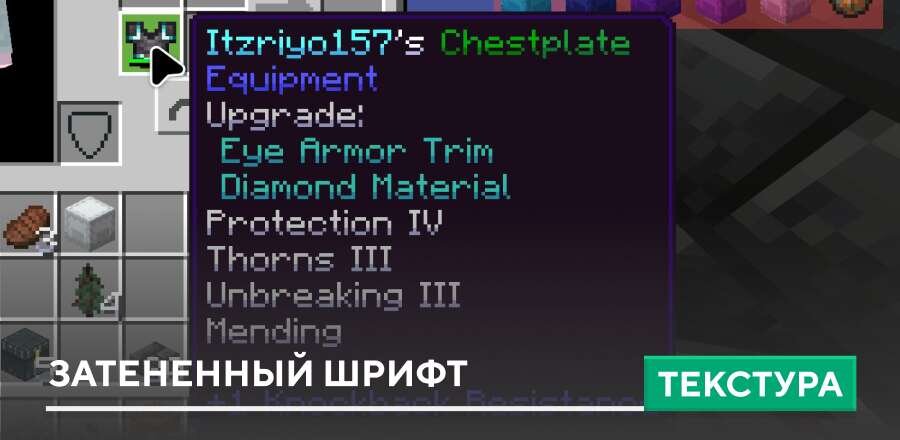
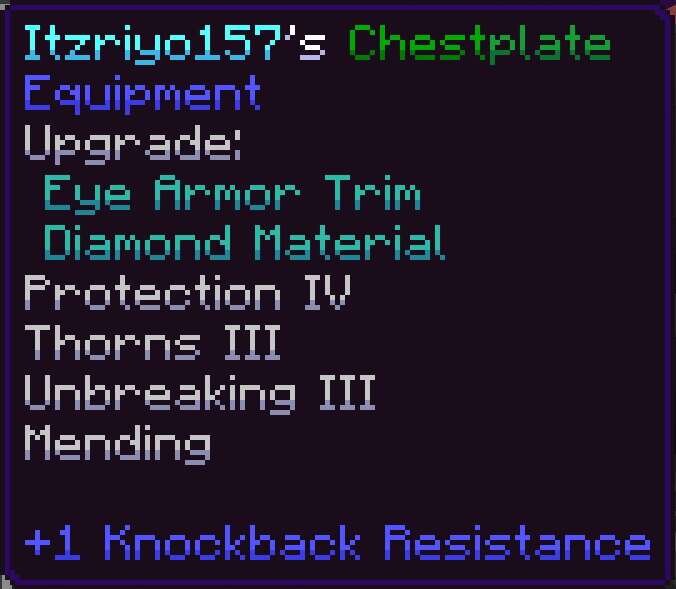

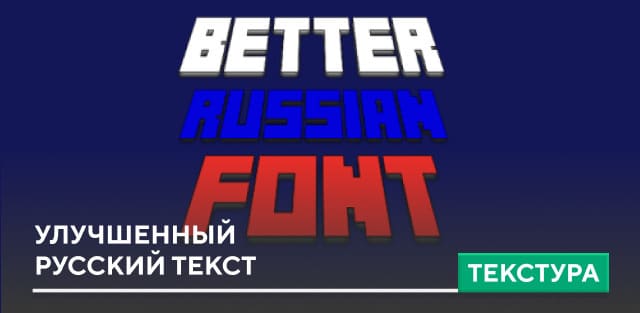
Визуальные мелочи сильно влияют на общее восприятие интерфейса. Текстуры Shaded Font изменяют стандартный шрифт, добавляя к буквам аккуратный эффект тени. Благодаря этому, текст становится более объёмным и читаемым, сохраняя привычный стиль интерфейса в Майнкрафт.
Изменения не перегружают экран и хорошо сочетаются с ванильным оформлением. Оформление выглядит еще круче, а значит подойдет абсолютно каждому пользователю в игре.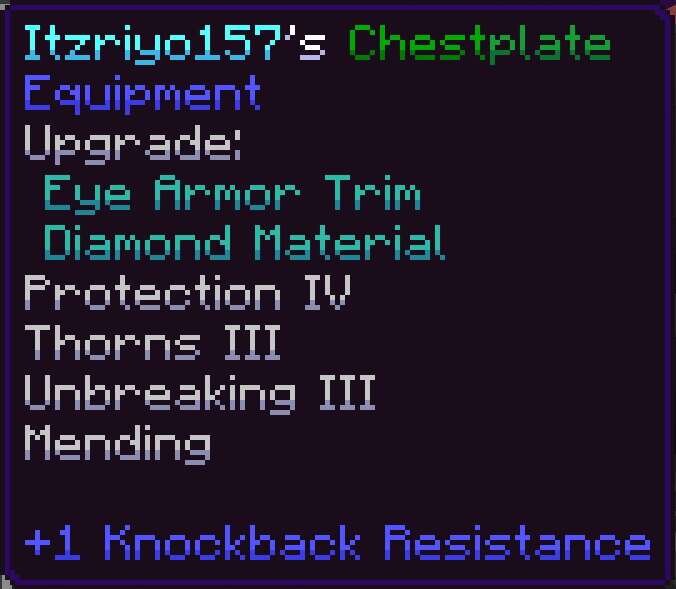
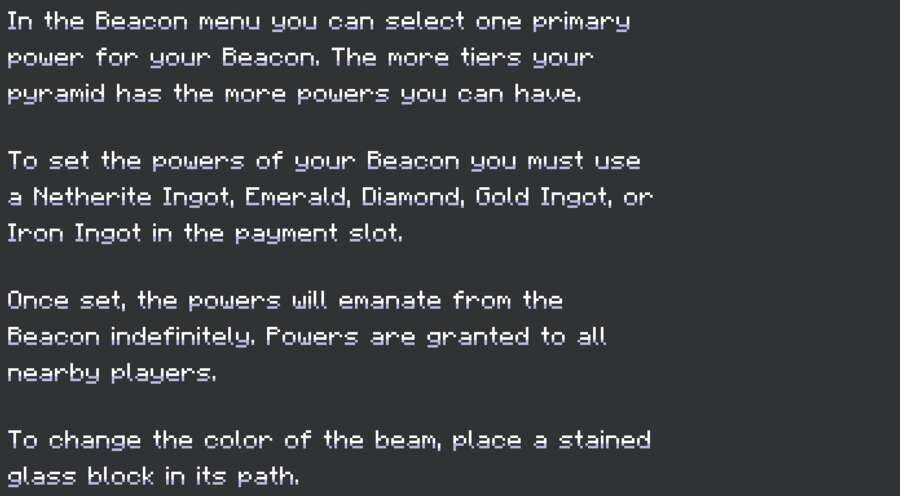
Изменения не перегружают экран и хорошо сочетаются с ванильным оформлением. Оформление выглядит еще круче, а значит подойдет абсолютно каждому пользователю в игре.
Quick facts
- Edition: Minecraft Bedrock
- File type: .mcpack
- Minecraft version listed: 1.21
- How to install: Download the .mcpack. → Open it — Minecraft imports it under Resource Packs. → Activate it in Global Resources, or for one world under Resource Packs → Available.
- Where to get it: In MCModsHub, or directly above on this page.
Install steps are the general flow for this file type — How to install Minecraft Bedrock texture packs walks through it step by step.
File checked by MCModsHub
- Pack type: .mcpack — a single pack
- Manifest requires Minecraft 1.16.0 or newer
- Complete pack — everything it depends on is inside the file
- Download size: 23 KB
- Download link checked 6 Jul 2026 — working
- Mirrored on our own servers — the download does not depend on the original host
These come from our own check of the pack file, not from the source page.