Texture packsBedrock
Farther Horizons Textures
Bedrock texture pack listed for Minecraft 1.21. File opened and checked on 20 Sep 2026; installs from the MC Bedrock Mods app on Android.
Sometimes you want to see further than the game allows by default. In such cases, Farther Horizons textures help, improving viewing distance in Minecraft…
⬇ Download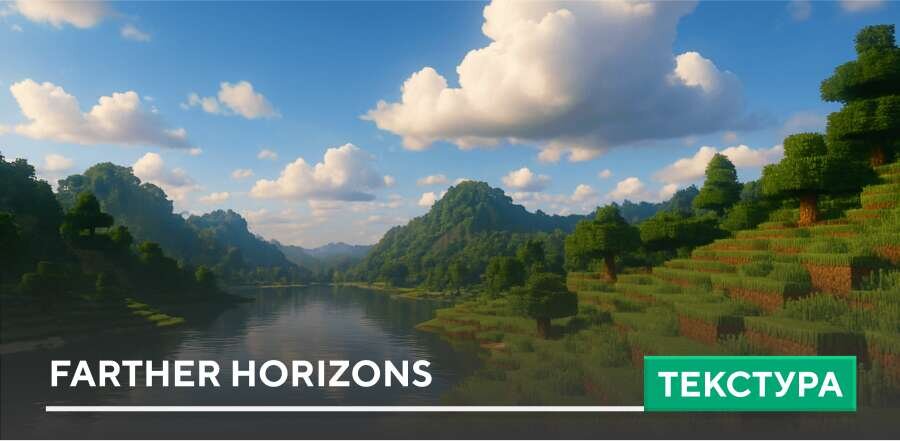
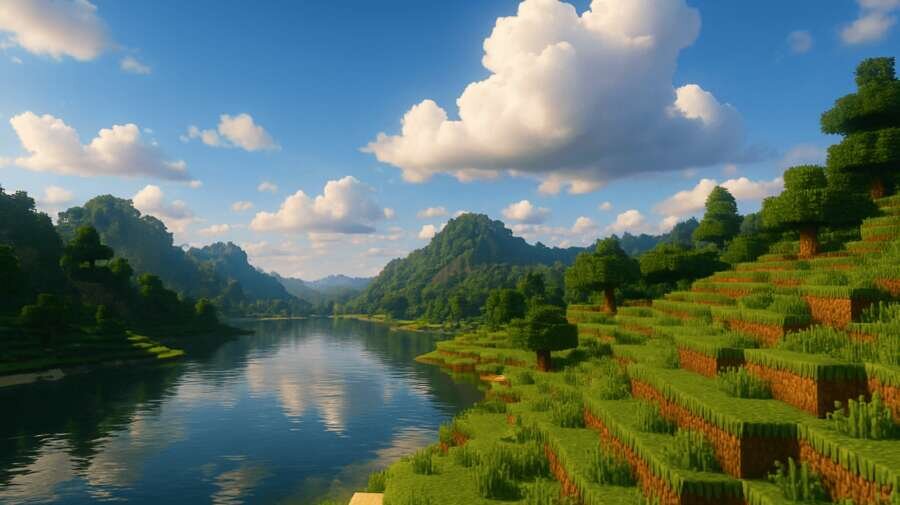

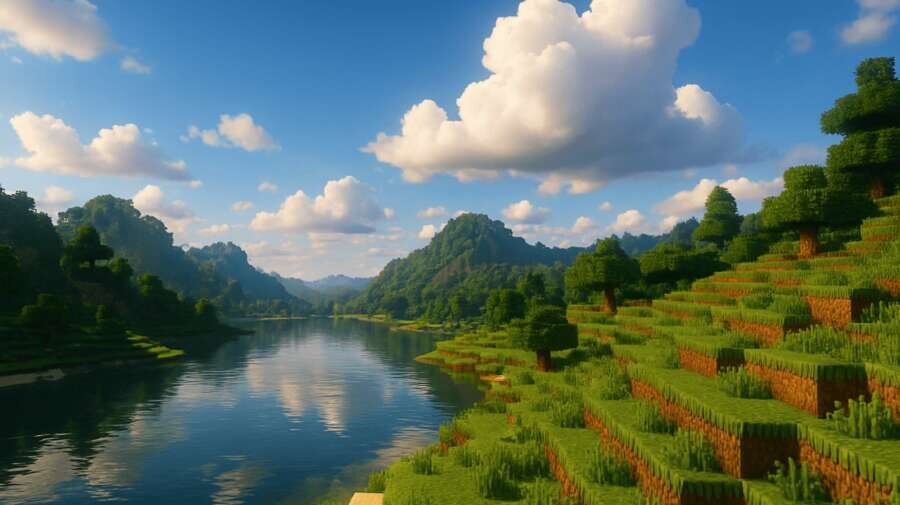
Иногда хочется видеть дальше, чем позволяет игра по умолчанию. В таких случаях помогут текстуры Farther Horizons, которые улучшают дальность обзора в Майнкрафт. Горы, леса и постройки становятся видимыми с больших расстояний, создавая эффект масштабного мира без потери производительности.
Сборка будет работать даже на средних устройствах, где мощностей не так много.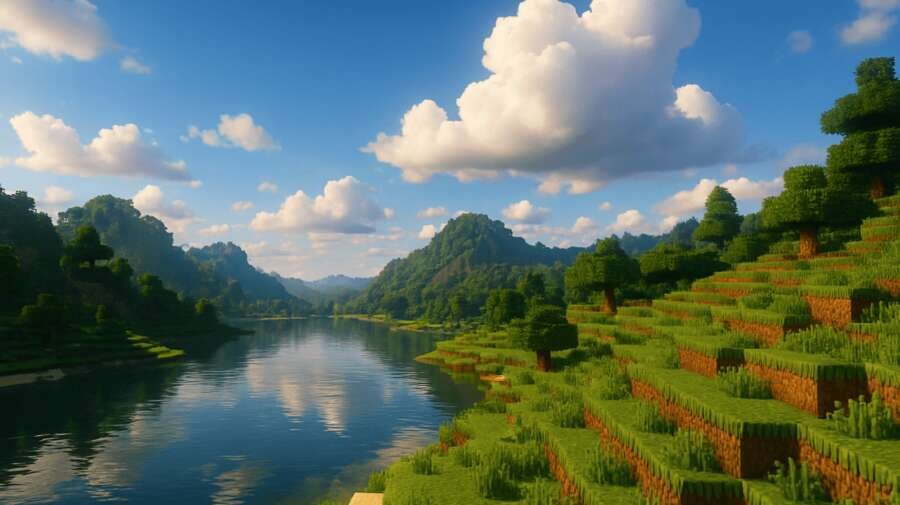 Изменения в новой версии
Сборка будет работать даже на средних устройствах, где мощностей не так много.
- Совместимость с новыми версиями игры
Quick facts
- Edition: Minecraft Bedrock
- File type: .mcpack
- Minecraft version listed: 1.21
- How to install: Download the .mcpack. → Open it — Minecraft imports it under Resource Packs. → Activate it in Global Resources, or for one world under Resource Packs → Available.
- Where to get it: In MCModsHub, or directly above on this page.
Install steps are the general flow for this file type — How to install Minecraft Bedrock texture packs walks through it step by step.
File checked by MCModsHub
- Pack type: .mcpack — a single pack
- Manifest requires Minecraft 1.21.0 or newer
- Complete pack — everything it depends on is inside the file
- Download size: 32 KB
- Download link checked 6 Jul 2026 — working
- Mirrored on our own servers — the download does not depend on the original host
These come from our own check of the pack file, not from the source page.
Related Bedrock mods
Nature FPS+ Shader (26.x) – Vibrant Foliage and Smooth Shading for Mobile
Utility UI v4.0.0
1.21
Visual Tamer Plus Texture Pack (26.x, 1.21) – MCPE/Bedrock
1.21
Crystal Optimizer Mod (1.21) – MCPE/Berdrock
1.26
Better on Bedrock Addon/Map (1.26+) – MCPE/Bedrock
1.20