Texture packsBedrock
Orange Trees For A&S Textures
Bedrock texture pack listed for Minecraft 1.18–1.21. File opened and checked on 21 Sep 2026; installs from the MC Bedrock Mods app on Android.
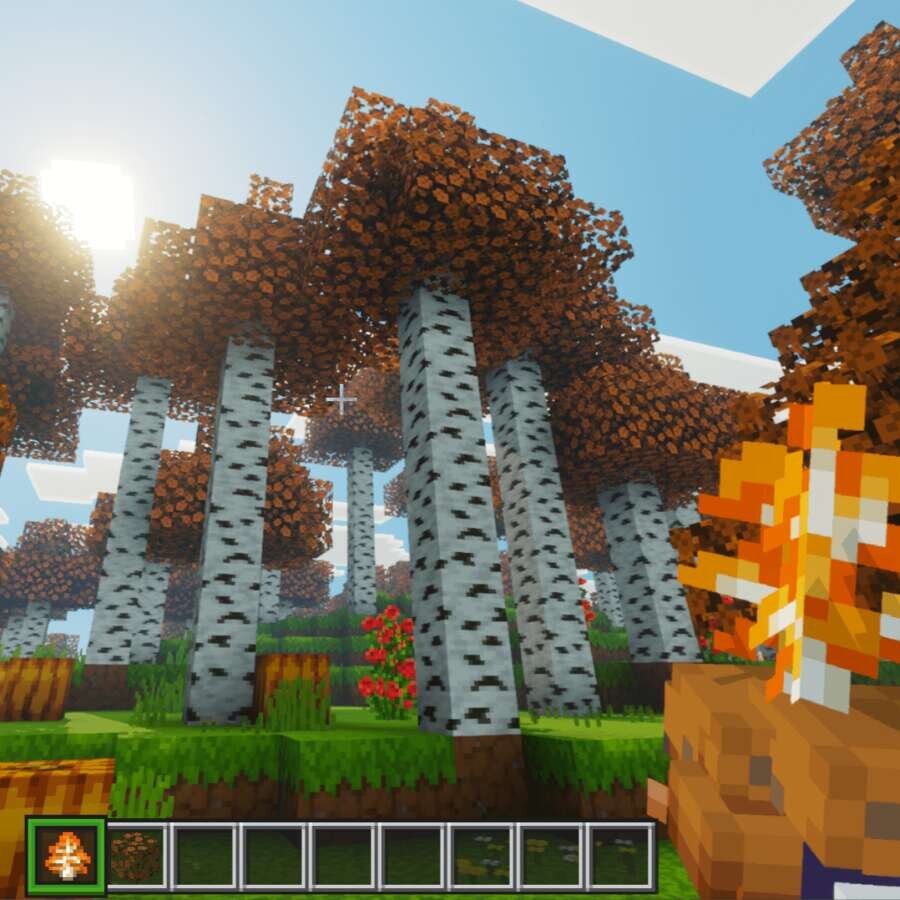
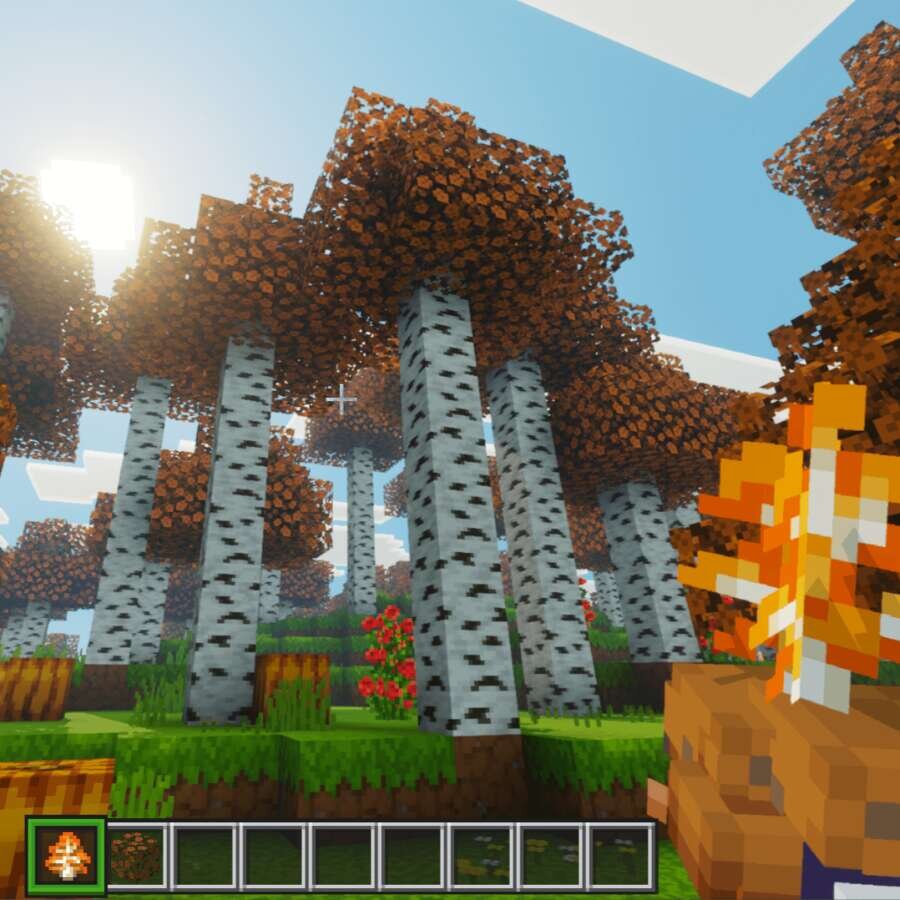
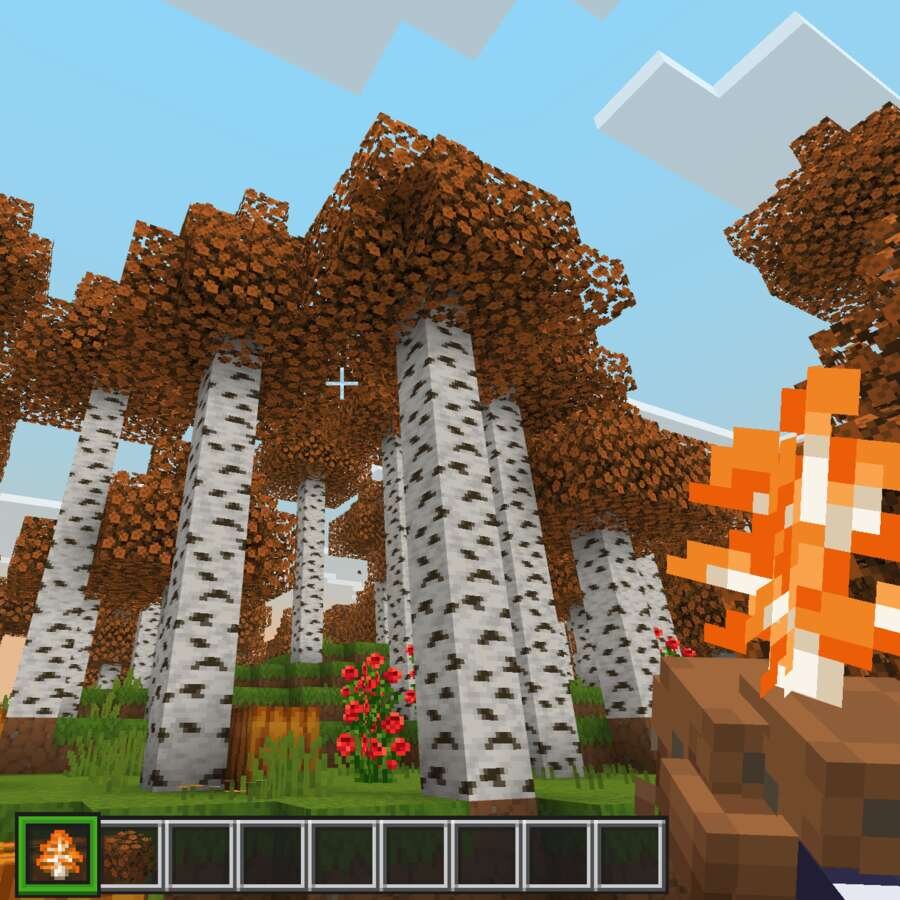
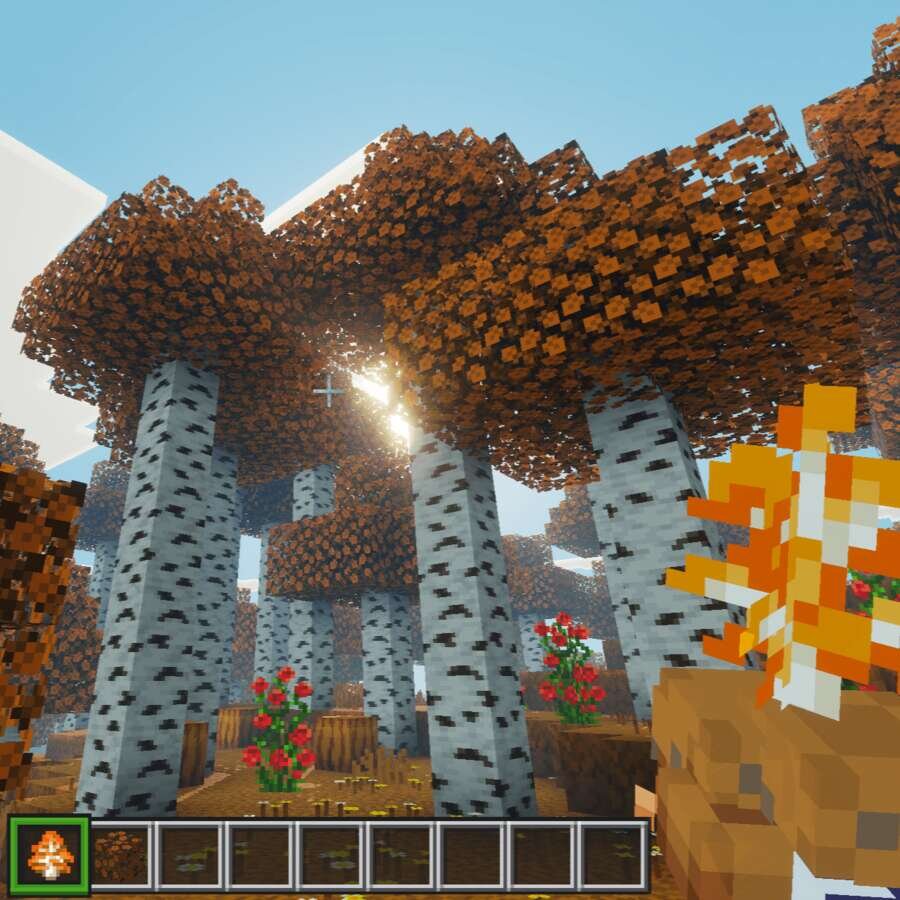
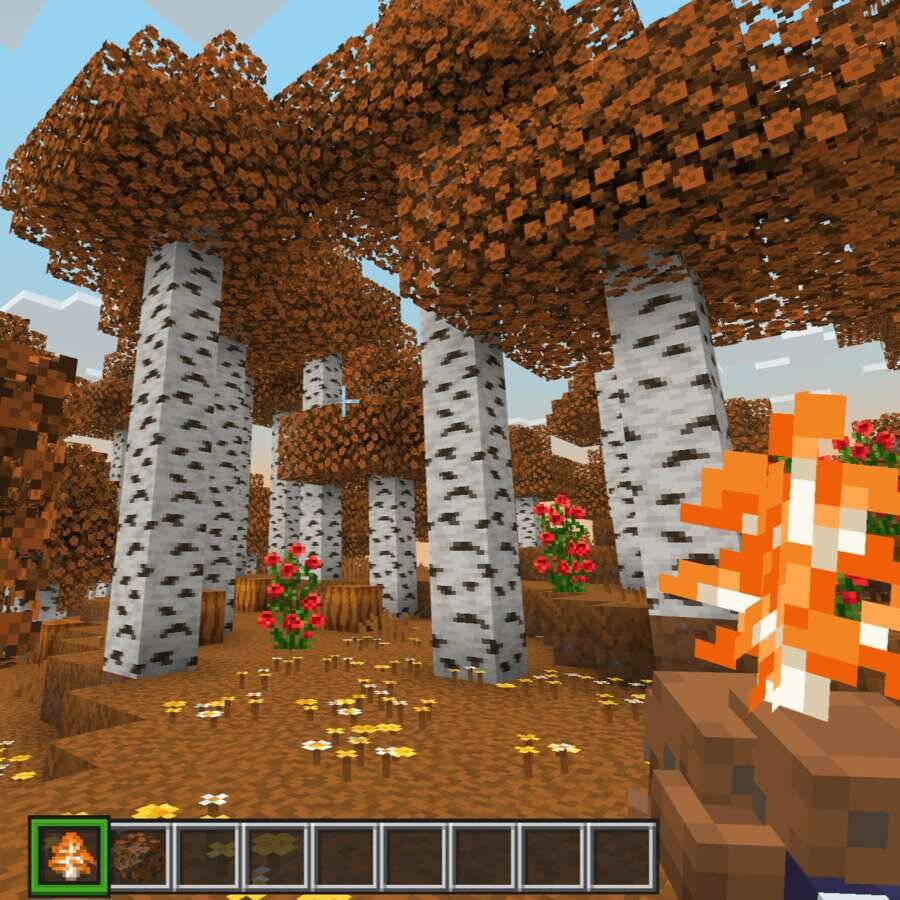
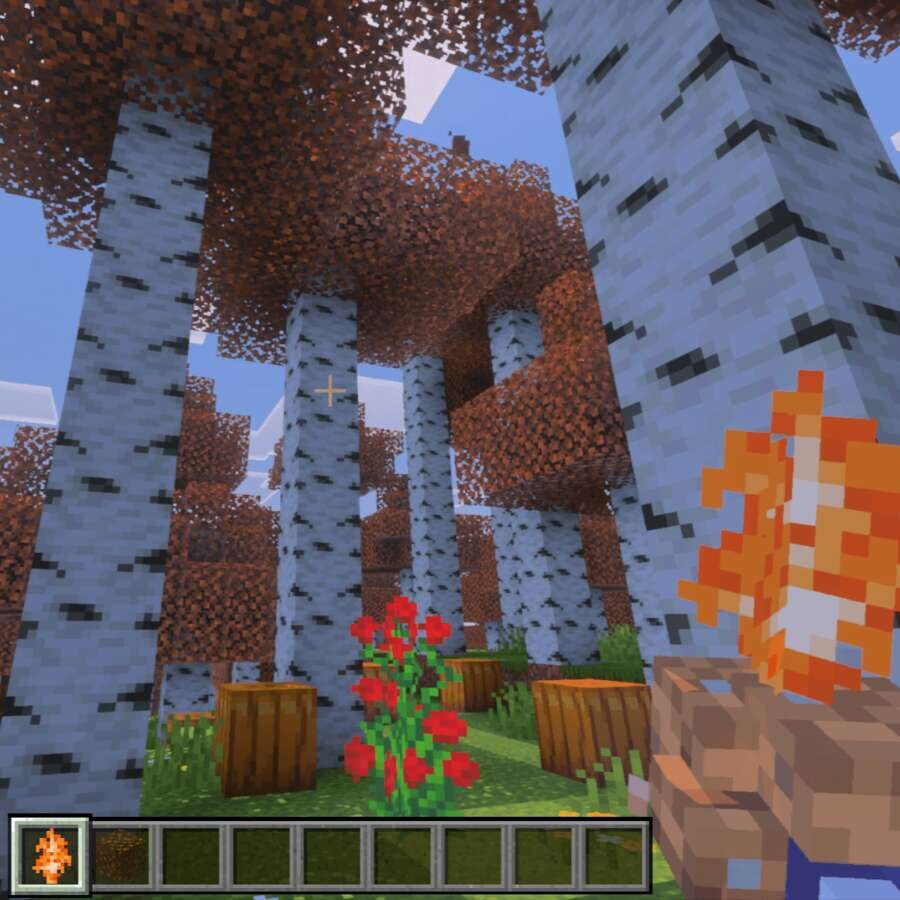
Recolor the Birch Forest to orange. Autumn has passed, but maybe you didn't get to enjoy the brightness of the yellowed forests? Then Orange Trees For A&S…
⬇ Download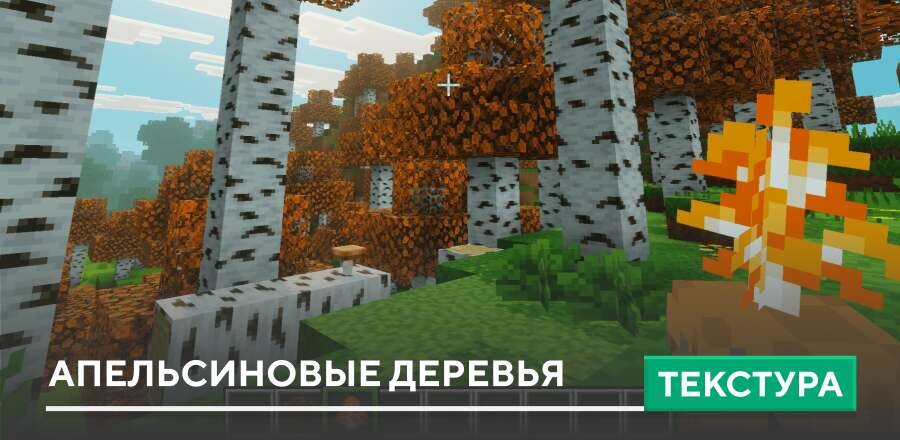
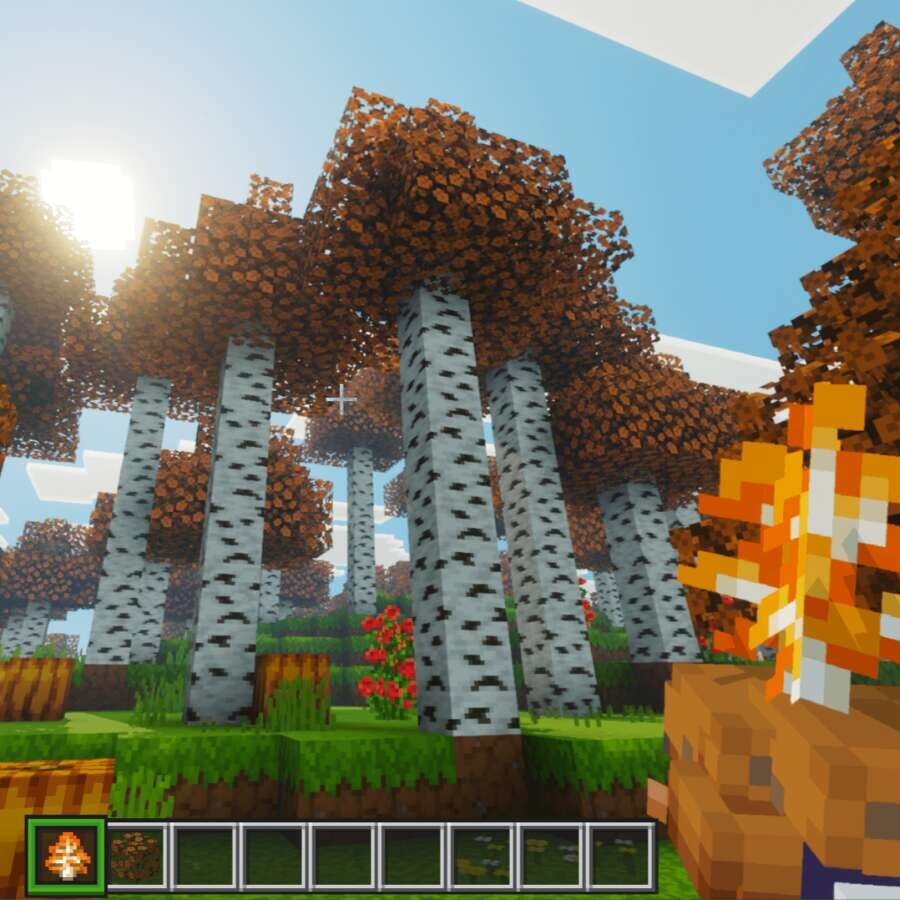
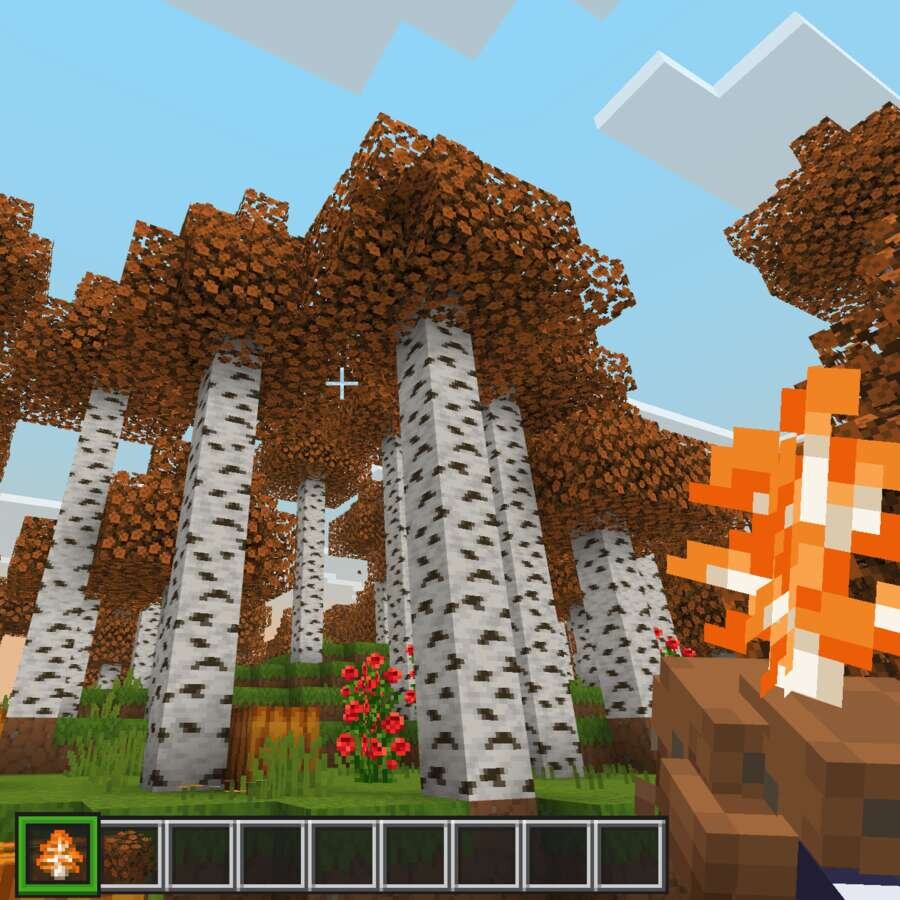
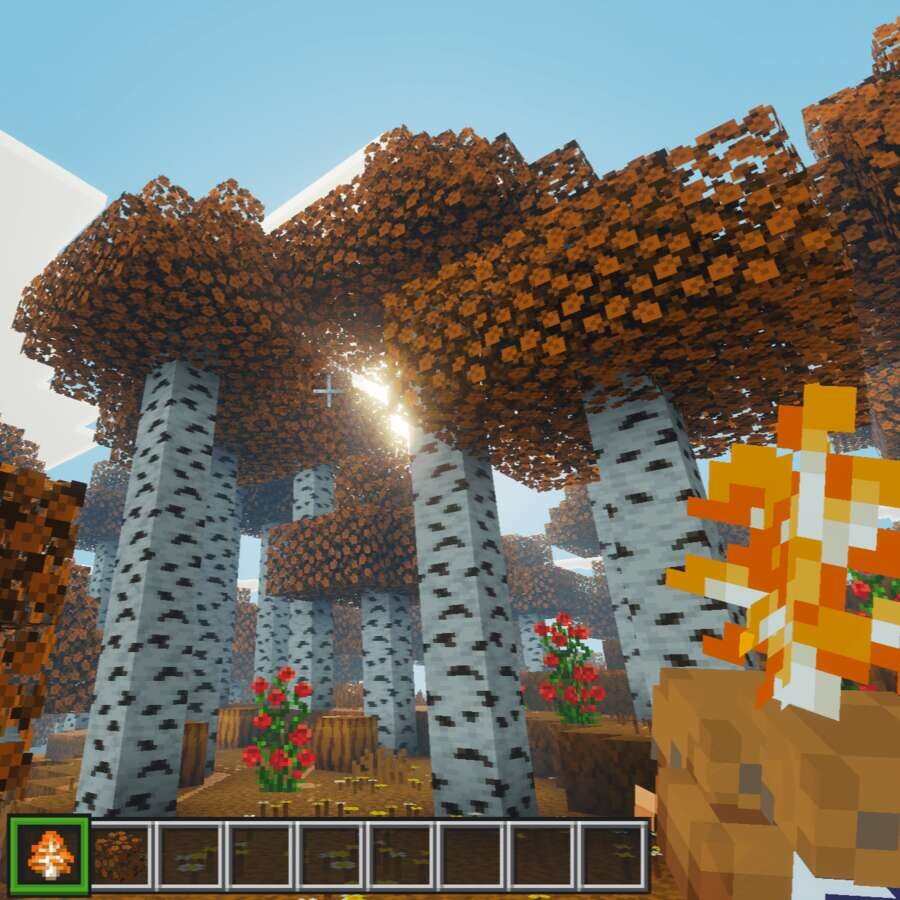
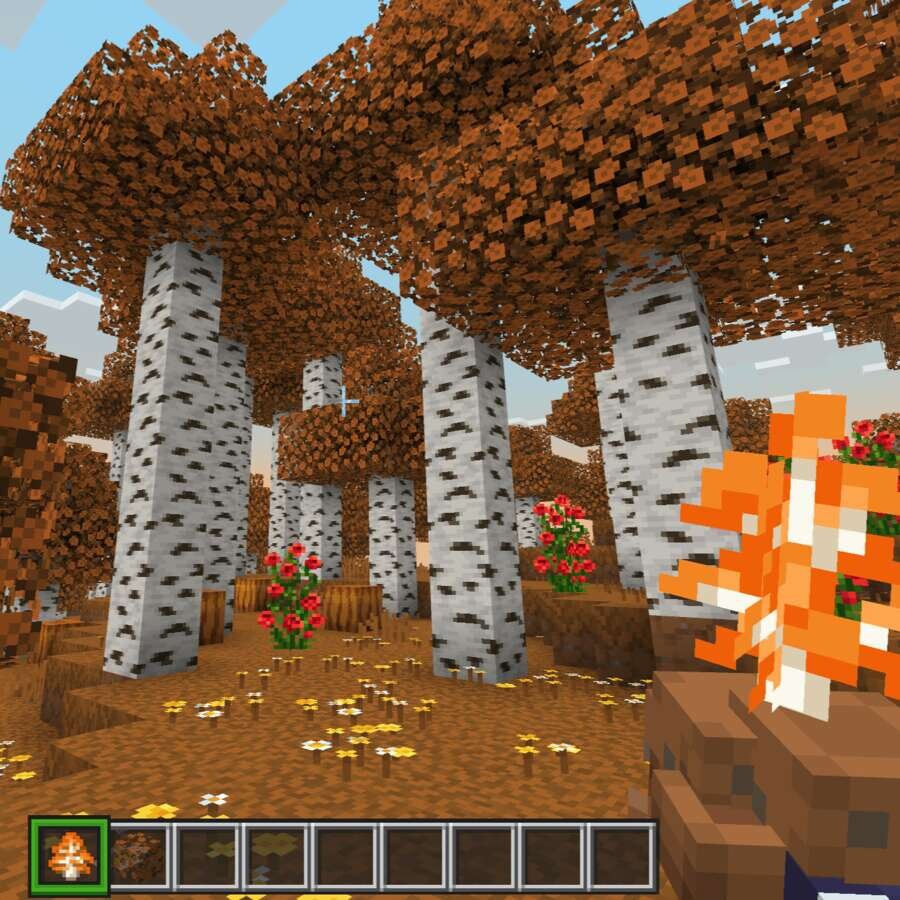
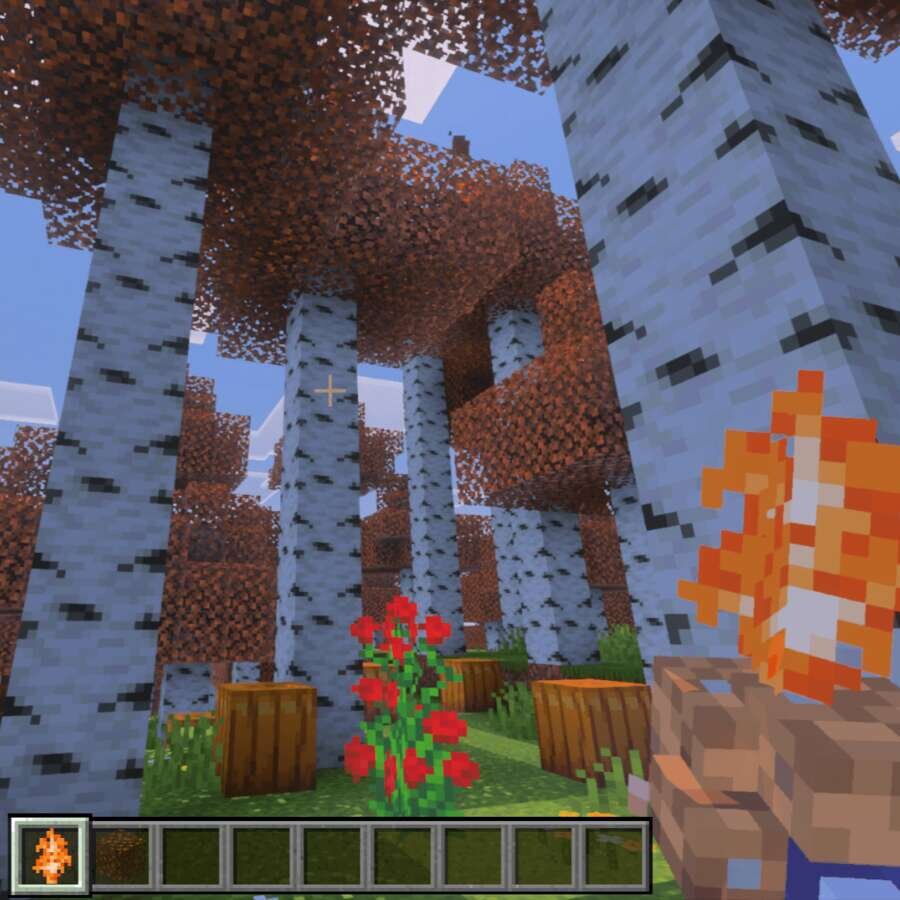

Перекрась Березовый леса в оранжевый. Осень уже прошла, но может быть не успел насладиться яркостью пожелтевших лесов? Тогда рекомендуются текстуры Orange Trees For A&S, которые перекрасят листву и траву в Березовом биоме в оранжевый цвет. Помимо этого, Саженцы также получат новый цвет, чтобы соответствовать биомам в Майнкрафт.
На выбор доступны дополнения в настройках, которые полностью поменяют внешний вид Березового леса.
На выбор доступны дополнения в настройках, которые полностью поменяют внешний вид Березового леса.
Quick facts
- Edition: Minecraft Bedrock
- File type: .mcpack
- Minecraft version listed: 1.21
- How to install: Download the .mcpack. → Open it — Minecraft imports it under Resource Packs. → Activate it in Global Resources, or for one world under Resource Packs → Available.
- Where to get it: In MCModsHub, or directly above on this page.
Install steps are the general flow for this file type — How to install Minecraft Bedrock texture packs walks through it step by step.
File checked by MCModsHub
- Pack type: .mcpack — a single pack
- Manifest requires Minecraft 1.18.2 or newer
- Complete pack — everything it depends on is inside the file
- Download size: 3.4 MB
- Download link checked 6 Jul 2026 — working
- Mirrored on our own servers — the download does not depend on the original host
These come from our own check of the pack file, not from the source page.