Texture packsBedrock
No Lava&Water Fog Textures
Bedrock texture pack listed for Minecraft 1.16–1.21. File opened and checked on 29 Sep 2026; installs from the MC Bedrock Mods app on Android.
Players often complain that it's simply impossible to find structures underwater due to extremely poor visibility. Fog significantly reduces render…
⬇ Download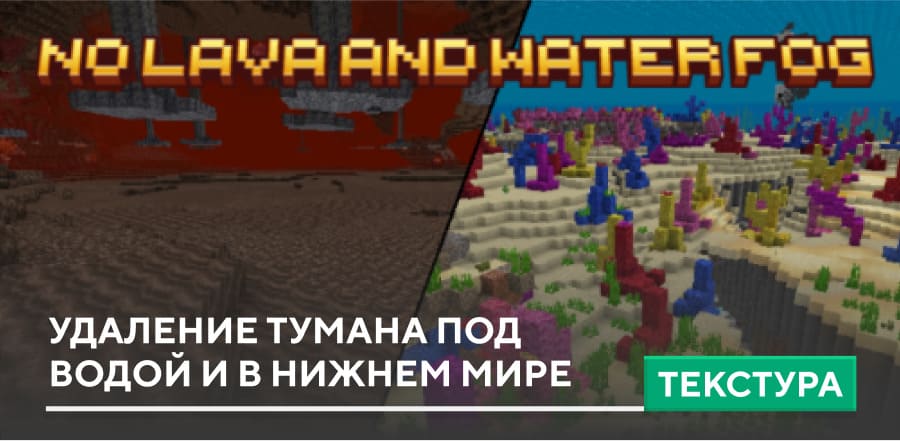
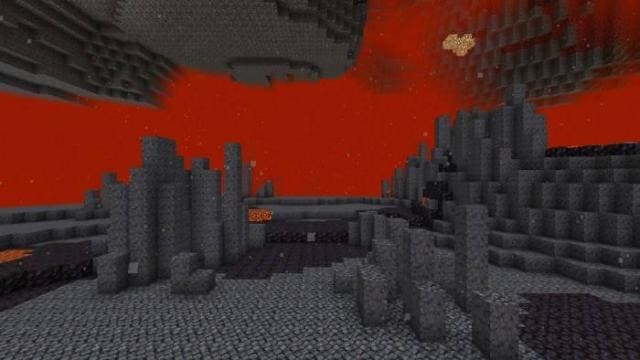
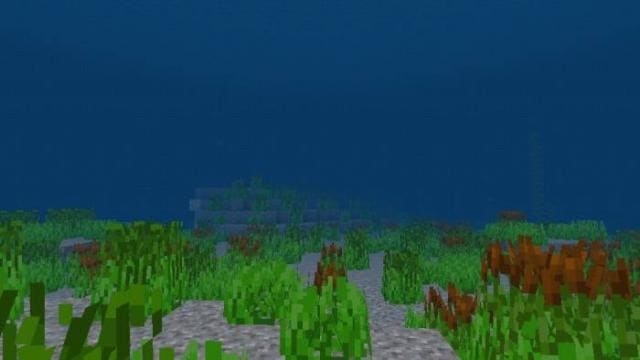

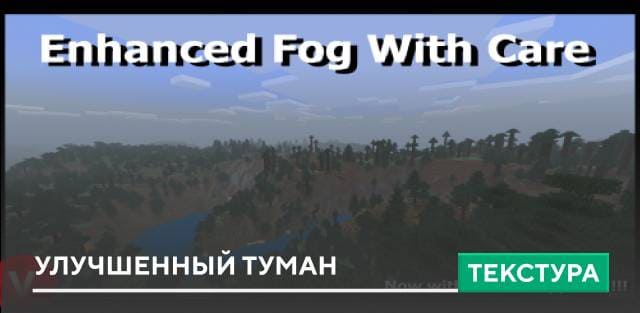
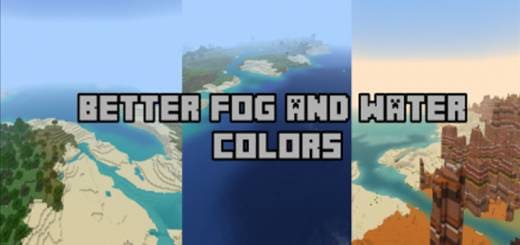
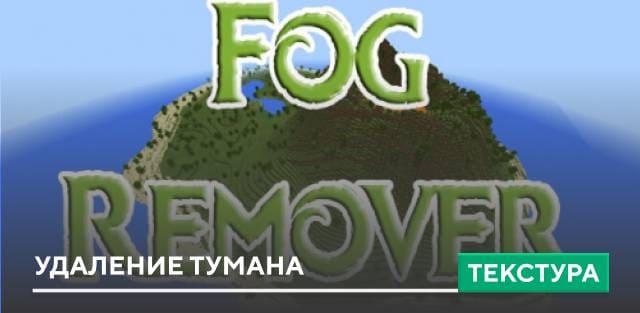
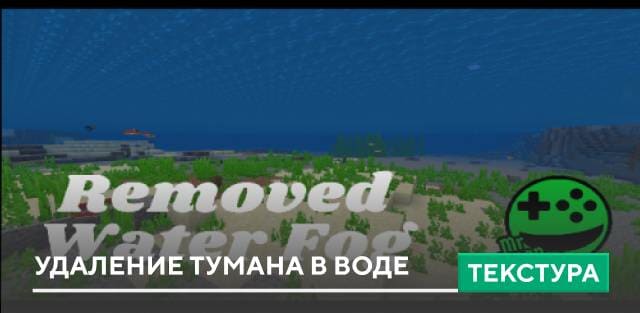
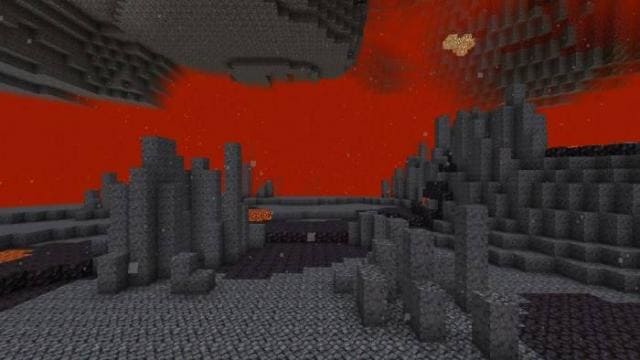
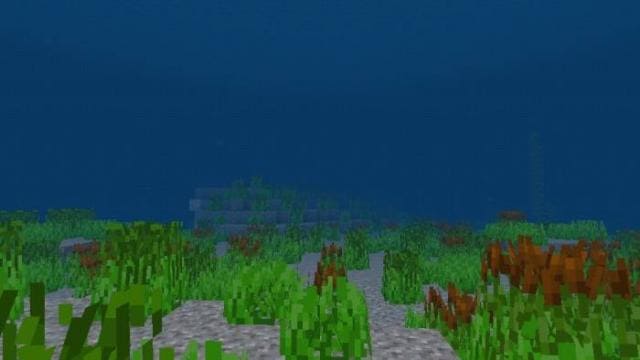
Часто игроки жалуются на то, что под водой попросту невозможно отыскать структуры из-за крайне плохой видимости. Туман значительно уменьшает дальность прорисовки и ухудшает обзор. Аналогичная ситуация наблюдается в Нижнем Мире, хотя там и вовсе нет жидкости: в такой ситуации легко не заметить огненный шар от Гаста или нападение Пиглинов. Поэтому можно применить текстуры No Lava&Water Fog, которые удаляют туман в MCPE.
В Нижнем Мире и под водой больше не будет тумана — останется только тот, который находится за границами зоны отображения.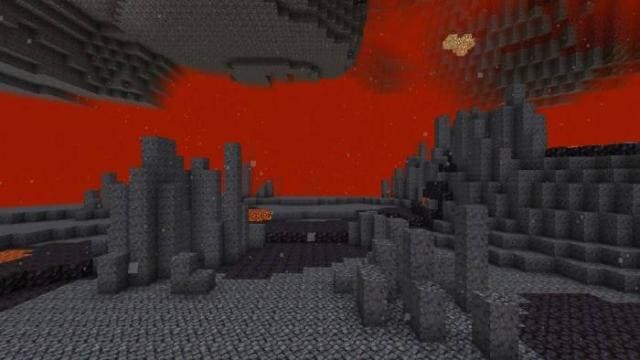
 Изменения в новой версии
В Нижнем Мире и под водой больше не будет тумана — останется только тот, который находится за границами зоны отображения.
- Исправили ошибки
Quick facts
- Edition: Minecraft Bedrock
- File type: .mcpack
- Minecraft versions listed: 1.21, 1.19, 1.18
- How to install: Download the .mcpack. → Open it — Minecraft imports it under Resource Packs. → Activate it in Global Resources, or for one world under Resource Packs → Available.
- Where to get it: In MCModsHub, or directly above on this page.
Install steps are the general flow for this file type — How to install Minecraft Bedrock texture packs walks through it step by step.
File checked by MCModsHub
- Pack type: .mcpack — a single pack
- Manifest requires Minecraft 1.20.0 or newer
- Complete pack — everything it depends on is inside the file
- Download size: 27 KB
- Download link checked 6 Jul 2026 — working
- Mirrored on our own servers — the download does not depend on the original host
These come from our own check of the pack file, not from the source page.