Texture packsBedrock
Dark Mode Minecraft UI Textures
Bedrock texture pack listed for Minecraft 1.21. File opened and checked on 20 Sep 2026; installs from the MC Bedrock Mods app on Android.
Dark interface style is now available almost everywhere: on any smartphone you can choose dark mode where brightness won't burn your eyes. Minecraft…
⬇ Download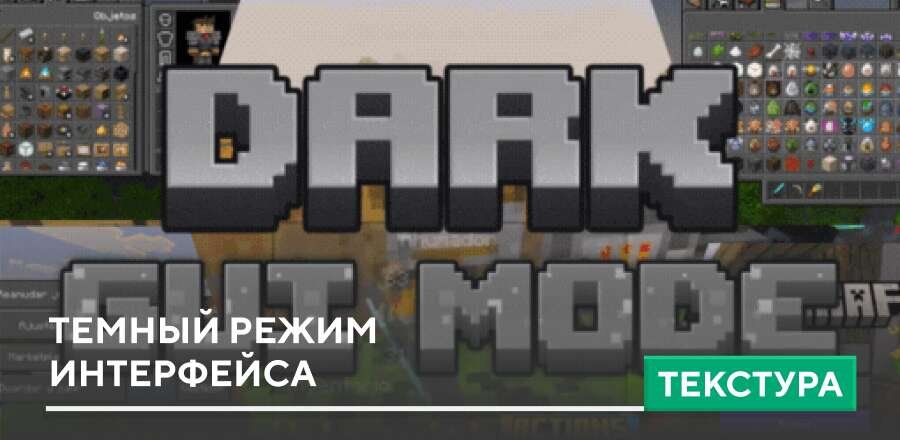

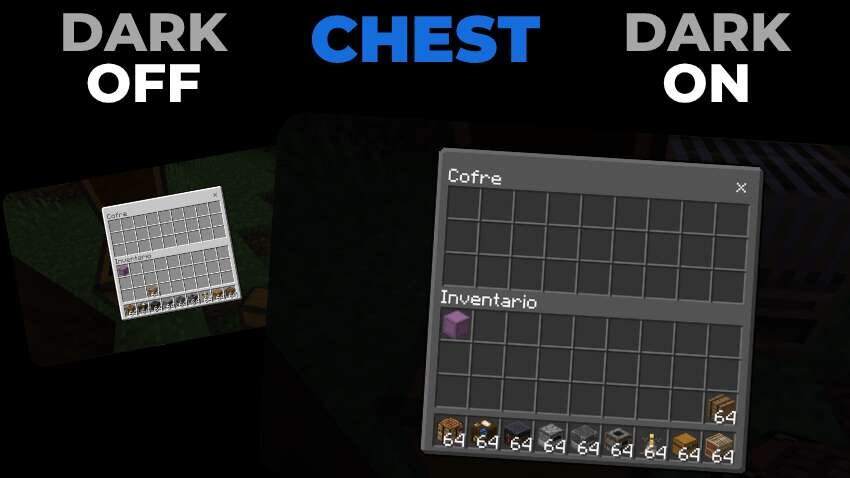
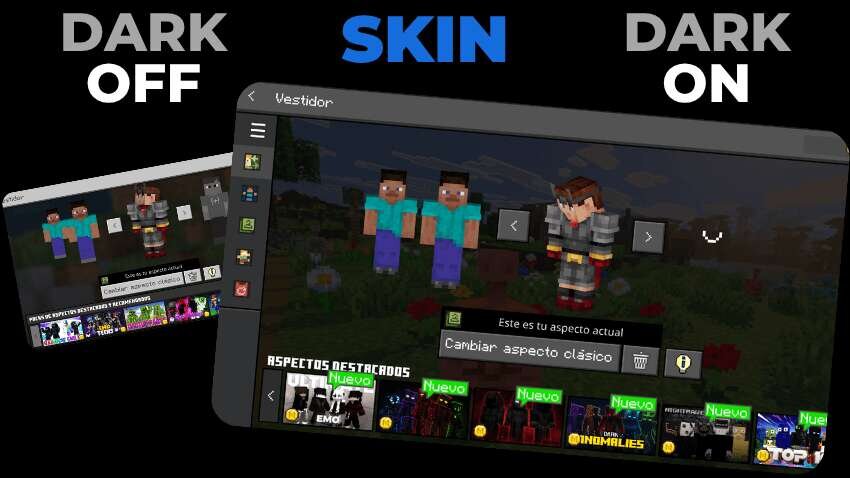
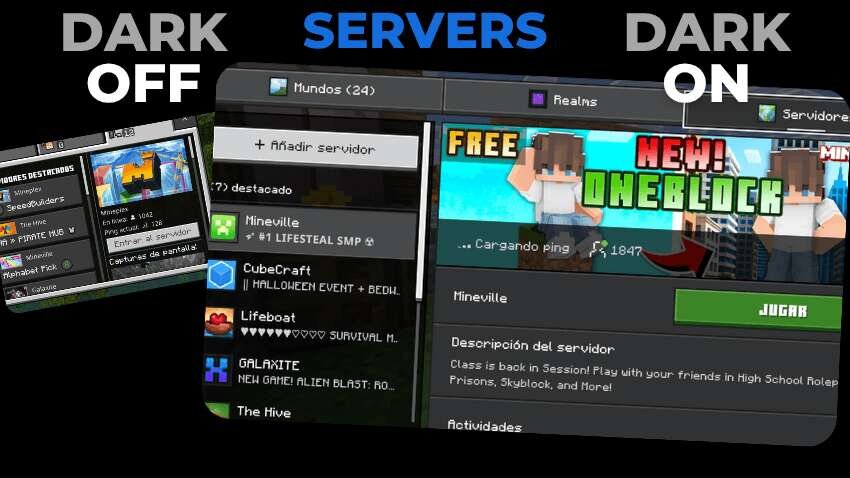
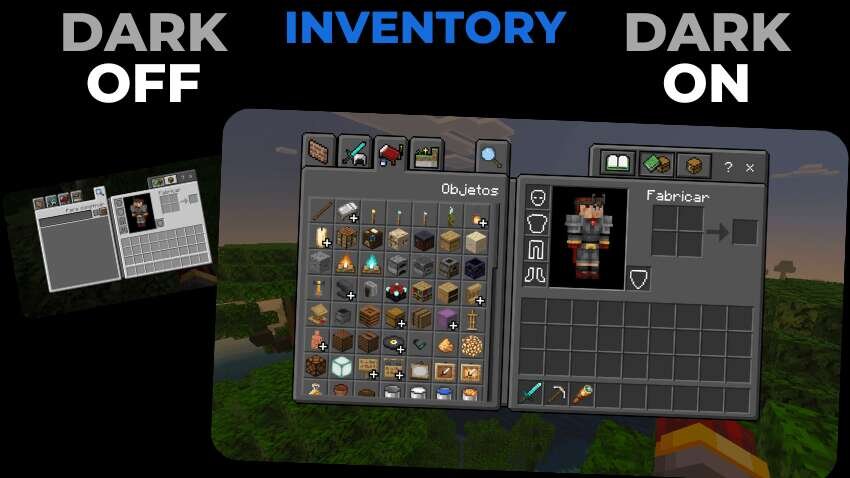

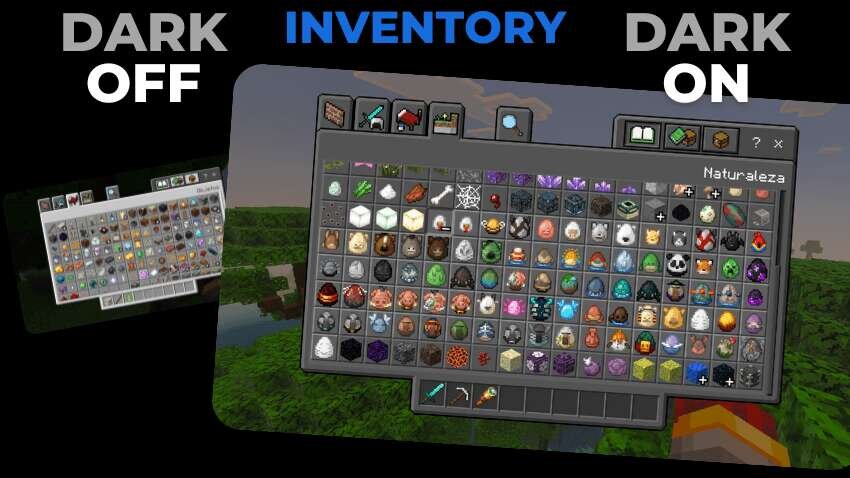
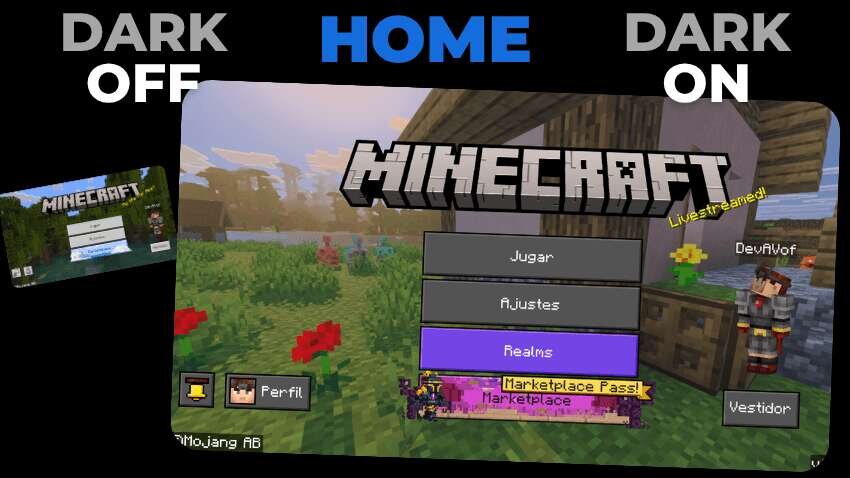
Темный стиль интерфейса присутствует уже практически везде: на любом смартфоне можно выбрать темный режим, в котором яркость не будет выжигать глаза. В этом плане разработчики Майнкрафт сильно отстали. Поэтому их работу приходится выполнять создателям дополнений: текстуры Dark Mode Minecraft UI добавляют темный дизайн для каждого меню или экрана.
Quick facts
- Edition: Minecraft Bedrock
- File type: .mcpack
- Minecraft version listed: 1.21
- How to install: Download the .mcpack. → Open it — Minecraft imports it under Resource Packs. → Activate it in Global Resources, or for one world under Resource Packs → Available.
- Where to get it: In MCModsHub, or directly above on this page.
Install steps are the general flow for this file type — How to install Minecraft Bedrock texture packs walks through it step by step.
File checked by MCModsHub
- Pack type: .mcpack — a single pack
- Manifest requires Minecraft 1.21.100 or newer
- Complete pack — everything it depends on is inside the file
- Download size: 251 KB
- Download link checked 6 Jul 2026 — working
- Mirrored on our own servers — the download does not depend on the original host
These come from our own check of the pack file, not from the source page.