Texture packsBedrock
Invisible Touch Buttons Textures
Bedrock texture pack listed for Minecraft 1.17–1.21. File opened and checked on 1 Oct 2026; installs from the MC Bedrock Mods app on Android.
Every self-respecting crafter has long memorized the location of control buttons on their smartphone screen in the game. Control buttons are remembered…
⬇ Download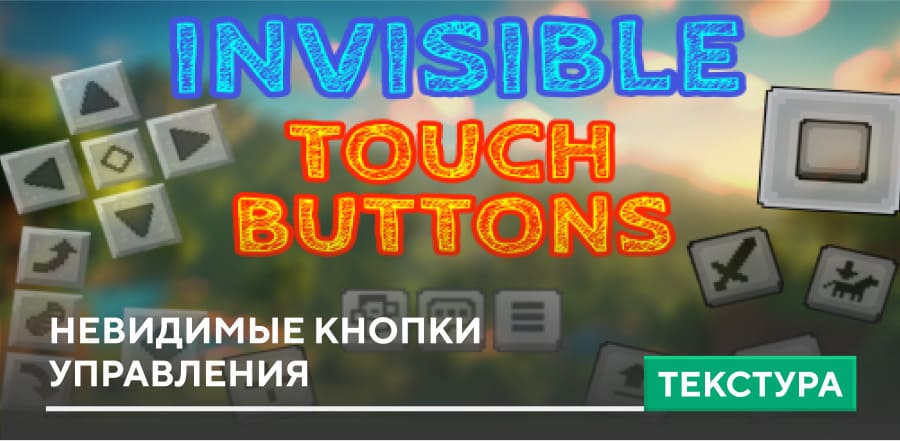
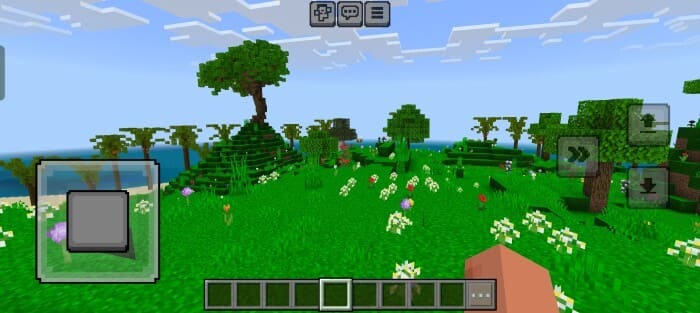
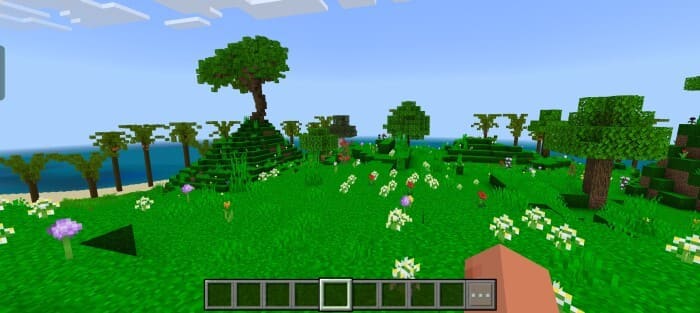

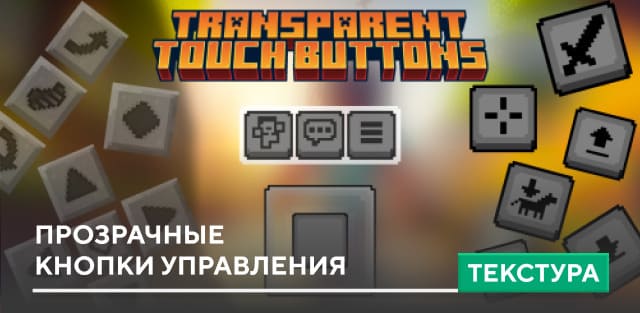
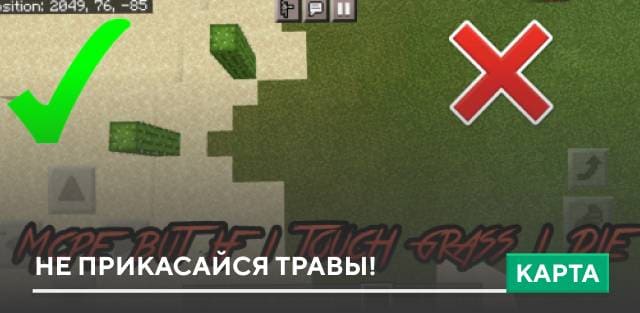
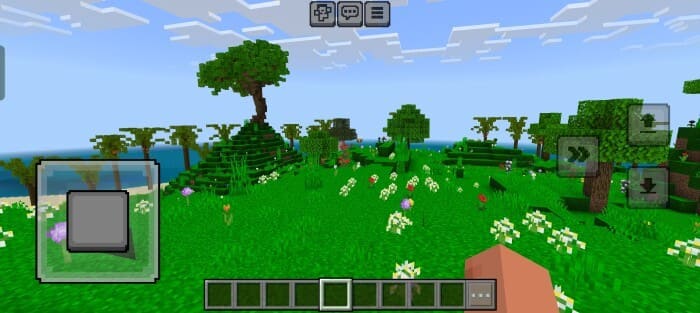
Каждый уважающий себя крафтер уже давно наизусть запомнил местоположение кнопок управления на своем экране смартфона в игре. Да и честно говоря, кнопки управления запоминаются в первые несколько минут игрового процесса, а потом их отображение уже не требуется. Именно поэтому текстуры Invisible Touch Buttons позволят убрать кнопки сенсорного управления с экрана.
До установки дополнения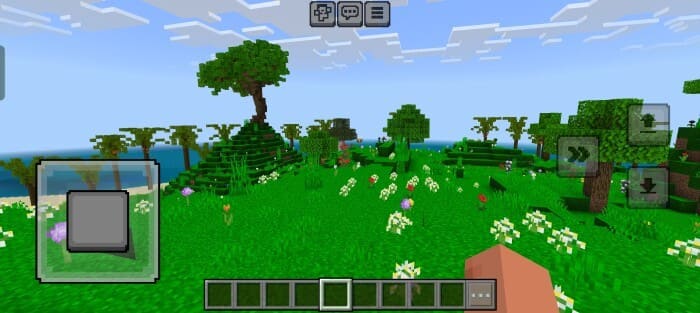 После установки дополнения
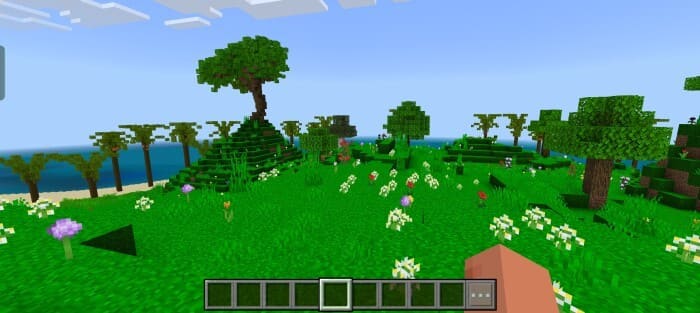 Изменения в новой версии
До установки дополнения
- Совместимость с 1.21.120+
Quick facts
- Edition: Minecraft Bedrock
- File type: .mcpack
- Minecraft versions listed: 1.21.120, 1.21
- How to install: Download the .mcpack. → Open it — Minecraft imports it under Resource Packs. → Activate it in Global Resources, or for one world under Resource Packs → Available.
- Where to get it: In MCModsHub, or directly above on this page.
Install steps are the general flow for this file type — How to install Minecraft Bedrock texture packs walks through it step by step.
File checked by MCModsHub
- Save it as 186114.mcaddon before opening — it downloads as .mcpack, but it is a .mcaddon pack
- Manifest requires Minecraft 1.17.0 or newer
- Complete pack — everything it depends on is inside the file
- Download size: 57 KB
- Download link checked 6 Jul 2026 — working
- Mirrored on our own servers — the download does not depend on the original host
These come from our own check of the pack file, not from the source page.