Texture packsBedrock
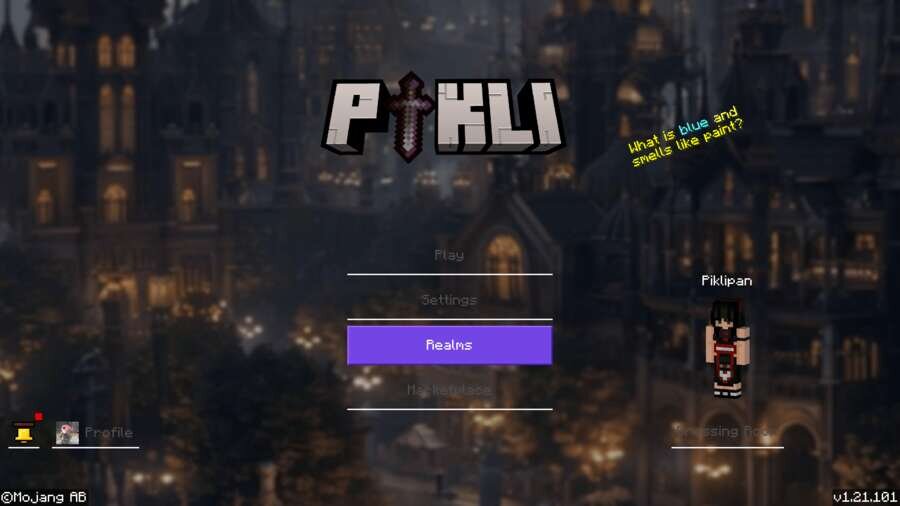
Pikli Textures
Bedrock texture pack listed for Minecraft 1.21. File opened and checked on 5 Oct 2026; installs from the MC Bedrock Mods app on Android.
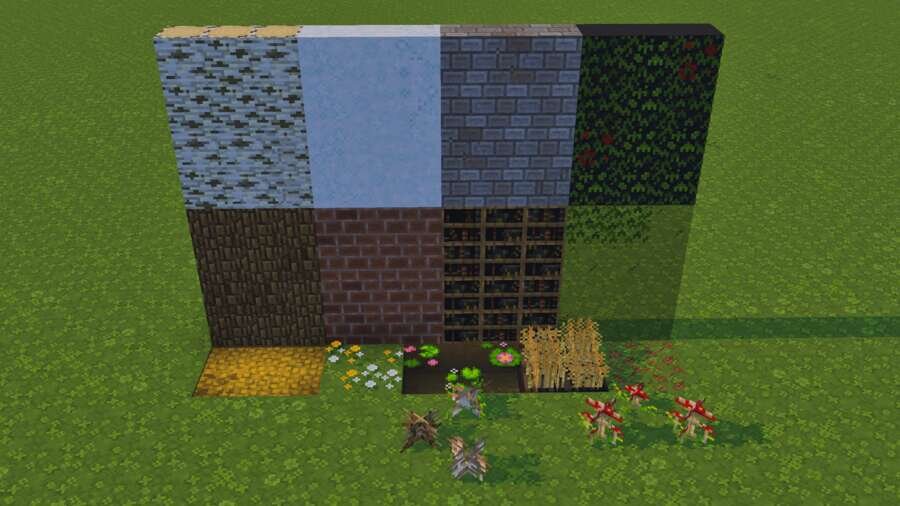
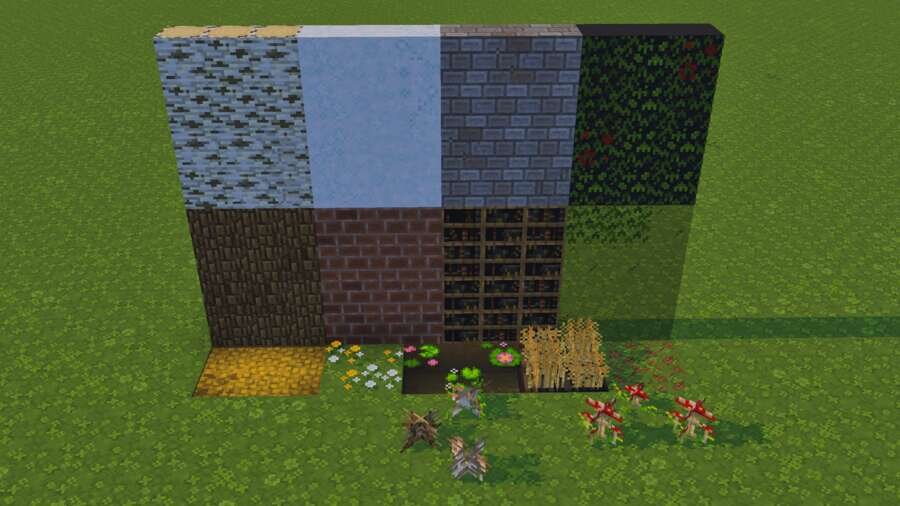
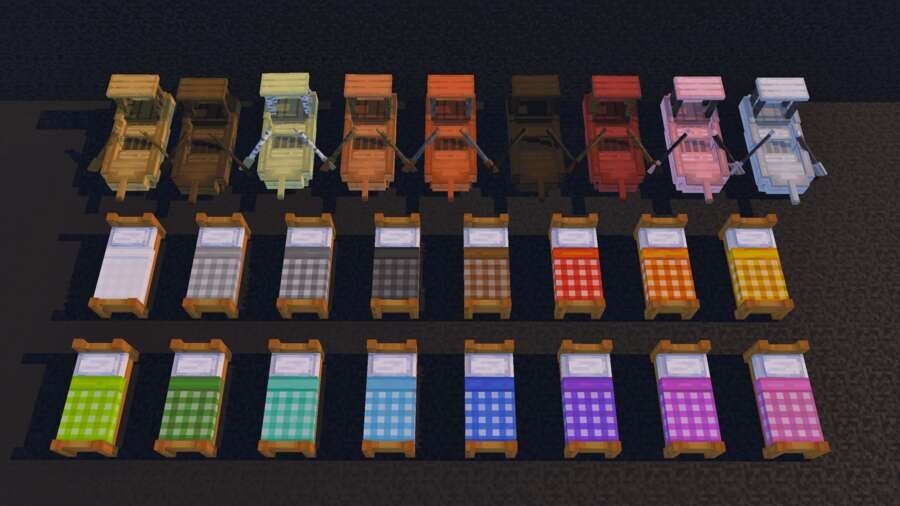
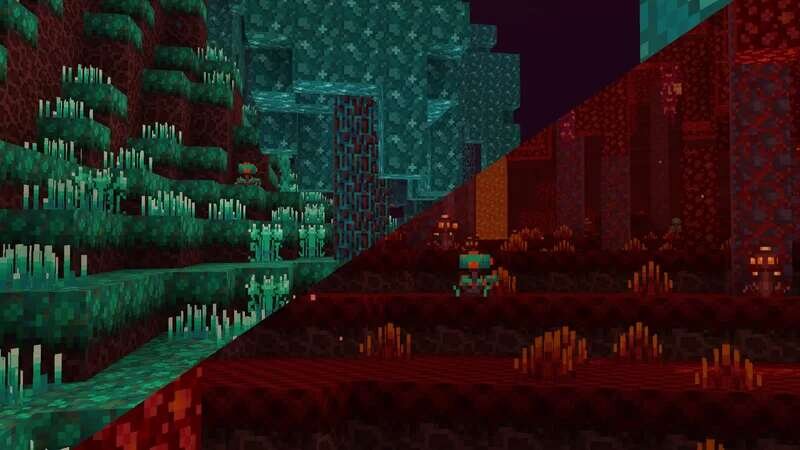
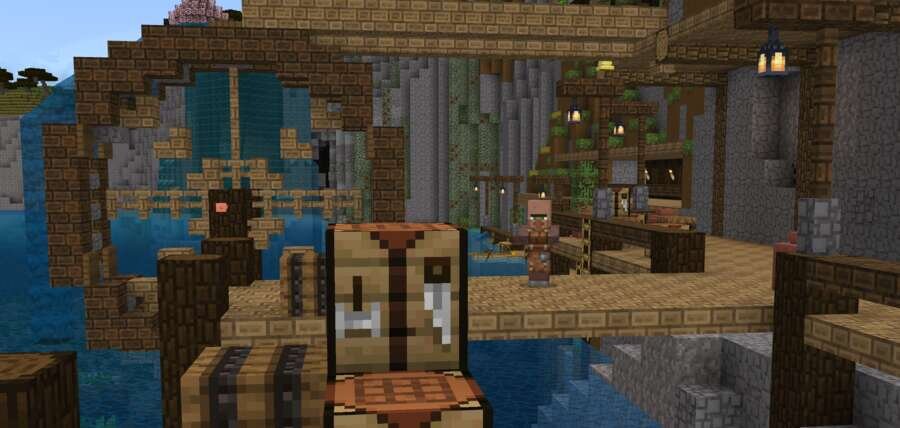
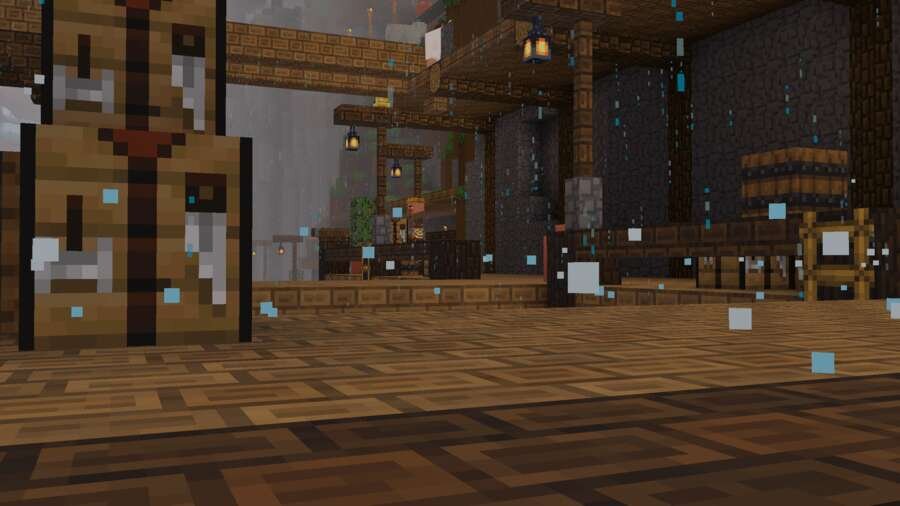
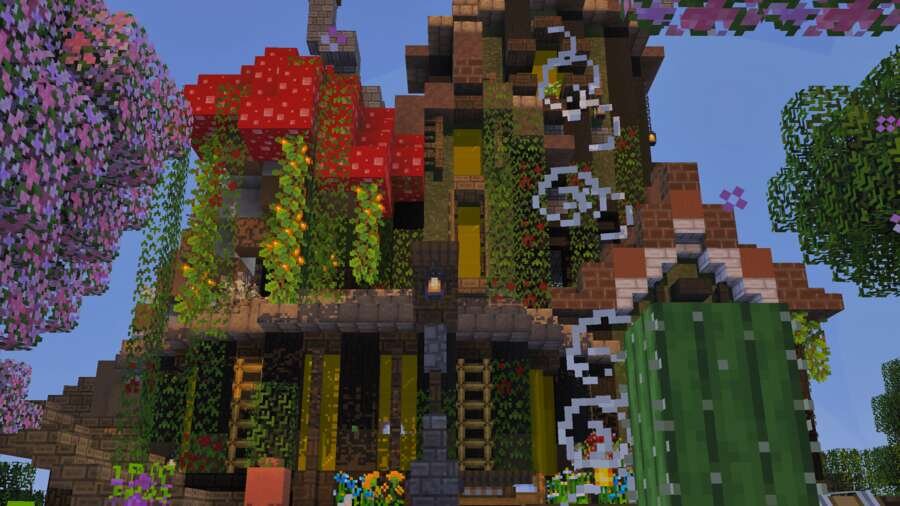
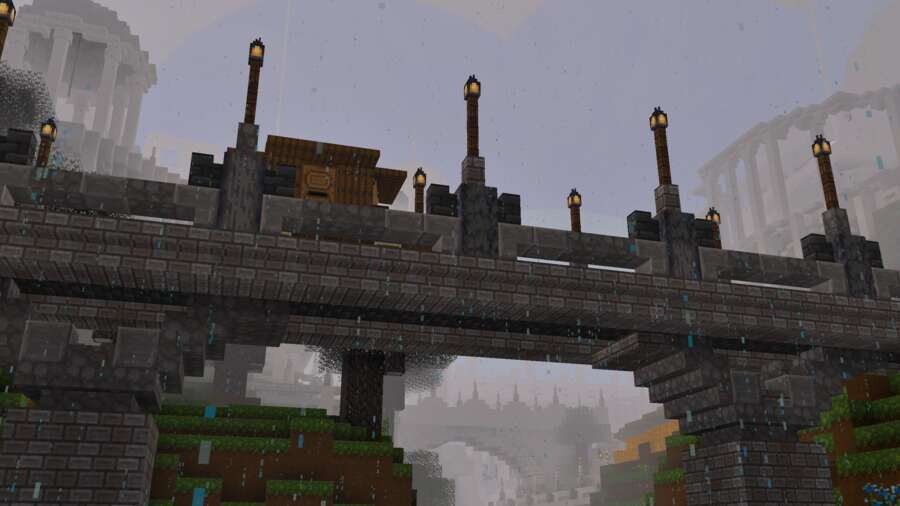
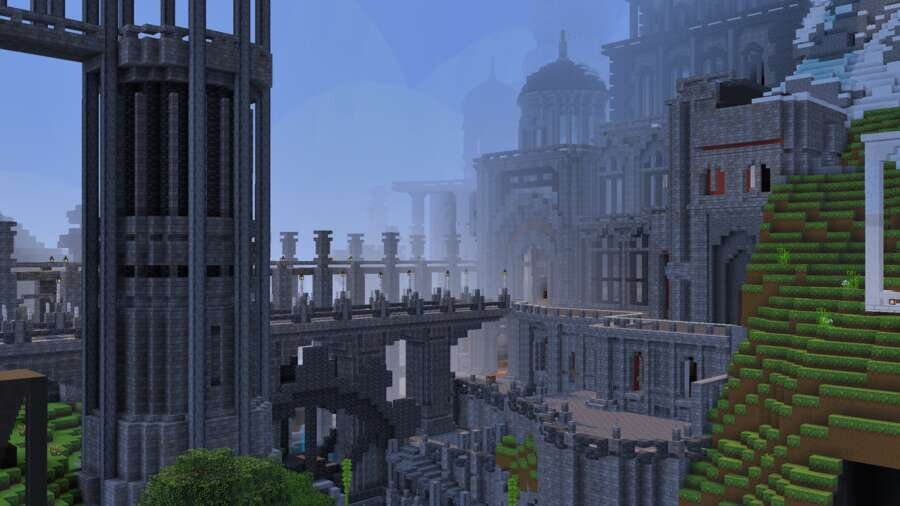
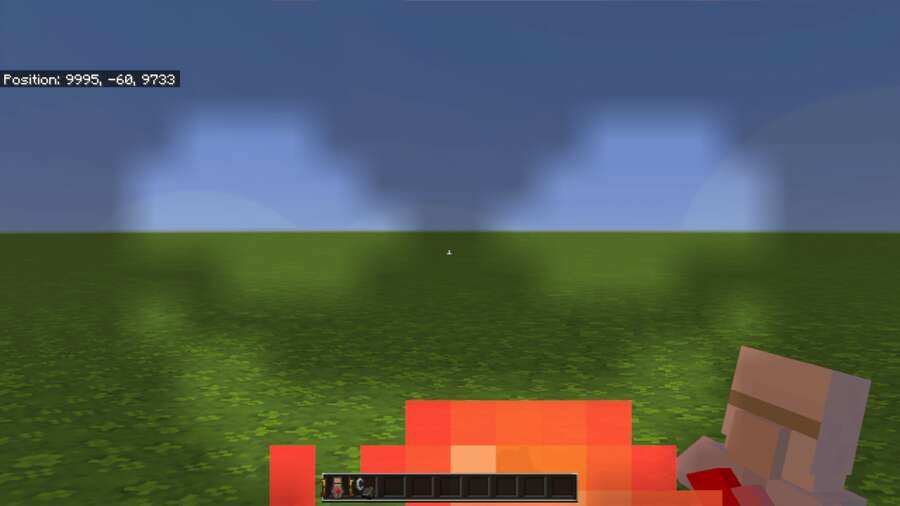
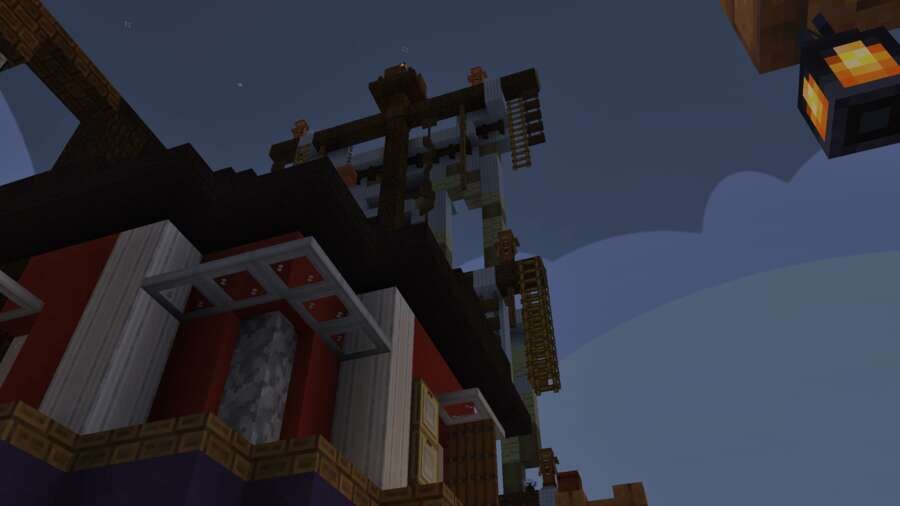
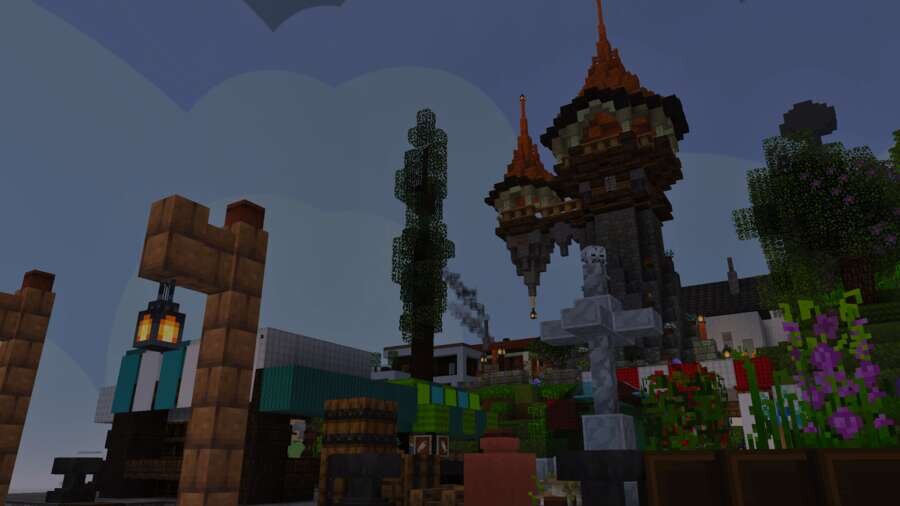
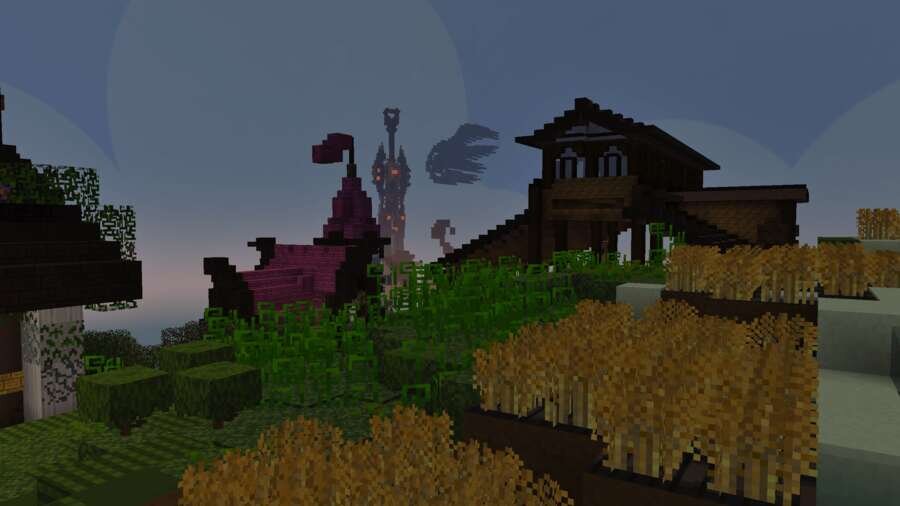
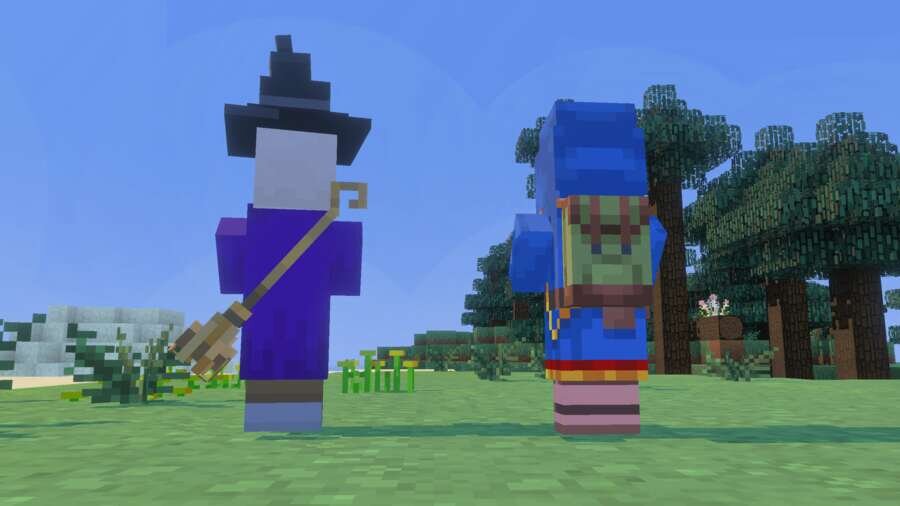
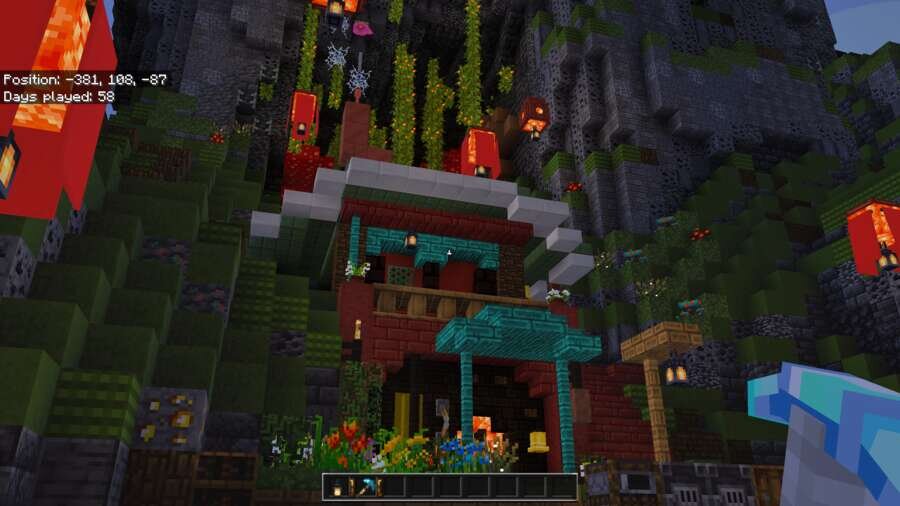
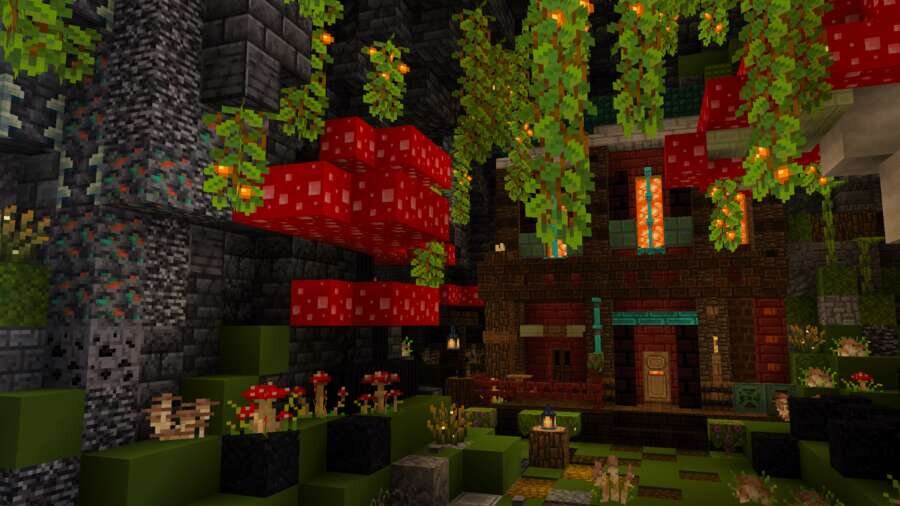
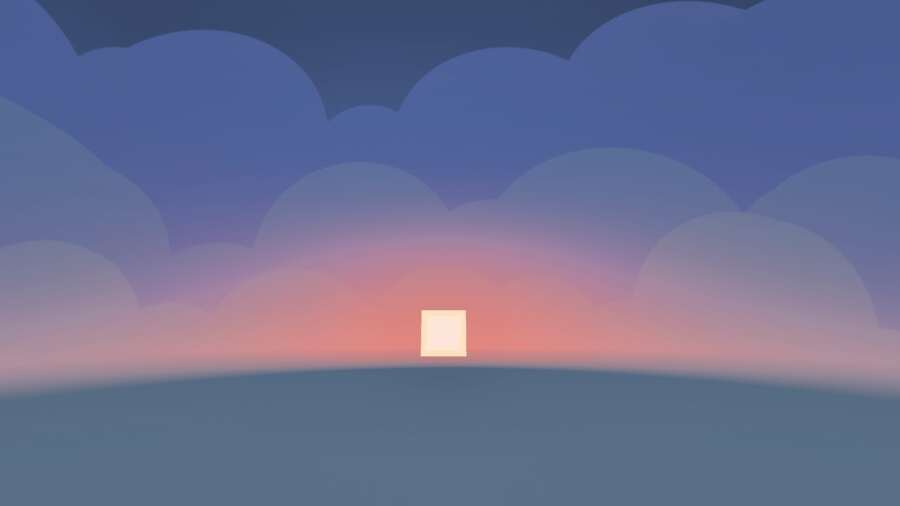
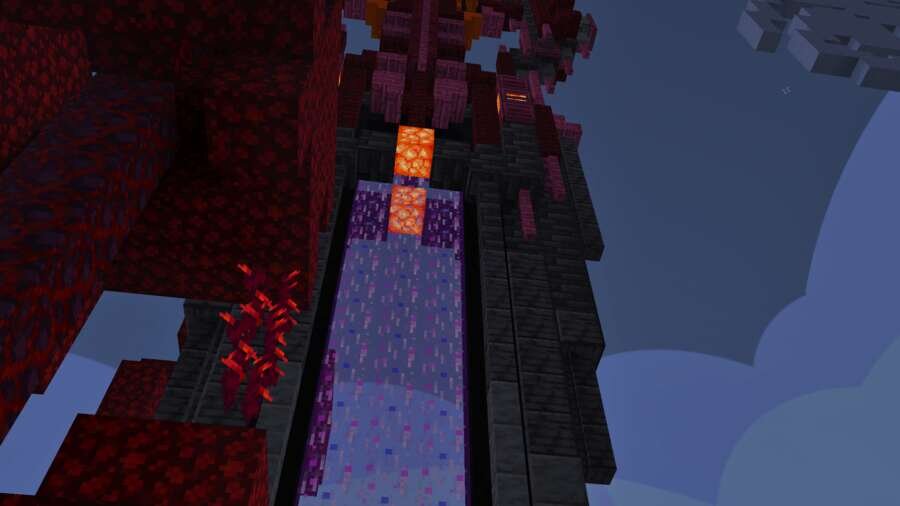
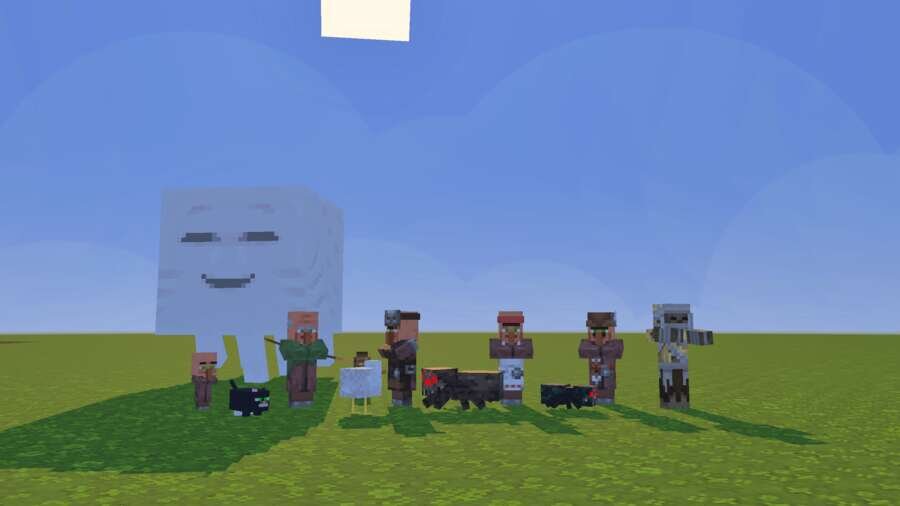
Transform your familiar world into a colorful and cozy universe with updated design. Features reworked block textures, 3D elements, and visual effects…
⬇ Download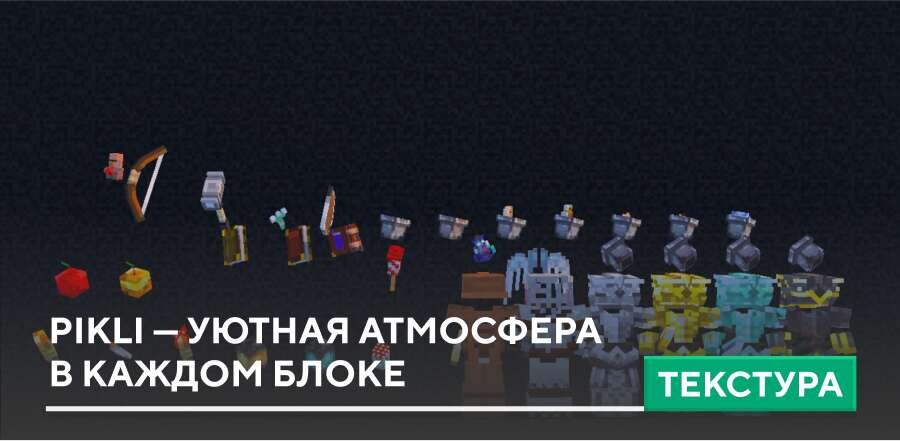
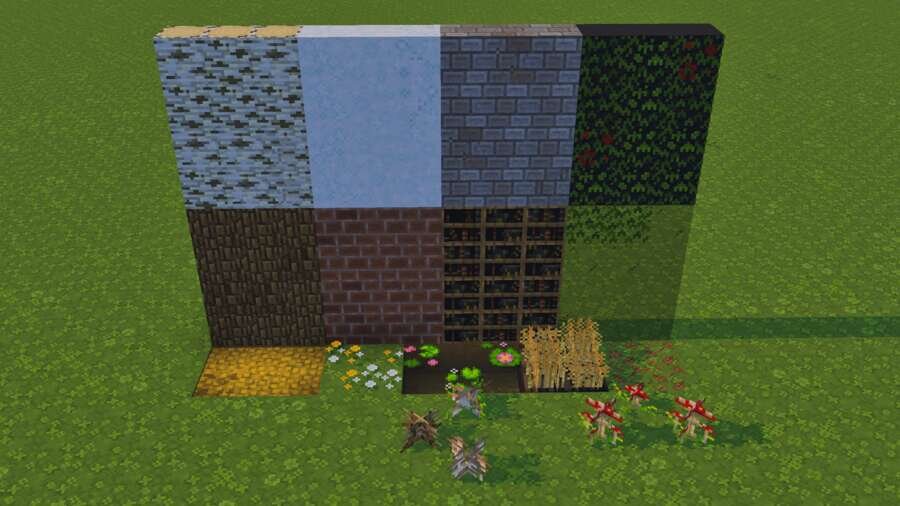
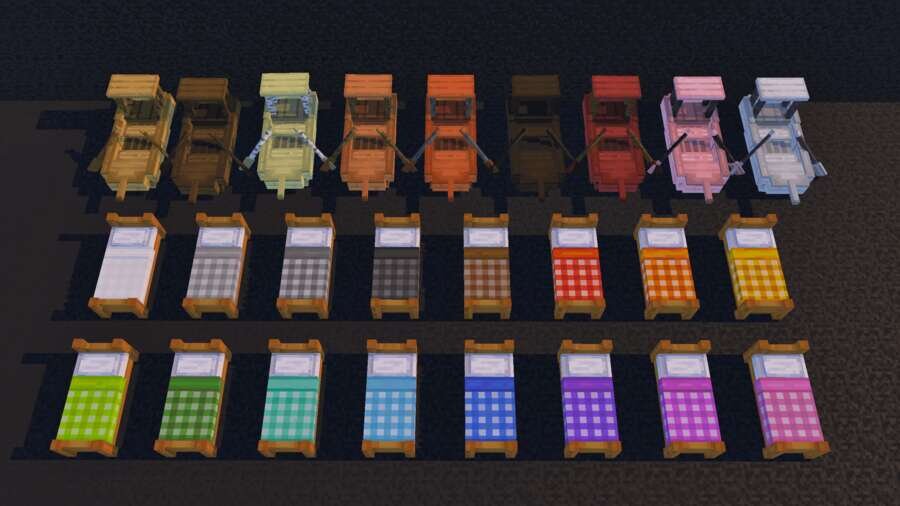
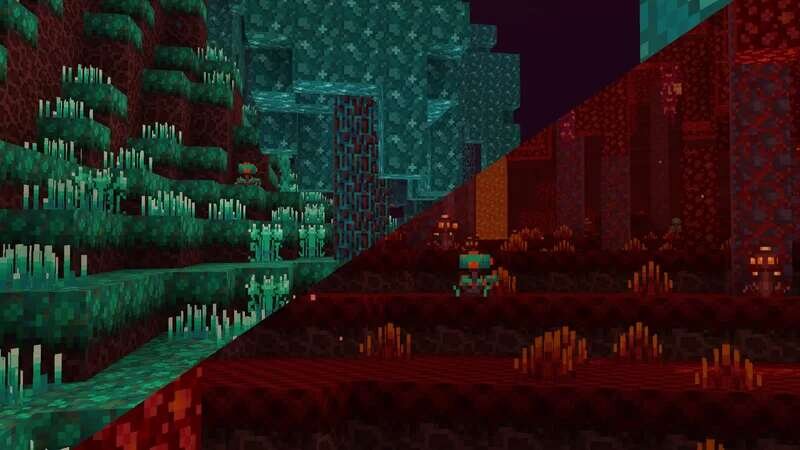
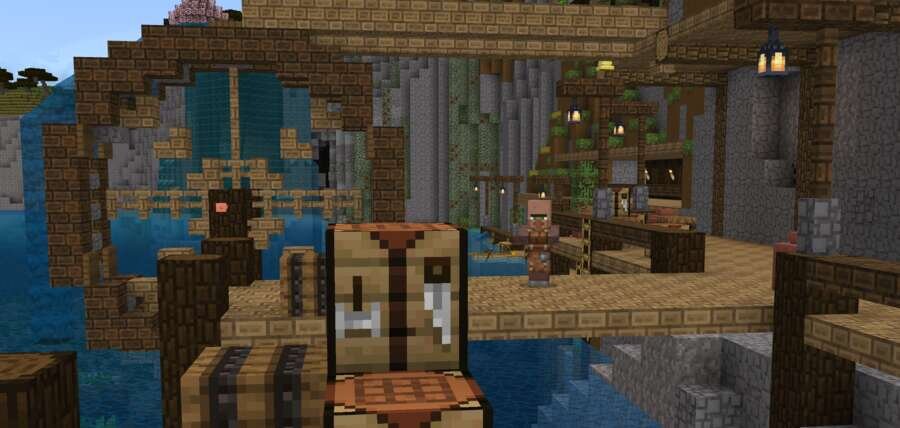
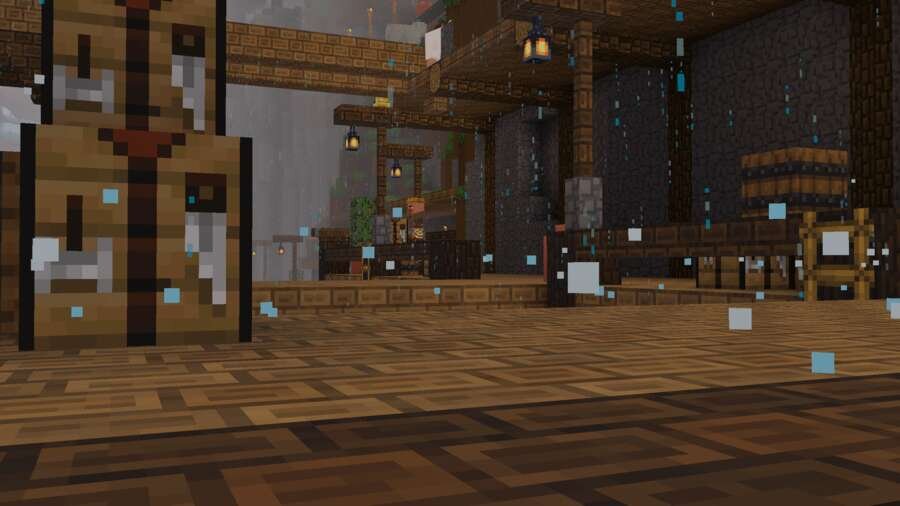
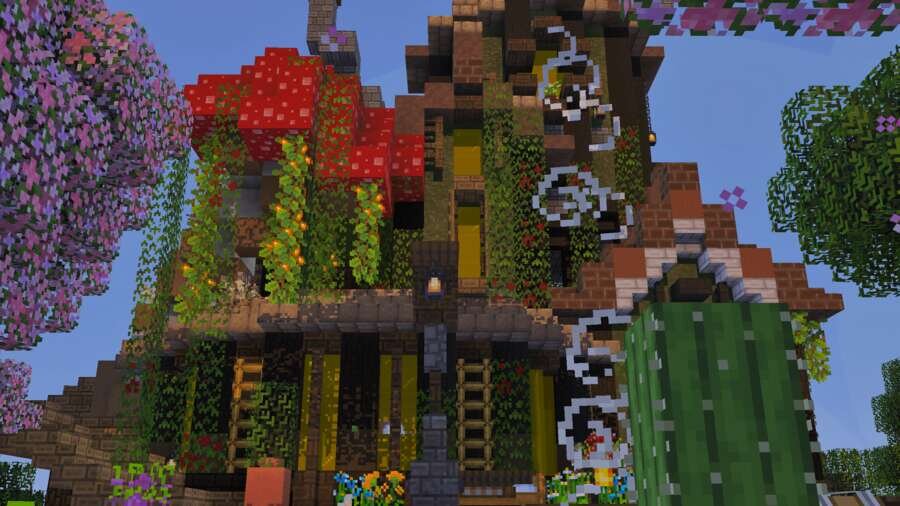
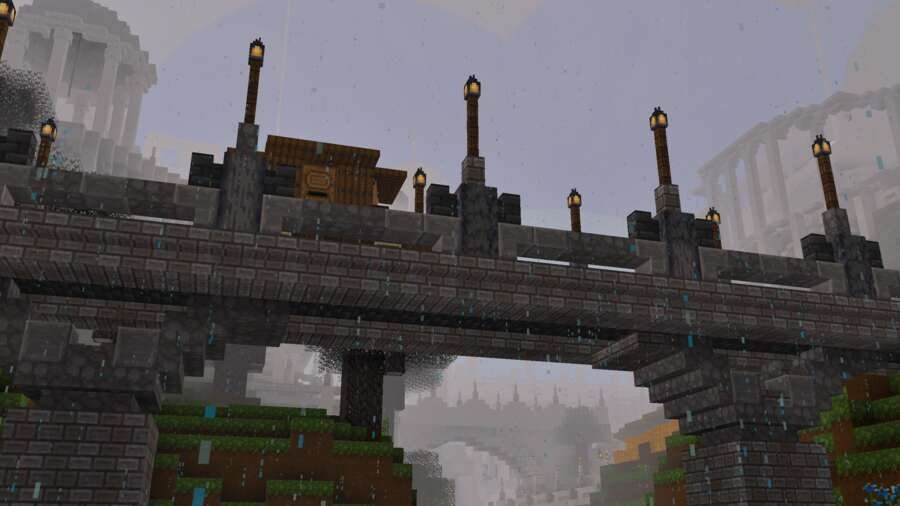
Преобрази привычный мир в красочную и уютную вселенную с обновлённым дизайном. С помощью текстур Pikli твой мир в Minecraft наполняется теплом и уютом. Здесь переработаны текстуры блоков, добавлены 3D-элементы, а визуальные эффекты создают атмосферу живого, насыщенного пространства. Каждый элемент сочетается с другими, формируя цельный и продуманный стиль.
Функции
Функции
- Уютная эстетика в стиле коттеджа
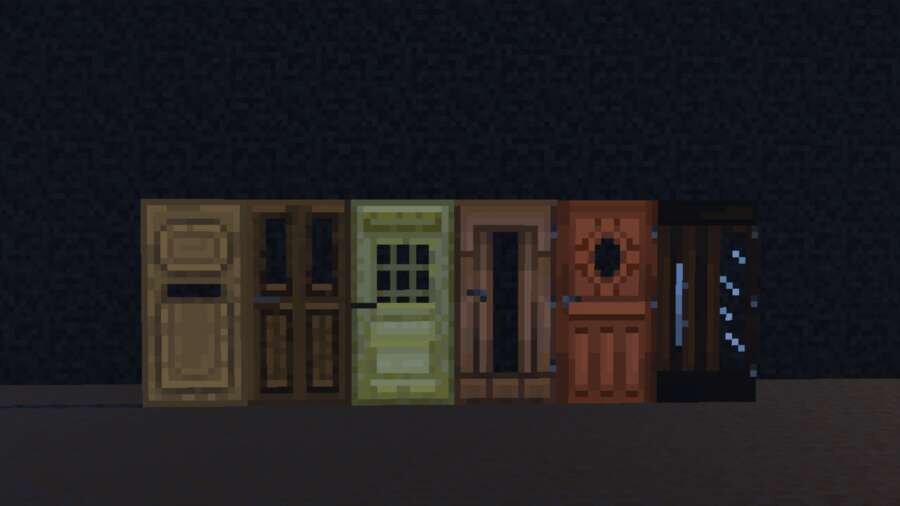
- Пользовательские блоки и отредактированные текстуры
- 3D-предметы и анимация
- Частицы и эффекты окружающей среды
- Яркие и красочные визуальные эффекты
Quick facts
- Edition: Minecraft Bedrock
- File type: .mcpack
- Minecraft version listed: 1.21
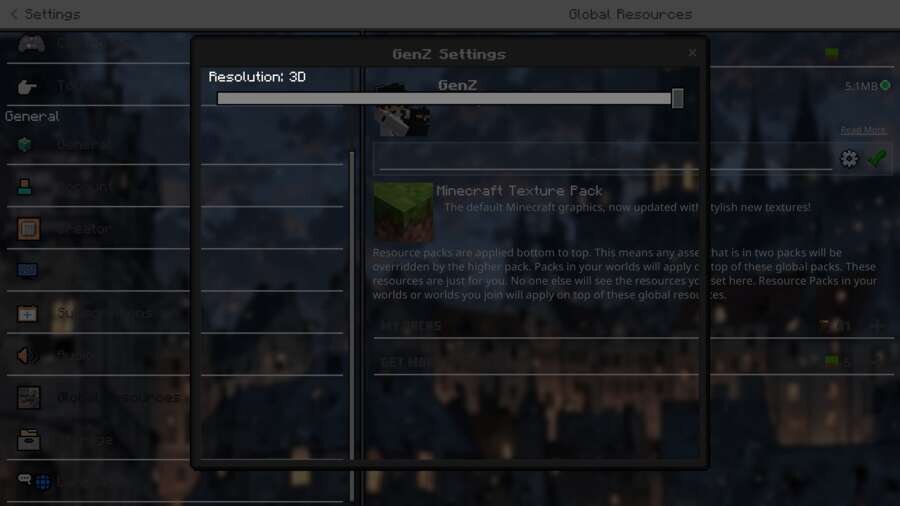
- How to install: Download the .mcpack. → Open it — Minecraft imports it under Resource Packs. → Activate it in Global Resources, or for one world under Resource Packs → Available.
- Where to get it: In MCModsHub, or directly above on this page.
Install steps are the general flow for this file type — How to install Minecraft Bedrock texture packs walks through it step by step.
File checked by MCModsHub
- Pack type: .mcpack — a single pack
- Manifest requires Minecraft 1.21.70 or newer
- Complete pack — everything it depends on is inside the file
- Download size: 6.4 MB
- Download link checked 6 Jul 2026 — working
- Mirrored on our own servers — the download does not depend on the original host
These come from our own check of the pack file, not from the source page.