Texture packsBedrock
Redstone UI Textures
Bedrock texture pack listed for Minecraft 1.16–1.21. File opened and checked on 6 Oct 2026; installs from the MC Bedrock Mods app on Android.
Sometimes it's enough to change the appearance of the menu and interface for the game to come alive in a new way. Redstone UI textures completely update…
⬇ Download
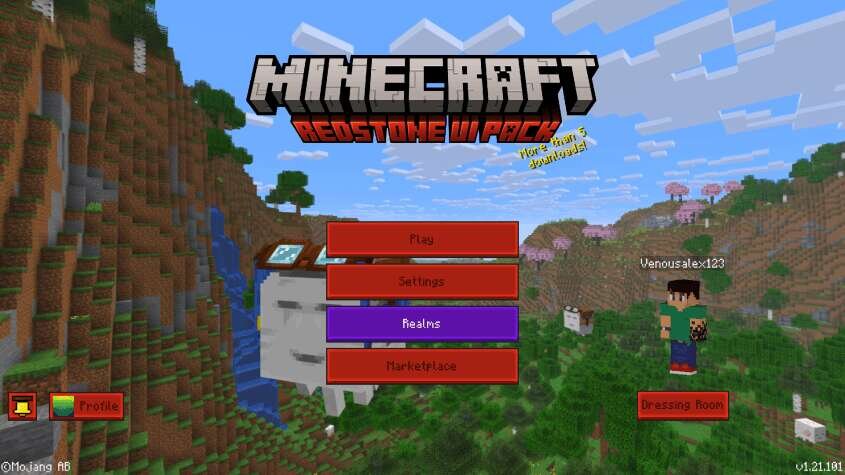
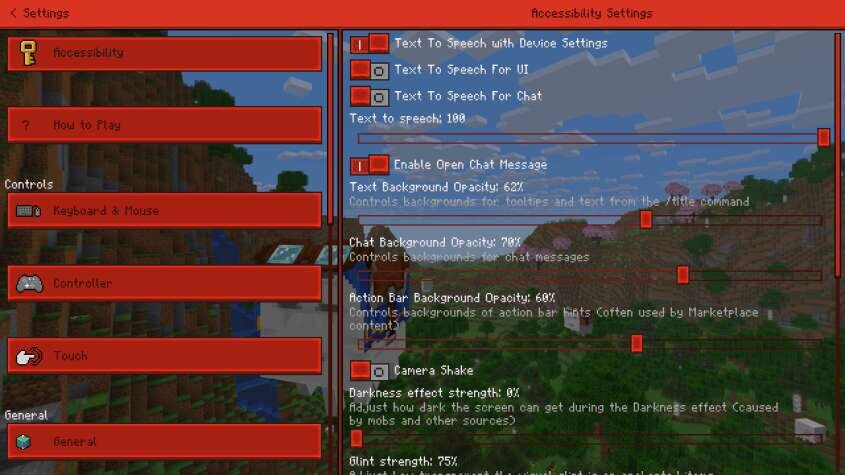

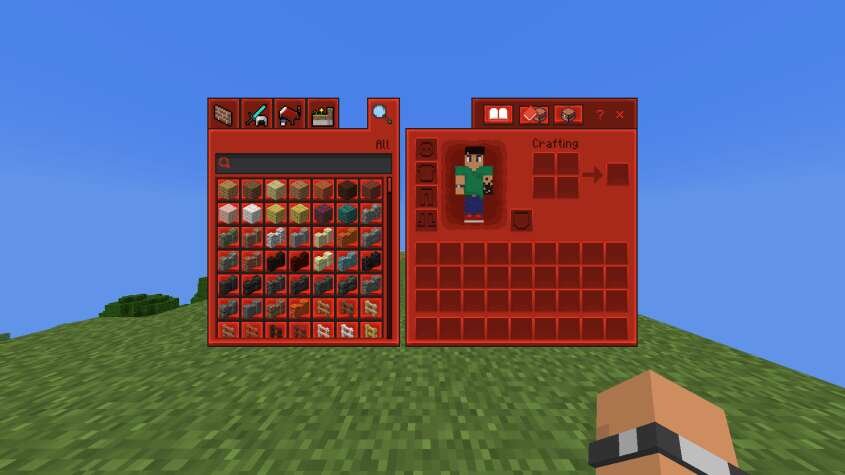
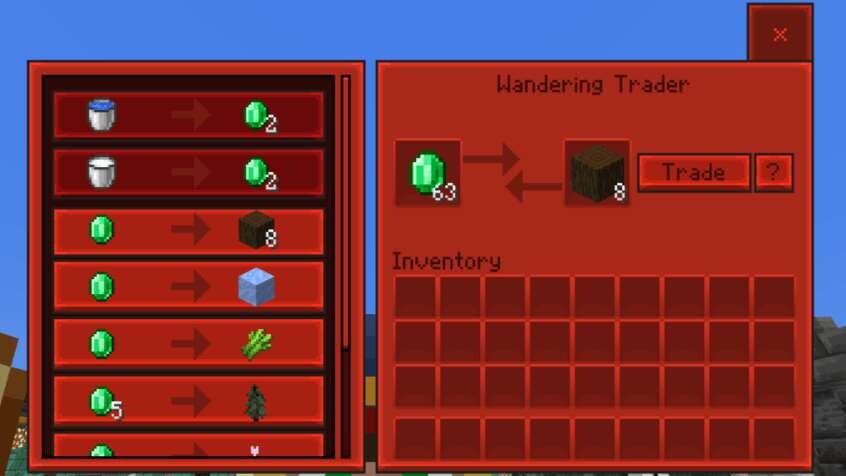
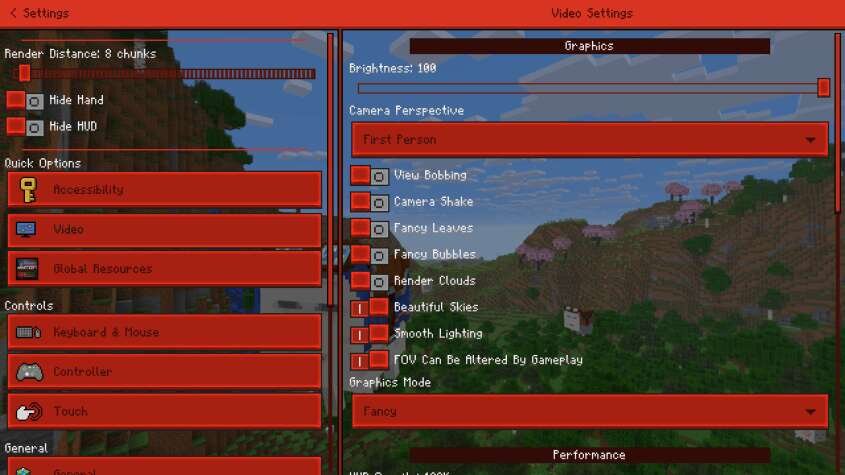
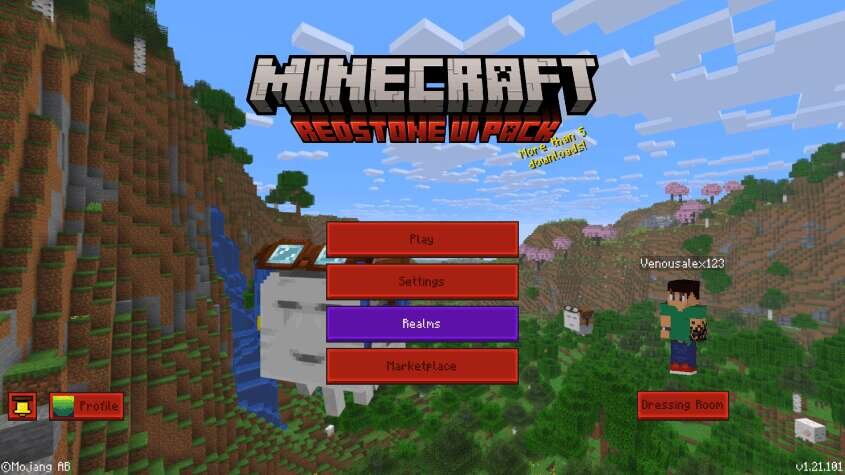
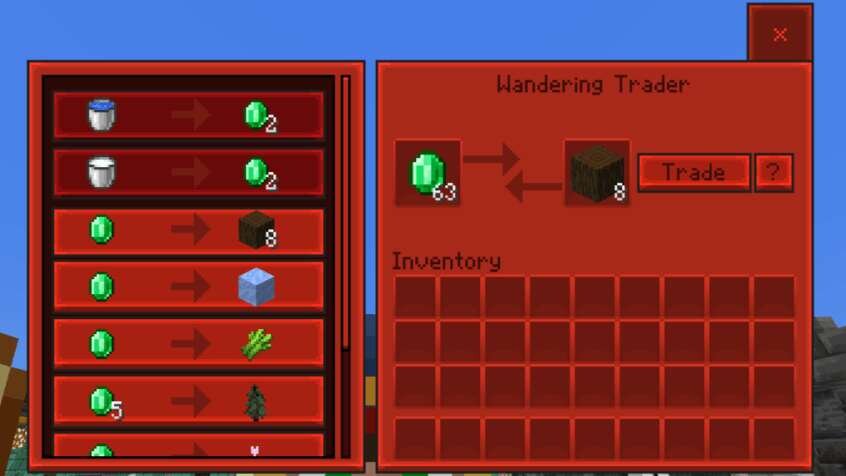
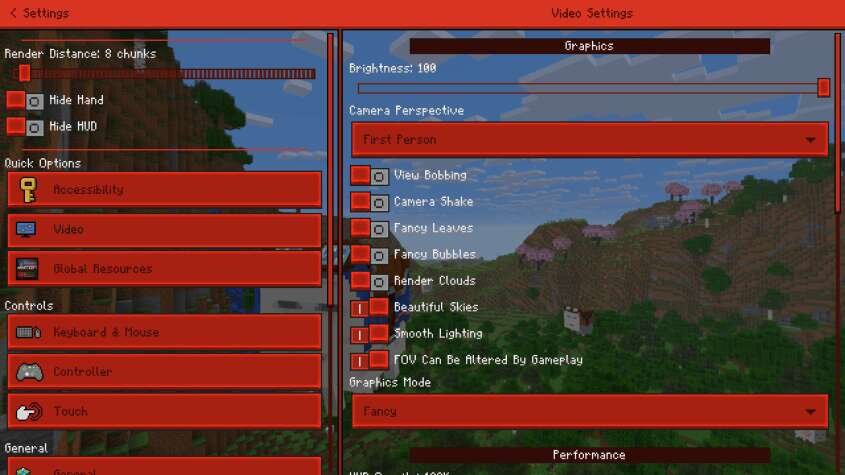
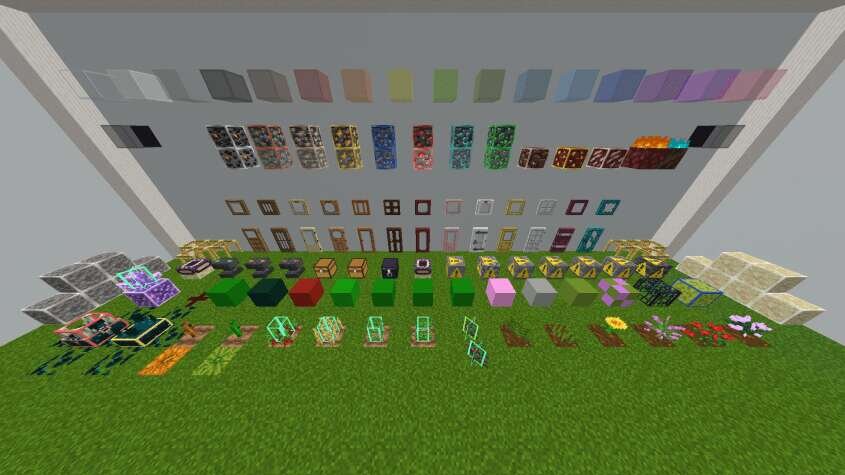
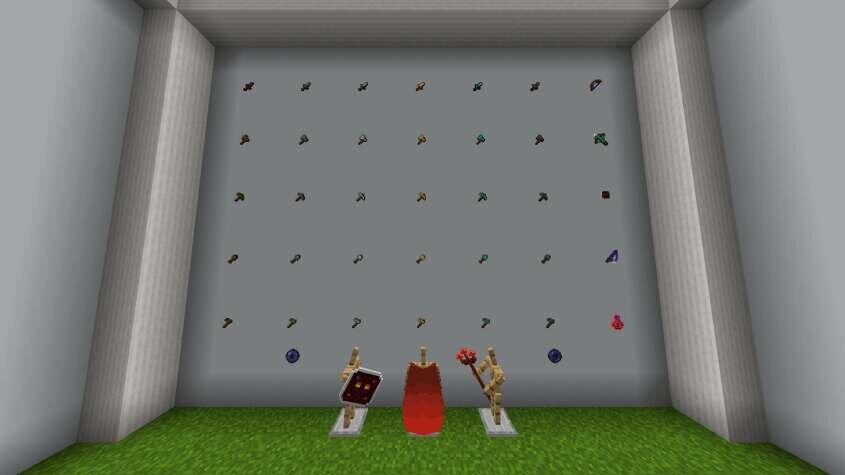
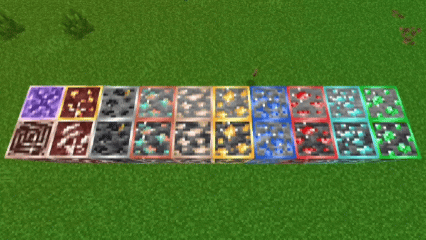
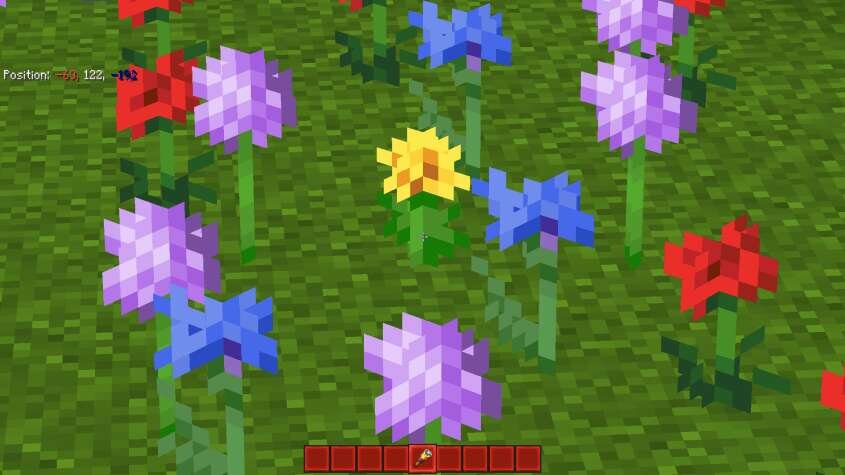
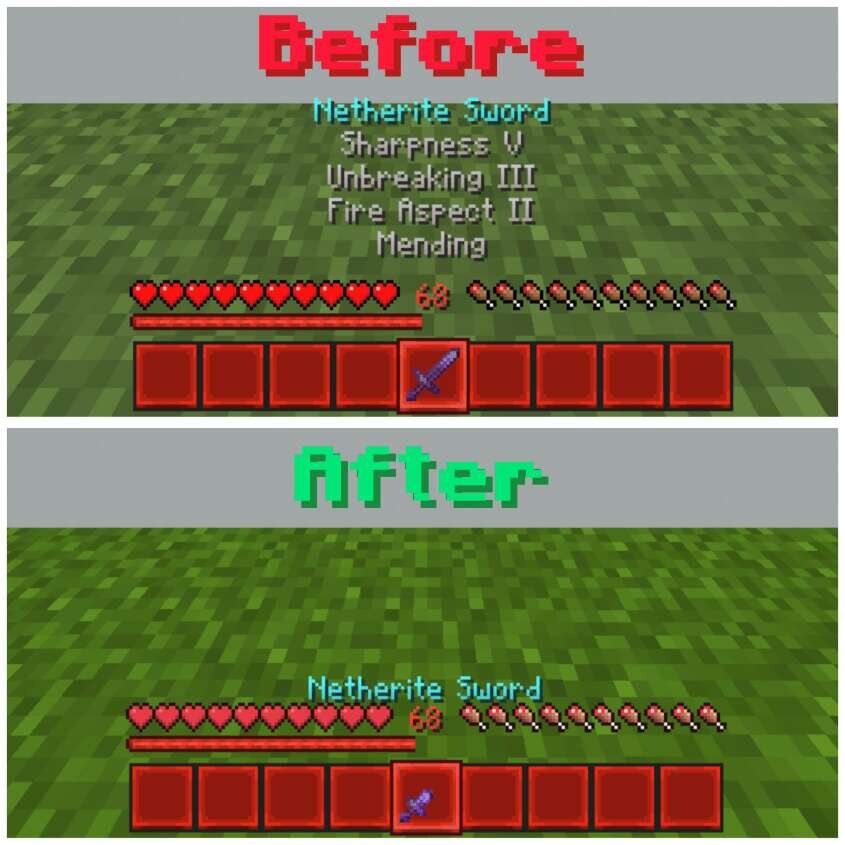
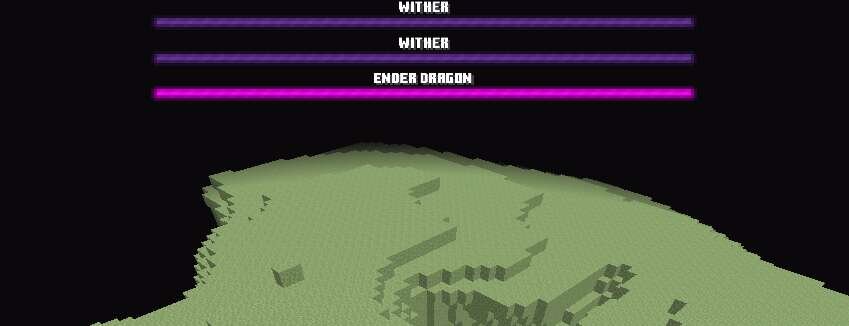
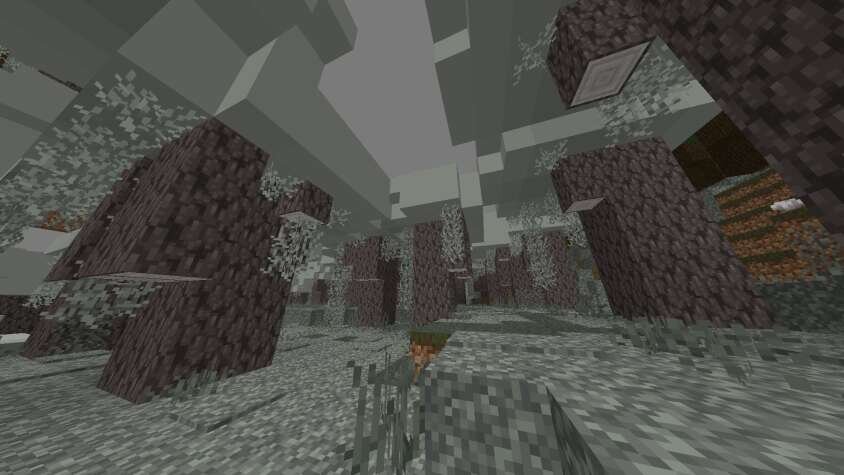
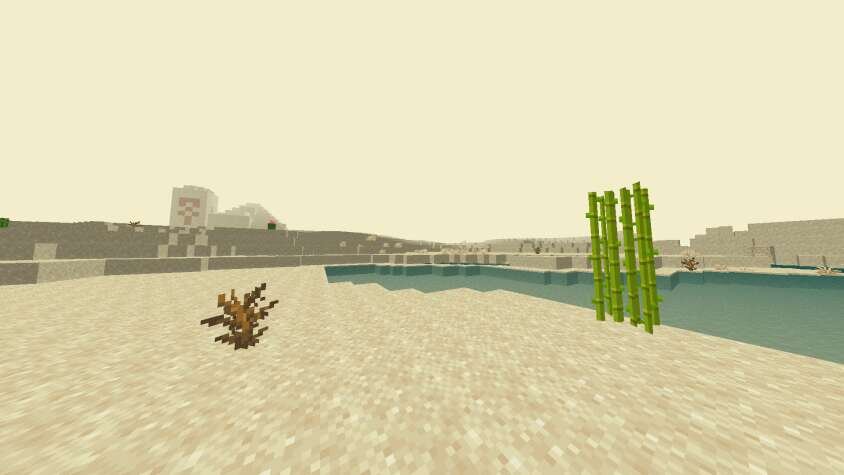
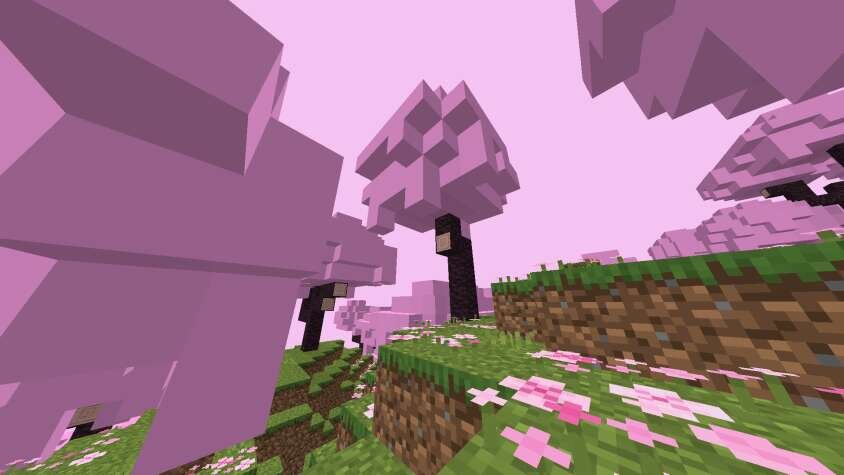
Иногда достаточно поменять внешний вид меню и интерфейса, чтобы игра заиграла по-новому. Текстуры Redstone UI полностью обновляют интерфейс, делая его ярче, удобнее и заметно более современным. Дополнение предлагает два режима: стандартный с обновлёнными кнопками, окнами и рабочими столами, а также оптимизированный с упрощёнными эффектами, убранными лишними анимациями и улучшенной видимостью в Minecraft.
Такая переработка открывает комфортный и мягкий стиль, который меняет привычное восприятие игры.
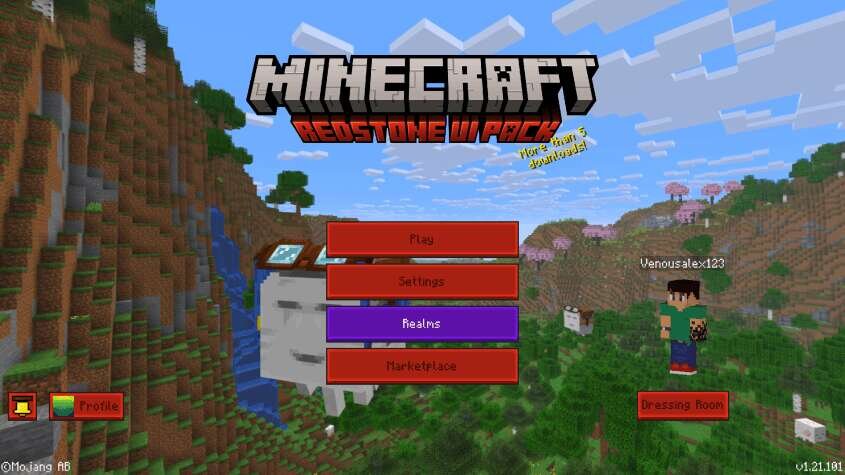
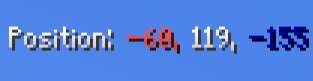
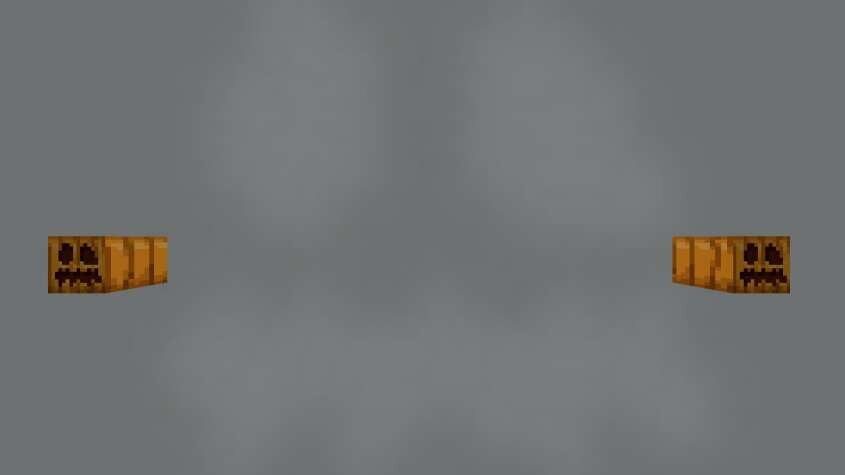
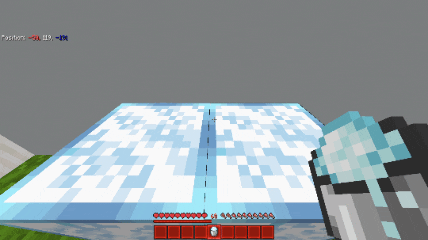
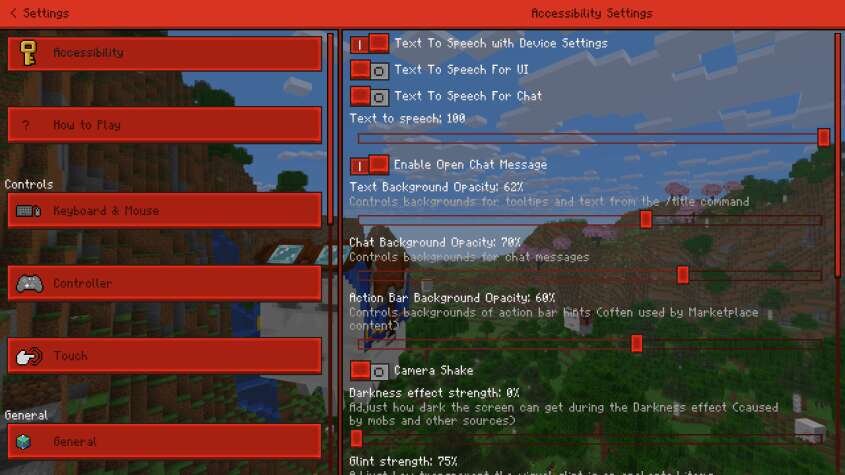 Координаты
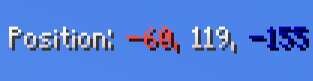 Инвентарь быстрого доступа
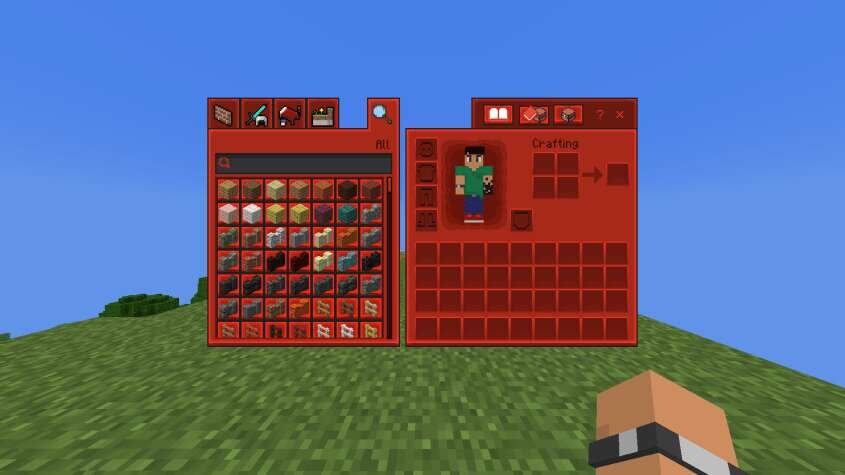 Торговля
 Меню настроек
 Экрана чата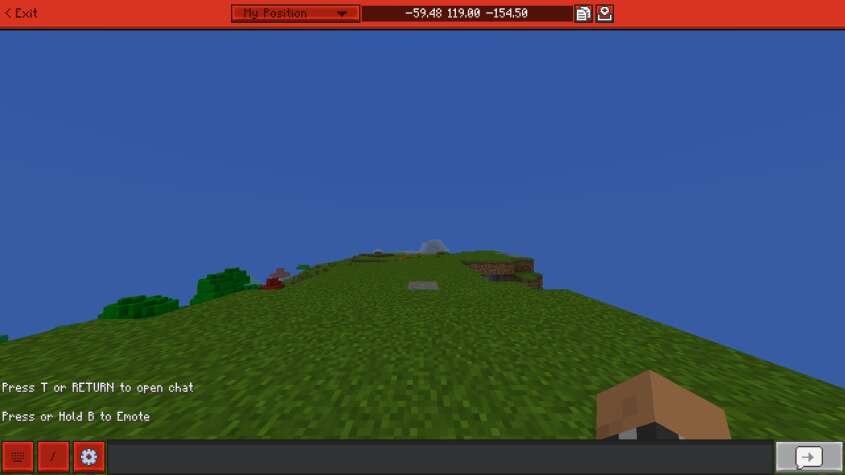
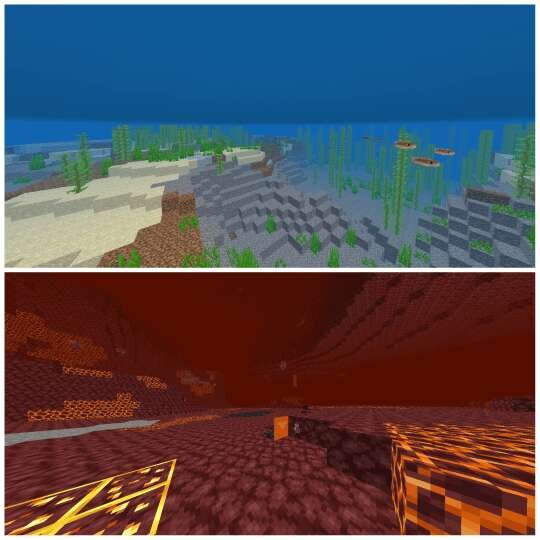
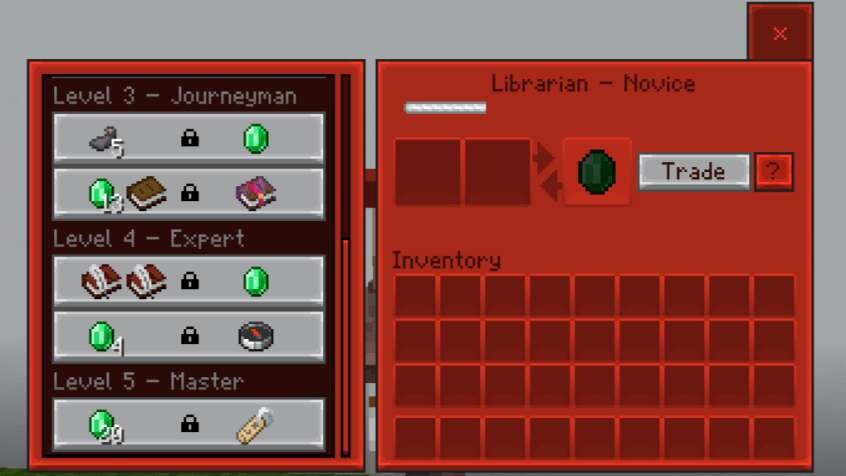 Прочее
Такая переработка открывает комфортный и мягкий стиль, который меняет привычное восприятие игры.
Quick facts
- Edition: Minecraft Bedrock
- File type: .mcpack
- Minecraft version listed: 1.21
- How to install: Download the .mcpack. → Open it — Minecraft imports it under Resource Packs. → Activate it in Global Resources, or for one world under Resource Packs → Available.
- Where to get it: In MCModsHub, or directly above on this page.
Install steps are the general flow for this file type — How to install Minecraft Bedrock texture packs walks through it step by step.
File checked by MCModsHub
- Pack type: .mcpack — a single pack
- Manifest requires Minecraft 1.16.0 or newer
- Complete pack — everything it depends on is inside the file
- Download size: 7.6 MB
- Download link checked 6 Jul 2026 — working
- Mirrored on our own servers — the download does not depend on the original host
These come from our own check of the pack file, not from the source page.