Texture packsBedrock
Outlined Glowing Ores Textures
Bedrock texture pack listed for Minecraft 1.16–1.21. File opened and checked on 5 Oct 2026; installs from the MC Bedrock Mods app on Android.
Convenience when exploring caves depends on how easily you can find resources. Outlined Glowing Ores textures provide highlighting for all standard ores…
⬇ Download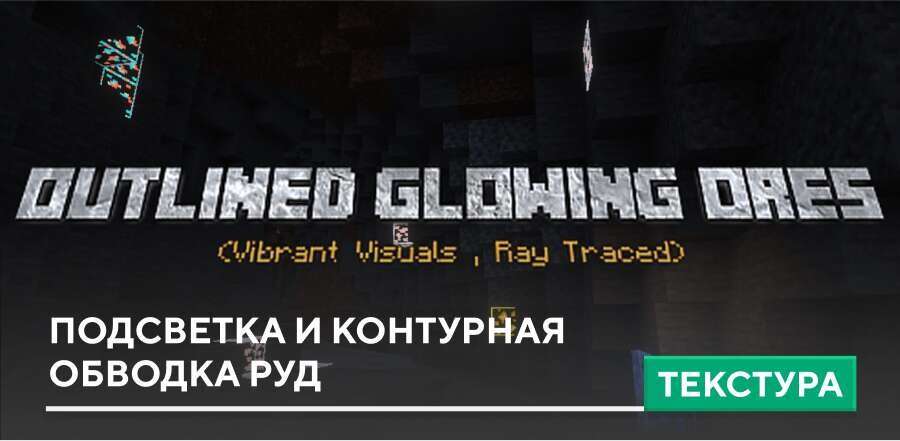
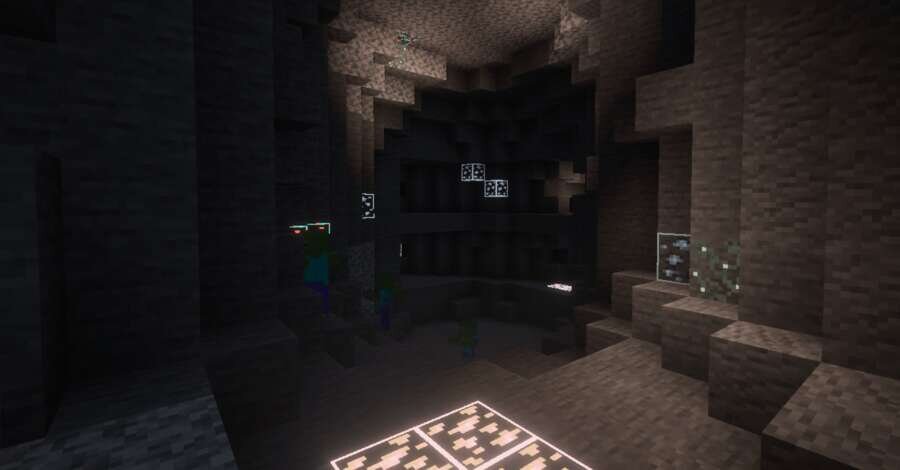
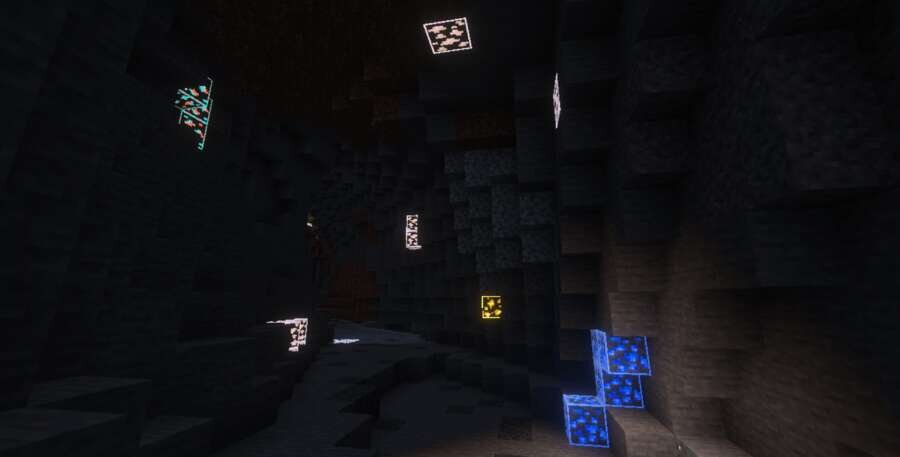
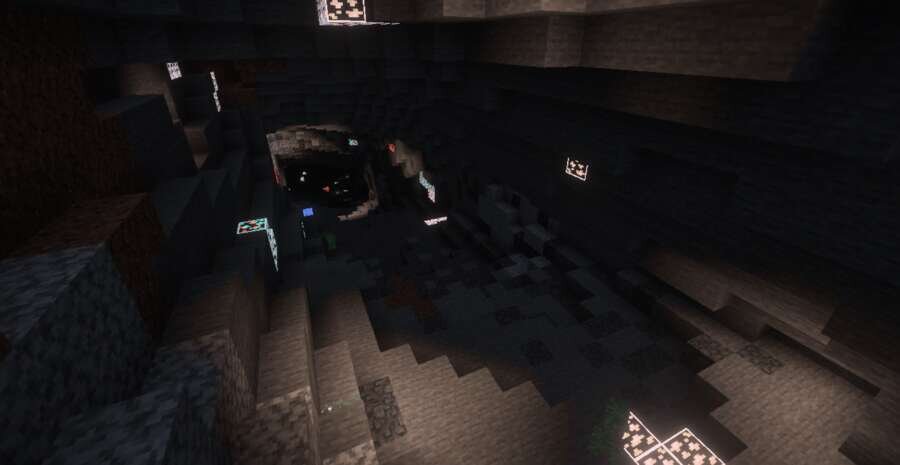

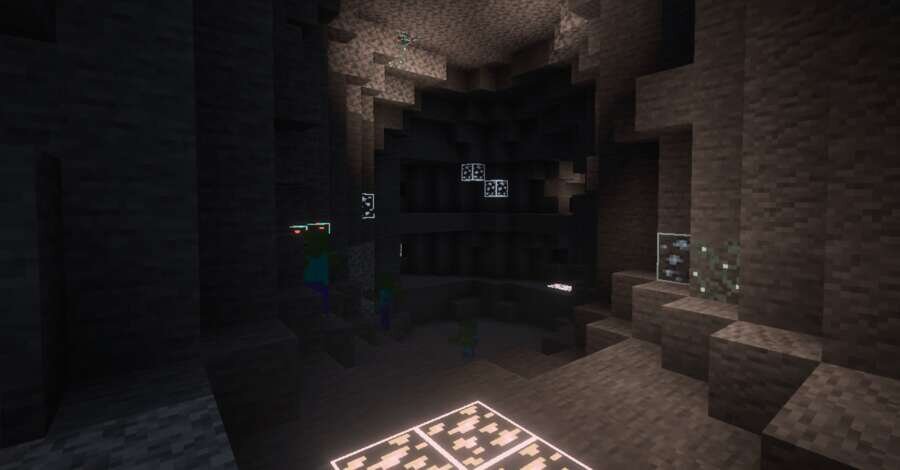
Удобство при исследовании пещер напрямую зависит от того, насколько легко находить ресурсы. Текстуры Outlined Glowing Ores обеспечивают подсветку всех стандартных Руд, что заметно упрощает игру. В Minecraft такие визуальные изменения помогают быстрее ориентироваться и находить ценные блоки, сохраняя при этом стиль классической графики.
Такие изменения не перегружают устройство и сохраняют атмосферу игры. Ниже можно посмотреть на то, как это будет выглядеть внутри блочной вселенной.
Такие изменения не перегружают устройство и сохраняют атмосферу игры. Ниже можно посмотреть на то, как это будет выглядеть внутри блочной вселенной.
Quick facts
- Edition: Minecraft Bedrock
- File type: .mcpack
- Minecraft version listed: 1.21
- How to install: Download the .mcpack. → Open it — Minecraft imports it under Resource Packs. → Activate it in Global Resources, or for one world under Resource Packs → Available.
- Where to get it: In MCModsHub, or directly above on this page.
Install steps are the general flow for this file type — How to install Minecraft Bedrock texture packs walks through it step by step.
File checked by MCModsHub
- Pack type: .mcpack — a single pack
- Manifest requires Minecraft 1.16.200 or newer
- Complete pack — everything it depends on is inside the file
- Download size: 209 KB
- Download link checked 6 Jul 2026 — working
- Mirrored on our own servers — the download does not depend on the original host
These come from our own check of the pack file, not from the source page.