Texture packsBedrock
Xray 2 Textures
Bedrock texture pack listed for Minecraft 1.16–1.21. File opened and checked on 21 Sep 2026; installs from the MC Bedrock Mods app on Android.
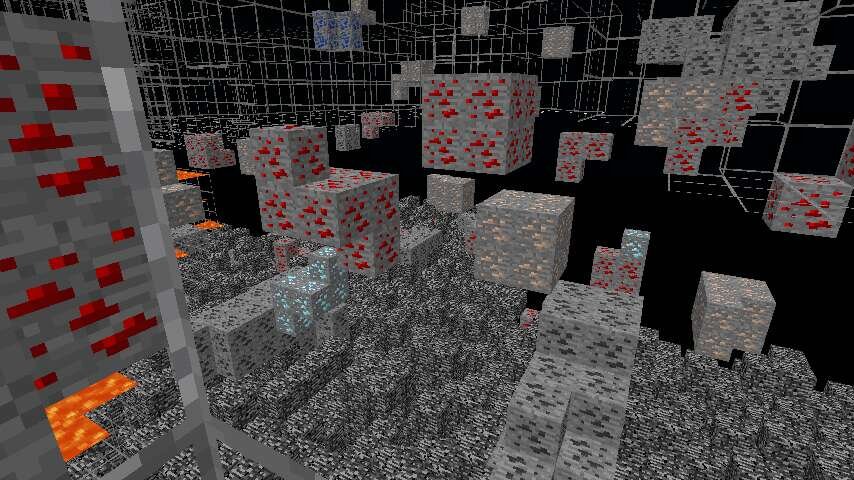
If you're tired of spending hours on endless digging searching for a couple of Diamonds, Xray 2 textures help solve this problem. After installing the…
⬇ Download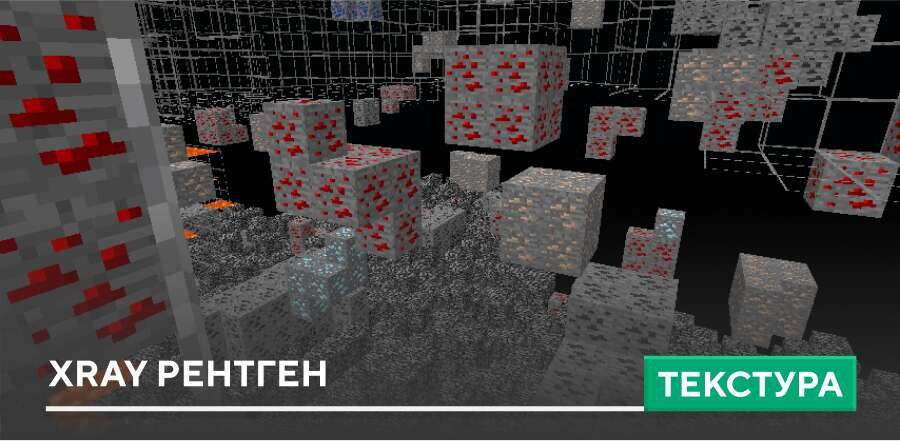
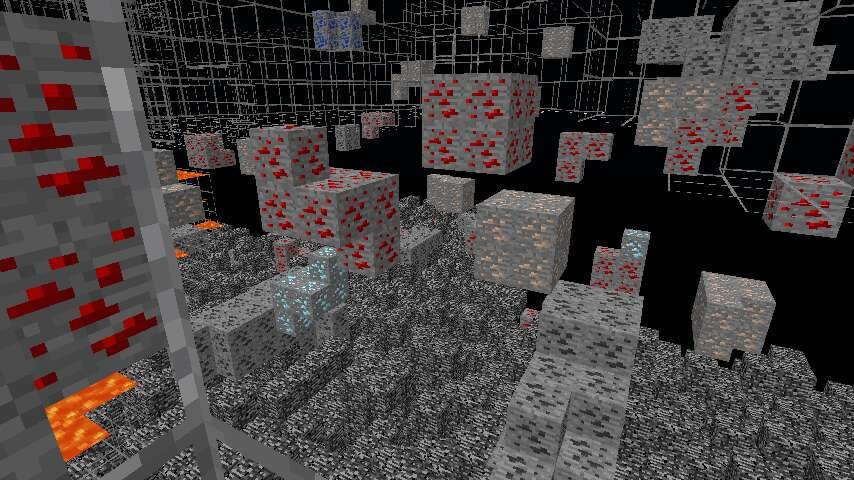

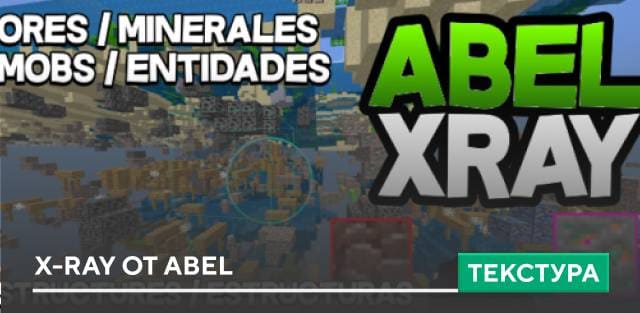
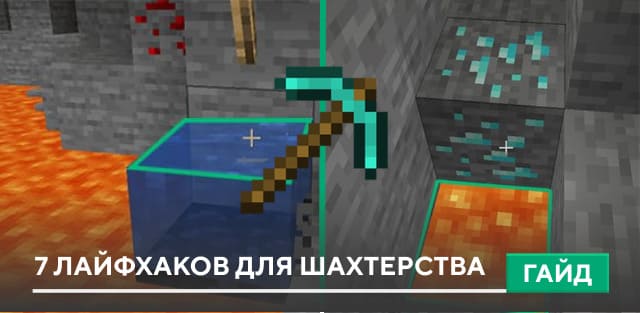
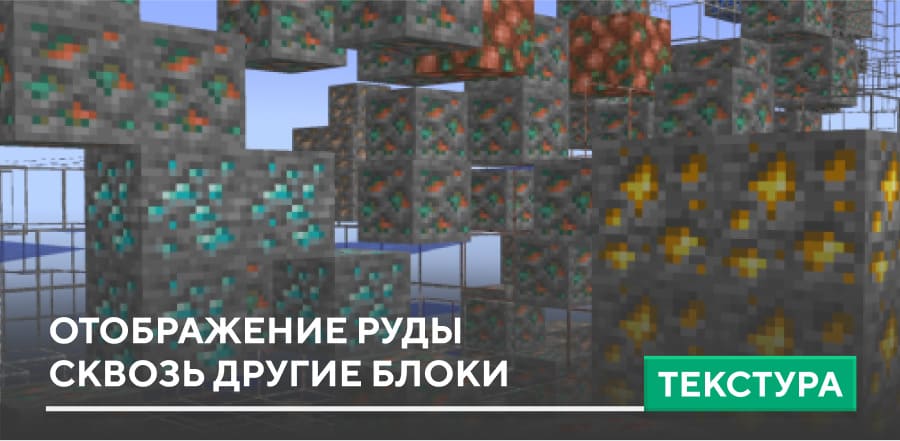
Если устал тратить часы на бесконечное копание в поисках пары Алмазов, текстуры Xray 2 помогут решить эту проблему. После установки дополнения все ненужные блоки становятся прозрачными, а Руды выделяются четко и заметно. Это особенно удобно для добычи в глубине шахт, в аду и даже под водой в игре.
Сборка оптимизирована так, чтобы работать плавно даже на слабых устройствах, поэтому ты сможешь исследовать мир и собирать ресурсы с максимальной эффективностью.
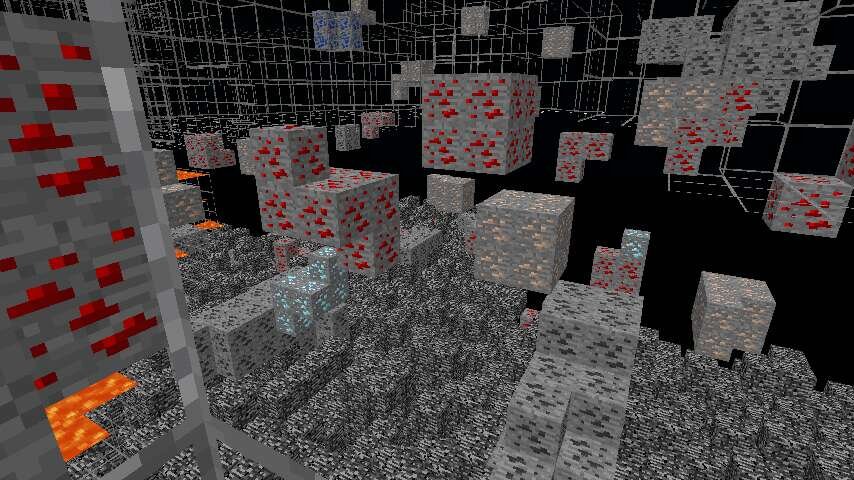
Сборка оптимизирована так, чтобы работать плавно даже на слабых устройствах, поэтому ты сможешь исследовать мир и собирать ресурсы с максимальной эффективностью.
Quick facts
- Edition: Minecraft Bedrock
- File type: .mcpack
- Minecraft version listed: 1.21
- How to install: Download the .mcpack. → Open it — Minecraft imports it under Resource Packs. → Activate it in Global Resources, or for one world under Resource Packs → Available.
- Where to get it: In MCModsHub, or directly above on this page.
Install steps are the general flow for this file type — How to install Minecraft Bedrock texture packs walks through it step by step.
File checked by MCModsHub
- Pack type: .mcpack — a single pack
- Manifest requires Minecraft 1.16.0 or newer
- Complete pack — everything it depends on is inside the file
- Download size: 339 KB
- Download link checked 6 Jul 2026 — working
- Mirrored on our own servers — the download does not depend on the original host
These come from our own check of the pack file, not from the source page.