Texture packsBedrock
Animated Outlined Ores
Bedrock texture pack listed for Minecraft 1.19–1.21. File opened and checked on 9 Oct 2026; installs from the MC Bedrock Mods app on Android.
Finding useful resources no longer depends on chance or blind luck. Animated Outlined Ores textures will help you notice any Ores even through fire or…
⬇ Download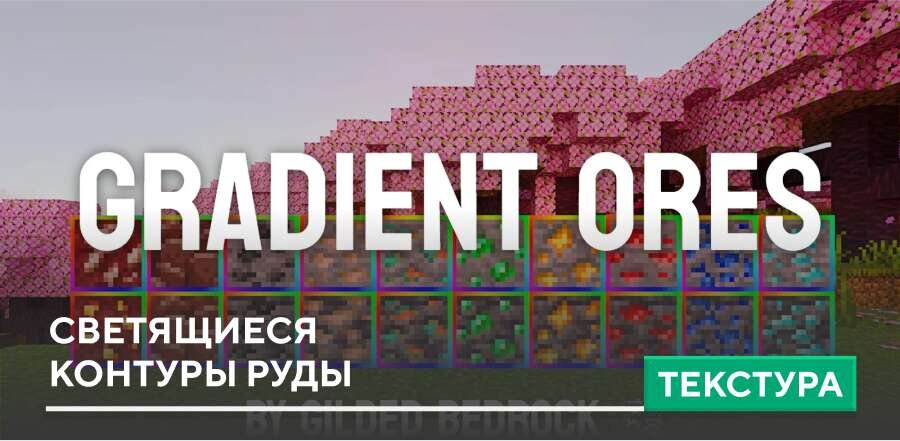
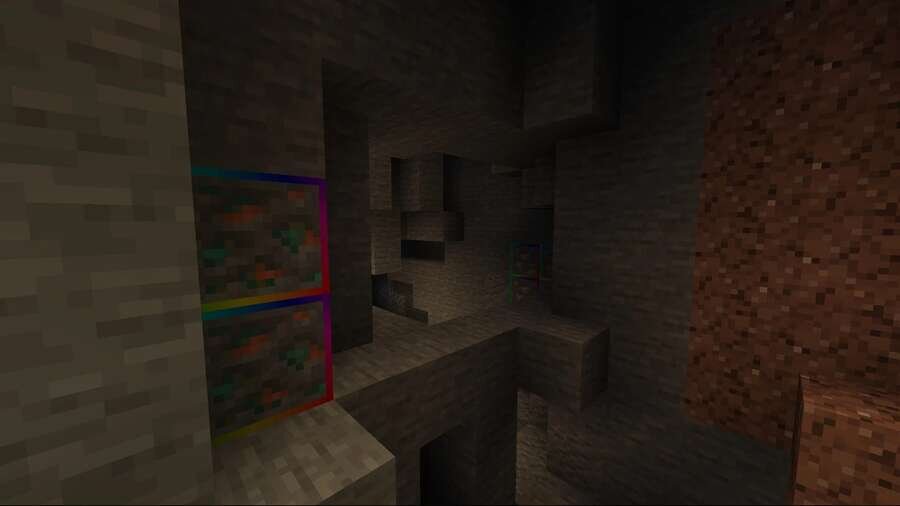
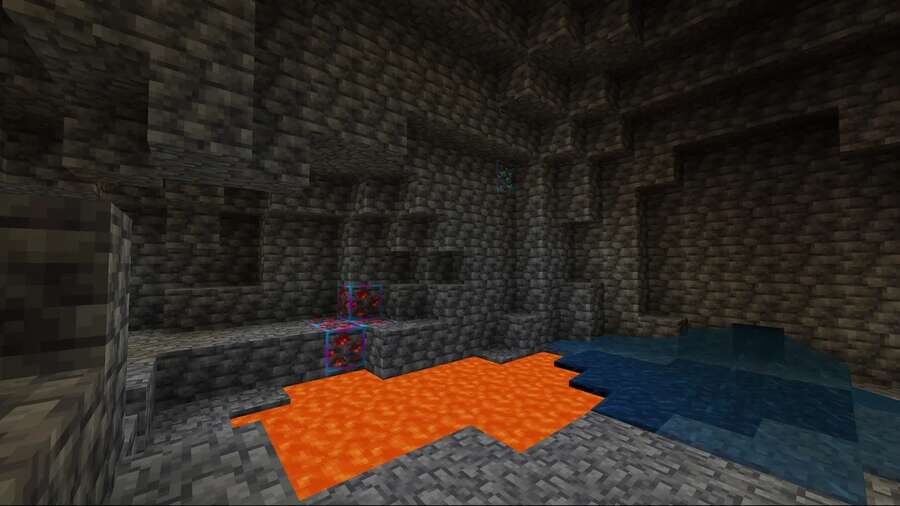
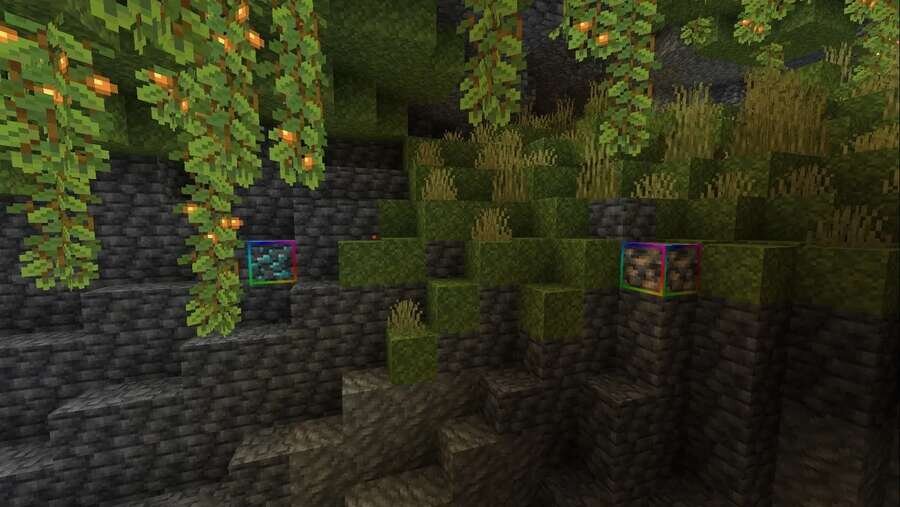
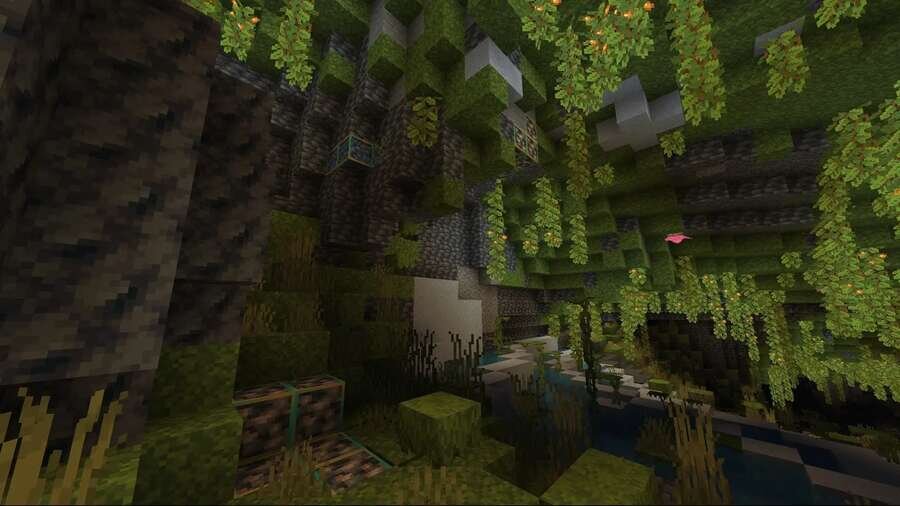
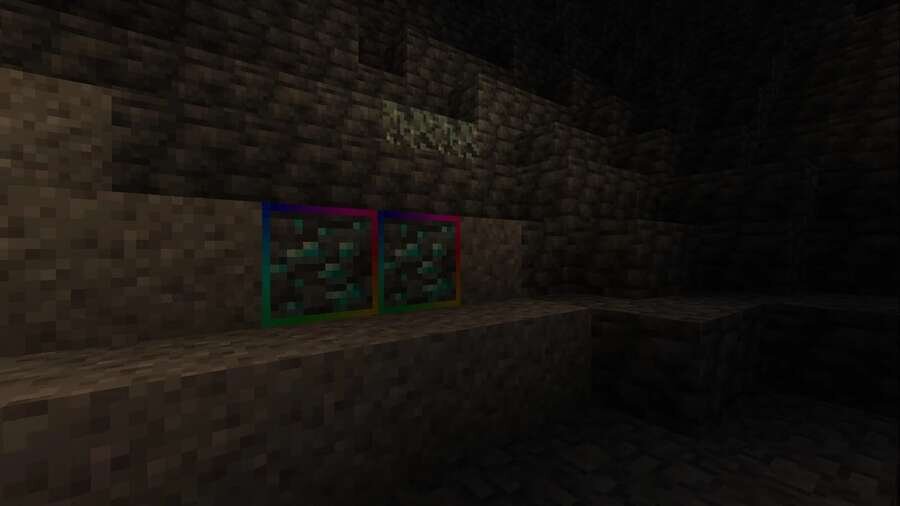

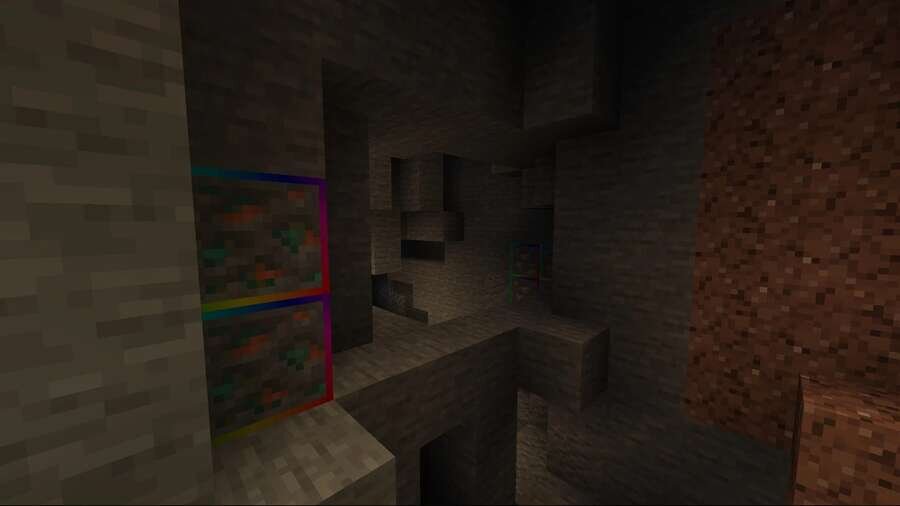
Поиск полезных ресурсов больше не зависит от случайности или слепого везения. Текстуры Animated Outlined Ores помогут тебе заметить любые Руды даже сквозь огонь или за лавой. Яркие анимированные обводки выделят полезные блоки и позволят быстрее находить нужное в Майнкрафт.
Больше ты не сможешь пройти мимо соблазнительного блока Руды. К тому же, ты обезопасишь себя от того, чтобы пройти мимо материалов, поскольку они будут ярко выделяться посреди других элементов.
Больше ты не сможешь пройти мимо соблазнительного блока Руды. К тому же, ты обезопасишь себя от того, чтобы пройти мимо материалов, поскольку они будут ярко выделяться посреди других элементов.
Quick facts
- Edition: Minecraft Bedrock
- File type: .mcpack
- Minecraft version listed: 1.21
- How to install: Download the .mcpack. → Open it — Minecraft imports it under Resource Packs. → Activate it in Global Resources, or for one world under Resource Packs → Available.
- Where to get it: In MCModsHub, or directly above on this page.
Install steps are the general flow for this file type — How to install Minecraft Bedrock texture packs walks through it step by step.
File checked by MCModsHub
- Pack type: .mcpack — a single pack
- Manifest requires Minecraft 1.19.20 or newer
- Complete pack — everything it depends on is inside the file
- Download size: 1.6 MB
- Download link checked 6 Jul 2026 — working
- Mirrored on our own servers — the download does not depend on the original host
These come from our own check of the pack file, not from the source page.