Texture packsBedrock
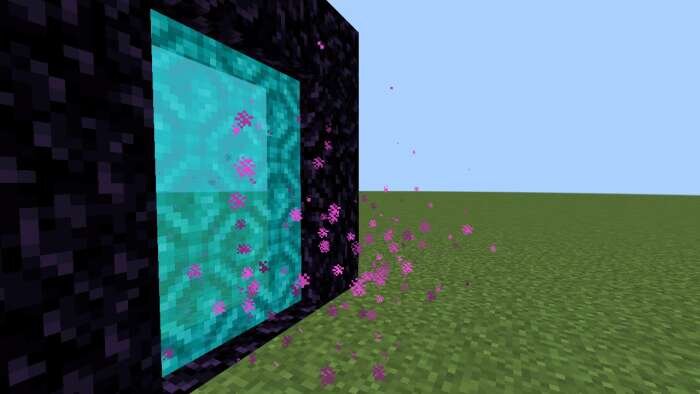
Earth Movie Portal Texture over Nether Portal
Bedrock texture pack listed for Minecraft 1.16–1.21. File opened and checked on 18 Sep 2026; installs from the MC Bedrock Mods app on Android.
If you watched the Minecraft movie, you surely saw the unusual Nether portal design. The filmmakers transformed it to blue or cyan. The turquoise shade…
⬇ Download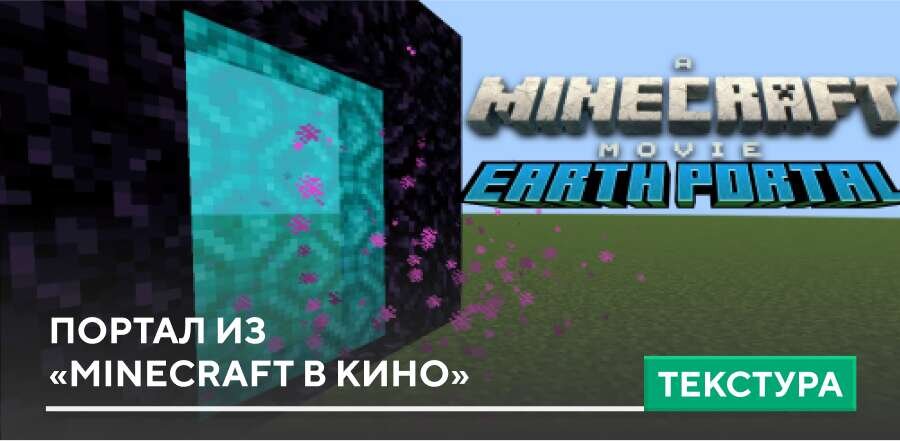
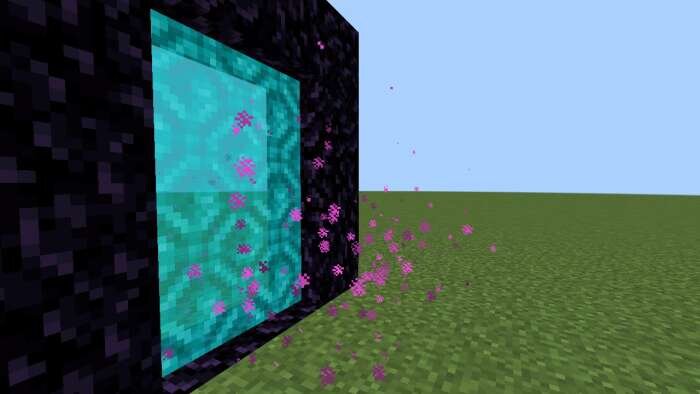
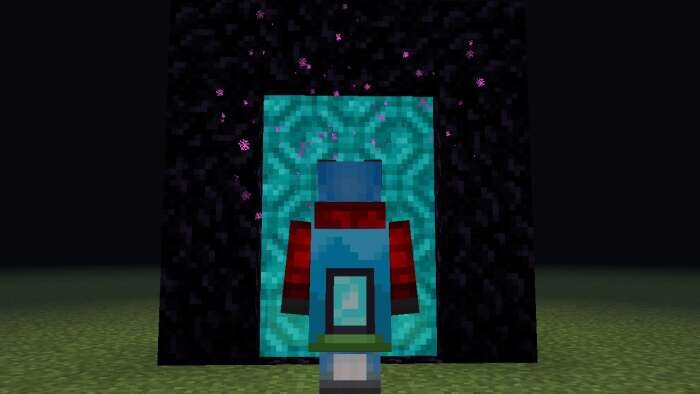

Если ты смотрел фильм «Minecraft в кино», хотя уже давно обязан, поскольку если ты здесь, то ты — настоящий поклонник блочной вселенной, то наверняка видел необычный вид портала в Нижний Мир. Почему-то создатели фильма решили преобразить его и сделать синим или голубым. Бирюзовый оттенок понравился многим зрителям, поэтому текстуры Earth movie portal texture over Nether portal предлагают обновить внешний вид портала Нижнего Мира.
Теперь портал в Нижний Мир будет чуточку красивее, да и пурпурный цвет многим уже поднадоел.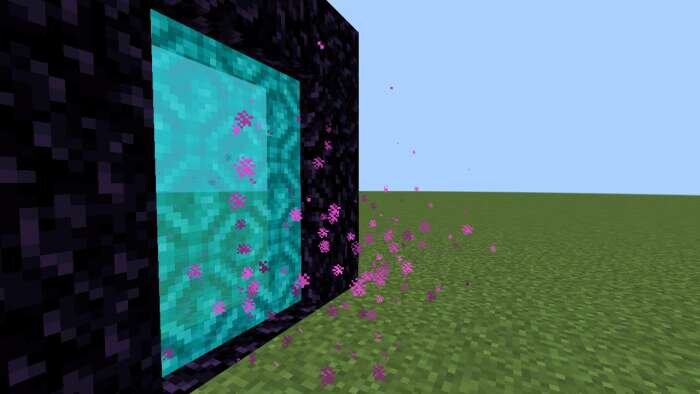
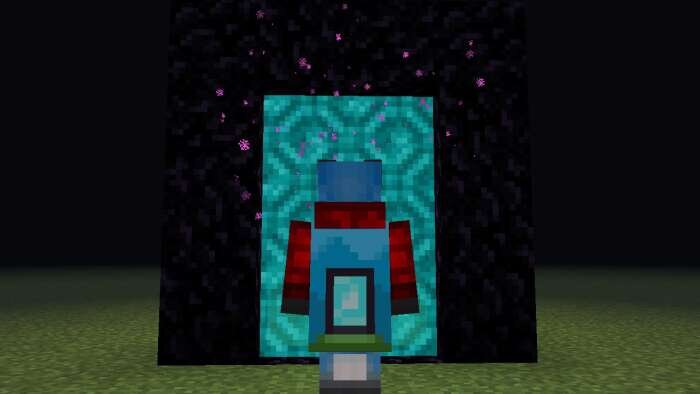
Теперь портал в Нижний Мир будет чуточку красивее, да и пурпурный цвет многим уже поднадоел.
Quick facts
- Edition: Minecraft Bedrock
- File type: .mcpack
- Minecraft versions listed: 1.21.70, 1.21.50, 1.21.41
- How to install: Download the .mcpack. → Open it — Minecraft imports it under Resource Packs. → Activate it in Global Resources, or for one world under Resource Packs → Available.
- Where to get it: In MCModsHub, or directly above on this page.
Install steps are the general flow for this file type — How to install Minecraft Bedrock texture packs walks through it step by step.
File checked by MCModsHub
- Pack type: .mcpack — a single pack
- Manifest requires Minecraft 1.16.0 or newer
- Complete pack — everything it depends on is inside the file
- Download size: 31 KB
- Download link checked 6 Jul 2026 — working
- Mirrored on our own servers — the download does not depend on the original host
These come from our own check of the pack file, not from the source page.