Texture packsBedrock
Custom Crosshairs Textures
Bedrock texture pack listed for Minecraft 1.17–1.21. File opened and checked on 20 Sep 2026; installs from the MC Bedrock Mods app on Android.
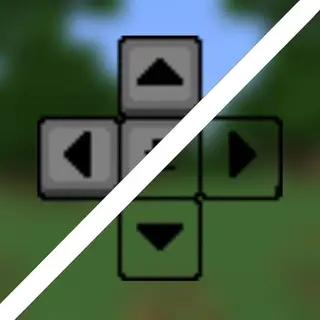
Choice matters: Custom Crosshairs textures give you a thoughtful, personalized interface for precise aiming in Minecraft PE. Customize your crosshair for…
⬇ Download
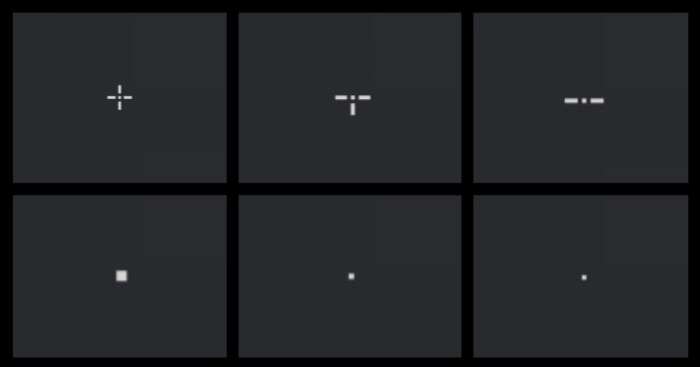
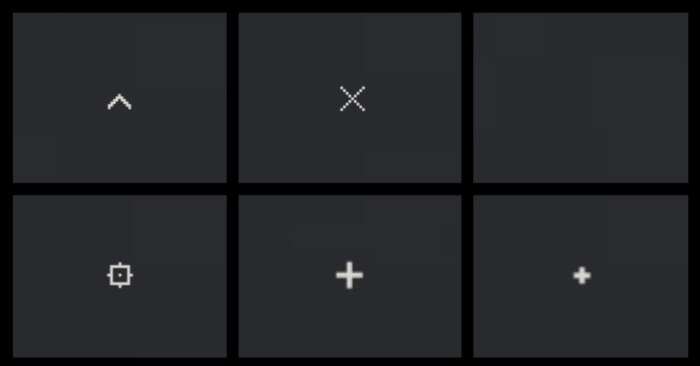

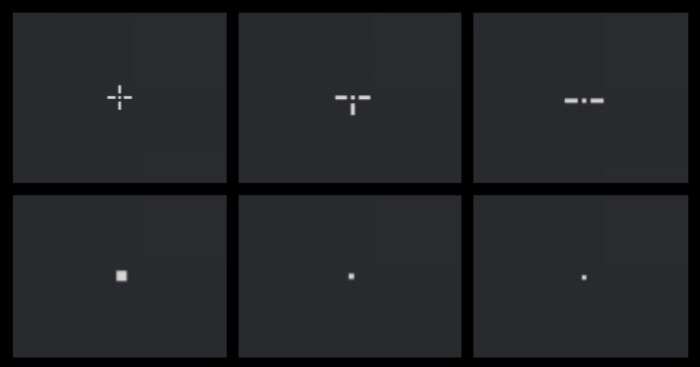
Выбор имеет значение: с текстурами Custom Crosshairs ты получаешь продуманный и персонализированный интерфейс для точного прицеливания в Minecraft PE. Прицел можно изменить под PvP, исследование или комфортную игру.
Всего появится больше 30 вариантов прицелов на любой вкус. Каждый из них имеет свои преимущества и особенности: есть динамические, точечные и статичные варианты. Прицел напрямую улучшает прицеливание, время реакции и общую плавность игрового процесса.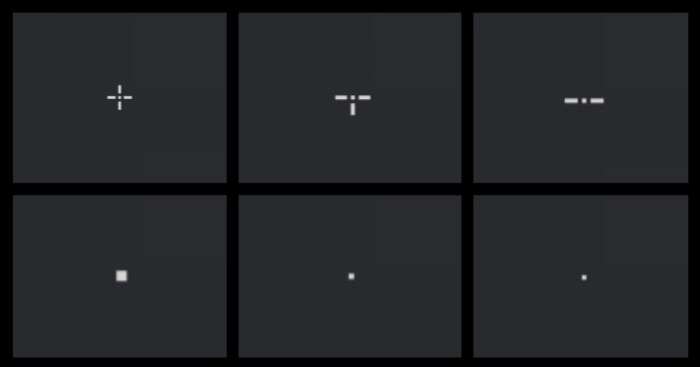
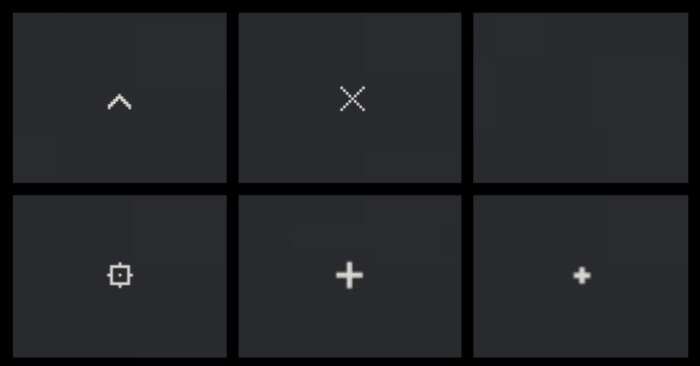
Всего появится больше 30 вариантов прицелов на любой вкус. Каждый из них имеет свои преимущества и особенности: есть динамические, точечные и статичные варианты. Прицел напрямую улучшает прицеливание, время реакции и общую плавность игрового процесса.
Quick facts
- Edition: Minecraft Bedrock
- File type: .mcpack
- Minecraft version listed: 1.21
- How to install: Download the .mcpack. → Open it — Minecraft imports it under Resource Packs. → Activate it in Global Resources, or for one world under Resource Packs → Available.
- Where to get it: In MCModsHub, or directly above on this page.
Install steps are the general flow for this file type — How to install Minecraft Bedrock texture packs walks through it step by step.
File checked by MCModsHub
- Save it as 186196.mcaddon before opening — it downloads as .mcpack, but it is a .mcaddon pack
- Manifest requires Minecraft 1.17.0 or newer
- Complete pack — everything it depends on is inside the file
- Download size: 152 KB
- Download link checked 6 Jul 2026 — working
- Mirrored on our own servers — the download does not depend on the original host
These come from our own check of the pack file, not from the source page.