Texture packsBedrock
Dark Mode UI
Bedrock texture pack listed for Minecraft 1.16–1.21. File opened and checked on 24 Sep 2026; installs from the MC Bedrock Mods app on Android.
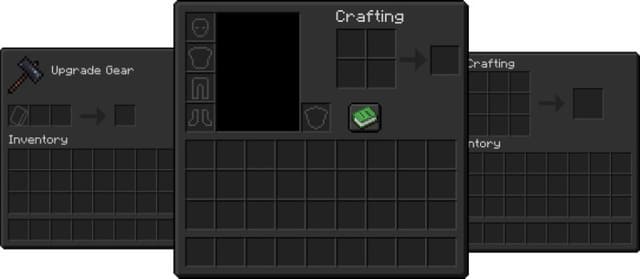
Dark Mode UI textures are dedicated to those who prefer darker tones in the Minecraft menu. If you prefer dark mode more often, then this add-on will be…
⬇ Download
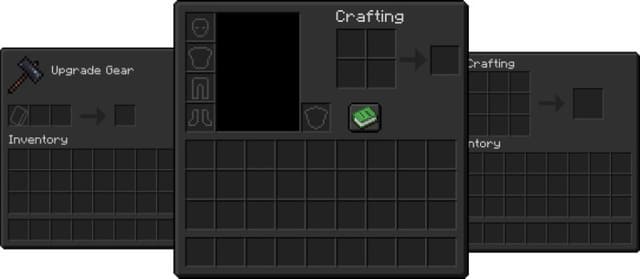
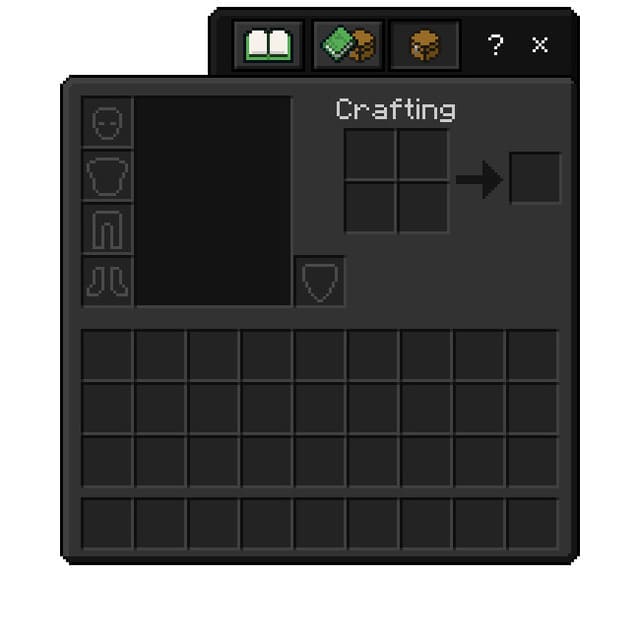
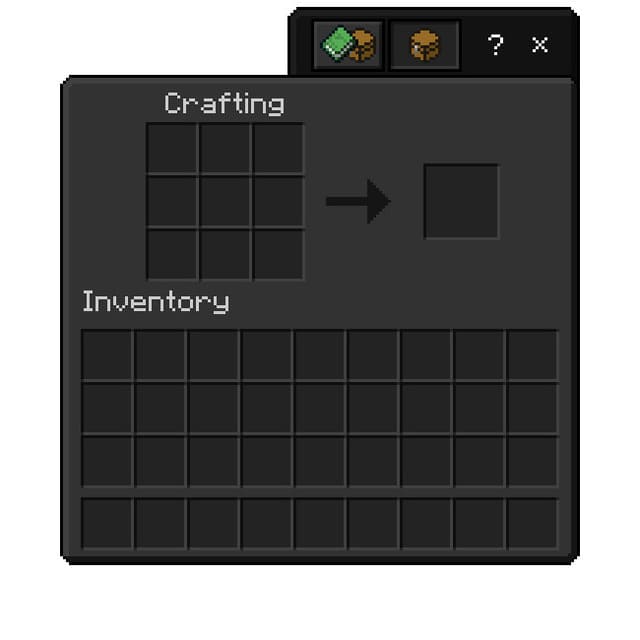
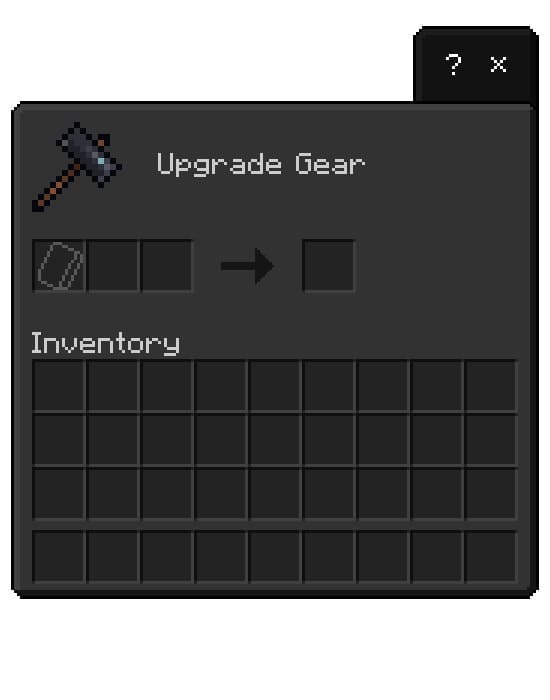
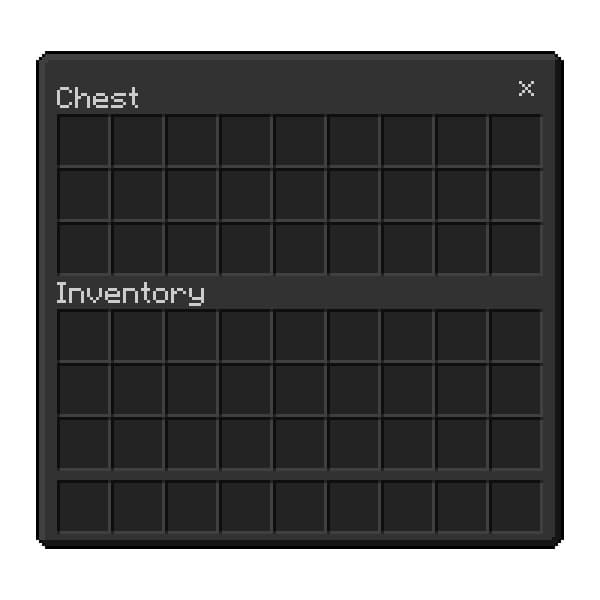
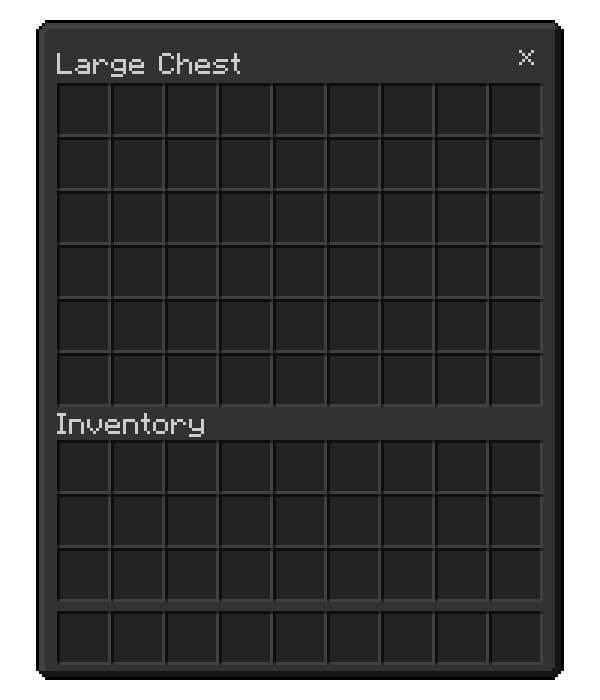
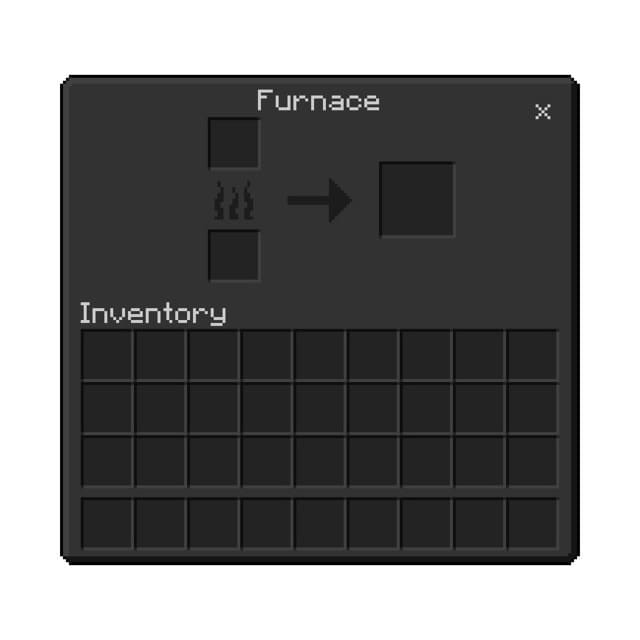
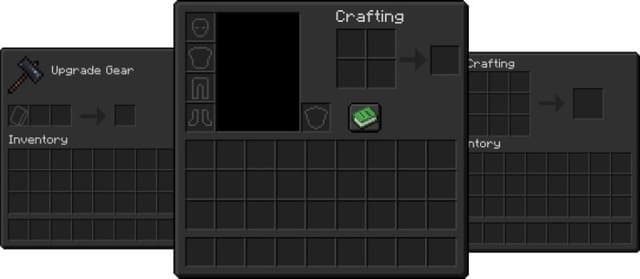
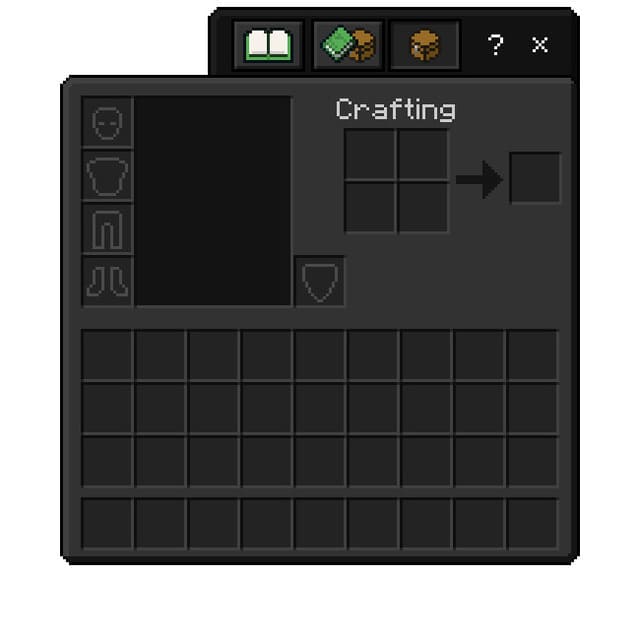
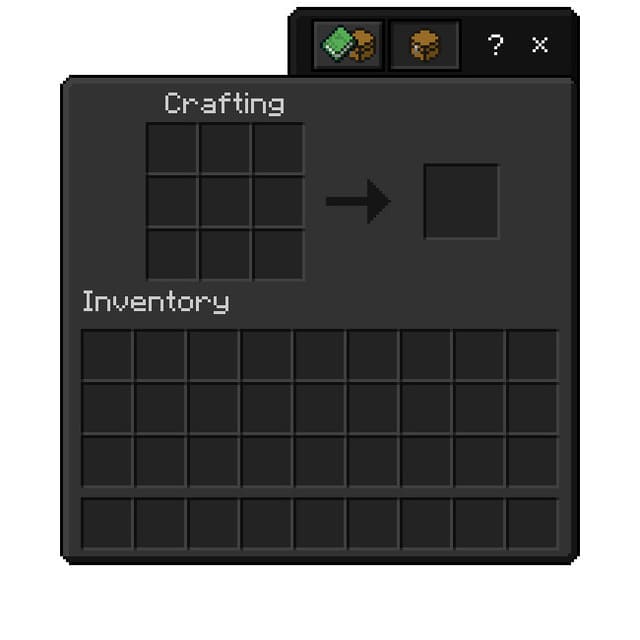
Текстуры Dark Mode UI посвящены тем, кто предпочитает более темные тона меню в Майнкрафт. Если ты чаще отдаешь предпочтению темному режиму, то это дополнение будет одним из лучших в этом роде. Темный интерфейс получат практически все элементы меню и инвентарей пользователя. Все поменяется, начиная с главного меню и заканчивая инвентарем крафта.
Здесь достаточно посмотреть на скриншоты и как следует оценить это дополнение.
Изменения в новой версии
Здесь достаточно посмотреть на скриншоты и как следует оценить это дополнение.
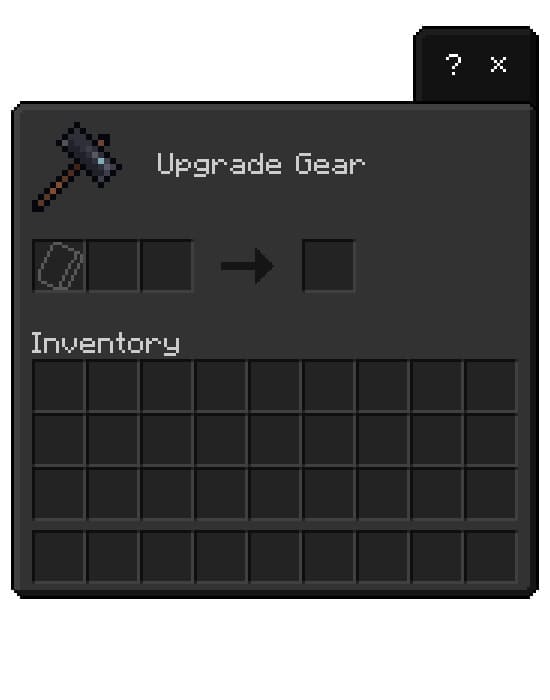
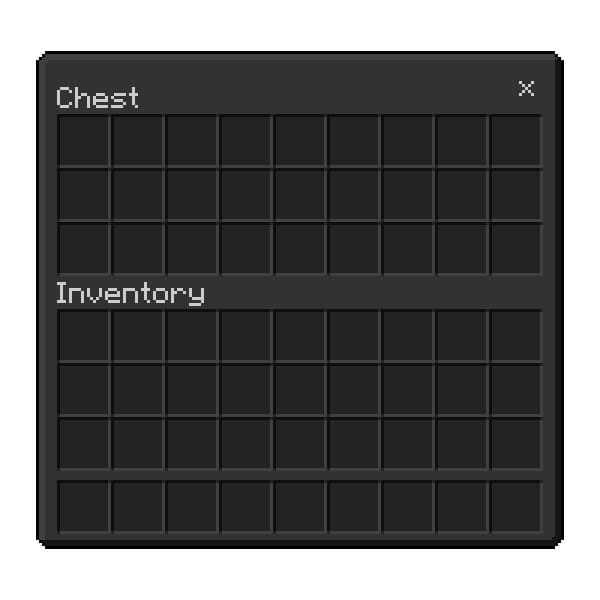
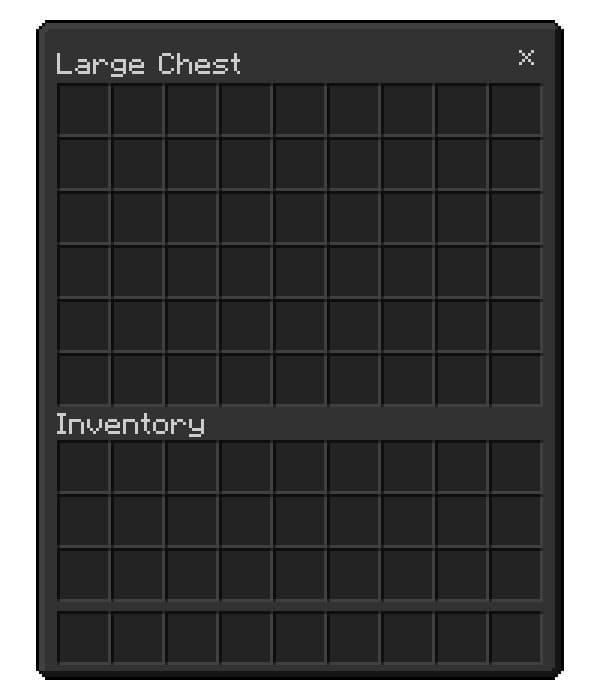
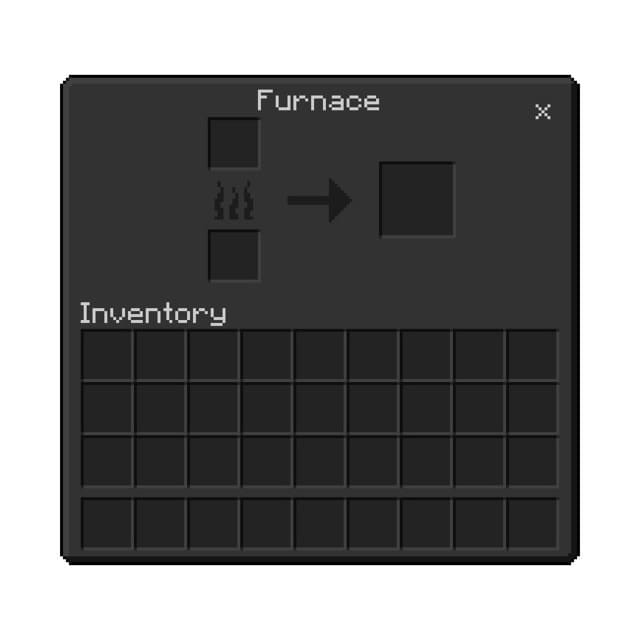
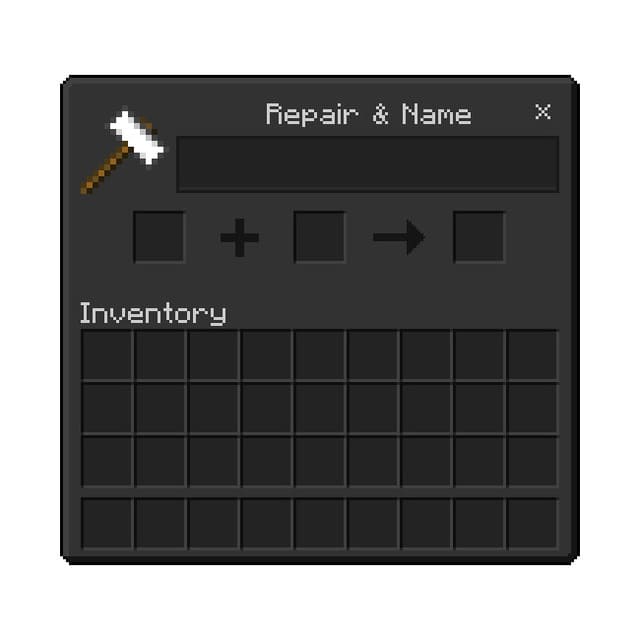
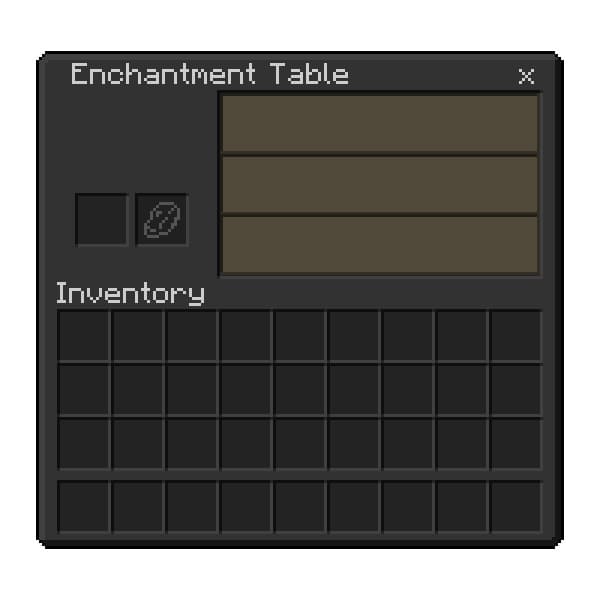
Изменения в новой версии
- Исправили ошибки
Quick facts
- Edition: Minecraft Bedrock
- File type: .mcpack
- Minecraft versions listed: 1.21.70, 1.21, 1.20.0
- How to install: Download the .mcpack. → Open it — Minecraft imports it under Resource Packs. → Activate it in Global Resources, or for one world under Resource Packs → Available.
- Where to get it: In MCModsHub, or directly above on this page.
Install steps are the general flow for this file type — How to install Minecraft Bedrock texture packs walks through it step by step.
File checked by MCModsHub
- Save it as 186211.mcaddon before opening — it downloads as .mcpack, but it is a .mcaddon pack
- Manifest requires Minecraft 1.16.20 or newer
- Complete pack — everything it depends on is inside the file
- Download size: 436 KB
- Download link checked 6 Jul 2026 — working
- Mirrored on our own servers — the download does not depend on the original host
These come from our own check of the pack file, not from the source page.