Texture packsBedrock
Full Grown Crop Marker Textures
Bedrock texture pack listed for Minecraft 1.19. File opened and checked on 6 Oct 2026; installs from the MC Bedrock Mods app on Android.
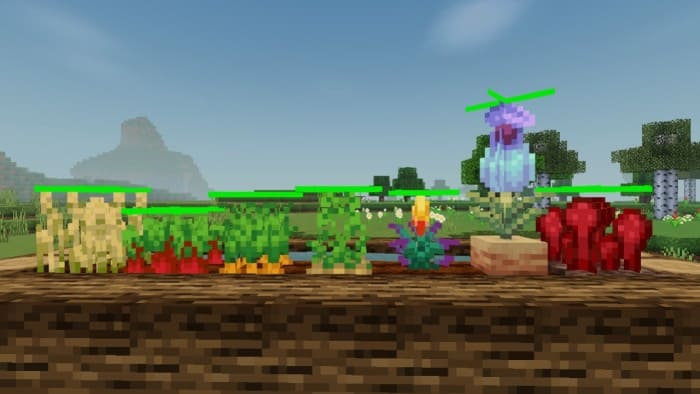
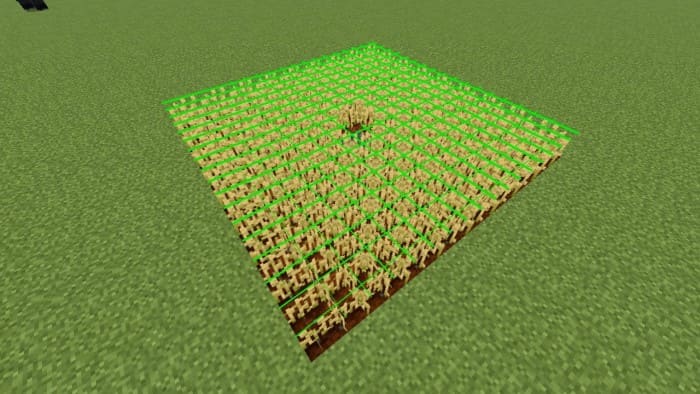
Sometimes it's quite difficult to figure out if Wheat is ripe or not. Unfortunately, developers made plant growth stages that don't differ much from each…
⬇ Download
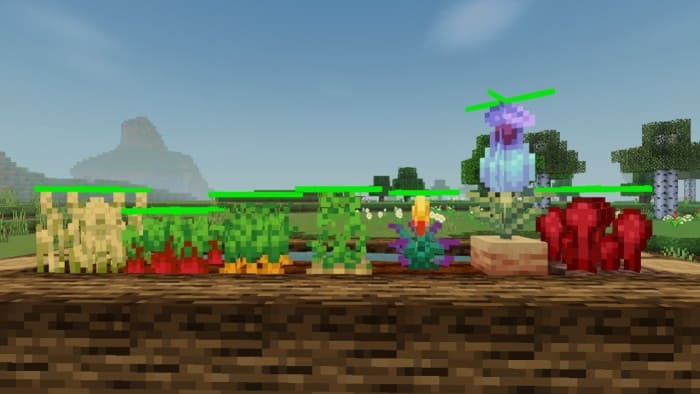
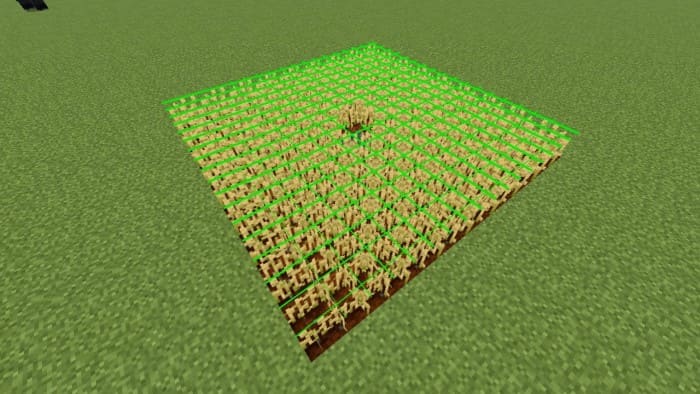
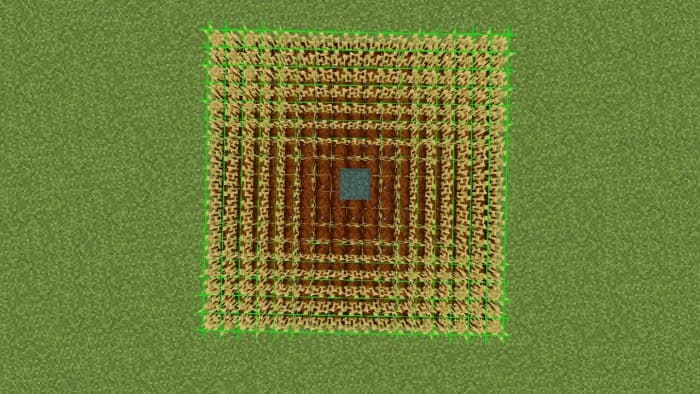




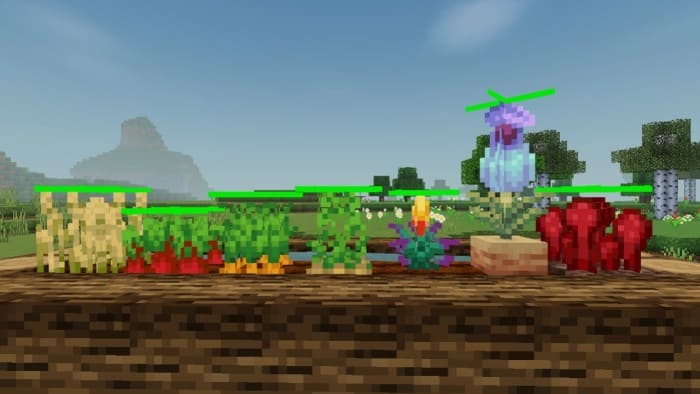
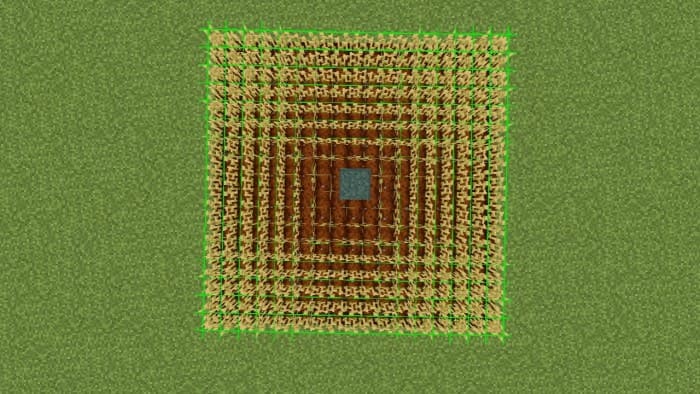
Иногда довольно сложно выяснить, созрела Пшеница или нет. К сожалению, разработчики сделали не сильно отличающиеся модели стадий роста растений. Именно поэтому к нам на помощь приходят текстуры Full Grown Crop Marker. Теперь каждое созревшее растение будет отмечено особым маркером при созревании в Minecraft Bedrock.
Кроме этого, ты сможешь выбрать именно тот желаемый оттенок маркеров, который сам захочешь. Дополнение работает на все виды растений и культур, которые можно выращивать в игре.
Кроме этого, ты сможешь выбрать именно тот желаемый оттенок маркеров, который сам захочешь. Дополнение работает на все виды растений и культур, которые можно выращивать в игре.
Quick facts
- Edition: Minecraft Bedrock
- File type: .mcpack
- Minecraft version listed: 1.19
- How to install: Download the .mcpack. → Open it — Minecraft imports it under Resource Packs. → Activate it in Global Resources, or for one world under Resource Packs → Available.
- Where to get it: In MCModsHub, or directly above on this page.
Install steps are the general flow for this file type — How to install Minecraft Bedrock texture packs walks through it step by step.
File checked by MCModsHub
- Pack type: .mcpack — a single pack
- Complete pack — everything it depends on is inside the file
- Download size: 120 KB
- Download link checked 6 Jul 2026 — working
- Mirrored on our own servers — the download does not depend on the original host
These come from our own check of the pack file, not from the source page.