Texture packsBedrock
Compass and Clock Textures
Bedrock texture pack listed for Minecraft 1.19–1.21. File opened and checked on 9 Oct 2026; installs from the MC Bedrock Mods app on Android.
Many players don't know a special Minecraft mechanic: the thing is, Clocks and Compasses work even if you don't have them in your inventory and never…
⬇ Download
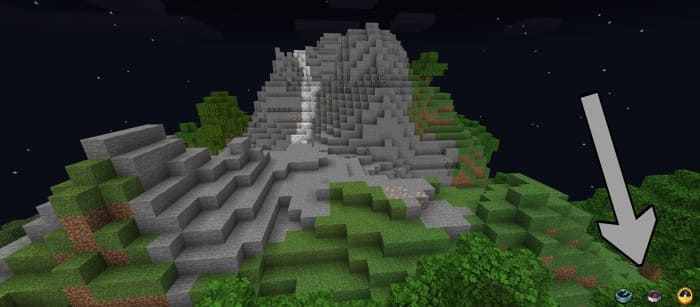
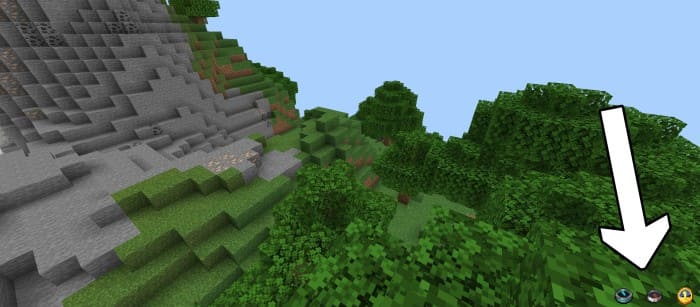

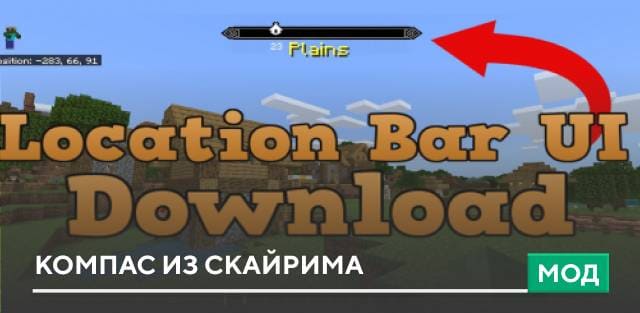
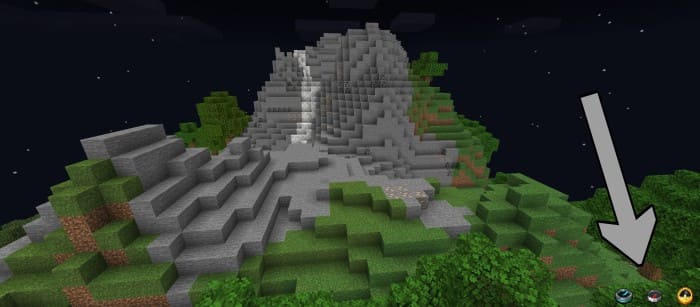
Многие игроки не знают особую механику Майнкрафт: дело в том, что Часы и Компас работают, даже если их нет в твоем инвентаре и ты их вовсе не крафтил. Поэтому разработчики дополнений решили воспользоваться этой фишкой для удобства всех пользователей. Больше тебе не придется крафтить предметы: достаточно использовать текстуры Compass and clock. С этим дополнением у тебя на экране появится Компас и Часы, которые будут работать и показывать время и направление.
Доступны оба вида Компасов и Часы. Ниже показано то, как это работает в игре.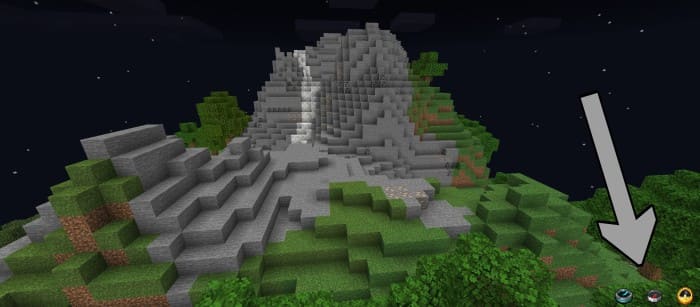
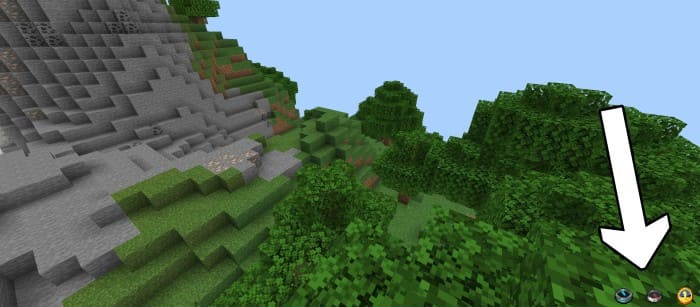 Изменения в новой версии
Доступны оба вида Компасов и Часы. Ниже показано то, как это работает в игре.
- Совместимость с новыми версиями
- Добавили часы и компас на основной экран
Quick facts
- Edition: Minecraft Bedrock
- File type: .mcpack
- Minecraft versions listed: 1.21.41, 1.21.30, 1.21.20
- How to install: Download the .mcpack. → Open it — Minecraft imports it under Resource Packs. → Activate it in Global Resources, or for one world under Resource Packs → Available.
- Where to get it: In MCModsHub, or directly above on this page.
Install steps are the general flow for this file type — How to install Minecraft Bedrock texture packs walks through it step by step.
File checked by MCModsHub
- Save it as 186252.mcaddon before opening — it downloads as .mcpack, but it is a .mcaddon pack
- Manifest requires Minecraft 1.19.1 or newer
- Complete pack — everything it depends on is inside the file
- Download size: 10 KB
- Download link checked 6 Jul 2026 — working
- Mirrored on our own servers — the download does not depend on the original host
These come from our own check of the pack file, not from the source page.