
Texture packsBedrock
Enhanced Fog With Care Textures
Bedrock texture pack listed for Minecraft 1.17–22.x. File opened and checked on 2 Oct 2026; installs from the MC Bedrock Mods app on Android.
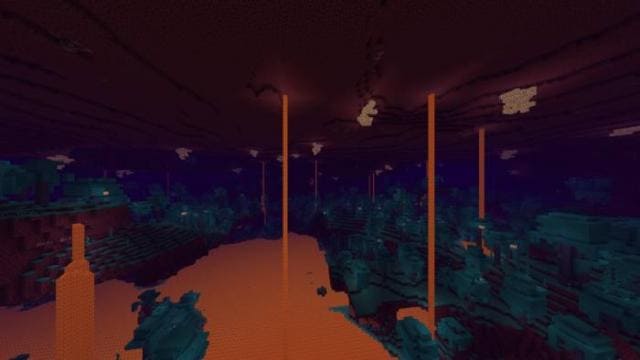
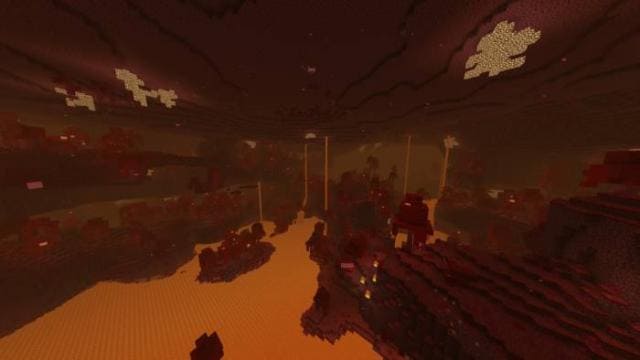
Enhanced Fog With Care textures change the color of fog in Minecraft Bedrock. At the same time, the build will improve the combination of biome colors and…
⬇ Download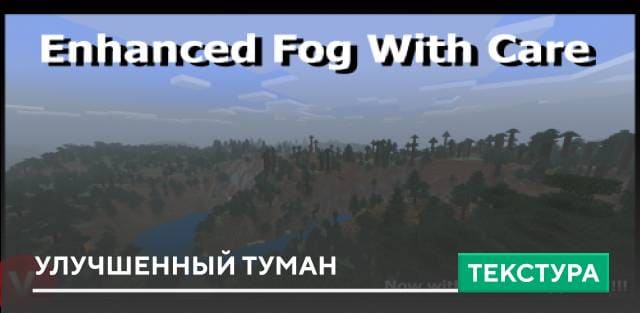

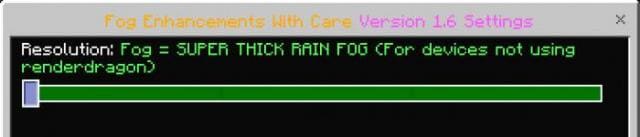


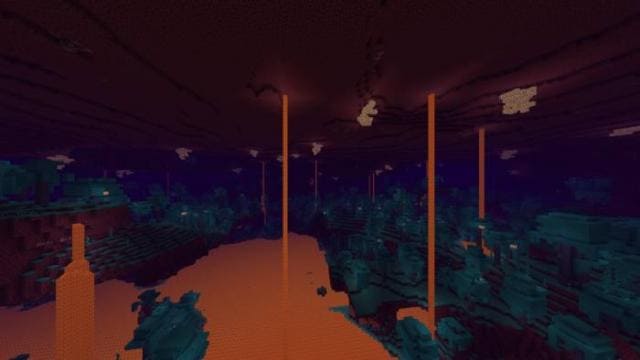
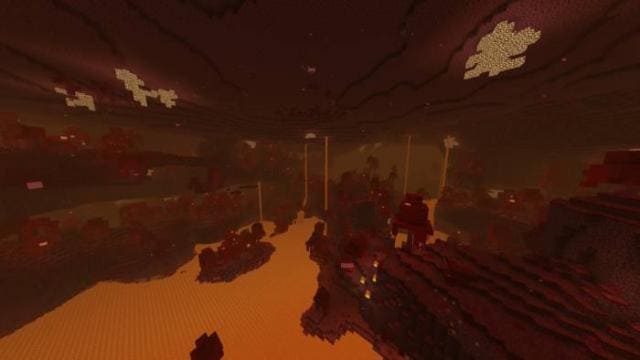
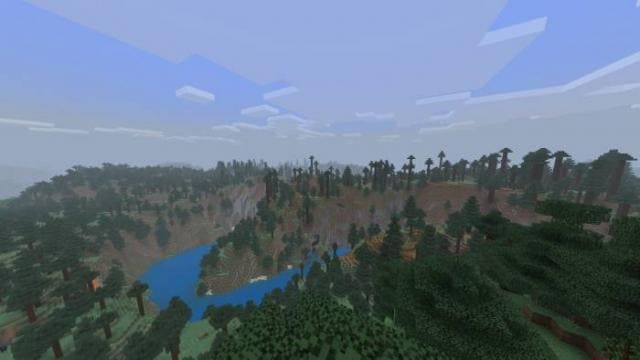
Текстуры Enhanced Fog With Care изменяют цвет тумана в Майнкрафт Бедрок. При этом сборка будет улучшать сочетание цвета биомов и тумана для создания еще большей атмосферы. Игра получит более качественный и яркий вид. Помни, что для работы дополнения необходимо увеличить дальность прорисовки в настройках до 24 блоков.
Функции
Обычный туман Плотный туман
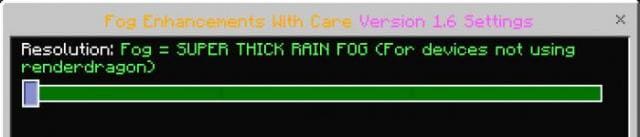 Плотный туман для устройств с Render Dragon
 Обычный туман для устройств с Render Dragon
 Скриншоты
Изменения в новой версии
Функции
- Новый вид и цвет тумана
- Новое солнце и луна
- Новая палитра цветов травы и листьев
- Погода стала прозрачной и естественной
- Вода получили обновленные оттенки
- Небо в Крае удалено
- Облака прозрачнее
- Несколько вариантов туманов
Обычный туман
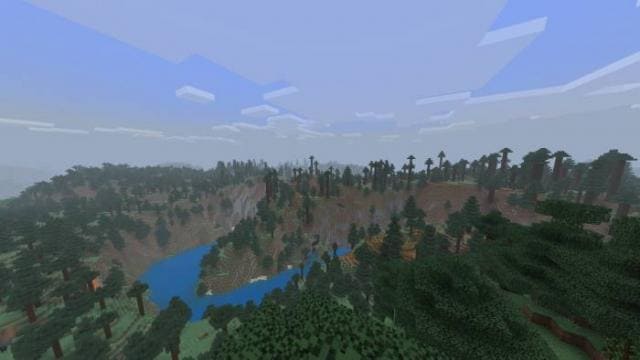
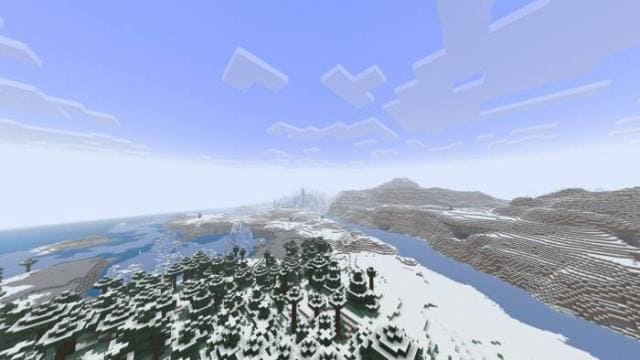
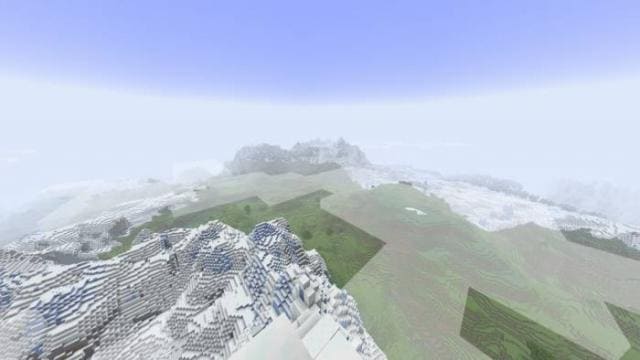
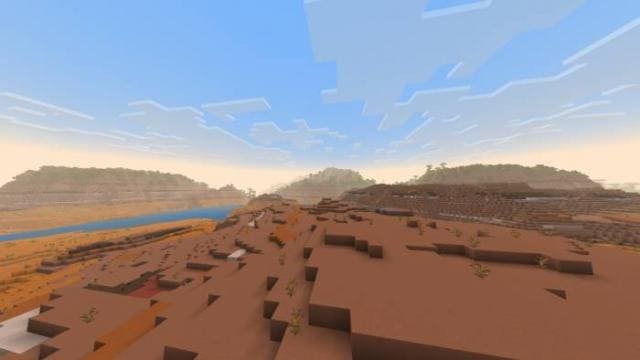
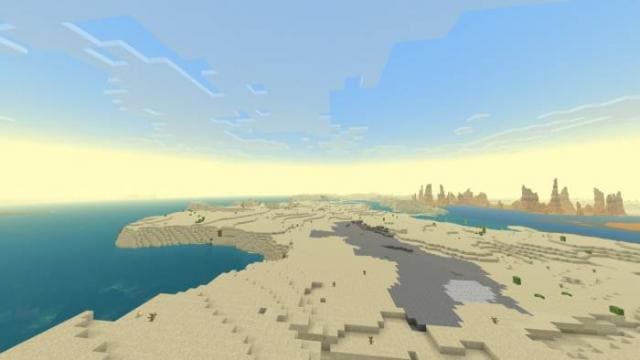
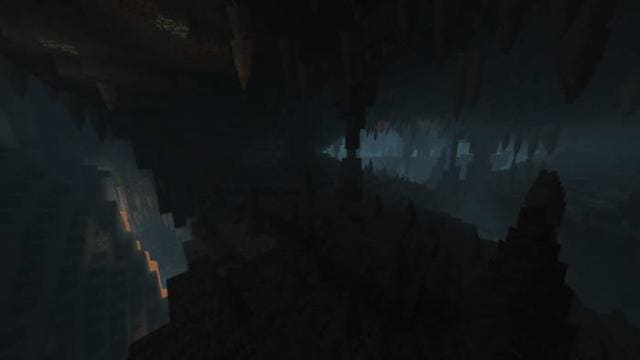
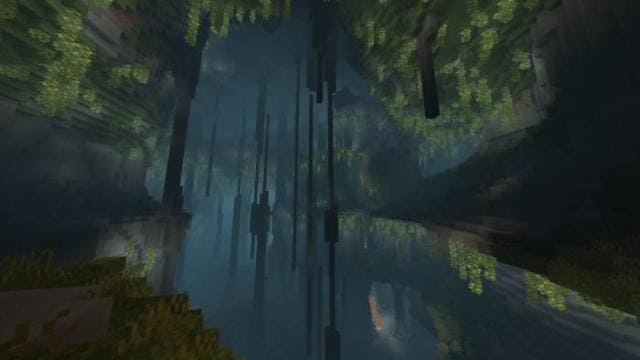
Изменения в новой версии
- Добавили функции из обновления 1.22
- Улучшили подводный туман
- Исправили ошибки
- Совместимость с 1.21.50
Quick facts
- Edition: Minecraft Bedrock
- File type: .mcpack
- Minecraft versions listed: 1.22, 1.21.50, 1.21.41
- How to install: Download the .mcpack. → Open it — Minecraft imports it under Resource Packs. → Activate it in Global Resources, or for one world under Resource Packs → Available.
- Where to get it: In MCModsHub, or directly above on this page.
Install steps are the general flow for this file type — How to install Minecraft Bedrock texture packs walks through it step by step.
File checked by MCModsHub
- Pack type: .mcpack — a single pack
- Manifest requires Minecraft 1.17.30 or newer
- Complete pack — everything it depends on is inside the file
- Download size: 2.2 MB
- Download link checked 6 Jul 2026 — working
- Mirrored on our own servers — the download does not depend on the original host
These come from our own check of the pack file, not from the source page.