Texture packsBedrock
Winter Times Textures
Bedrock texture pack listed for Minecraft 1.16–1.19. File opened and checked on 7 Oct 2026; installs from the MC Bedrock Mods app on Android.
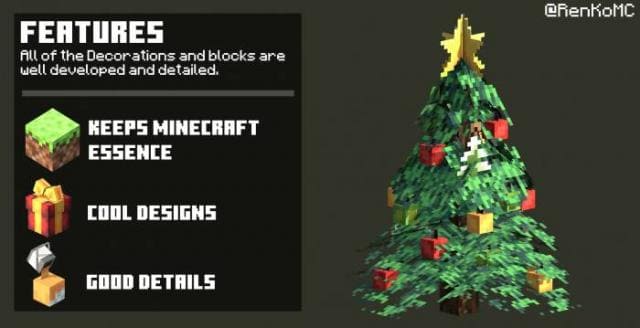
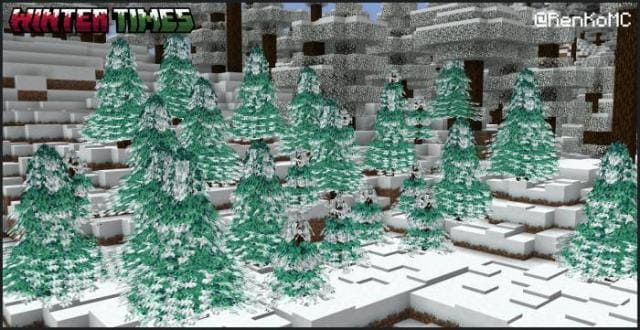
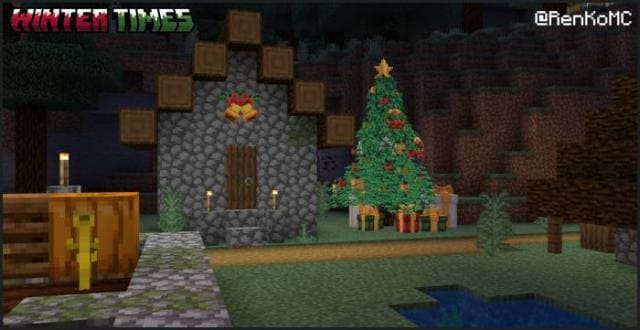
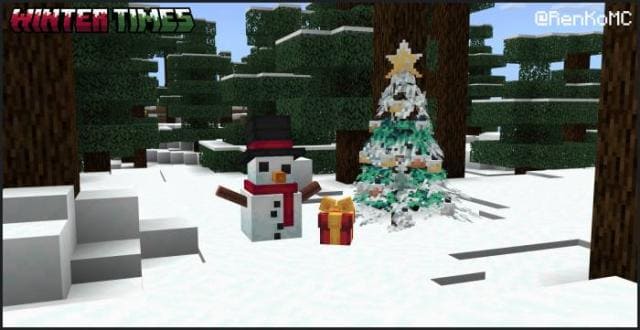
Want holiday decorations in Minecraft? Use Winter Times textures to give the block world a festive mood. There will be 25 types of decorations that you…
⬇ Download
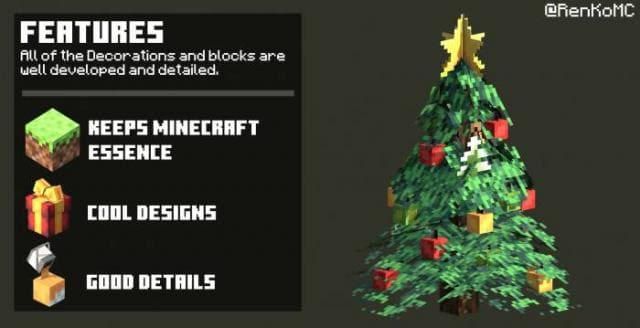
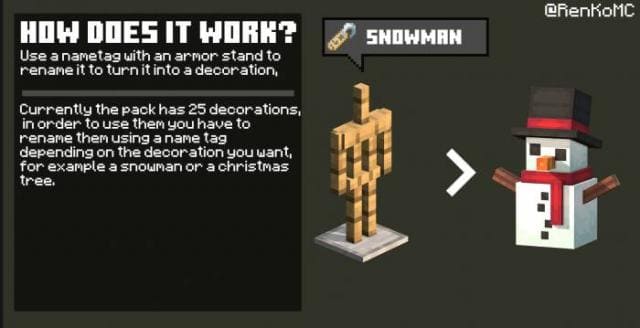
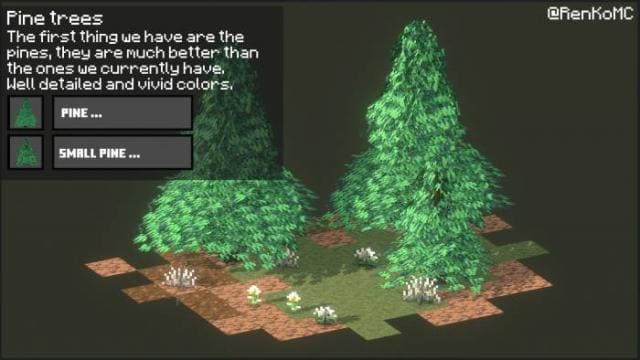
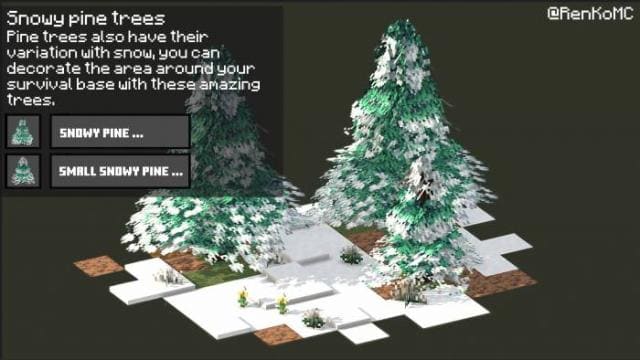
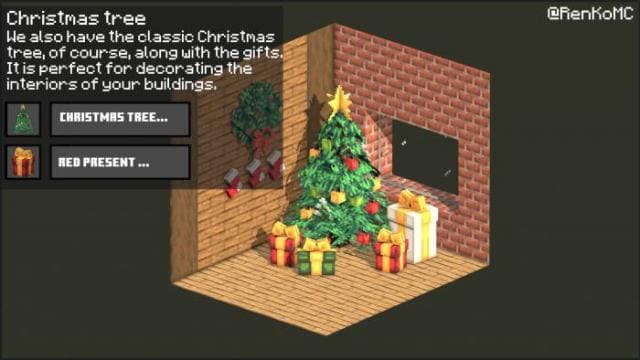
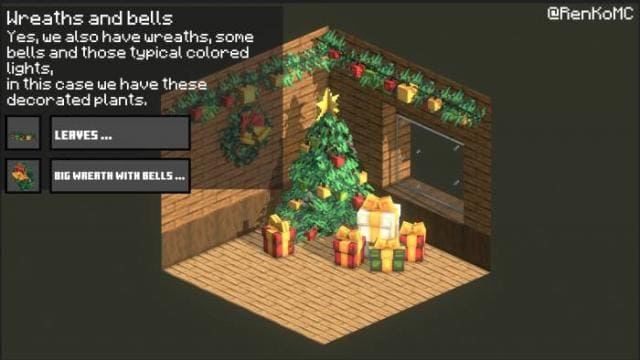
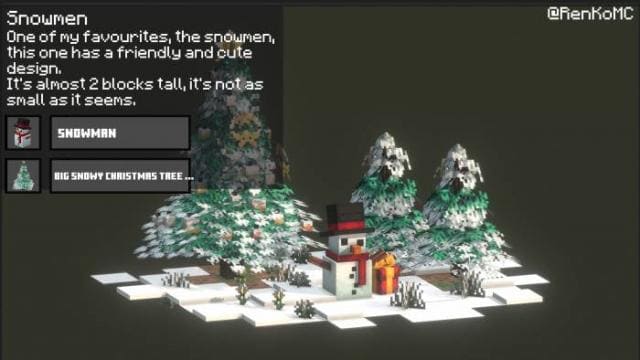
Хочешь новогодние декорации в Майнкрафт? Используй текстуры Winter Times, чтобы придать блочному миру праздничное настроение. Всего появится 25 видов декораций, которые ты сможешь применять для обустройства своего дома. Ты получишь новогоднюю атмосферу и сможешь подготовиться к празднованию любимого всеми праздника.
Ниже можно посмотреть все новые элементы, которые появятся в игре.
Изменения в новой версии
Ниже можно посмотреть все новые элементы, которые появятся в игре.
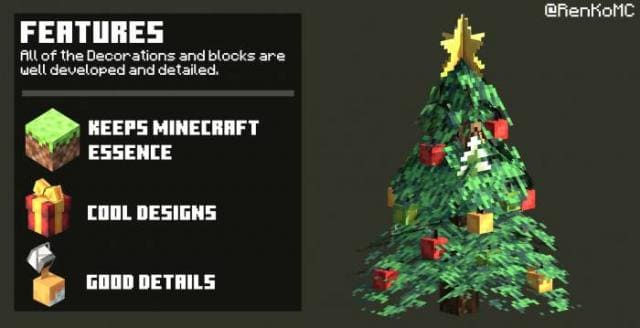
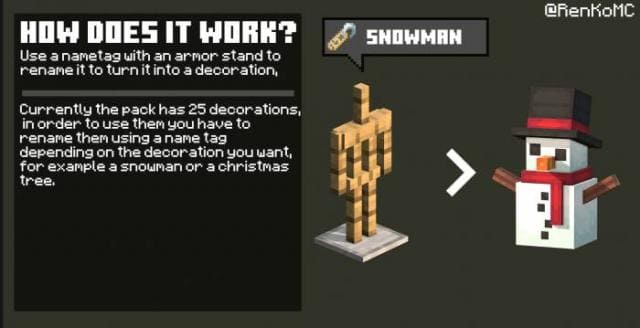
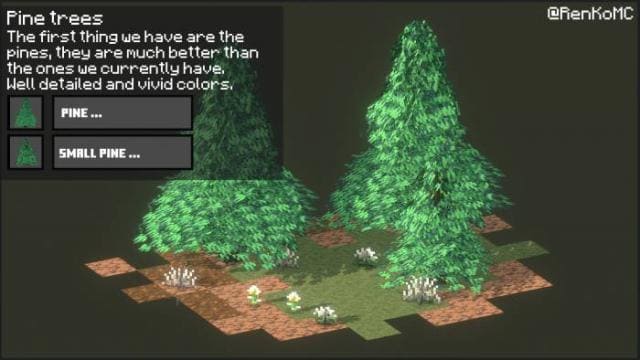
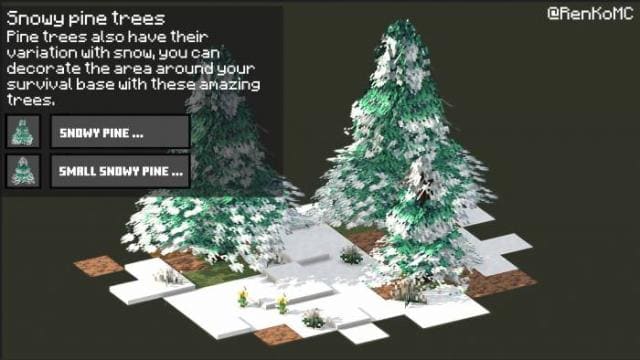
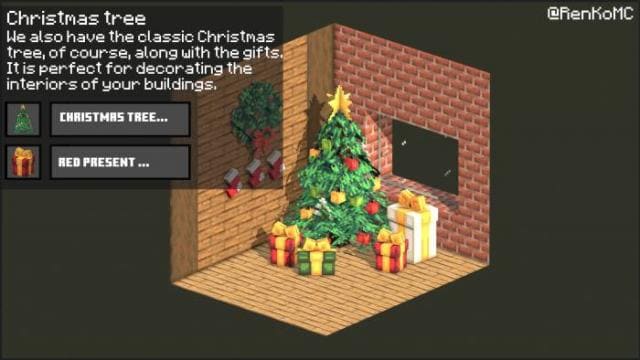
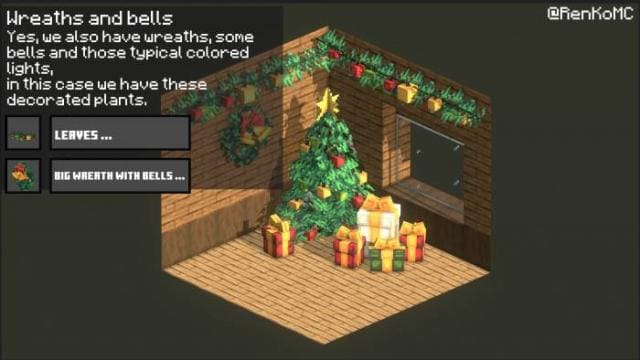
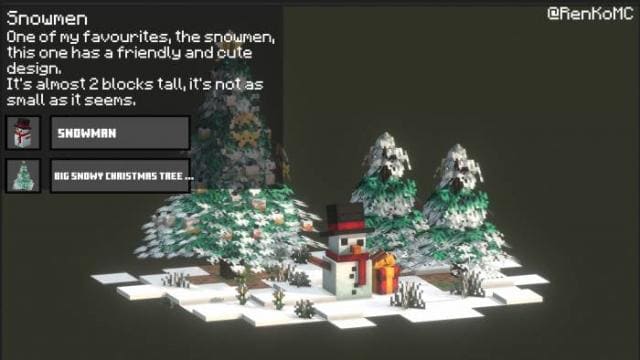
Изменения в новой версии
- Добавили декорации
- Добавили анимации и эффекты
- Улучшили декорации
Quick facts
- Edition: Minecraft Bedrock
- File type: .mcpack
- Minecraft versions listed: 1.19.40, 1.19.30, 1.19.20
- How to install: Download the .mcpack. → Open it — Minecraft imports it under Resource Packs. → Activate it in Global Resources, or for one world under Resource Packs → Available.
- Where to get it: In MCModsHub, or directly above on this page.
Install steps are the general flow for this file type — How to install Minecraft Bedrock texture packs walks through it step by step.
File checked by MCModsHub
- Pack type: .mcpack — a single pack
- Manifest requires Minecraft 1.18.0 or newer
- Complete pack — everything it depends on is inside the file
- Download size: 26.9 MB
- Download link checked 6 Jul 2026 — working
- Mirrored on our own servers — the download does not depend on the original host
These come from our own check of the pack file, not from the source page.