Texture packsBedrock
Autumn Environments Textures
Bedrock texture pack listed for Minecraft 1.17–1.21. File opened and checked on 2 Oct 2026; installs from the MC Bedrock Mods app on Android.
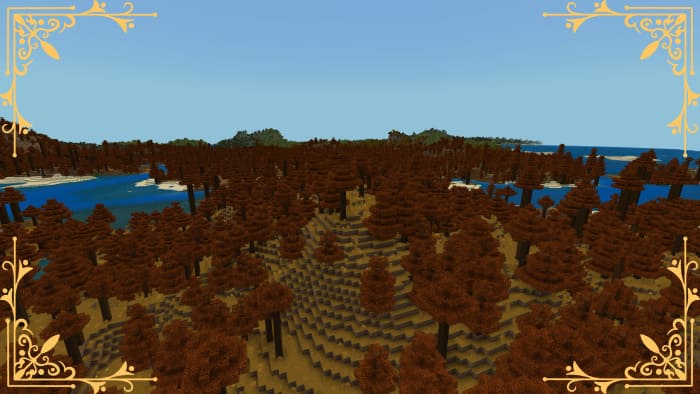
Many of us don't like autumn, as it's the time when summer ends and school begins. But in reality, autumn is beautiful in its own way. Beautiful nature…
⬇ Download
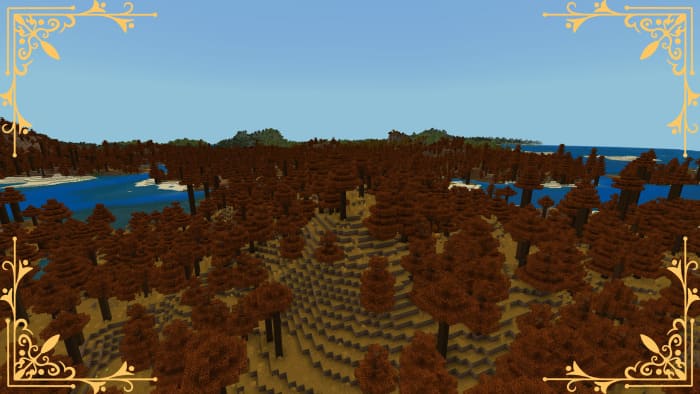
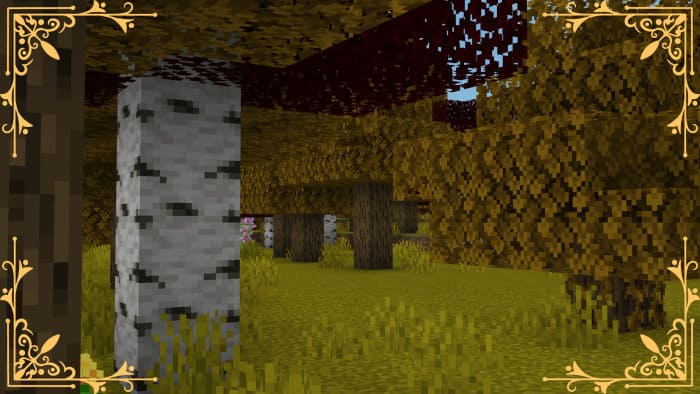
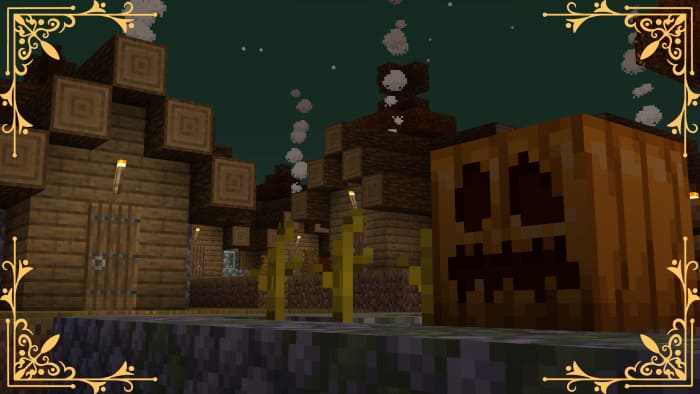
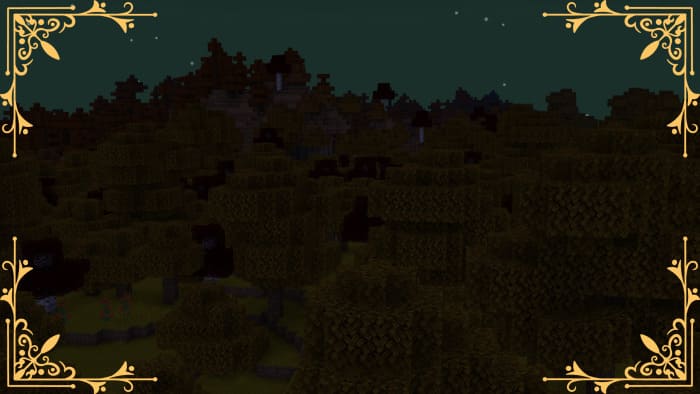
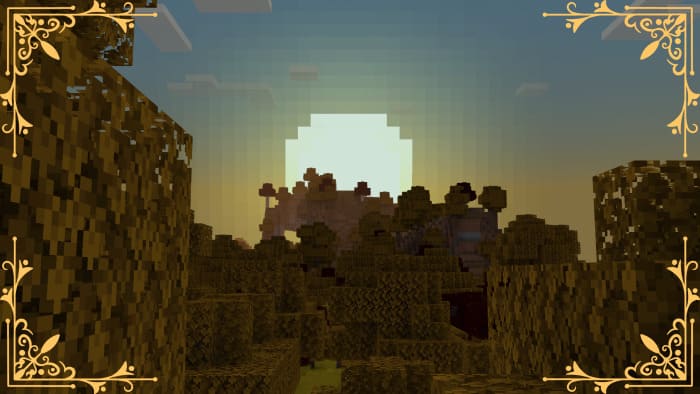
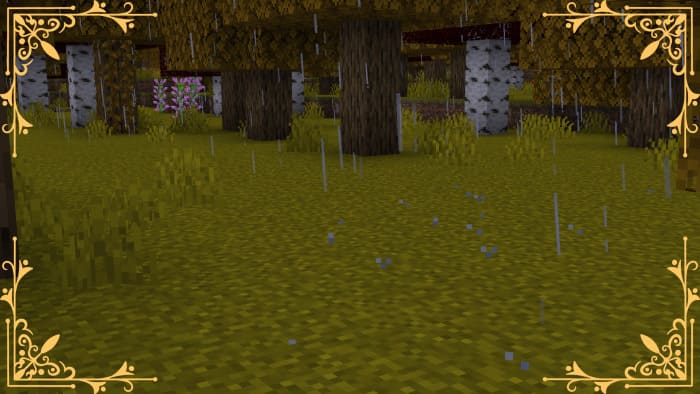
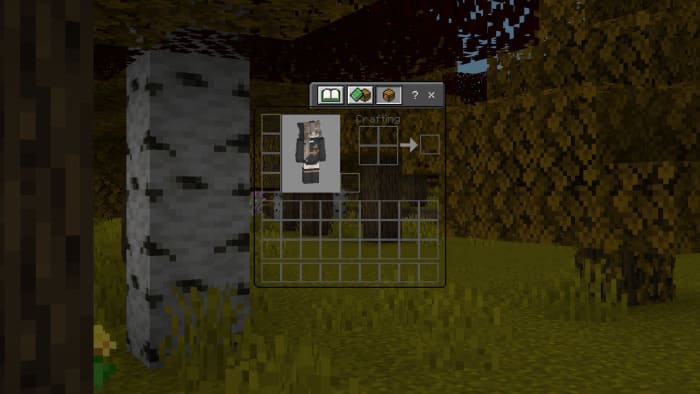
Многие из нас не любят осень, поскольку это пора, когда кончается лето и начинается учеба. Но на самом деле, осенняя пора прекрасна по-своему. Это красивые пейзажи природы, желто-красный лес и романтика морозных дождей. Если тебе все это близко, то следует установить текстуры Autumn Environments в Minecraft и наслаждаться осенней порой внутри блочной вселенной.
Естественно, первые изменения получит листва: теперь она окрасится в желто-оранжевые тона во всех лесах.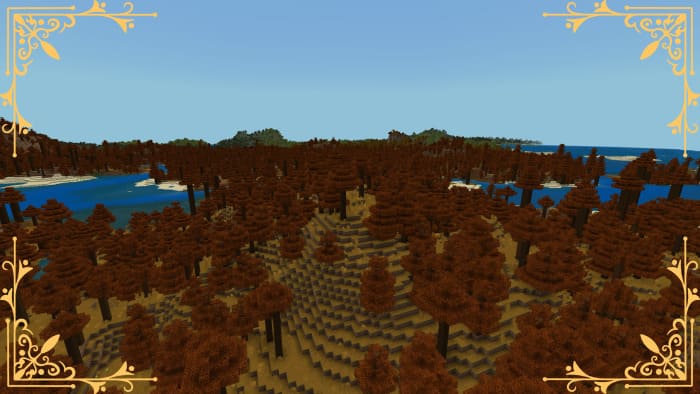
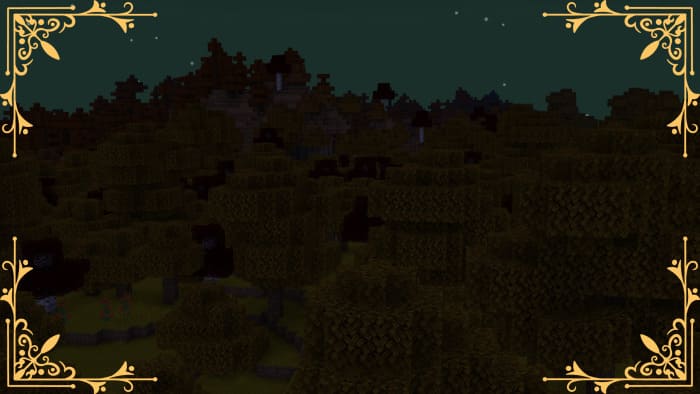
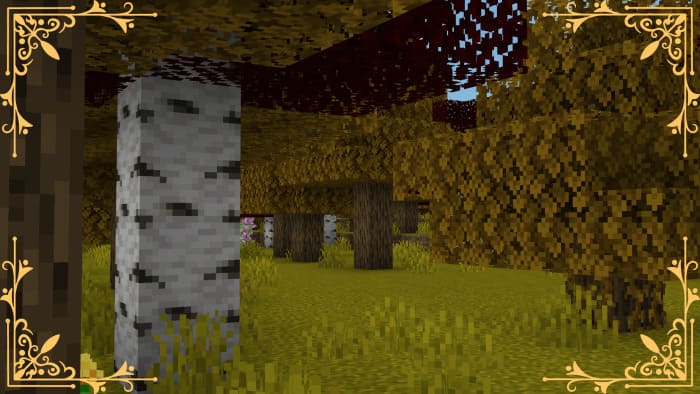 По ночам небо будет иметь более зеленоватый оттенок.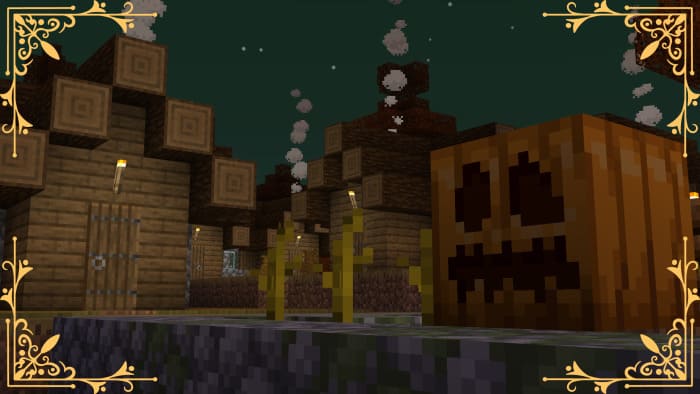
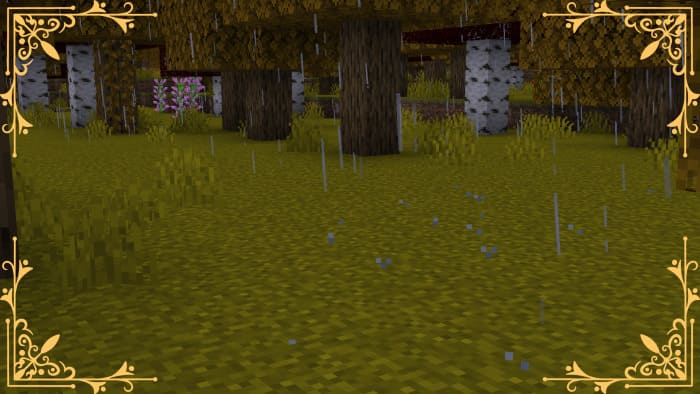
 Изменится и цвет дождя с Солнцем.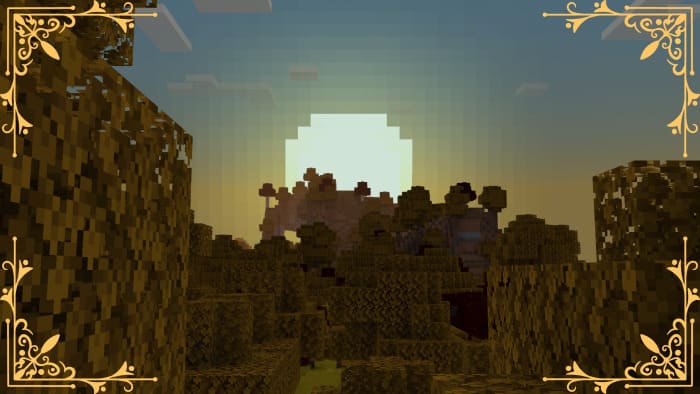
 Инвентарь получит прозрачный дизайн.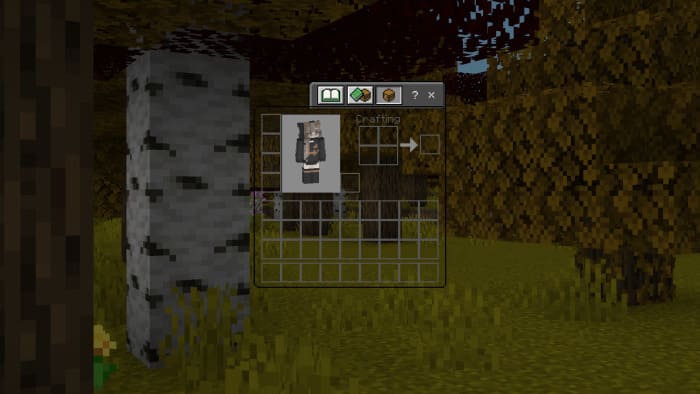
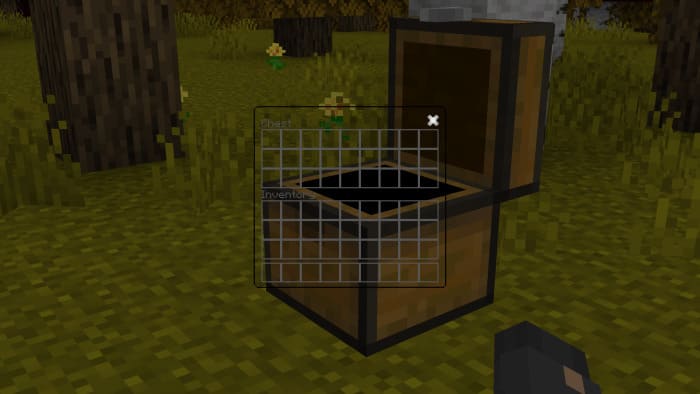
Естественно, первые изменения получит листва: теперь она окрасится в желто-оранжевые тона во всех лесах.
Quick facts
- Edition: Minecraft Bedrock
- File type: .mcpack
- Minecraft versions listed: 1.21.30, 1.21.20, 1.21
- How to install: Download the .mcpack. → Open it — Minecraft imports it under Resource Packs. → Activate it in Global Resources, or for one world under Resource Packs → Available.
- Where to get it: In MCModsHub, or directly above on this page.
Install steps are the general flow for this file type — How to install Minecraft Bedrock texture packs walks through it step by step.
File checked by MCModsHub
- Save it as 186290.mcaddon before opening — it downloads as .mcpack, but it is a .mcaddon pack
- Manifest requires Minecraft 1.21.0 or newer
- Complete pack — everything it depends on is inside the file
- Download size: 161 KB
- Download link checked 6 Jul 2026 — working
- Mirrored on our own servers — the download does not depend on the original host
These come from our own check of the pack file, not from the source page.