Texture packsBedrock
Rainbow Pie UI Textures
Bedrock texture pack listed for Minecraft 1.20–1.21. File opened and checked on 9 Oct 2026; installs from the MC Bedrock Mods app on Android.
The name of Rainbow Pie UI textures doesn't quite match the changes that will occur after installation. The pack is indeed beautiful and interesting, but…
⬇ Download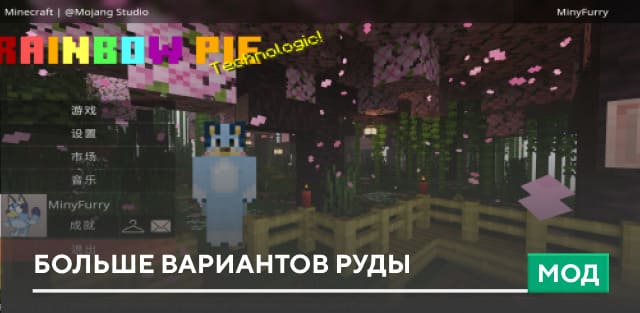
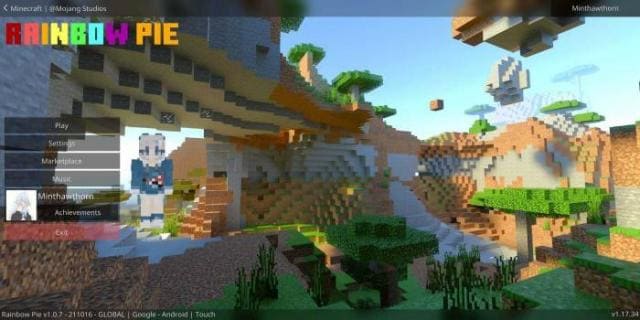
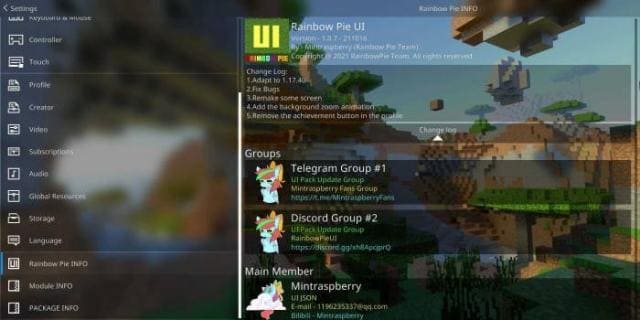
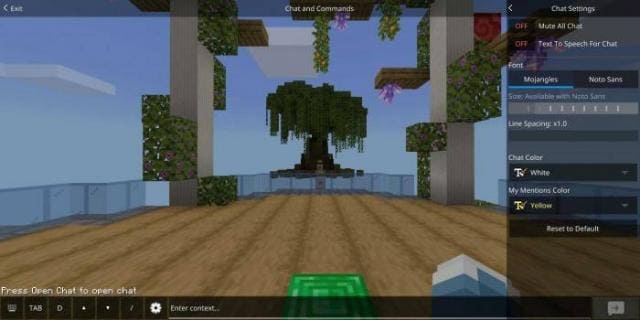
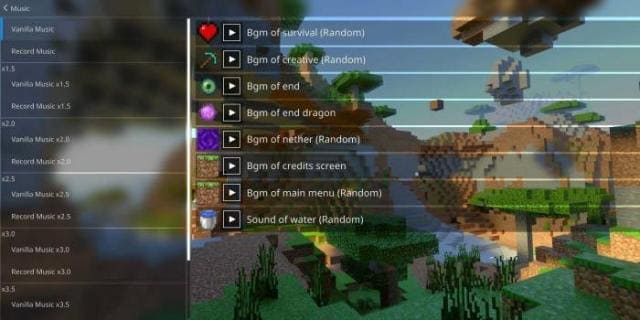
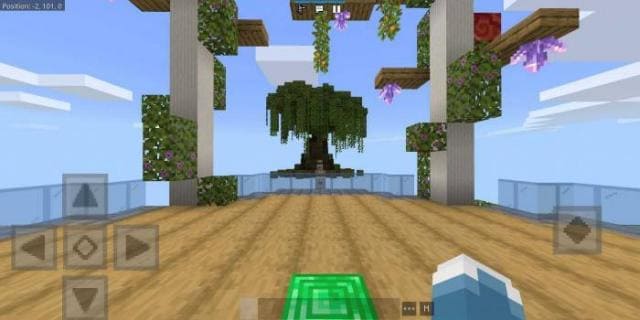
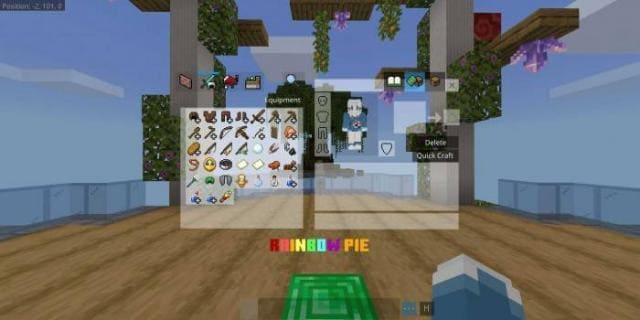

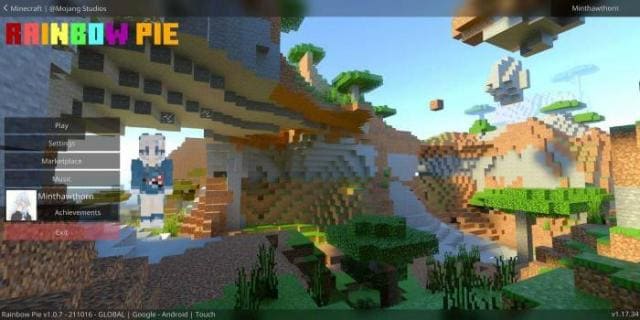
Название текстур Rainbow Pie UI не совсем соответствуют тому, какие изменения произойдут после установки. Дополнение действительно красивое и интересное, но никаких цветов радуги здесь практически нет. Сборку привнесет множество изменений в дизайн интерфейса, начиная с самого главного экрана и заканчивая инвентарем пользователя в Minecraft.
Стартовый экранНастройкиЧатМузыкальное сопровождениеОсновной экранИнвентарьИзменения в новой версии
Стартовый экран
- Исправили ошибки
- Совместимость с 1.21.30
- Добавили функции
Quick facts
- Edition: Minecraft Bedrock
- File type: .mcpack
- Minecraft versions listed: 1.21.30, 1.21.20, 1.20.81
- How to install: Download the .mcpack. → Open it — Minecraft imports it under Resource Packs. → Activate it in Global Resources, or for one world under Resource Packs → Available.
- Where to get it: In MCModsHub, or directly above on this page.
Install steps are the general flow for this file type — How to install Minecraft Bedrock texture packs walks through it step by step.
File checked by MCModsHub
- Pack type: .mcpack — a single pack
- Manifest requires Minecraft 1.21.20 or newer
- Complete pack — everything it depends on is inside the file
- Download size: 7.7 MB
- Download link checked 6 Jul 2026 — working
- Mirrored on our own servers — the download does not depend on the original host
These come from our own check of the pack file, not from the source page.