Texture packsBedrock
Enchant Description Textures
Bedrock texture pack listed for Minecraft 1.16–1.21. File opened and checked on 28 Sep 2026; installs from the MC Bedrock Mods app on Android.
Enchantments in Minecraft are described in such a way that even experienced players sometimes struggle to understand what weapon they're enchanting, let…
⬇ Download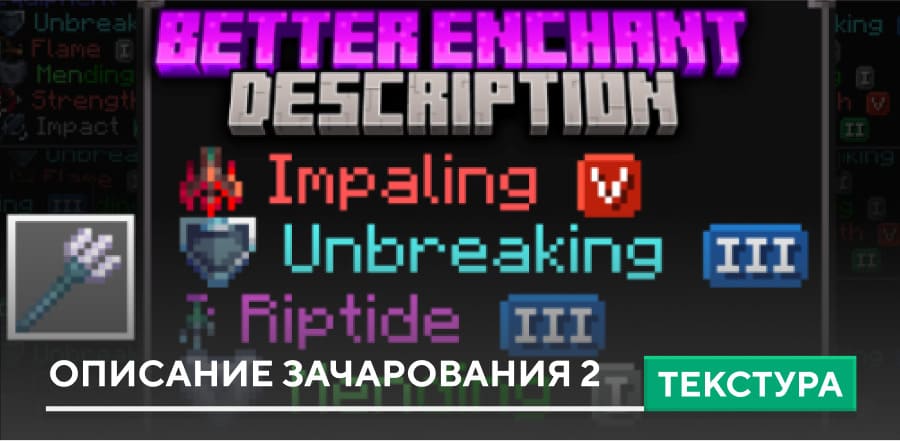
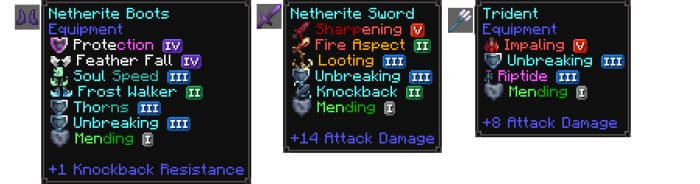
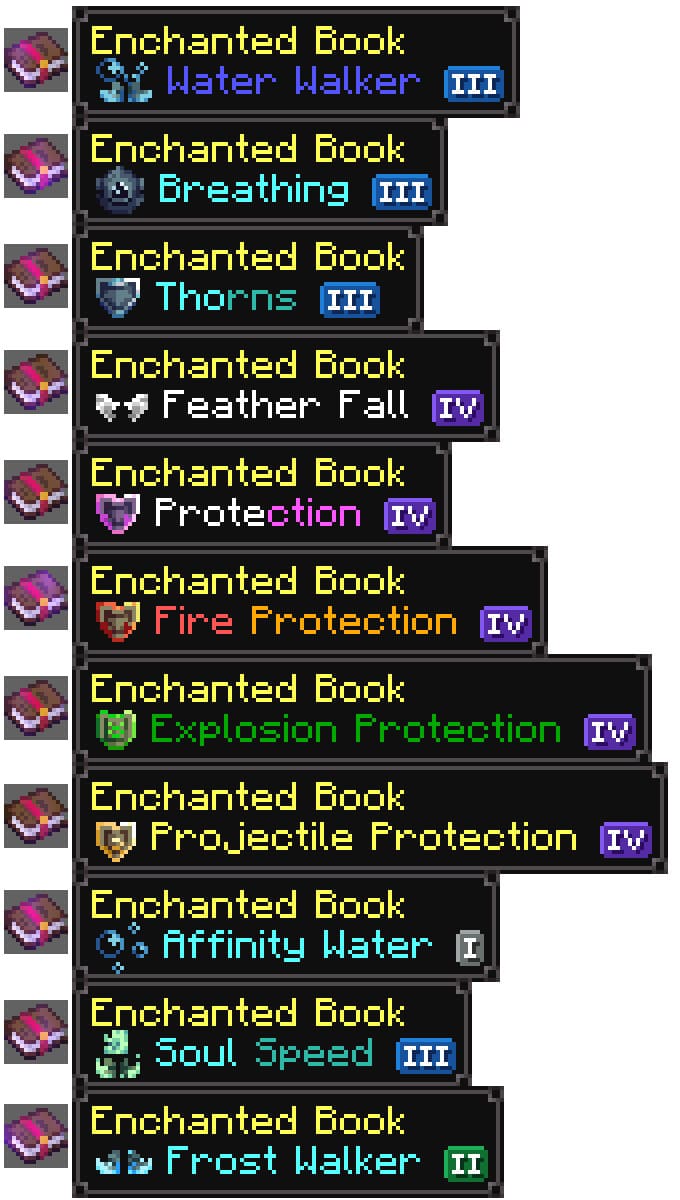
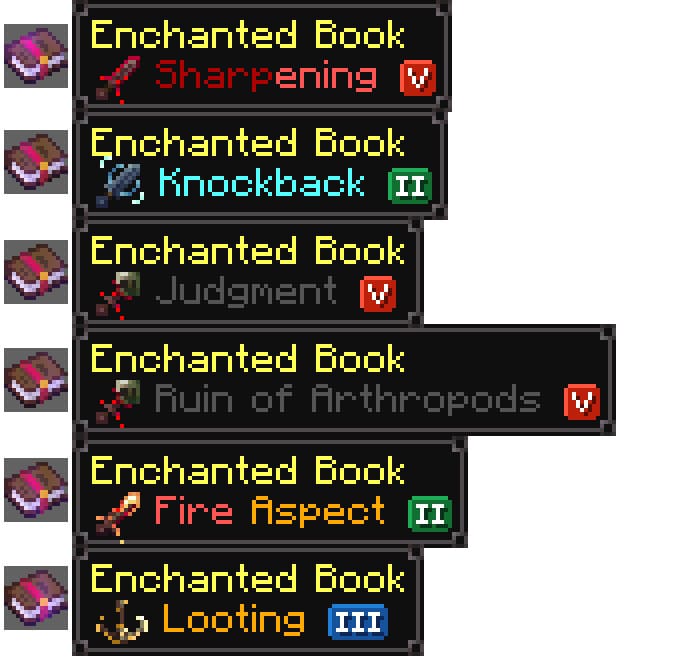
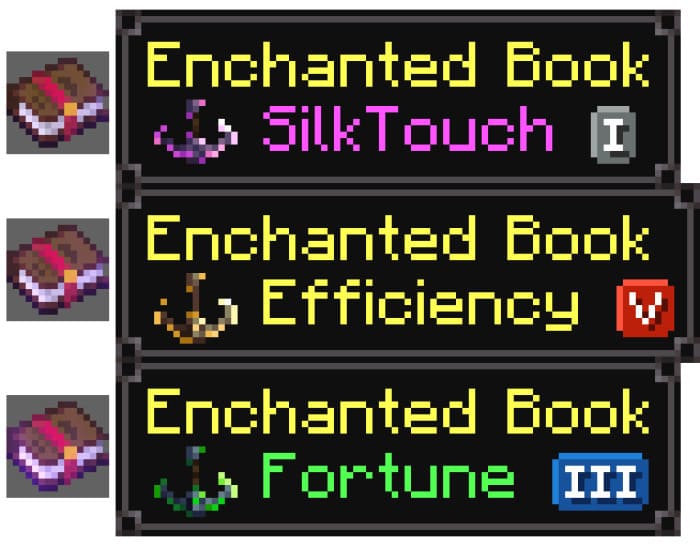
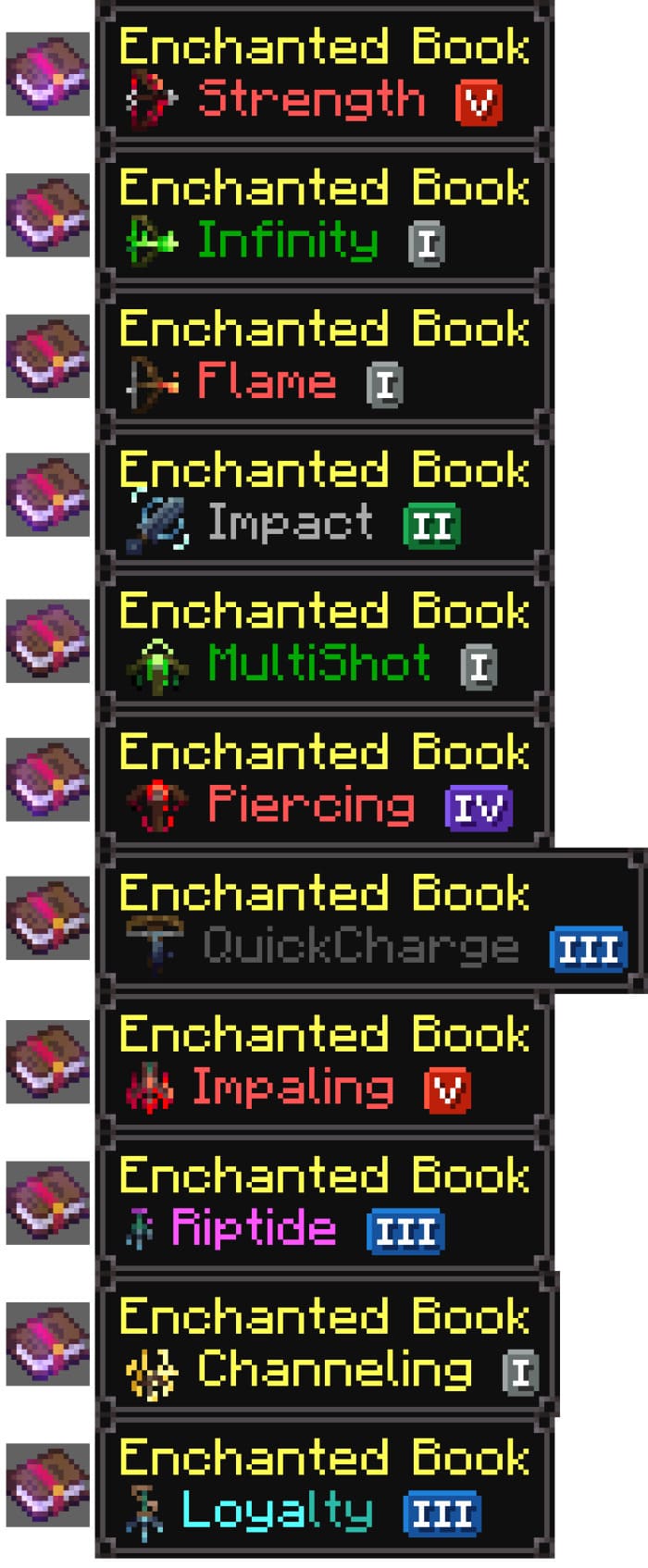
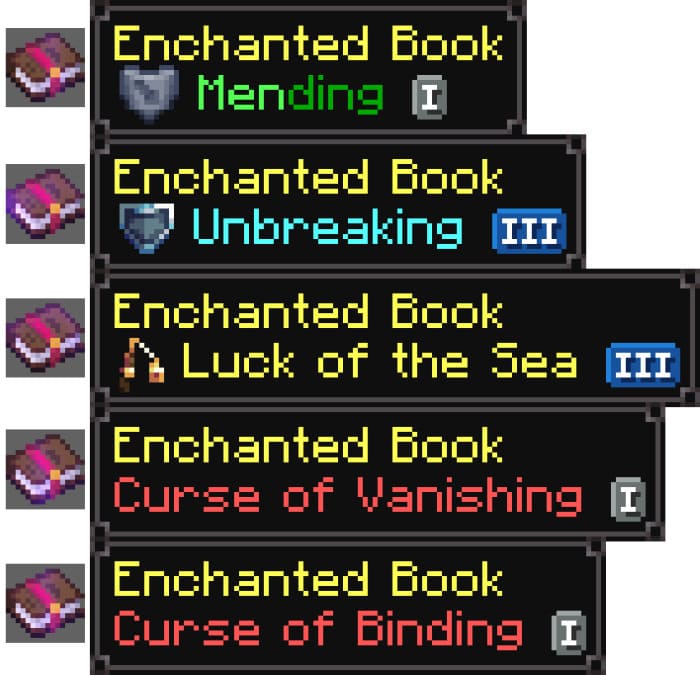
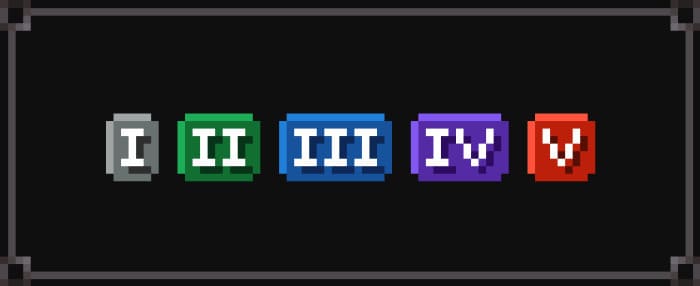
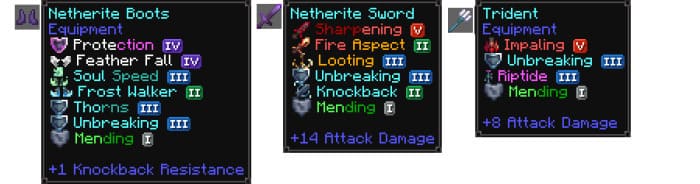
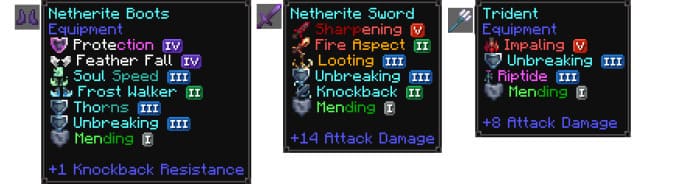
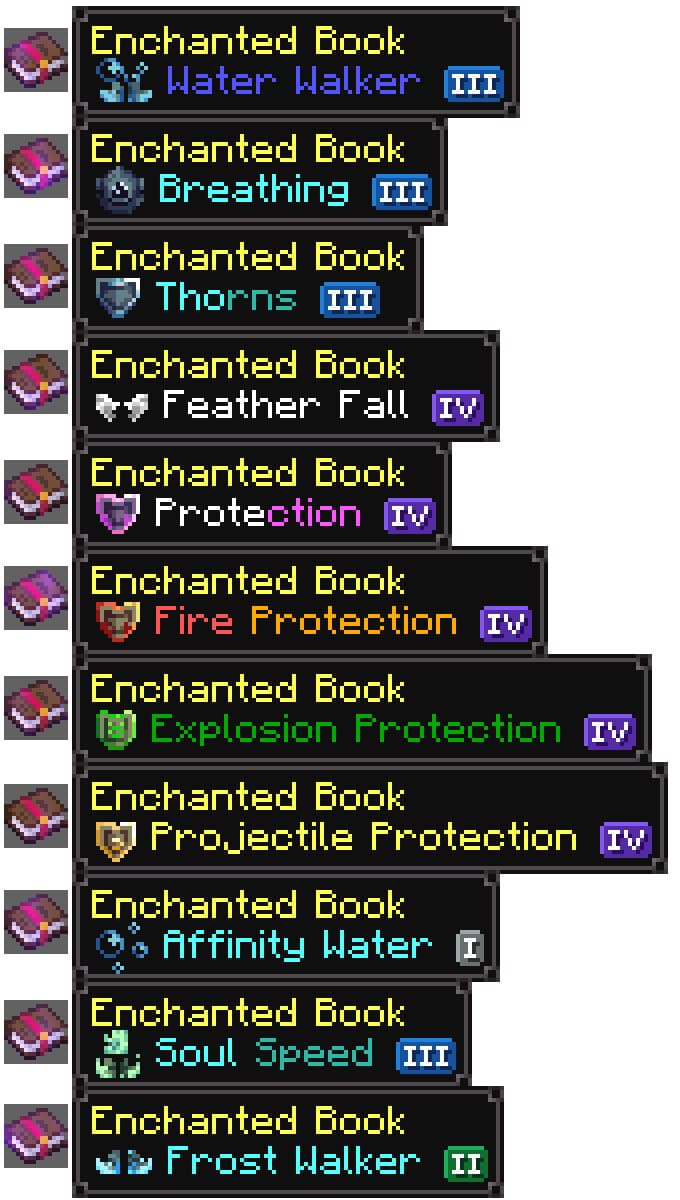
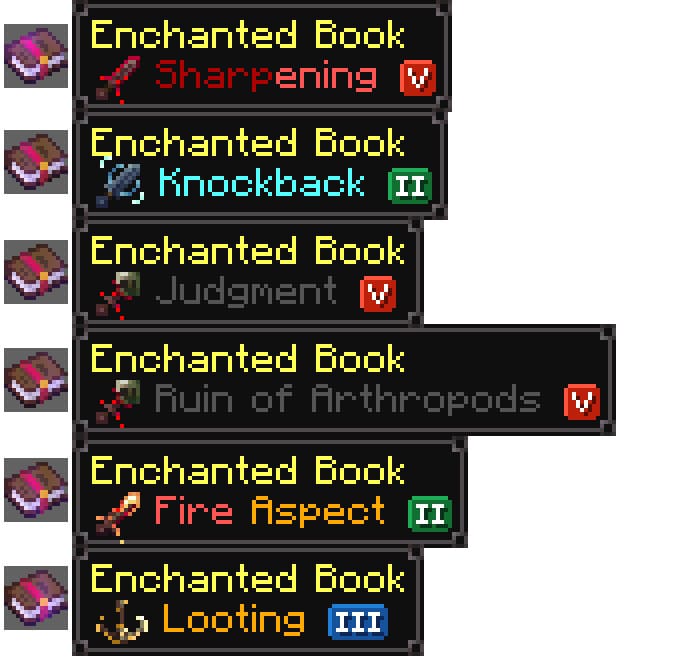
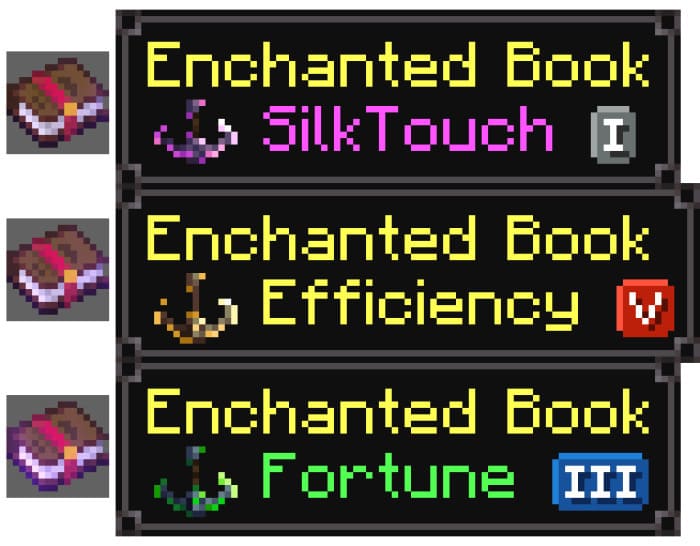
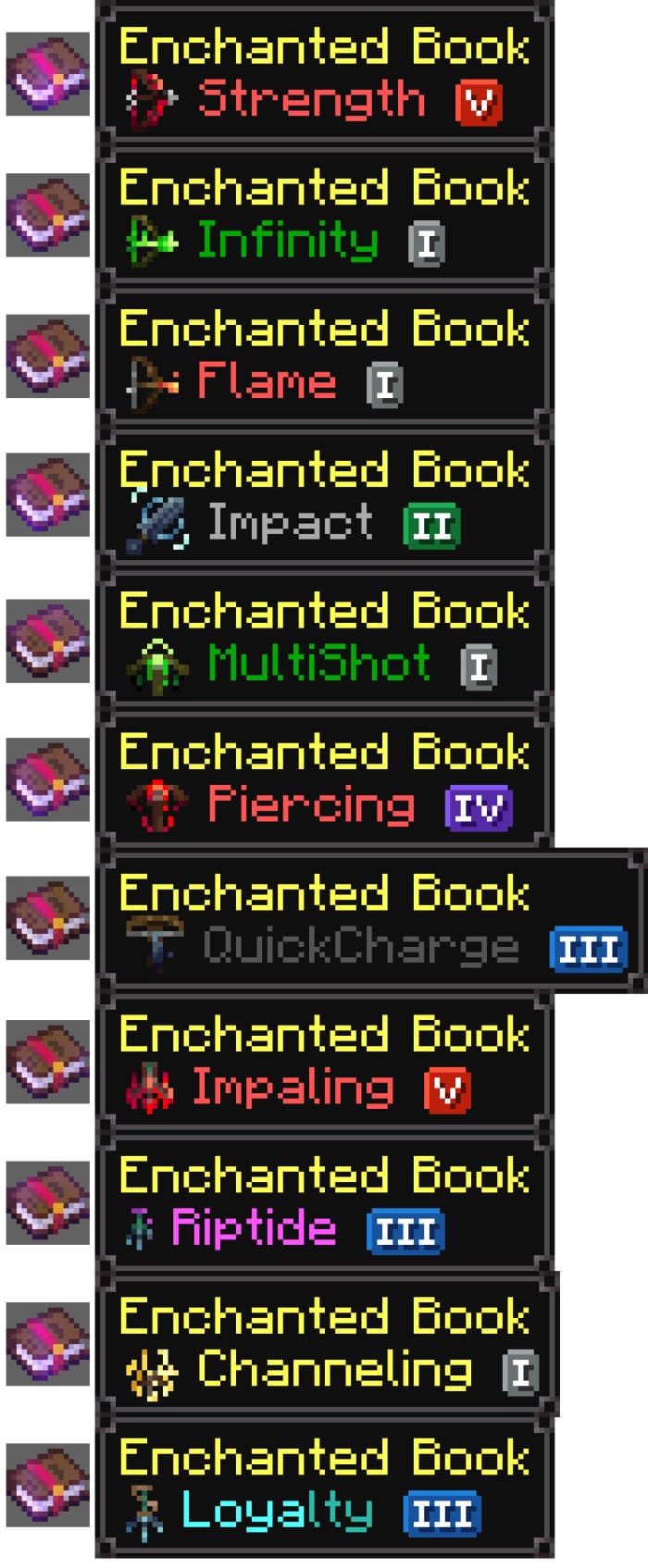
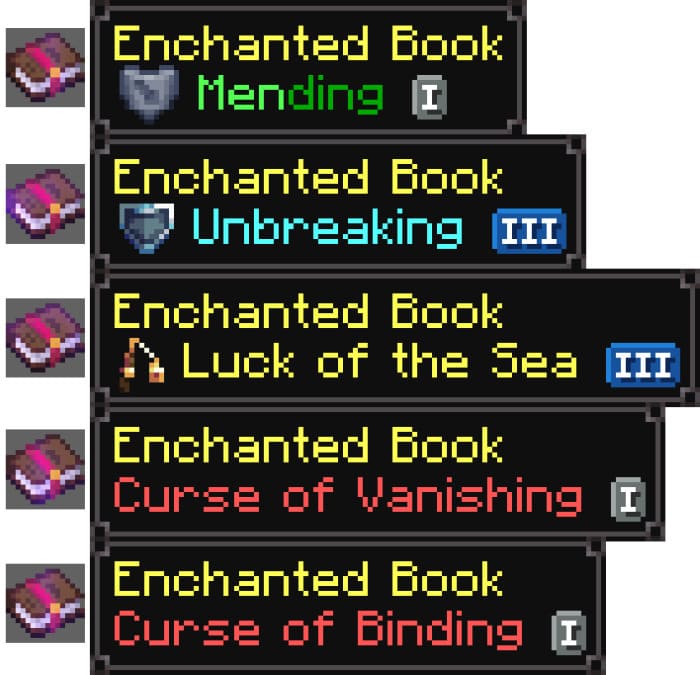
Зачарования в Майнкрафт описаны таким образом, что даже опытным игрокам порой сложно понять, на что они зачаруют то или иное оружие, не говоря о новичках. Поэтому для улучшения описания зачарований можно применить текстуры Enchant Description.
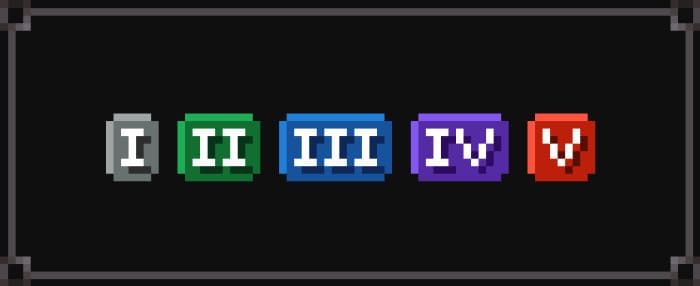
Теперь каждый вид зачарования будет красиво описан текстом, цветной надписью и даже иконкой. Ты всегда будешь точно знать, какие магические особенности имеет твое оружие.
Теперь каждый вид зачарования будет красиво описан текстом, цветной надписью и даже иконкой. Ты всегда будешь точно знать, какие магические особенности имеет твое оружие.
Quick facts
- Edition: Minecraft Bedrock
- File type: .mcpack
- Minecraft versions listed: 1.21.20, 1.21, 1.20.80
- How to install: Download the .mcpack. → Open it — Minecraft imports it under Resource Packs. → Activate it in Global Resources, or for one world under Resource Packs → Available.
- Where to get it: In MCModsHub, or directly above on this page.
Install steps are the general flow for this file type — How to install Minecraft Bedrock texture packs walks through it step by step.
File checked by MCModsHub
- Save it as 186297.mcaddon before opening — it downloads as .mcpack, but it is a .mcaddon pack
- Manifest requires Minecraft 1.16.0 or newer
- Complete pack — everything it depends on is inside the file
- Download size: 19 KB
- Download link checked 6 Jul 2026 — working
- Mirrored on our own servers — the download does not depend on the original host
These come from our own check of the pack file, not from the source page.