Texture packsBedrock
Birch Plus+ Textures
Bedrock texture pack listed for Minecraft 1.16–1.21. File opened and checked on 9 Oct 2026; installs from the MC Bedrock Mods app on Android.
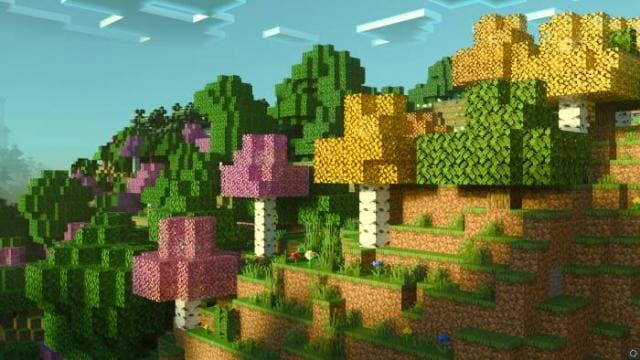
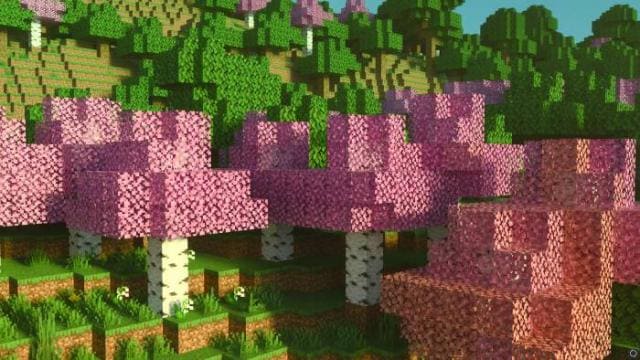
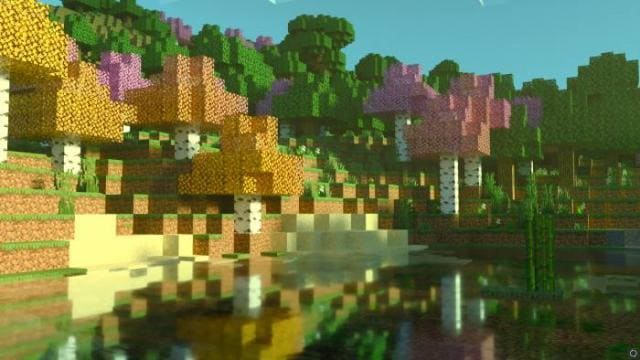
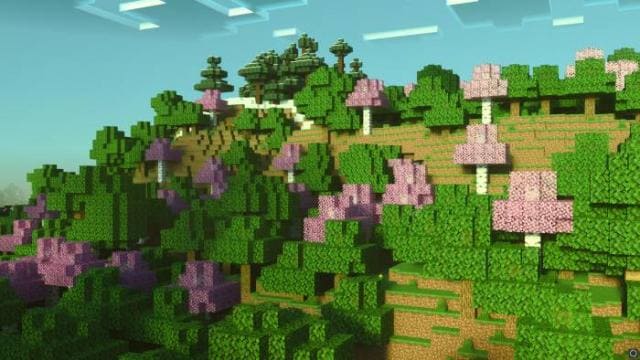
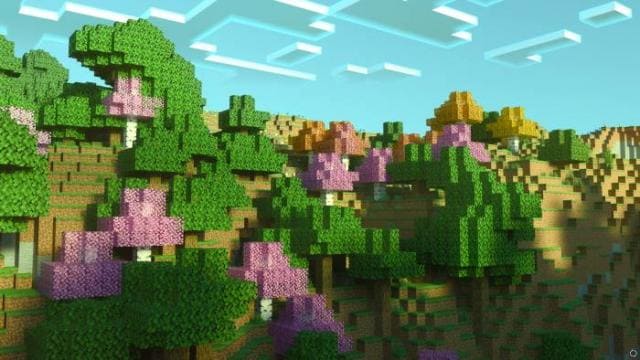
Birch Plus+ textures will make birch forests much more beautiful and diverse. The foliage will be colored in bright colors: pink, yellow, and even orange…
⬇ Download
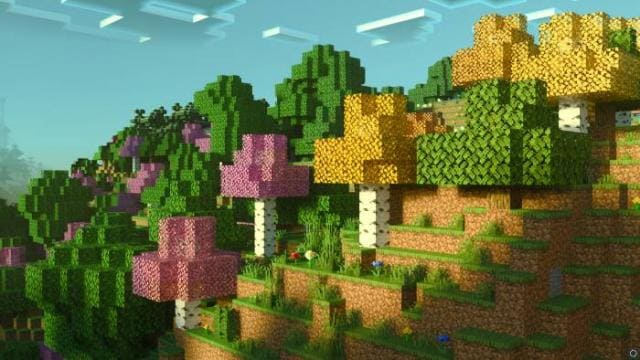
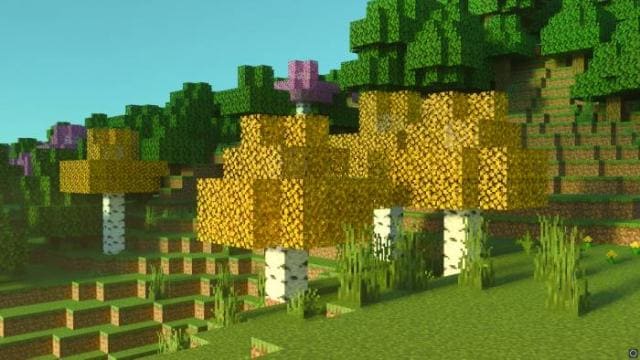
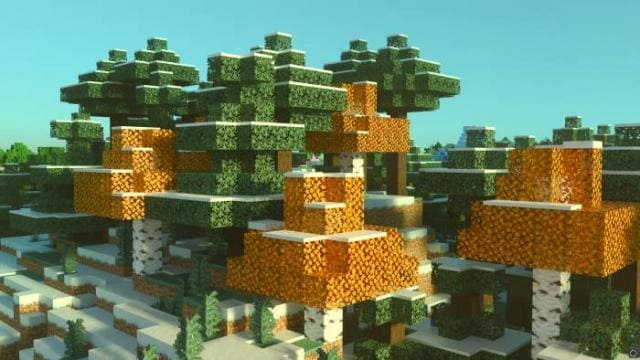
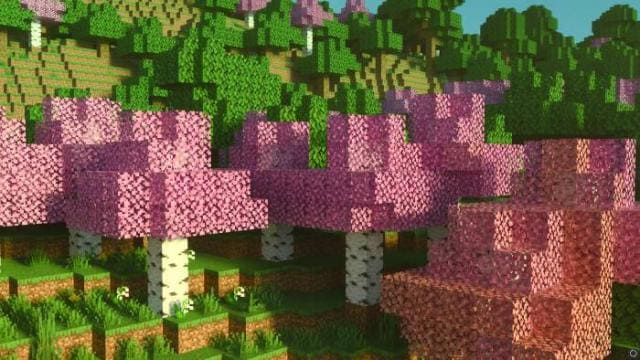
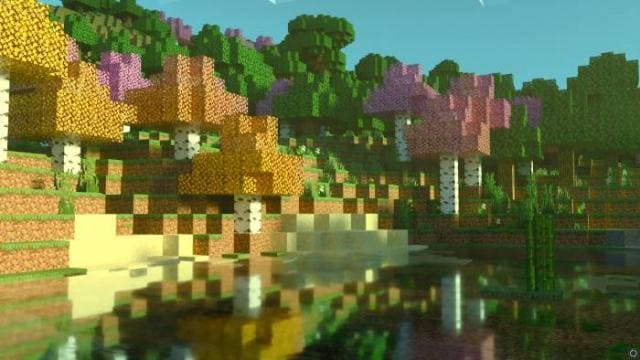
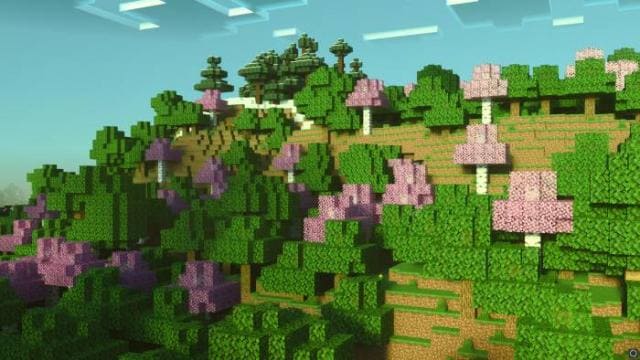
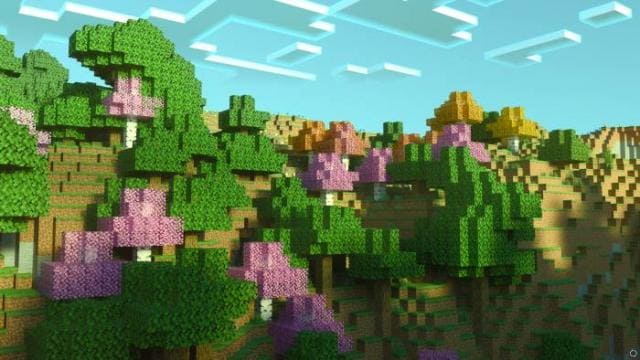
Текстуры Birch Plus+ сделают березовые леса в разы красивее и разнообразнее. Листва окрасится в яркие цвета: розовый, желтый и даже оранжевый. Немного повеет осенью, но при этом зеленые деревья также будут генерироваться вместе с остальными. Это небольшое изменение сделает твой мир Minecraft Bedrock более насыщенным.
Цвет деревьев зависит от биома, в котором растут березы.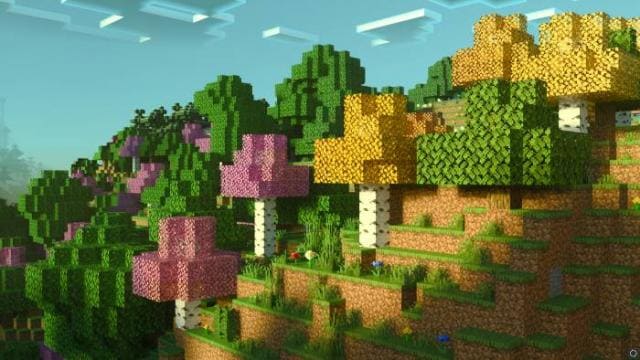 Желтая береза
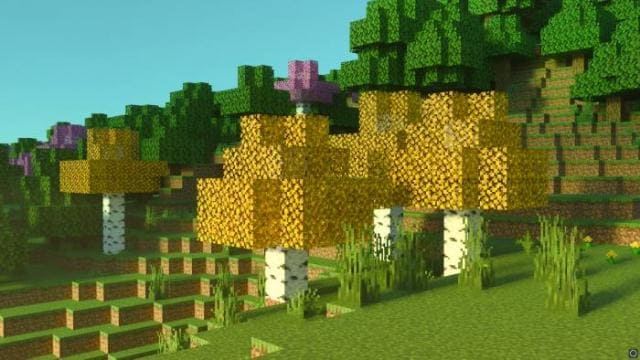 Оранжевая береза
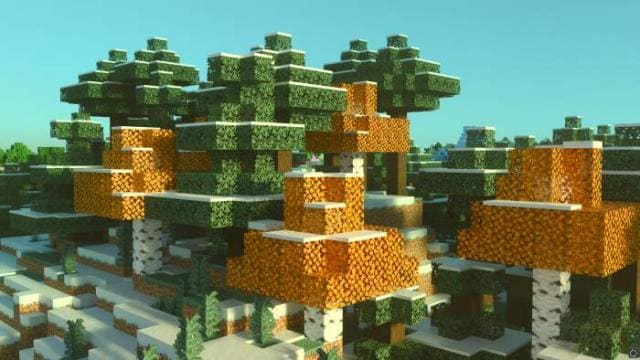 Розовая береза
 Скриншоты
Изменения в новой версии
Цвет деревьев зависит от биома, в котором растут березы.
Изменения в новой версии
- Исправили ошибки
Quick facts
- Edition: Minecraft Bedrock
- File type: .mcpack
- Minecraft version listed: 1.21
- How to install: Download the .mcpack. → Open it — Minecraft imports it under Resource Packs. → Activate it in Global Resources, or for one world under Resource Packs → Available.
- Where to get it: In MCModsHub, or directly above on this page.
Install steps are the general flow for this file type — How to install Minecraft Bedrock texture packs walks through it step by step.
File checked by MCModsHub
- Pack type: .mcpack — a single pack
- Manifest requires Minecraft 1.16.0 or newer
- Complete pack — everything it depends on is inside the file
- Download size: 357 KB
- Download link checked 6 Jul 2026 — working
- Mirrored on our own servers — the download does not depend on the original host
These come from our own check of the pack file, not from the source page.