Texture packsBedrock
Vanilla Deferred Lighting Textures
Bedrock texture pack listed for Minecraft 1.20–1.21. File opened and checked on 7 Oct 2026; installs from the MC Bedrock Mods app on Android.
As you know, Minecraft received support for even more modern and revolutionary shaders, so the author of Vanilla Deferred Lighting textures proposed…
⬇ Download
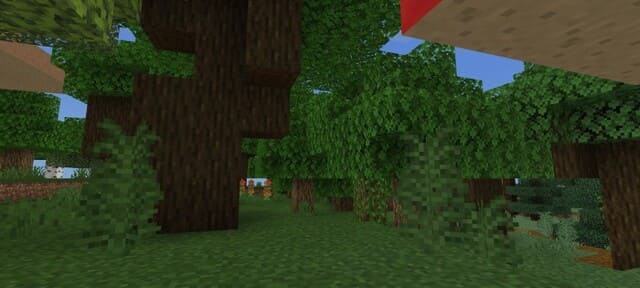
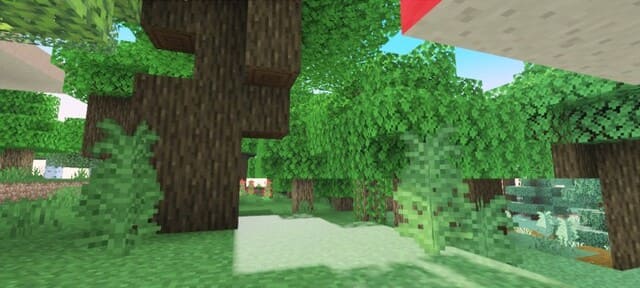
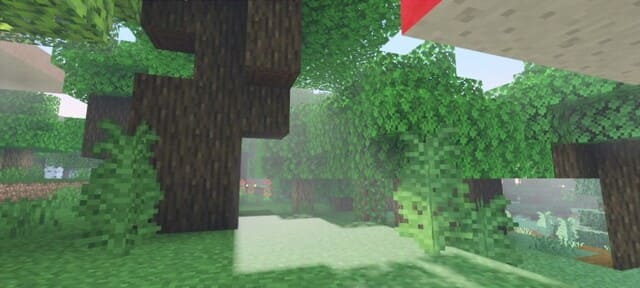
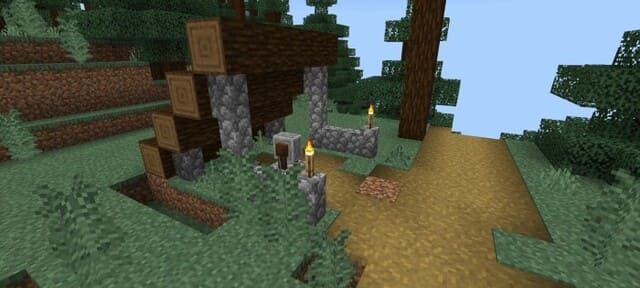
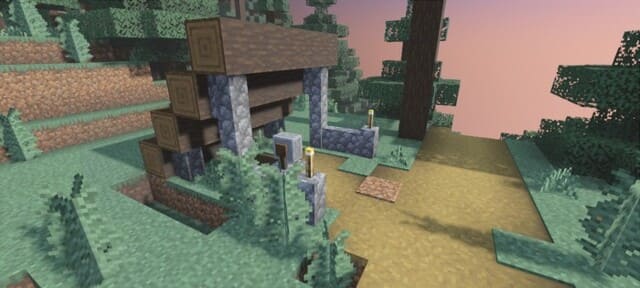
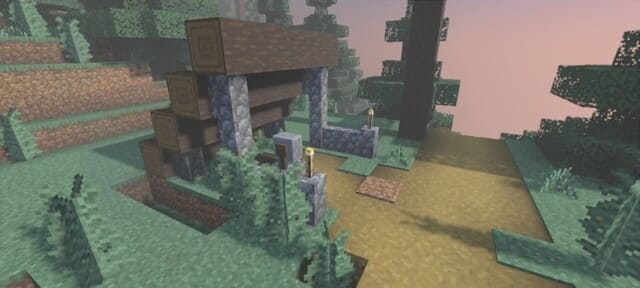

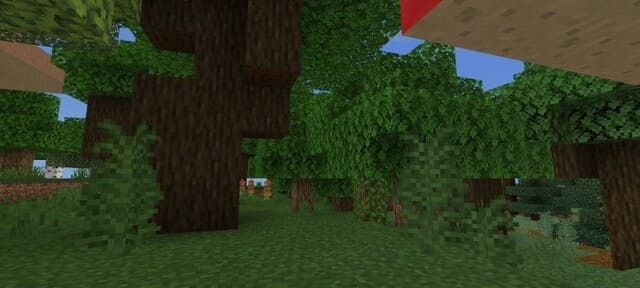
Как известно, Майнкрафт получил поддержку еще более современных и революционных шейдеров, поэтому автор текстуры Vanilla Deferred Lighting предложил совместить эту функцию и свою сборку. Это дополнение существенно улучшает освещение, возвращая привычный, классический вид игры.
Просто посмотри на скриншоты ниже: ты сможешь выбирать между этими тремя режимами в настройках сборки.
Обрати внимание, что для вида как на третьем скриншоте потребуется RTX.
Изменения в новой версии
Просто посмотри на скриншоты ниже: ты сможешь выбирать между этими тремя режимами в настройках сборки.
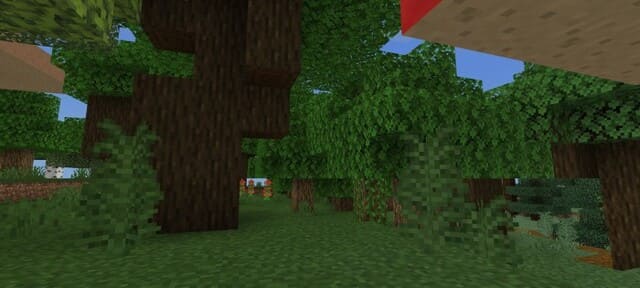
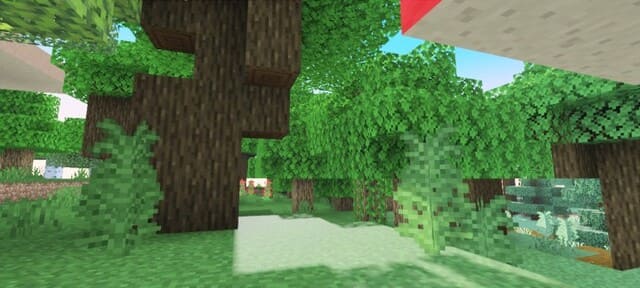
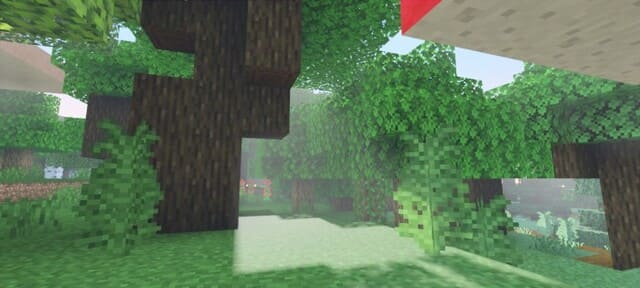
Обрати внимание, что для вида как на третьем скриншоте потребуется RTX.
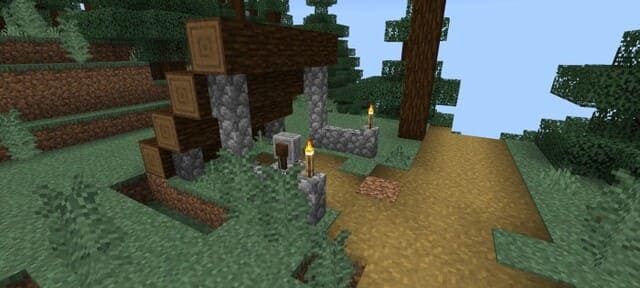
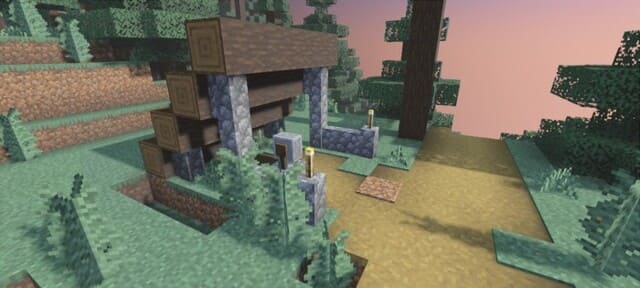
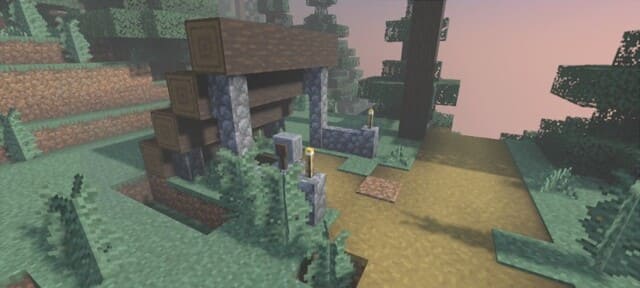
Изменения в новой версии
- Добавили реалистичные волны воды
Quick facts
- Edition: Minecraft Bedrock
- File type: .mcpack
- Minecraft version listed: 1.21
- How to install: Download the .mcpack. → Open it — Minecraft imports it under Resource Packs. → Activate it in Global Resources, or for one world under Resource Packs → Available.
- Where to get it: In MCModsHub, or directly above on this page.
Install steps are the general flow for this file type — How to install Minecraft Bedrock texture packs walks through it step by step.
File checked by MCModsHub
- Save it as 186307.mcaddon before opening — it downloads as .mcpack, but it is a .mcaddon pack
- Manifest requires Minecraft 1.20.40 or newer
- Complete pack — everything it depends on is inside the file
- Download size: 284 KB
- Download link checked 6 Jul 2026 — working
- Mirrored on our own servers — the download does not depend on the original host
These come from our own check of the pack file, not from the source page.