Texture packsBedrock
1.20 Panorama with shaders Textures
Bedrock texture pack listed for Minecraft 1.17–1.20. File opened and checked on 25 Sep 2026; installs from the MC Bedrock Mods app on Android.
Minecraft update 1.20 has already appeared in beta, but addon developers have already decided to apply various features from future versions of the game…
⬇ Download
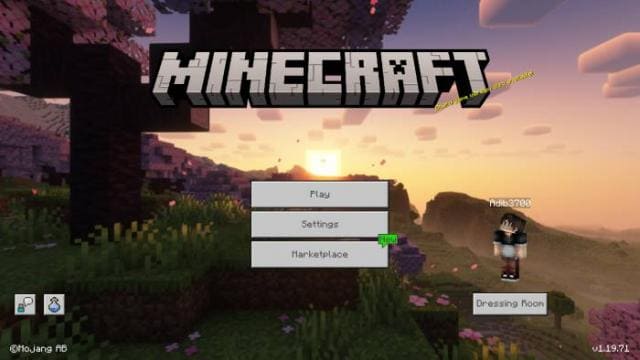
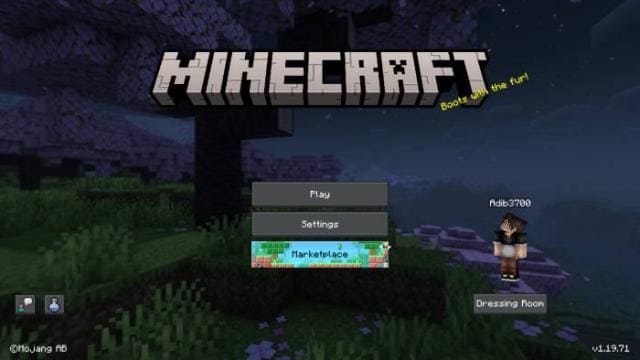

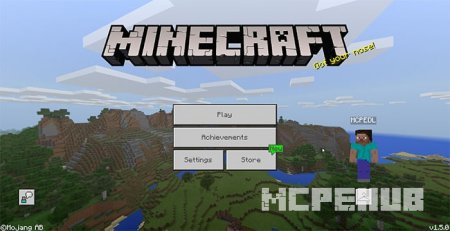
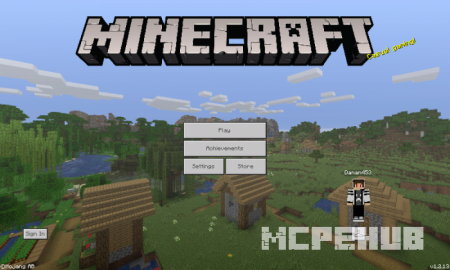
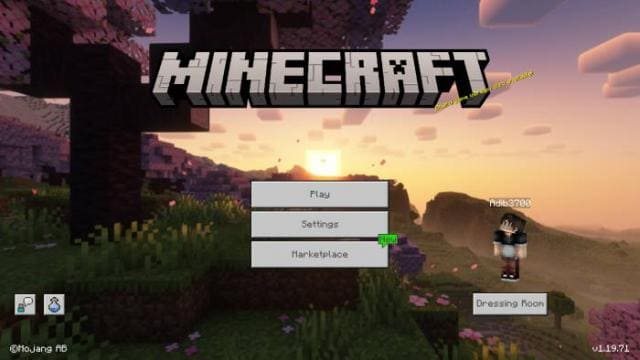
Обновление Майнкрафт 1.20 уже появилось в стадии бета-версии, но разработчики дополнений уже решили применять различные функции из будущих версий игры. Например, текстуры 1.20 Panorama with shaders помогут поменять фоновую анимацию главного меню в игре. Вместо привычного превью ты сможешь использовать вид на биом Цветущей вишни из обновления «Тропы и Сказки».
Ниже можно посмотреть на новый вид главного меню.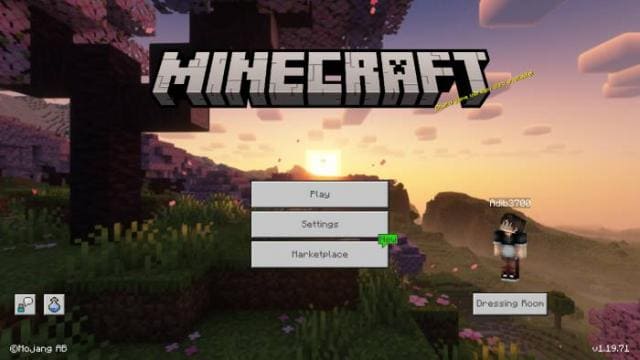
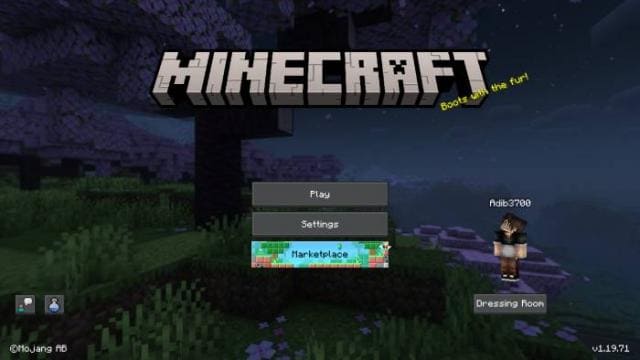 Изменения в новой версии
Ниже можно посмотреть на новый вид главного меню.
- Добавили разные разрешения
- Обновили основную версию
Quick facts
- Edition: Minecraft Bedrock
- File type: .mcpack
- Minecraft versions listed: 1.20, 1.20.80, 1.20.70
- How to install: Download the .mcpack. → Open it — Minecraft imports it under Resource Packs. → Activate it in Global Resources, or for one world under Resource Packs → Available.
- Where to get it: In MCModsHub, or directly above on this page.
Install steps are the general flow for this file type — How to install Minecraft Bedrock texture packs walks through it step by step.
File checked by MCModsHub
- Pack type: .mcpack — a single pack
- Manifest requires Minecraft 1.17.0 or newer
- Complete pack — everything it depends on is inside the file
- Download size: 13.3 MB
- Download link checked 6 Jul 2026 — working
- Mirrored on our own servers — the download does not depend on the original host
These come from our own check of the pack file, not from the source page.