Texture packsBedrock
Paper Cut-Out RTX Textures
Bedrock texture pack listed for Minecraft 1.15–1.20. File opened and checked on 29 Sep 2026; installs from the MC Bedrock Mods app on Android.
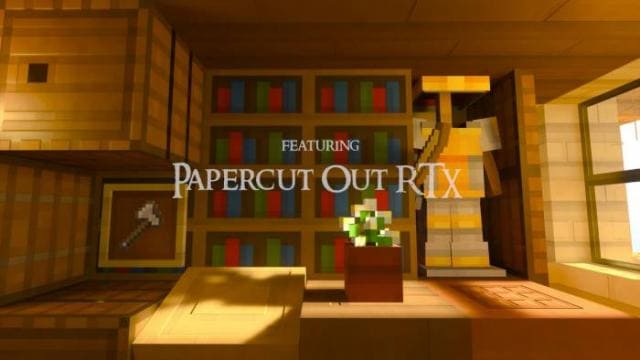
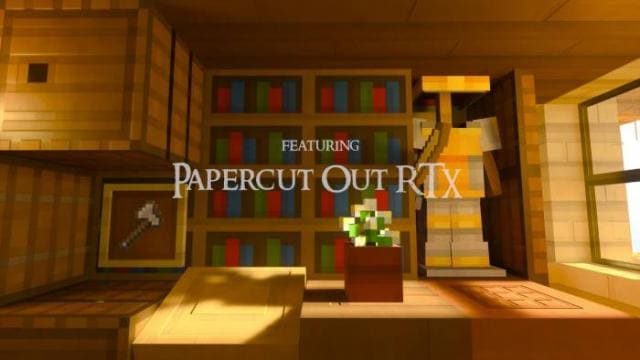
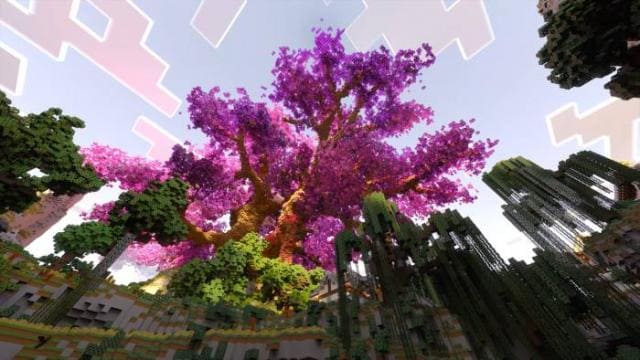
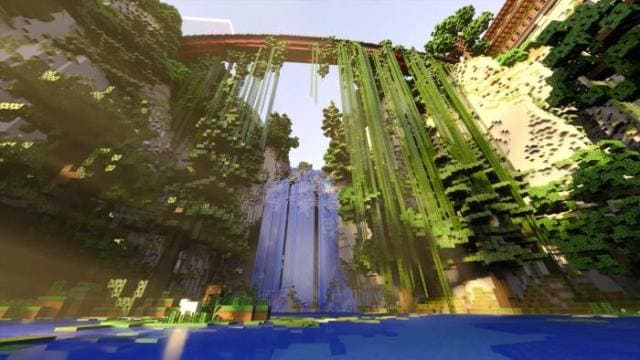
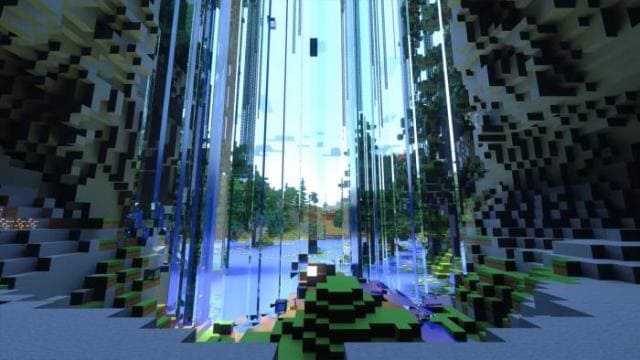
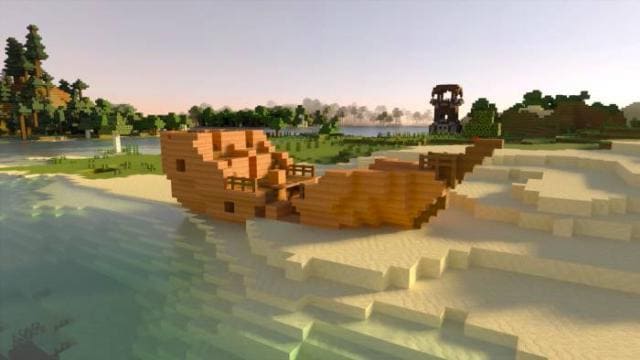
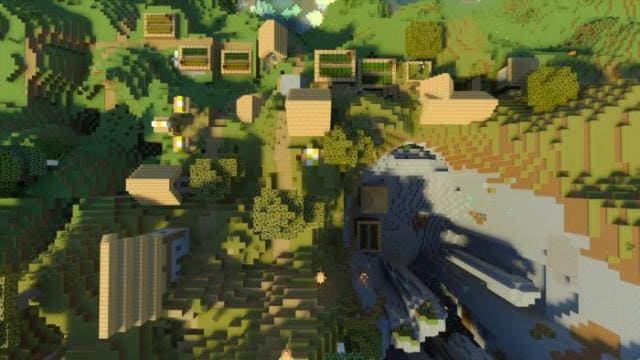
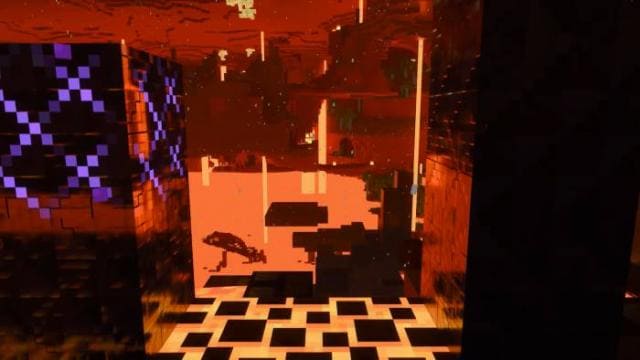
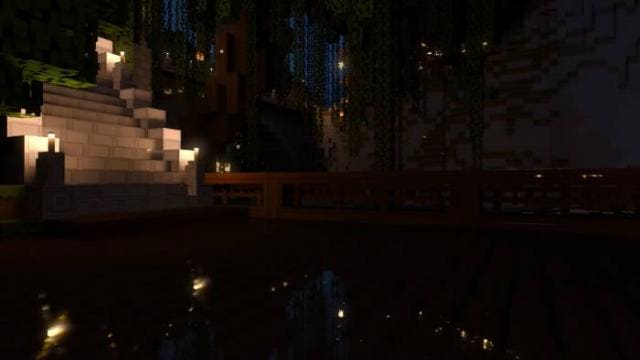
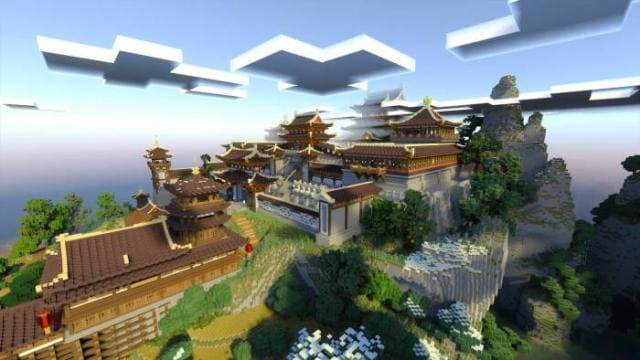
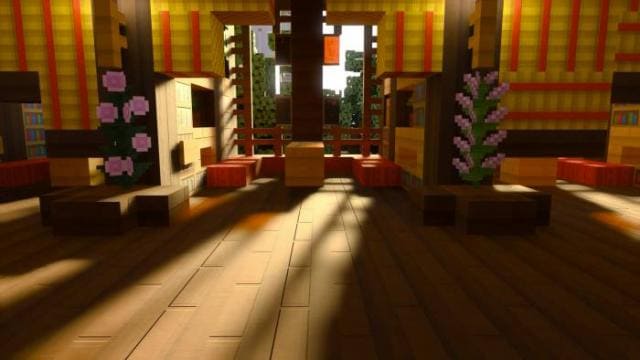
Paper Cut-Out RTX textures are a wonderful combination that brings a completely new level of visual splendor to your favorite Minecraft world. The…
⬇ Download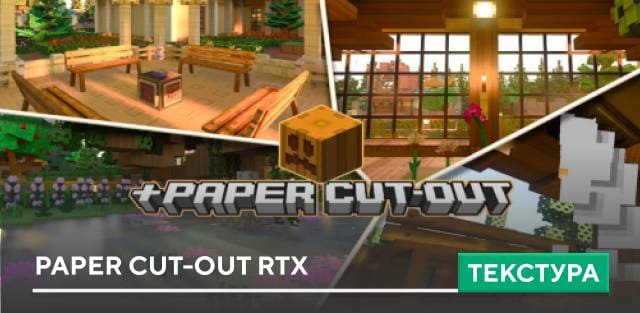
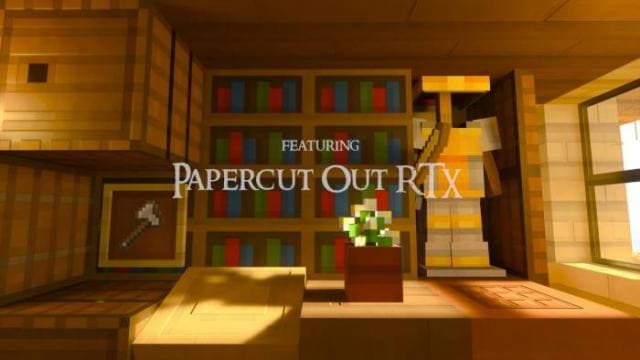
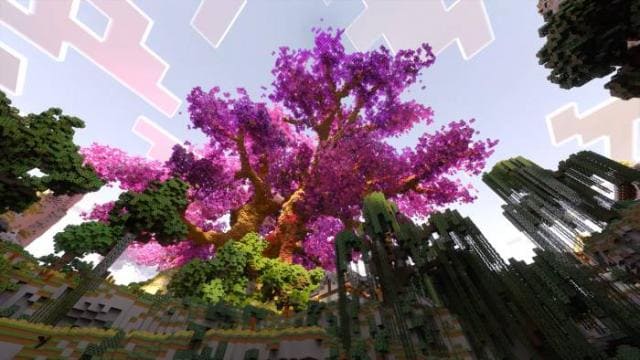
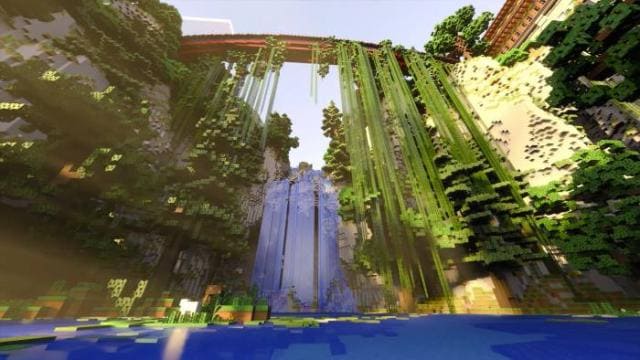
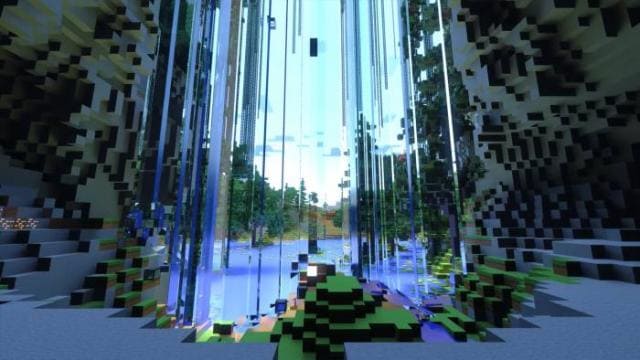
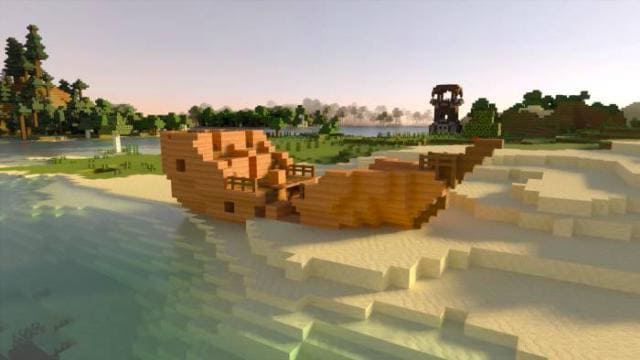
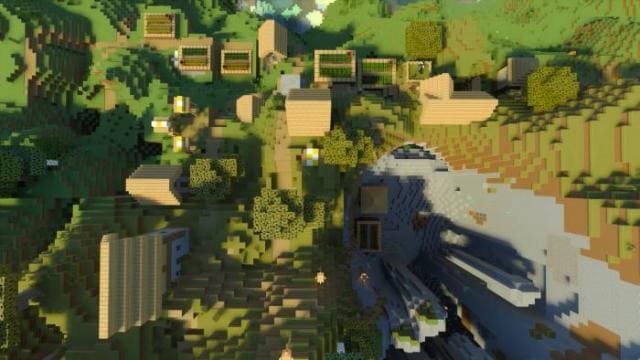
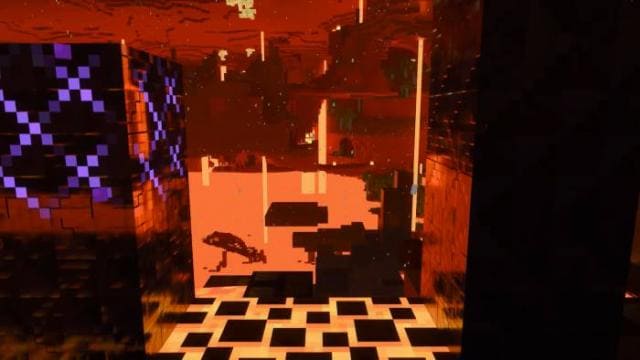
Текстуры Paper Cut-Out RTX — это замечательная комбинация, которая приносит совершенно новый уровень визуального великолепия в любимый мир Minecraft. Пакет ресурсов черпает вдохновение в художественном стиле бумажных поделок, превращая знакомые блочные пейзажи в яркую текстурированную среду. Каждый блок и элемент тщательно разработаны, чтобы напоминать замысловато вырезанные фигуры из бумаги, что придает игре уникальную и очаровательную эстетику.
Изменения в новой версии
Изменения в новой версии
- Добавили больше эффектов RTX
- Улучшили текстуры
- Изменили настройки трассировки лучей
Quick facts
- Edition: Minecraft Bedrock
- File type: .mcpack
- Minecraft versions listed: 1.20.80, 1.20.70, 1.20.60
- How to install: Download the .mcpack. → Open it — Minecraft imports it under Resource Packs. → Activate it in Global Resources, or for one world under Resource Packs → Available.
- Where to get it: In MCModsHub, or directly above on this page.
Install steps are the general flow for this file type — How to install Minecraft Bedrock texture packs walks through it step by step.
File checked by MCModsHub
- Pack type: .mcpack — a single pack
- Manifest requires Minecraft 1.15.0 or newer
- Complete pack — everything it depends on is inside the file
- Download size: 9.9 MB
- Download link checked 6 Jul 2026 — working
- Mirrored on our own servers — the download does not depend on the original host
These come from our own check of the pack file, not from the source page.