Texture packsBedrock
Netherite Re-Imagined Textures
Bedrock texture pack listed for Minecraft 1.15–1.20. File opened and checked on 8 Oct 2026; installs from the MC Bedrock Mods app on Android.
How did you imagine Netherite when developers first told you about it? A material created in the Nether probably shouldn't be black. The local ore should…
⬇ Download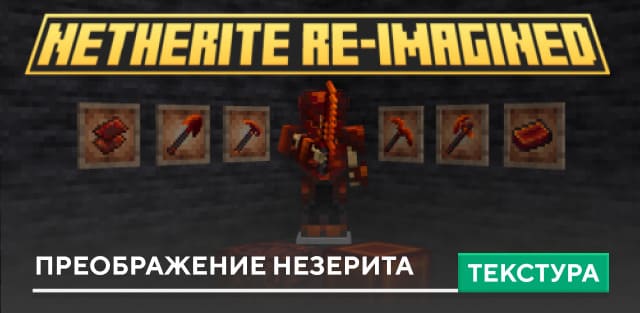
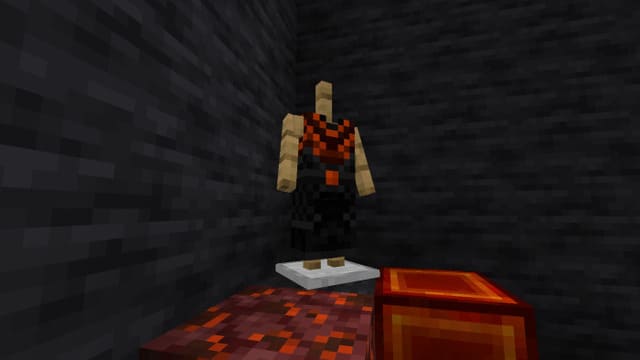
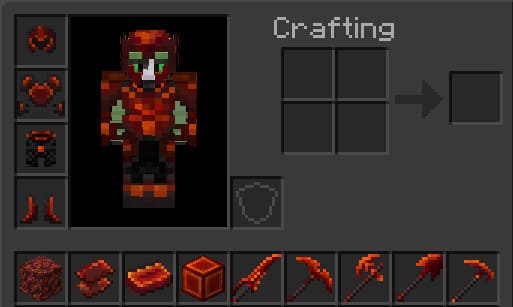

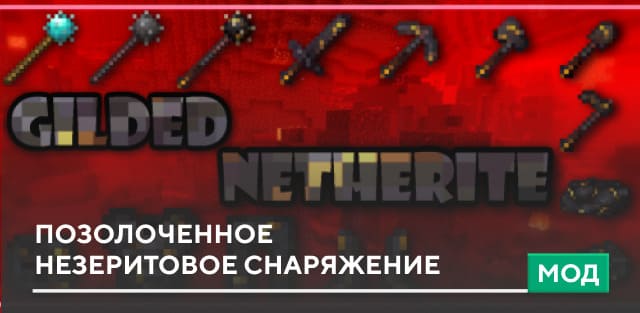
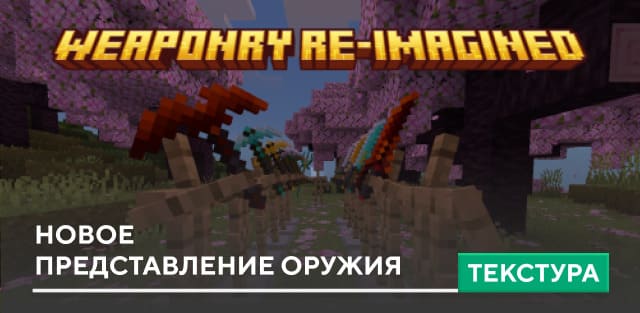
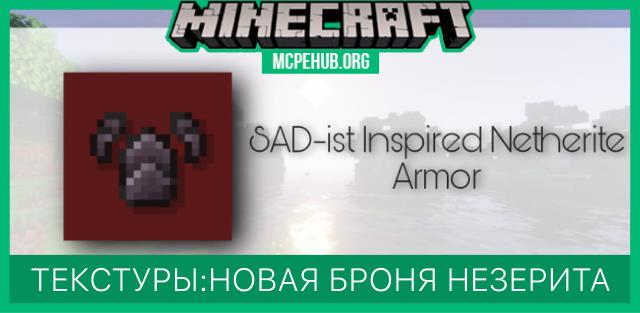
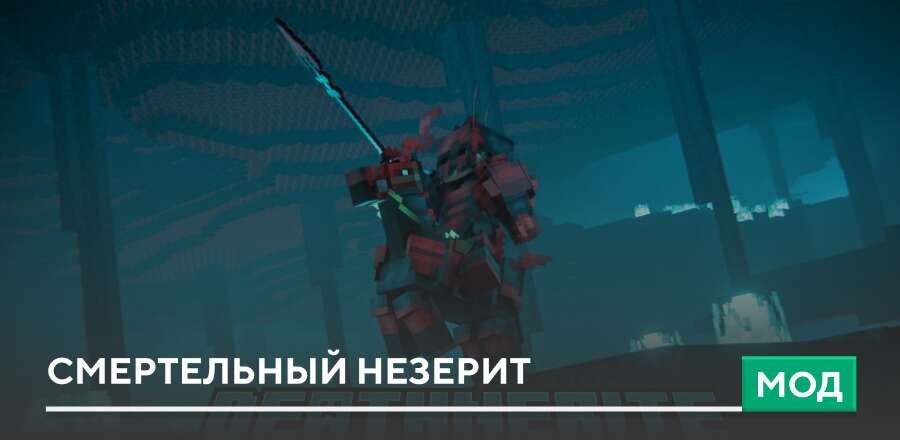
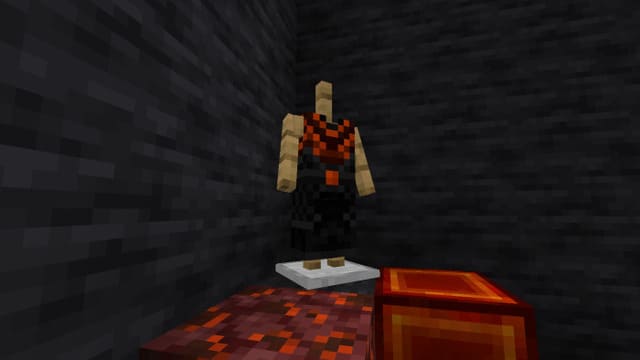
Каким ты себе представлял Незерит, когда разработчики только рассказали о нем? Материал, который создается в Нижнем Мире вряд ли должен быть черным. Местная руда должна быть кроваво-красной, подобно всему , что существует на просторах ада Minecraft Bedrock. Такую задумку воплотил автор текстур Netherite Re-Imagined и перекрасил все Незеритовые вещи в кроваво-красный цвет.
Ниже можно посмотреть на то, как будет выглядеть снаряжение в игре. Если тебе нравится такой оттенок, то смело используй его в своих приключениях.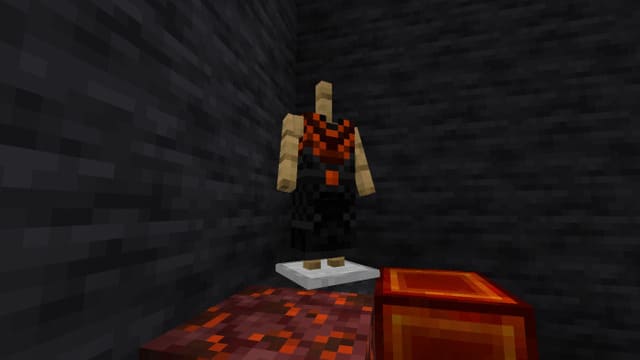
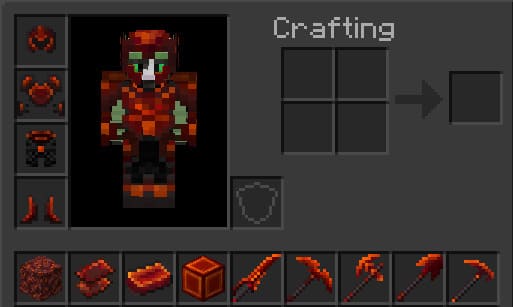
Ниже можно посмотреть на то, как будет выглядеть снаряжение в игре. Если тебе нравится такой оттенок, то смело используй его в своих приключениях.
Quick facts
- Edition: Minecraft Bedrock
- File type: .mcpack
- Minecraft versions listed: 1.20.80, 1.20.70, 1.20.60
- How to install: Download the .mcpack. → Open it — Minecraft imports it under Resource Packs. → Activate it in Global Resources, or for one world under Resource Packs → Available.
- Where to get it: In MCModsHub, or directly above on this page.
Install steps are the general flow for this file type — How to install Minecraft Bedrock texture packs walks through it step by step.
File checked by MCModsHub
- Save it as 186352.mcaddon before opening — it downloads as .mcpack, but it is a .mcaddon pack
- Manifest requires Minecraft 1.15.0 or newer
- Complete pack — everything it depends on is inside the file
- Download size: 20 KB
- Download link checked 6 Jul 2026 — working
- Mirrored on our own servers — the download does not depend on the original host
These come from our own check of the pack file, not from the source page.