Texture packsBedrock
High Contrast Textures
Bedrock texture pack listed for Minecraft 1.13–1.20. File opened and checked on 30 Sep 2026; installs from the MC Bedrock Mods app on Android.
Only black can be truly stylish. So it should be applied when choosing a color for the Minecraft interface. This is what the author of High Contrast…
⬇ Download
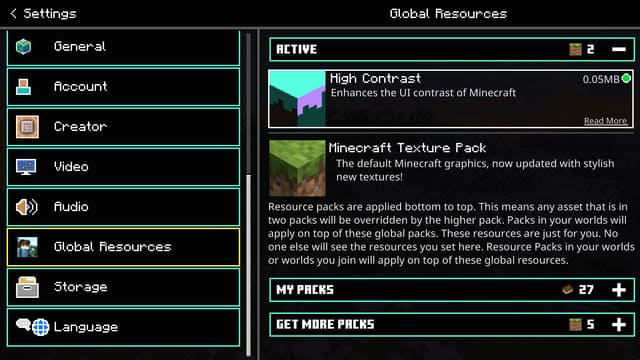

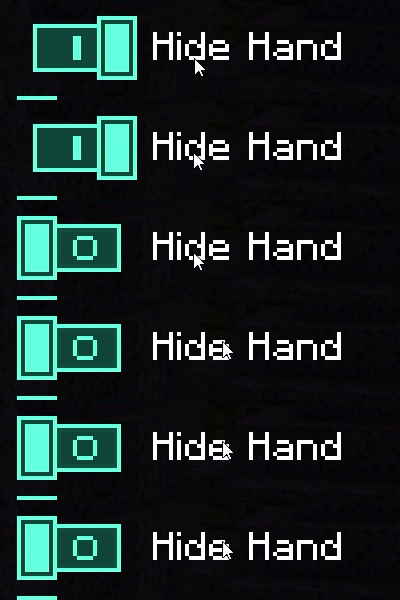
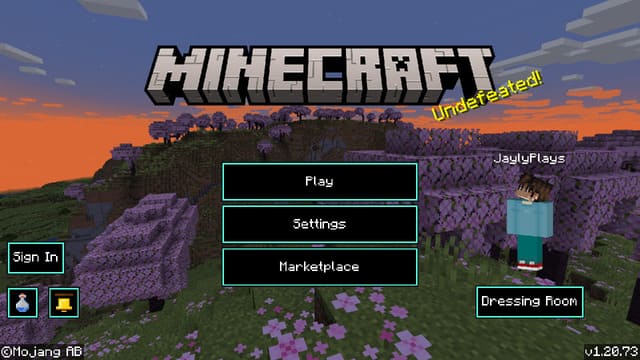

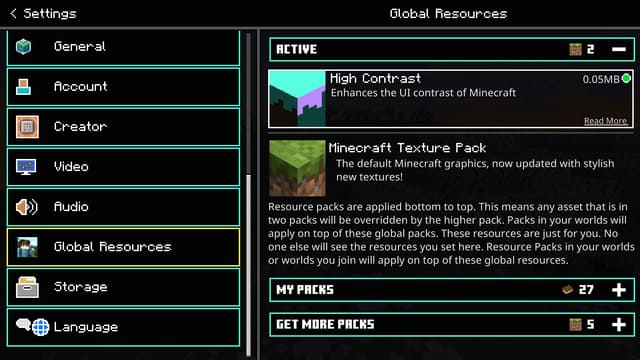
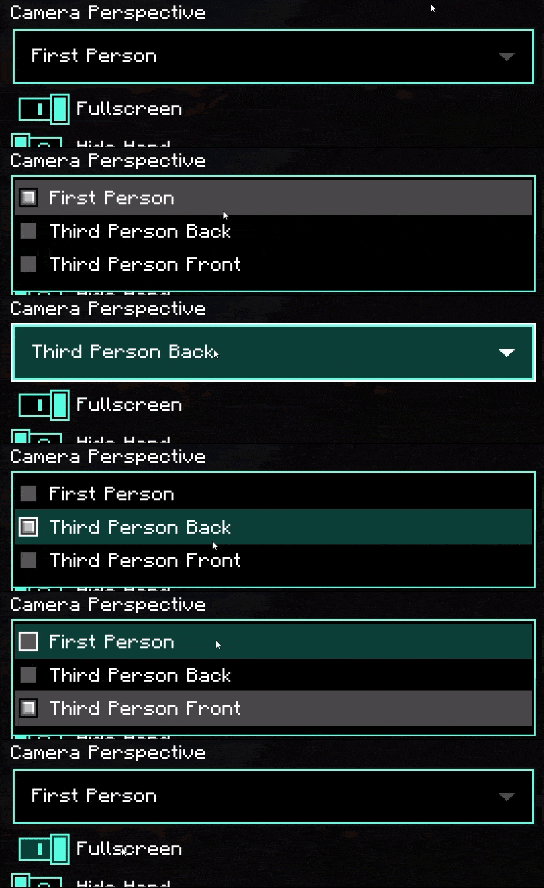
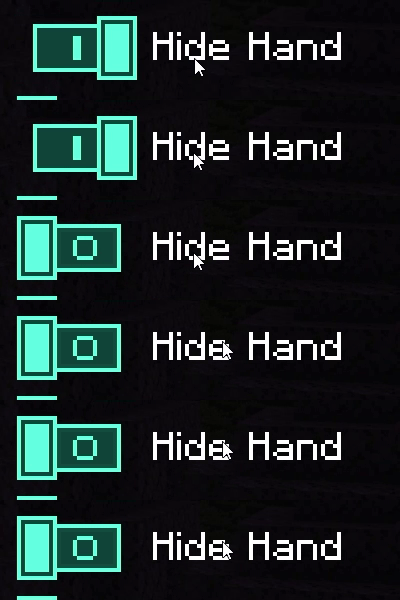
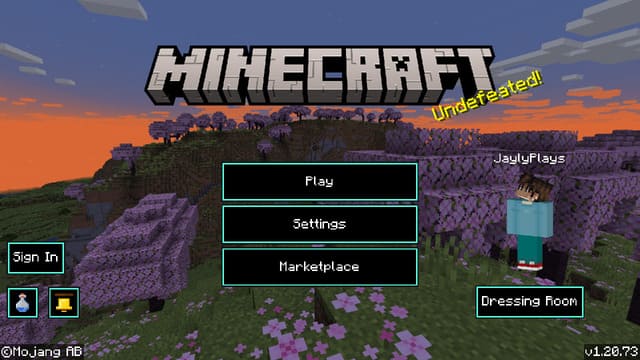
По-настоящему стильным может быть только черный цвет. Значит именно его стоит применять при выборе цвета для интерфейса Майнкрафт. Именно так посчитал автор текстур High Contrast и добавил черный цвет в меню игры, сопроводив голубыми контурами. Очень крутая сборка, которая действительно сделает внешний вид более привлекательным.
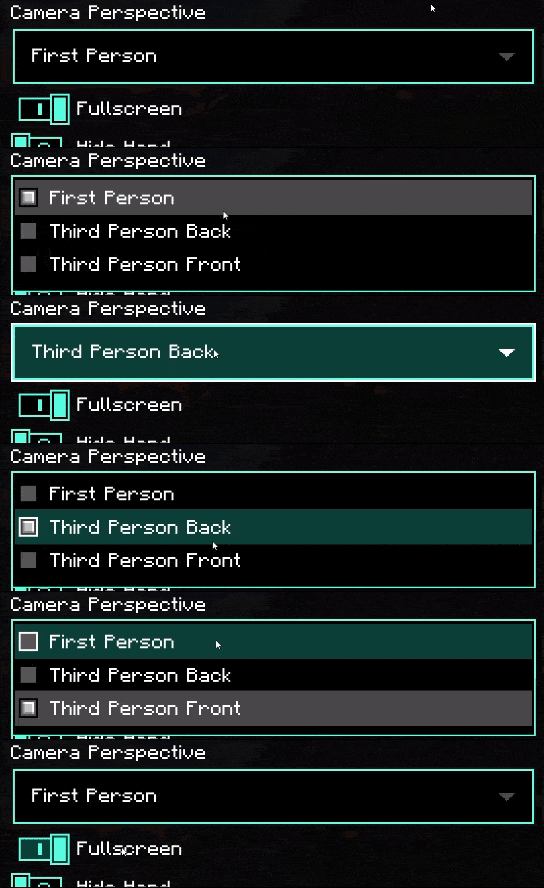
Изменения затрону все экраны меню, начиная от главного меню и заканчивая ползунками в настройках. Ниже можно посмотреть на обновления, которые получит игра после применения дополнения.
Изменения затрону все экраны меню, начиная от главного меню и заканчивая ползунками в настройках. Ниже можно посмотреть на обновления, которые получит игра после применения дополнения.

Quick facts
- Edition: Minecraft Bedrock
- File type: .mcpack
- Minecraft versions listed: 1.20.70, 1.20.60, 1.20.50
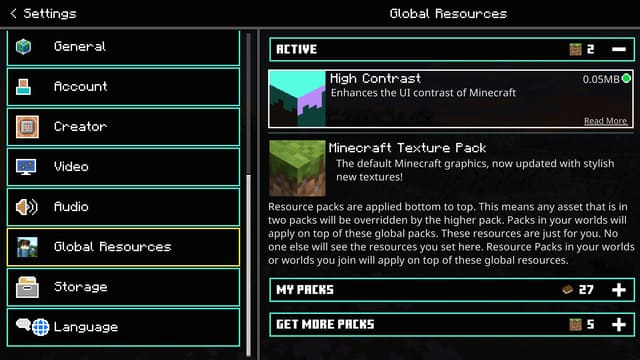
- How to install: Download the .mcpack. → Open it — Minecraft imports it under Resource Packs. → Activate it in Global Resources, or for one world under Resource Packs → Available.
- Where to get it: In MCModsHub, or directly above on this page.
Install steps are the general flow for this file type — How to install Minecraft Bedrock texture packs walks through it step by step.
File checked by MCModsHub
- Pack type: .mcpack — a single pack
- Manifest requires Minecraft 1.13.0 or newer
- Complete pack — everything it depends on is inside the file
- Download size: 51 KB
- Download link checked 6 Jul 2026 — working
- Mirrored on our own servers — the download does not depend on the original host
These come from our own check of the pack file, not from the source page.