Texture packsBedrock
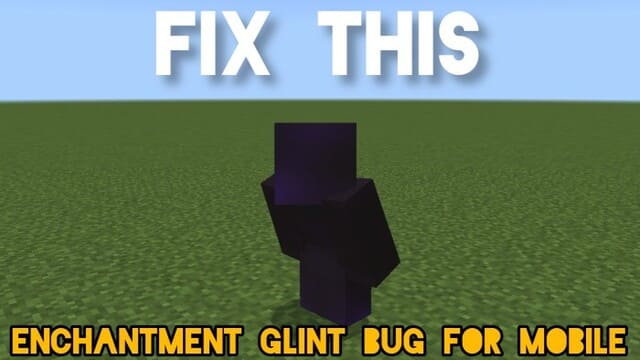
Enchantment Glint Fix Textures
Bedrock texture pack listed for Minecraft 1.17–1.20. File opened and checked on 30 Sep 2026; installs from the MC Bedrock Mods app on Android.
Some devices display enchanted items in Minecraft as blocky textures due to a game error. With Enchantment Glint Fix textures, you can correct the display…
⬇ Download
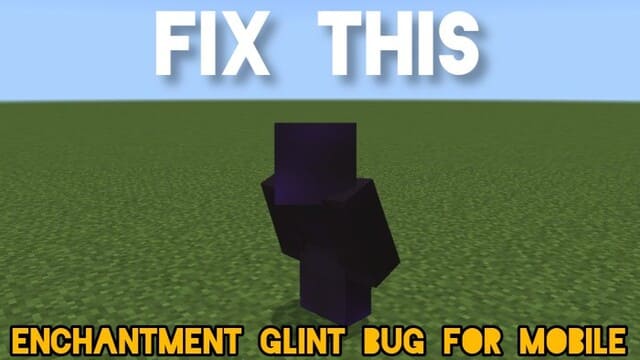

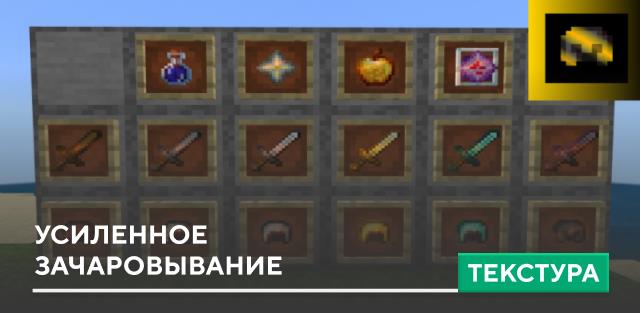

Некоторые устройства отображают зачарованные предметы в Майнкрафт блочными текстурами из-за какой-то ошибки в игре. С помощью текстур Enchantment Glint Fix можно исправить ошибку с показом зачарованным вещей. Автор не только нашел эту проблему, но и сумел отыскать решение вопроса.
Это единственное изменение, которое привносит дополнение. Надеемся, что это поможет улучшить игровой опыт на просторах кубической вселенной.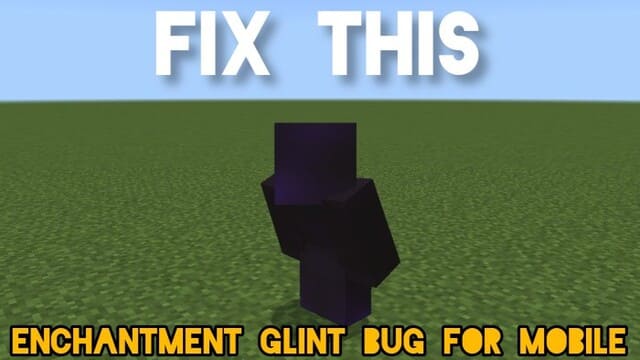
Это единственное изменение, которое привносит дополнение. Надеемся, что это поможет улучшить игровой опыт на просторах кубической вселенной.
Quick facts
- Edition: Minecraft Bedrock
- File type: .mcpack
- Minecraft versions listed: 1.20.70, 1.20.60, 1.20.50
- How to install: Download the .mcpack. → Open it — Minecraft imports it under Resource Packs. → Activate it in Global Resources, or for one world under Resource Packs → Available.
- Where to get it: In MCModsHub, or directly above on this page.
Install steps are the general flow for this file type — How to install Minecraft Bedrock texture packs walks through it step by step.
File checked by MCModsHub
- Save it as 186360.mcaddon before opening — it downloads as .mcpack, but it is a .mcaddon pack
- Manifest requires Minecraft 1.17.0 or newer
- Complete pack — everything it depends on is inside the file
- Download size: 33 KB
- Download link checked 6 Jul 2026 — working
- Mirrored on our own servers — the download does not depend on the original host
These come from our own check of the pack file, not from the source page.