Texture packsBedrock
Old Controls
Bedrock texture pack listed for Minecraft 1.20. File opened and checked on 26 Sep 2026; installs from the MC Bedrock Mods app on Android.
In new Minecraft versions, the character control buttons on touch devices were changed. This upset most users, since the old buttons had increased…
⬇ Download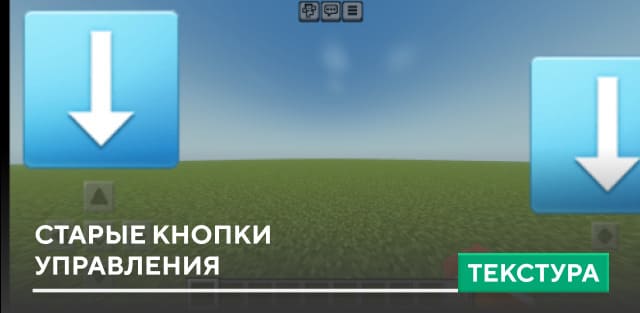
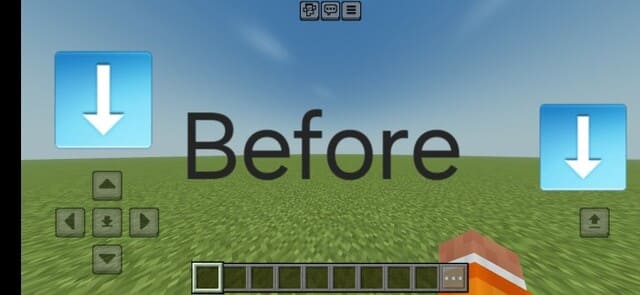
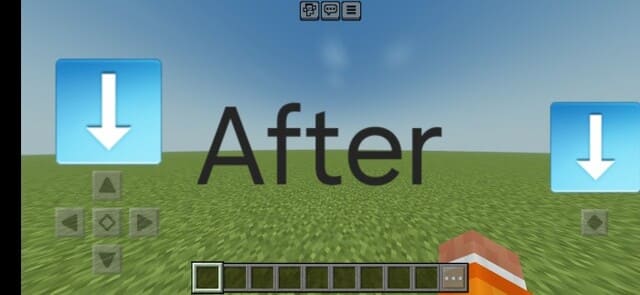

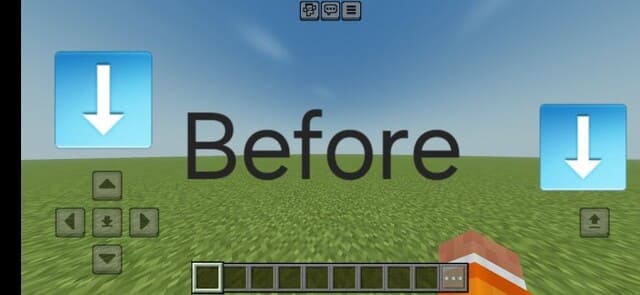
В новых версиях Майнкрафт поменяли кнопки управления персонажем на сенсорных устройствах. Это привело в негодование большинство пользователей, поскольку старые кнопки отличались повышенной прозрачностью и более приятным дизайном. Поэтому текстуры Old Controls помогут вернуть старый вид кнопок управления персонажем.
Надеемся, что игрокам впредь будут давать возможность выбора, чтобы пользователи могли оставлять старые настройки даже при введении новых. Иначе нам придется всегда обращаться к помощи различных дополнений.
До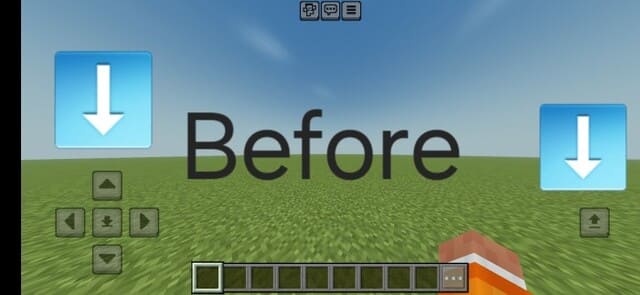 После
После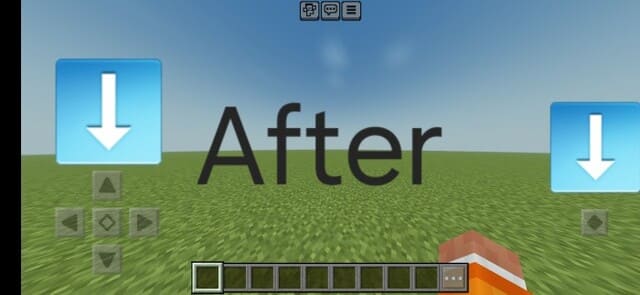
Надеемся, что игрокам впредь будут давать возможность выбора, чтобы пользователи могли оставлять старые настройки даже при введении новых. Иначе нам придется всегда обращаться к помощи различных дополнений.
До
Quick facts
- Edition: Minecraft Bedrock
- File type: .mcpack
- Minecraft version listed: 1.20.60
- How to install: Download the .mcpack. → Open it — Minecraft imports it under Resource Packs. → Activate it in Global Resources, or for one world under Resource Packs → Available.
- Where to get it: In MCModsHub, or directly above on this page.
Install steps are the general flow for this file type — How to install Minecraft Bedrock texture packs walks through it step by step.
File checked by MCModsHub
- Save it as 186372.mcaddon before opening — it downloads as .mcpack, but it is a .mcaddon pack
- Manifest requires Minecraft 1.20.70 or newer
- Complete pack — everything it depends on is inside the file
- Download size: 52 KB
- Download link checked 6 Jul 2026 — working
- Mirrored on our own servers — the download does not depend on the original host
These come from our own check of the pack file, not from the source page.