Texture packsBedrock
The Ty-el's Settings Overlay UI
Bedrock texture pack listed for Minecraft 1.18–1.20. File opened and checked on 3 Oct 2026; installs from the MC Bedrock Mods app on Android.
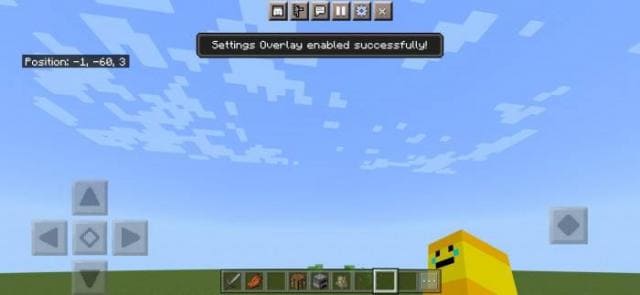
The Ty-el's Settings Overlay UI textures offer not beauty and design improvement, but a convenient and comfortable interface in Minecraft. You'll be able…
⬇ Download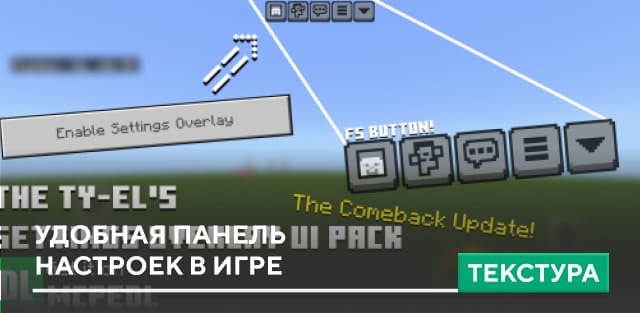
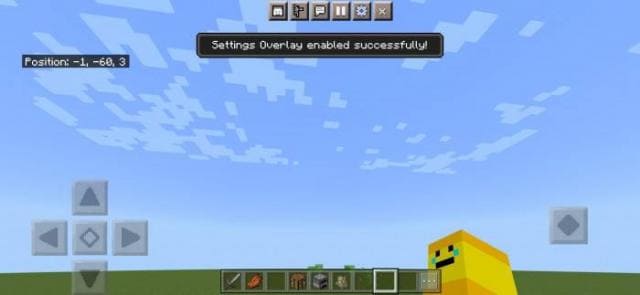
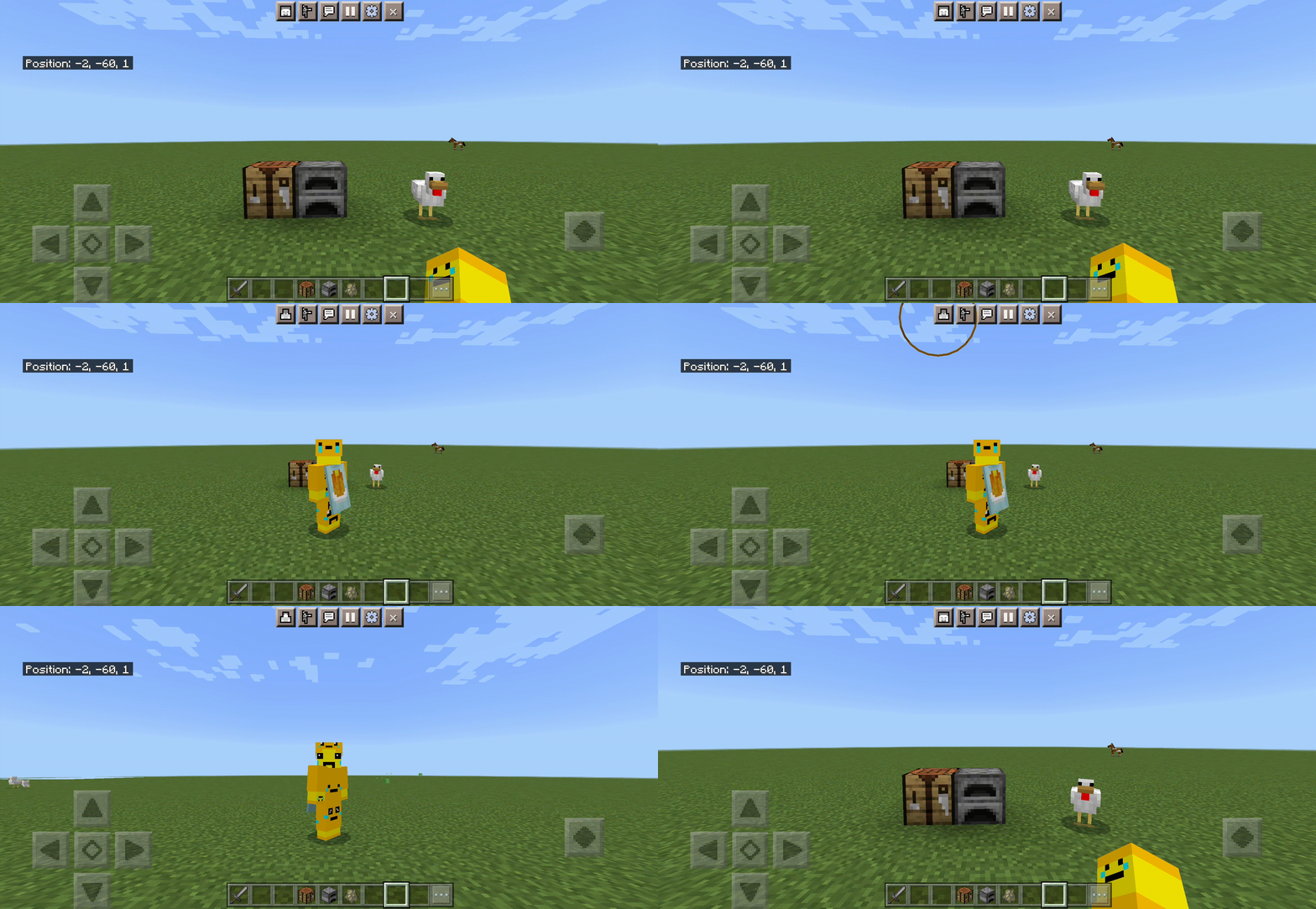



Текстуры The Ty-el's Settings Overlay UI предлагают вовсе не красоту и улучшение дизайн, а удобный и комфортный интерфейс в Майнкрафт. Ты сможешь быстро изменять настройки, вид камеры и прочие вещи. Для этого будут добавлены новые кнопки на игровой экран. Дополнение можно совмещать со многими другими.
ПревьюКак это работает?
Просто нажми на паузу во время игры, чтобы посмотреть нововведения. Затем нажми на кнопку «Включить наложение настроек» или «Enable Settings Overlay».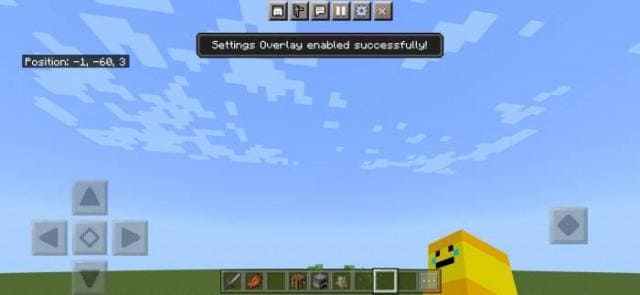 Сверху появятся новые кнопки.
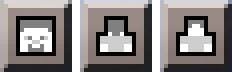
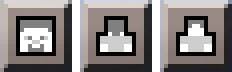 Первая кнопка позволяет менять вид камеры.
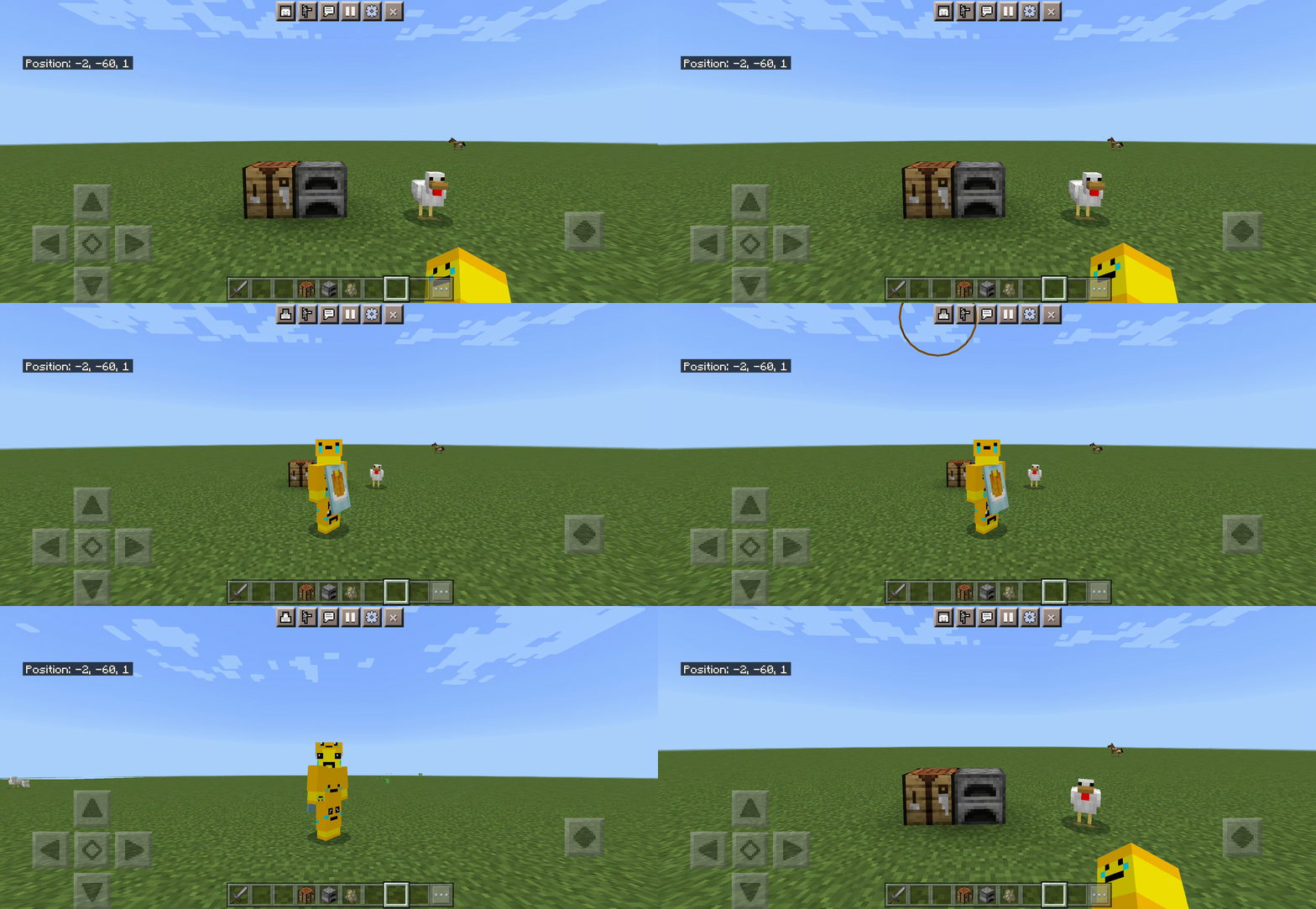 Вторая кнопка позволяет быстро зайти в настройки.
 Третья кнопка выходит из режима и возвращает привычный вид экрана.
 Изменения в новой версии
ПревьюКак это работает?
Просто нажми на паузу во время игры, чтобы посмотреть нововведения. Затем нажми на кнопку «Включить наложение настроек» или «Enable Settings Overlay».
- Множество мелких улучшений и изменений
Quick facts
- Edition: Minecraft Bedrock
- File type: .mcpack
- Minecraft versions listed: 1.20.60, 1.18.30
- How to install: Download the .mcpack. → Open it — Minecraft imports it under Resource Packs. → Activate it in Global Resources, or for one world under Resource Packs → Available.
- Where to get it: In MCModsHub, or directly above on this page.
Install steps are the general flow for this file type — How to install Minecraft Bedrock texture packs walks through it step by step.
File checked by MCModsHub
- Pack type: .mcpack — a single pack
- Manifest requires Minecraft 1.20.40 or newer
- Complete pack — everything it depends on is inside the file
- Download size: 55 KB
- Download link checked 6 Jul 2026 — working
- Mirrored on our own servers — the download does not depend on the original host
These come from our own check of the pack file, not from the source page.