Texture packsBedrock
Slightly Better Foliage Colors
Bedrock texture pack listed for Minecraft 1.19–1.20. File opened and checked on 7 Oct 2026; installs from the MC Bedrock Mods app on Android.
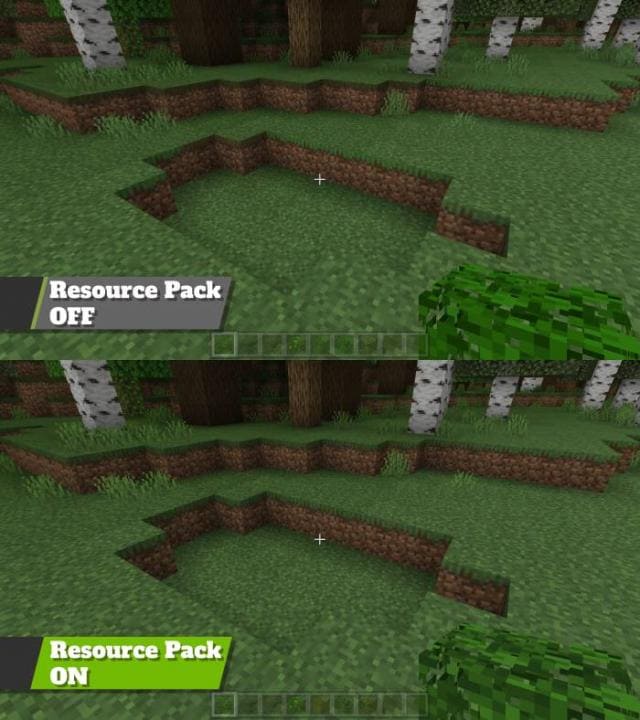
The appearance of grass or foliage often bothers players in Minecraft. To solve this problem, you can use Slightly Better Foliage Colors textures: the…
⬇ Download
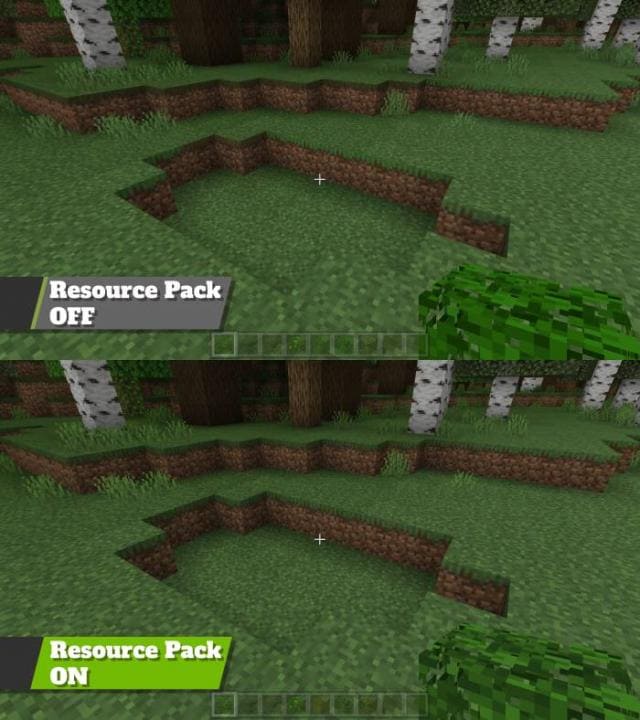
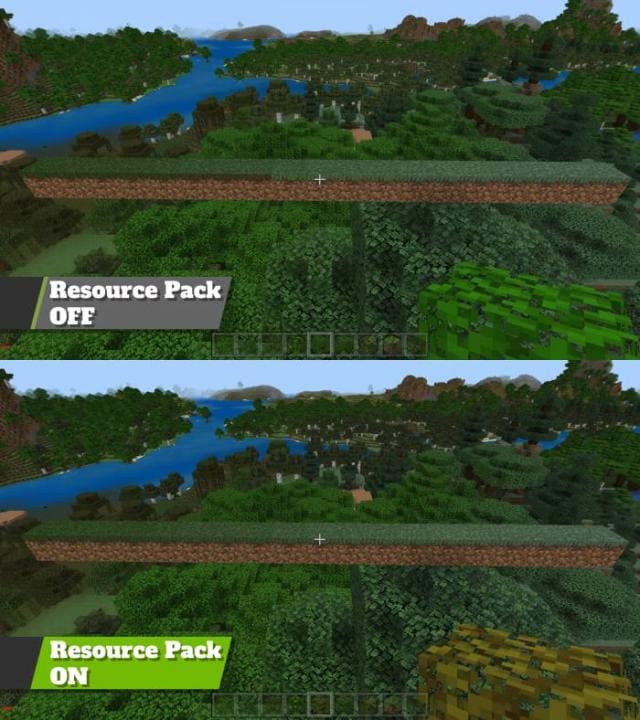
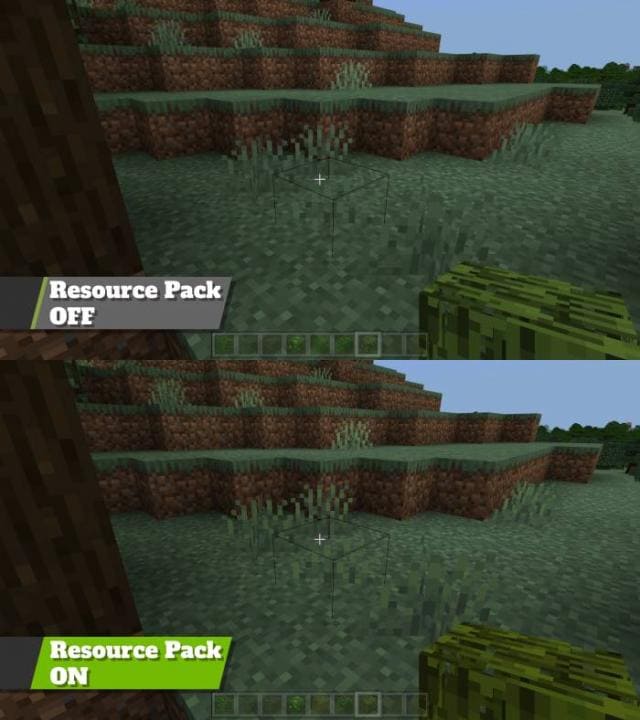
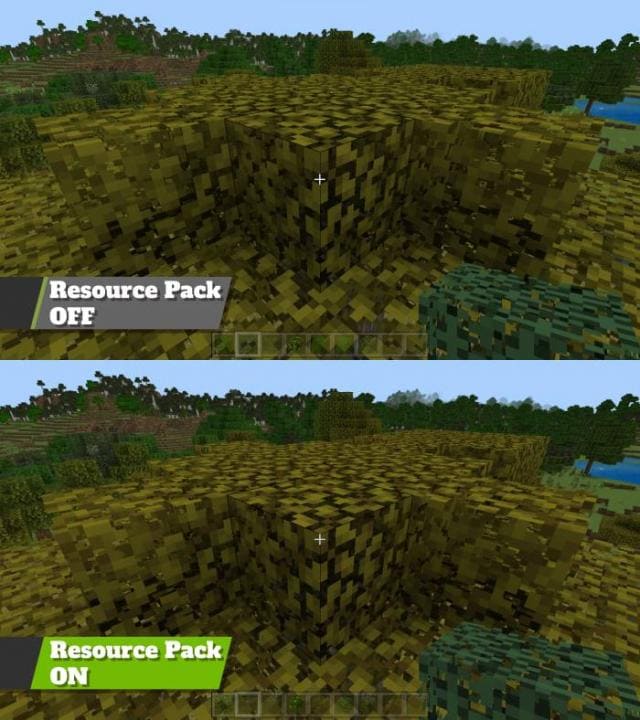
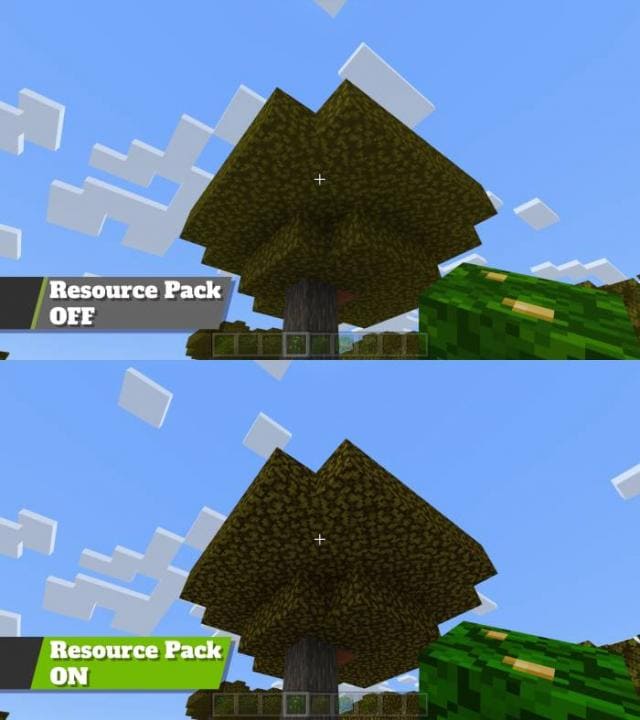
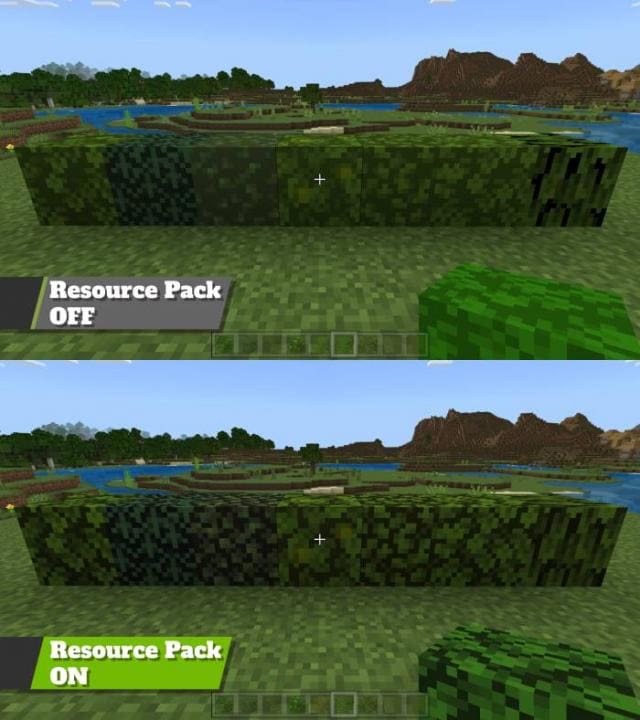

Нередко вид травы или листвы напрягает игроков в Майнкрафт. Для решения этой проблемы можно применять текстуры Slightly Better Foliage Colors: дополнение изменяет большинство оттенков листвы и растений, а также исправляет ошибки с окрашиванием блоков.
Переход оттенков травы будет более плавным.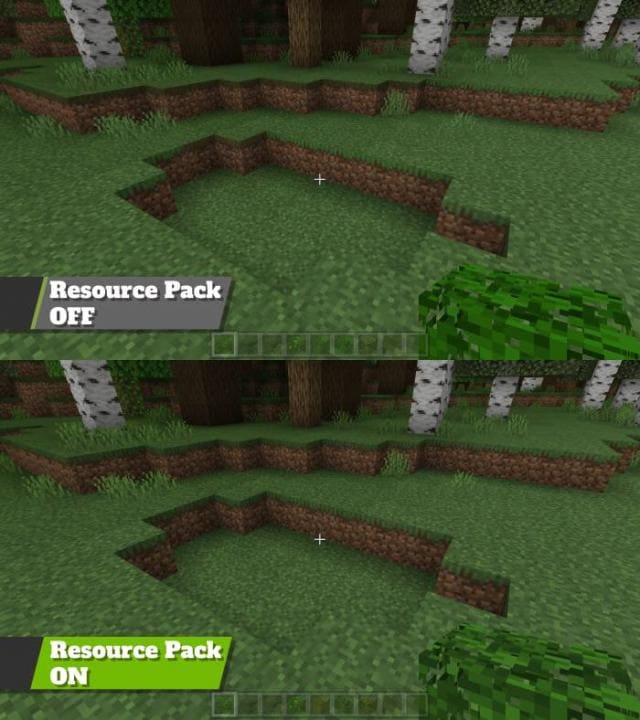
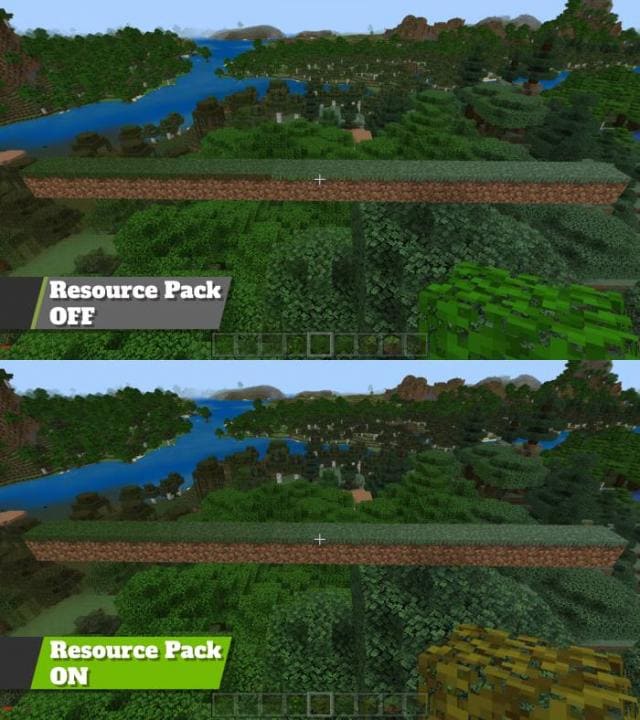 Оттенки также сместятся: как заверяет автор, это тяжело заметить на скриншотах, но видно в игре.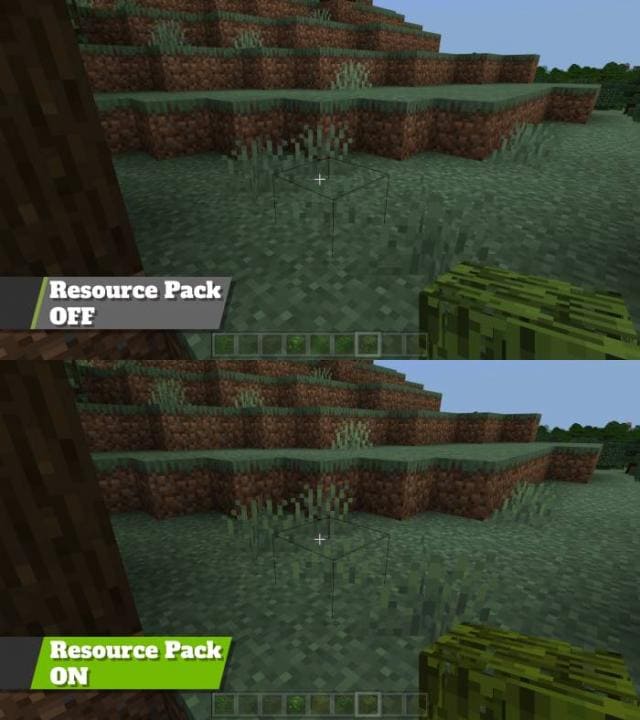
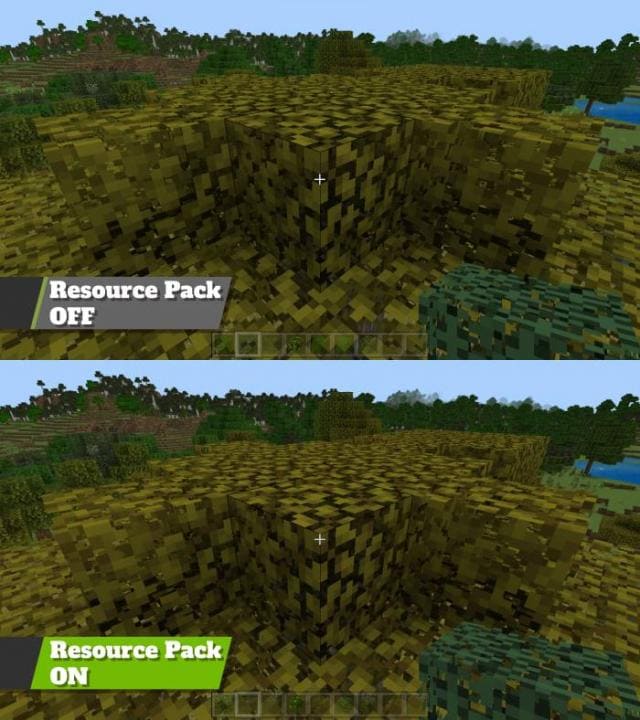 Более четкая листва.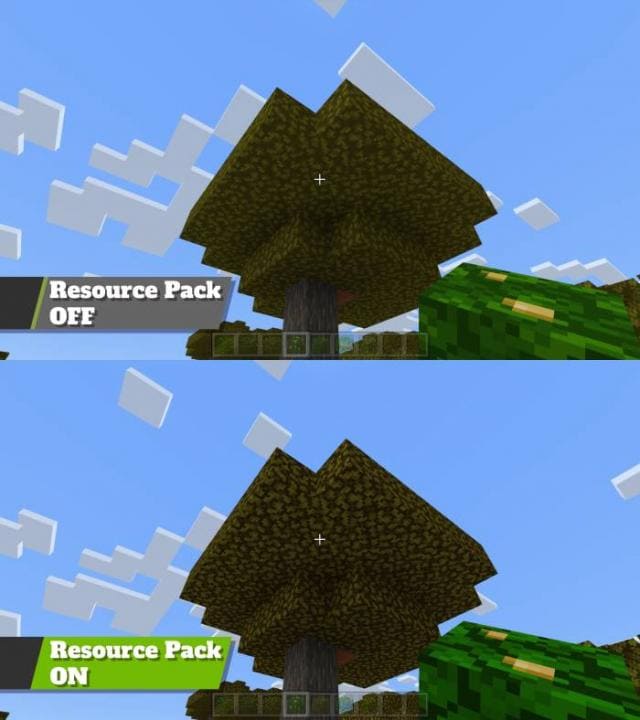
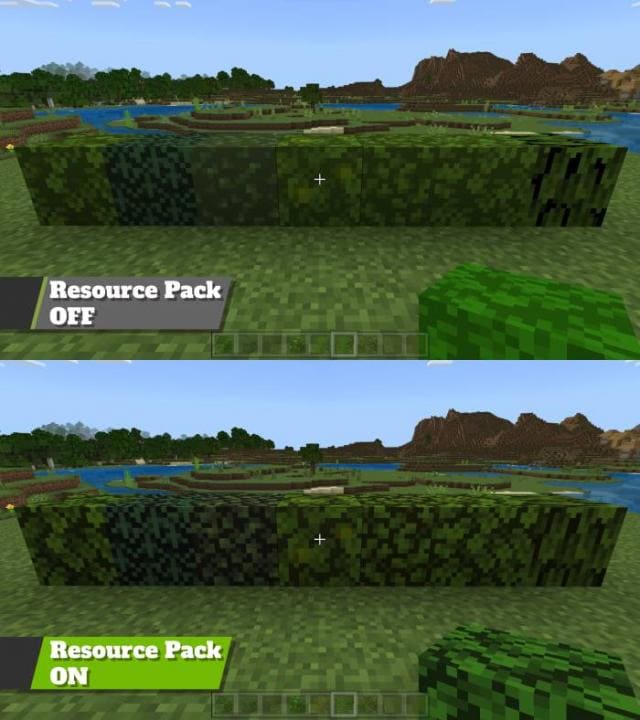 Изменения в новой версии
Переход оттенков травы будет более плавным.
- Улучшили оттенки
Quick facts
- Edition: Minecraft Bedrock
- File type: .mcpack
- Minecraft versions listed: 1.20.50, 1.20.40, 1.20.30
- How to install: Download the .mcpack. → Open it — Minecraft imports it under Resource Packs. → Activate it in Global Resources, or for one world under Resource Packs → Available.
- Where to get it: In MCModsHub, or directly above on this page.
Install steps are the general flow for this file type — How to install Minecraft Bedrock texture packs walks through it step by step.
File checked by MCModsHub
- Pack type: .mcpack — a single pack
- Manifest requires Minecraft 1.19.20 or newer
- Complete pack — everything it depends on is inside the file
- Download size: 42 KB
- Download link checked 6 Jul 2026 — working
- Mirrored on our own servers — the download does not depend on the original host
These come from our own check of the pack file, not from the source page.