Texture packsBedrock
Ruby
Sometimes you want simple and practical changes in Minecraft. For example, sometimes you want to change the color of regular items. For this, you can use…
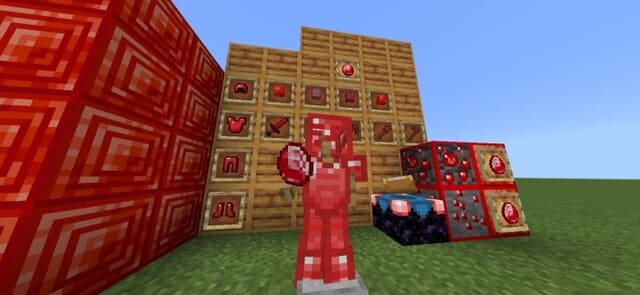
⬇ DownloadOpen in MCModsHubGet it on Google Play →Иногда хочется простых и дельных изменений в Майнкрафт. Например, порой хочется заменить цвет обычных предметов. Для этого можно воспользоваться текстурами Ruby, которые позволяют превратить Алмазное снаряжение в Рубиновое. Ярко-красный рубиновый оттенок выглядит очень красиво.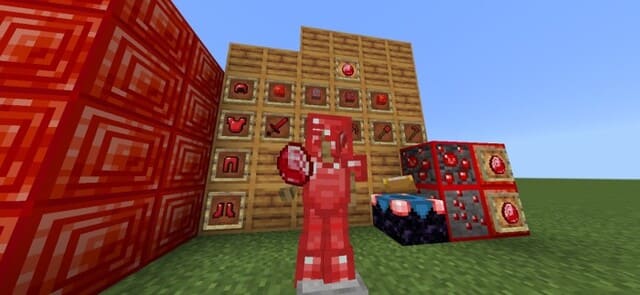
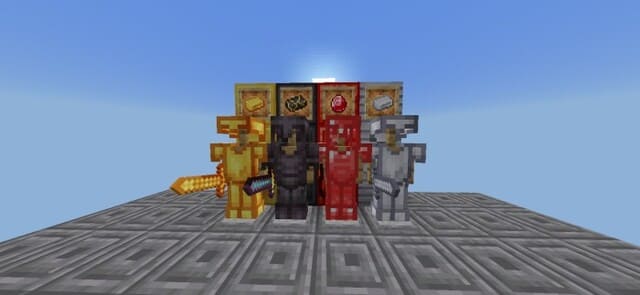 Режим ПвП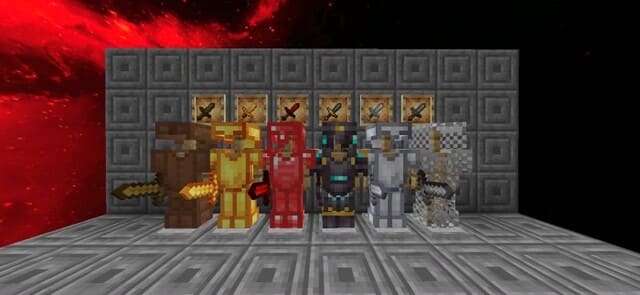
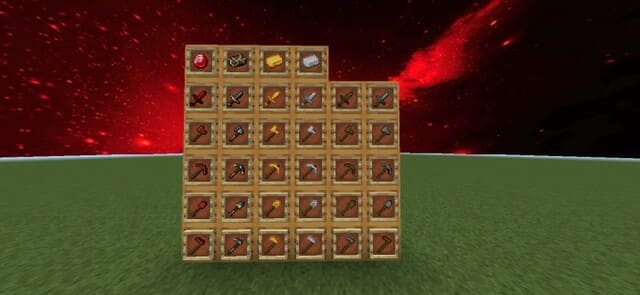 Обычный режим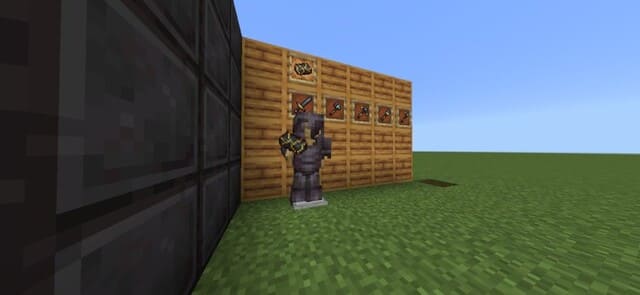
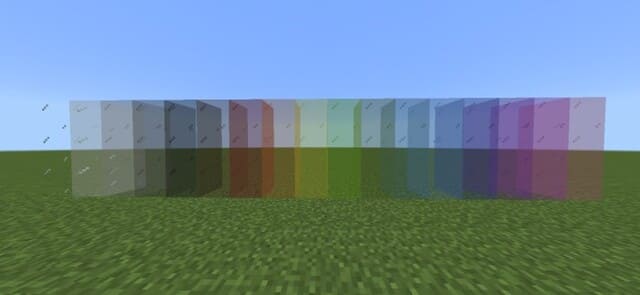
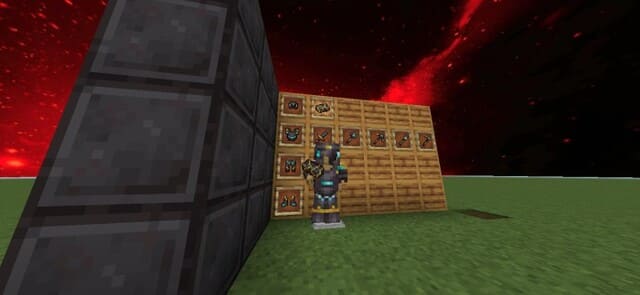 Также дополнение убирает рамки со Стекол.
 Руда будет выделяться рамками.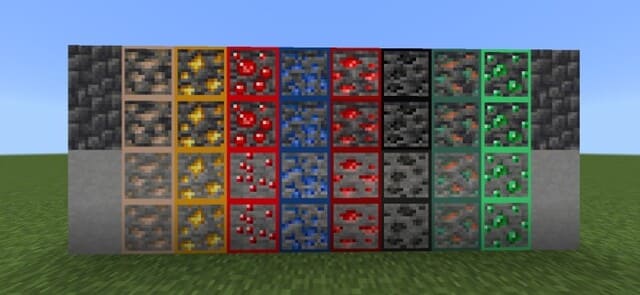
- Укороченные мечи и огонь
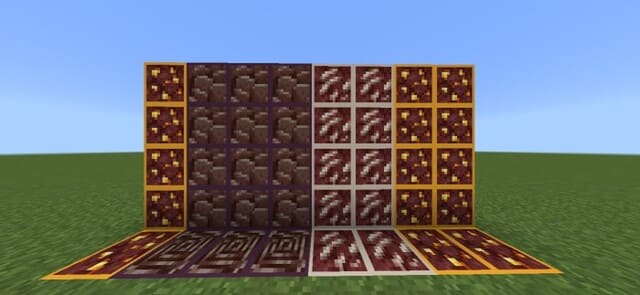
- Изменение блоков
- Улучшение вида блоков и предметов
Verified by MCModsHub
- Save it as 186381.mcaddon before opening — it downloads as .mcpack, but it is a .mcaddon pack
- Manifest requires Minecraft 1.13.0 or newer
- Complete pack — everything it depends on is inside the file
- Download size: 9.1 MB
- Download link checked 6 Jul 2026 — working
- Mirrored on our own servers — the download does not depend on the original host
These come from our own check of the pack file, not from the source page.
Explore more