Texture packsBedrock
No Tooltip Background
Bedrock texture pack listed for Minecraft 1.16–1.20. File opened and checked on 30 Sep 2026; installs from the MC Bedrock Mods app on Android.
Now in Minecraft Bedrock you can remove the background in item descriptions. To do this, you can install No Tooltip Background textures. The unnecessary…
⬇ Download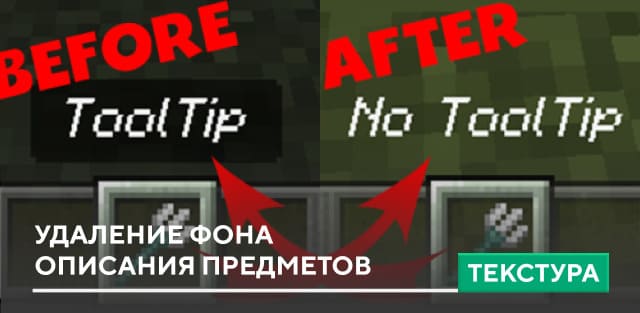
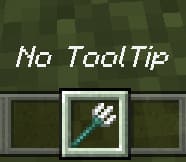

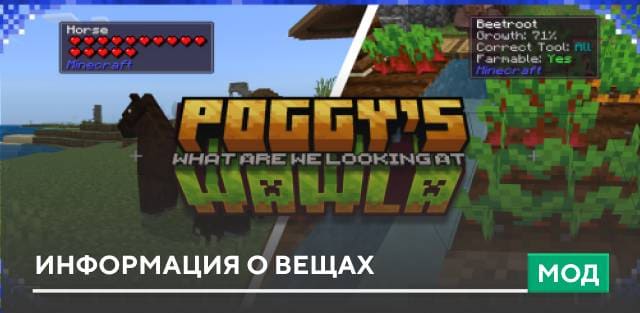
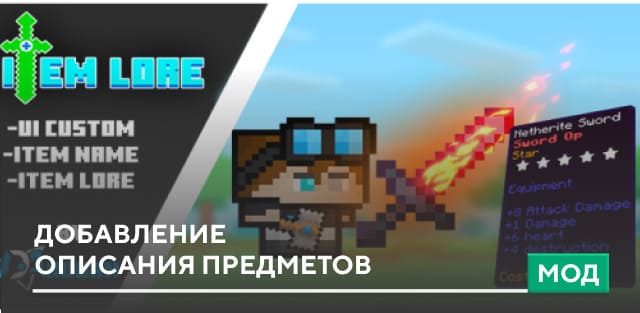
Теперь в Minecraft Bedrock появилась возможность убрать фон в описаниях предметов. Для этого можно установить текстуры No Tooltip Background. Ненужный черный исчезнет и не будет мешать обзору игрока в приключениях или даже битвах.
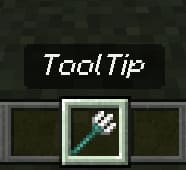
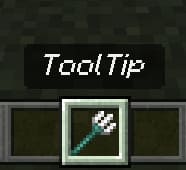
Вот так выглядит описание предмета без установки дополнения.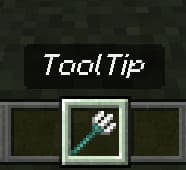 После применения сборки описание появится на пустом фоне.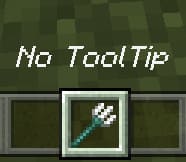
Вот так выглядит описание предмета без установки дополнения.
Quick facts
- Edition: Minecraft Bedrock
- File type: .mcpack
- Minecraft versions listed: 1.20.30, 1.20.0, 1.19
- How to install: Download the .mcpack. → Open it — Minecraft imports it under Resource Packs. → Activate it in Global Resources, or for one world under Resource Packs → Available.
- Where to get it: In MCModsHub, or directly above on this page.
Install steps are the general flow for this file type — How to install Minecraft Bedrock texture packs walks through it step by step.
File checked by MCModsHub
- Save it as 186396.mcaddon before opening — it downloads as .mcpack, but it is a .mcaddon pack
- Manifest requires Minecraft 1.17.10 or newer
- Complete pack — everything it depends on is inside the file
- Download size: 39 KB
- Download link checked 6 Jul 2026 — working
- Mirrored on our own servers — the download does not depend on the original host
These come from our own check of the pack file, not from the source page.