Texture packsBedrock
Redstone Info+
Bedrock texture pack listed for Minecraft 1.18–1.20. File opened and checked on 30 Sep 2026; installs from the MC Bedrock Mods app on Android.
Many redstone items and blocks have features and characteristics that are difficult to remember. You have to search the internet to find out one or…
⬇ Download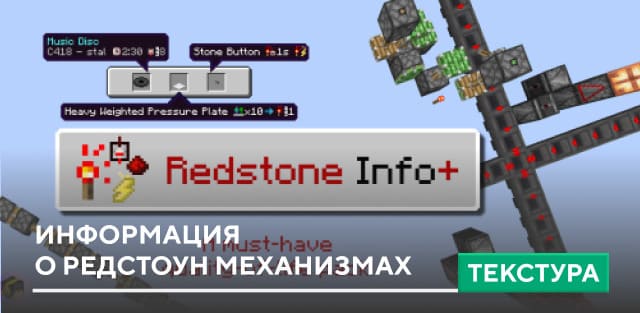
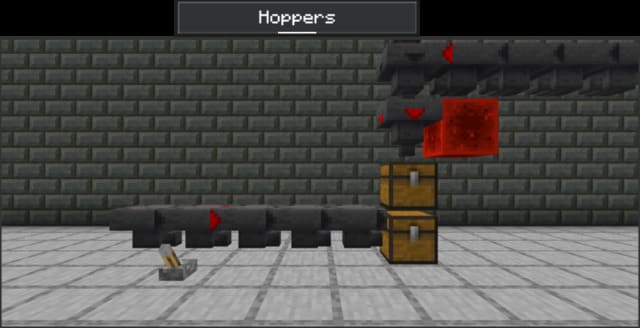
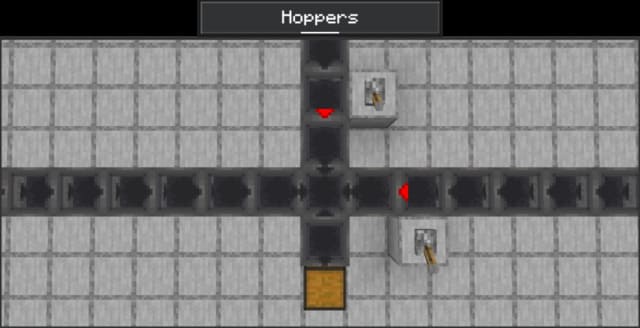
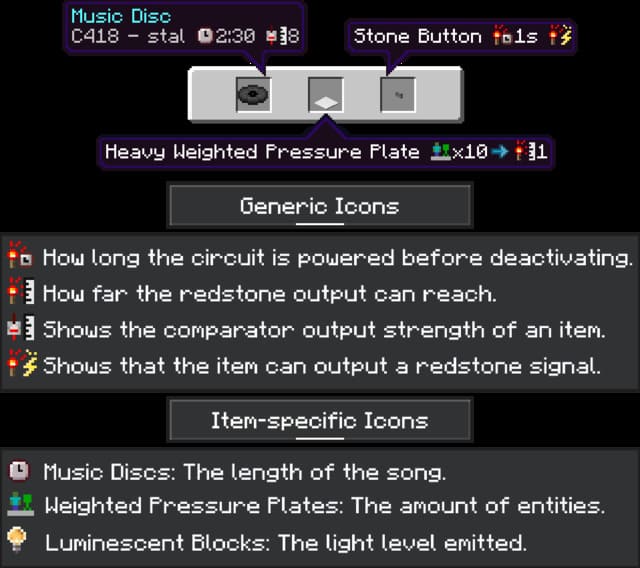
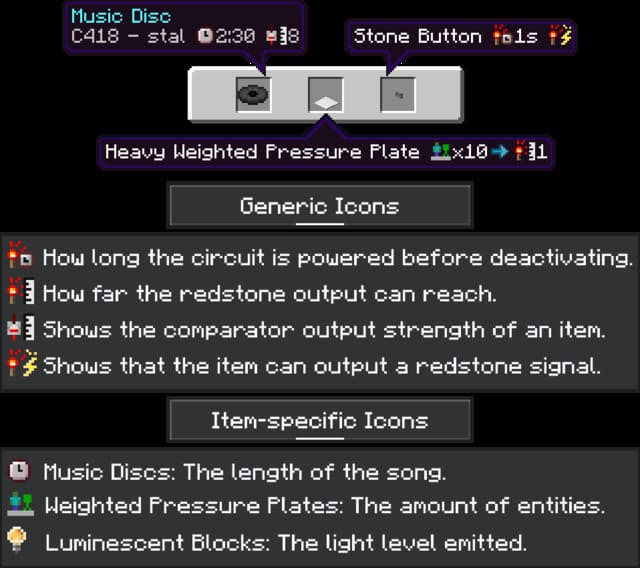
Многие редстоун предметы и блоки имеют особенности и характеристики, которые сложно запомнить. Приходится лезть в интернет и узнавать то или иное свойства каждого блока в Майнкрафт. Это не очень удобно при создании механизмов, поэтому предлагаем текстуры Redstone Info+. Они будут отображать базовые функции и значения каждого блока или предмета, связанного с механизмами.
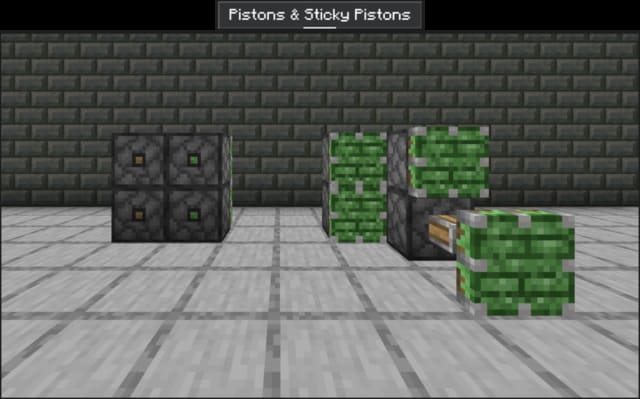
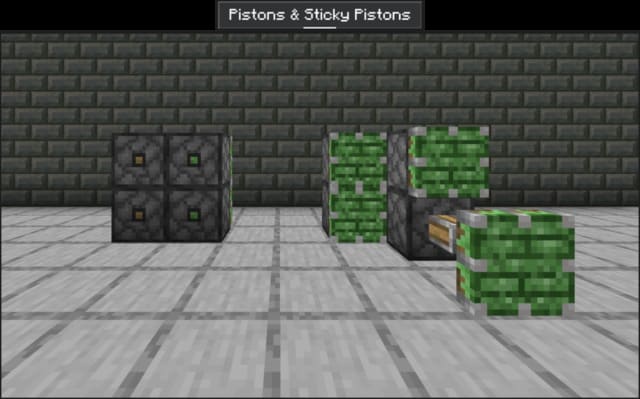
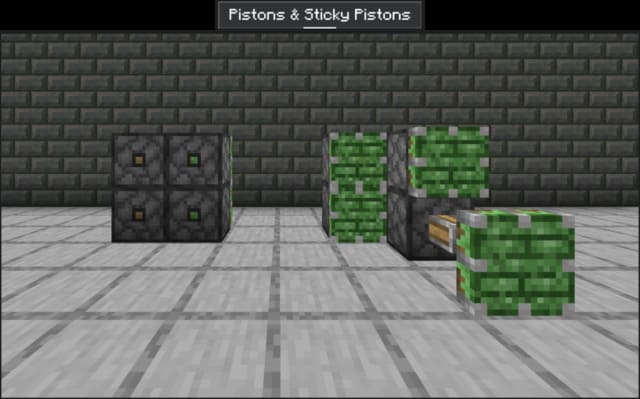
- Изменили заднюю текстуру Поршней, чтобы можно было легче отличить обычные от липких
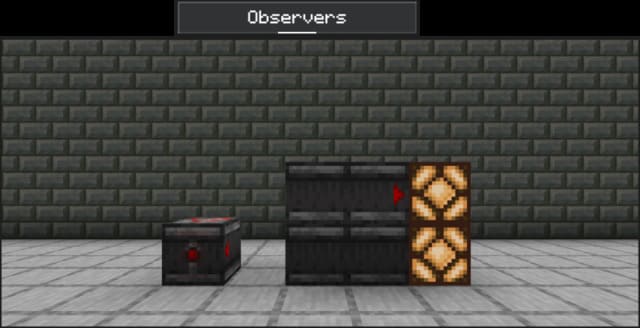
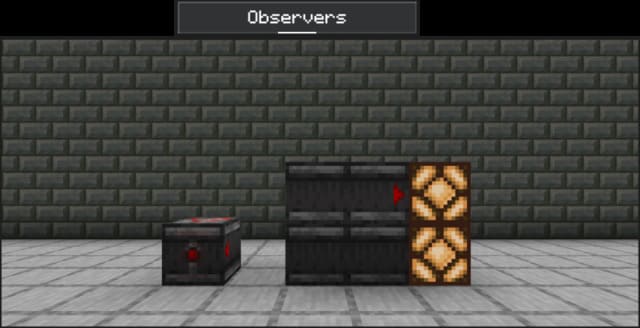
- Когда Наблюдатели выдают сигнал, все стороны также будут мигать
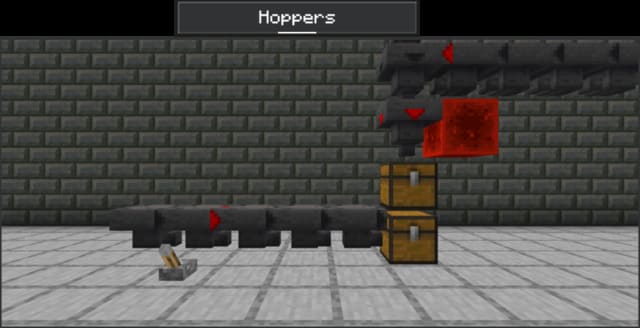
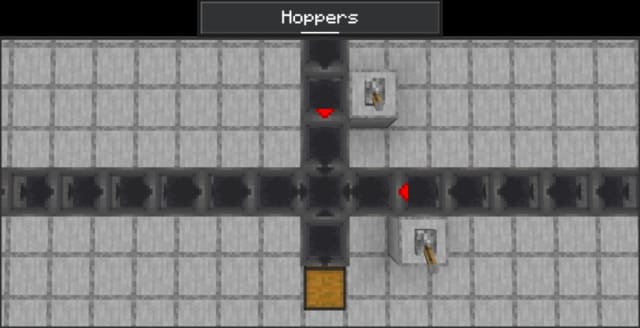
- Воронки показывают направление и питание редстоуна
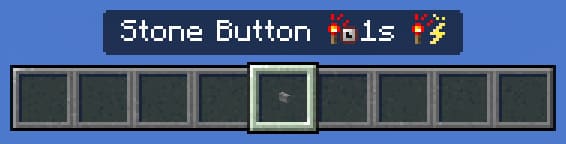
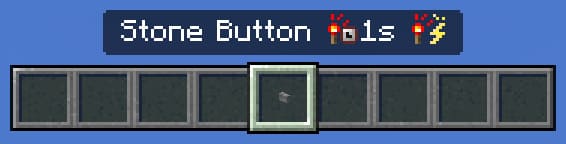
- Каменные кнопки остаются активными в течение 1 секунды после нажатия и могут выдавать сигнал красного камня
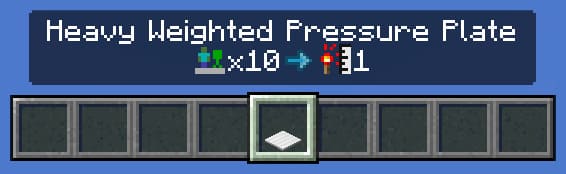
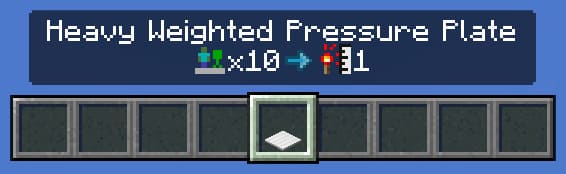
- Сигнал Нажимной плиты увеличивается на 1 за каждые 10 существ, стоящих на них
- Прочие варианты
Quick facts
- Edition: Minecraft Bedrock
- File type: .mcpack
- Minecraft versions listed: 1.20.40, 1.20.30, 1.20.12
- How to install: Download the .mcpack. → Open it — Minecraft imports it under Resource Packs. → Activate it in Global Resources, or for one world under Resource Packs → Available.
- Where to get it: In MCModsHub, or directly above on this page.
Install steps are the general flow for this file type — How to install Minecraft Bedrock texture packs walks through it step by step.
File checked by MCModsHub
- Save it as 186397.mcaddon before opening — it downloads as .mcpack, but it is a .mcaddon pack
- Manifest requires Minecraft 1.18.0 or newer
- Complete pack — everything it depends on is inside the file
- Download size: 57 KB
- Download link checked 6 Jul 2026 — working
- Mirrored on our own servers — the download does not depend on the original host
These come from our own check of the pack file, not from the source page.