Texture packsBedrock
Invisible Armor
Bedrock texture pack listed for Minecraft 1.2–1.19. File opened and checked on 29 Sep 2026; installs from the MC Bedrock Mods app on Android.
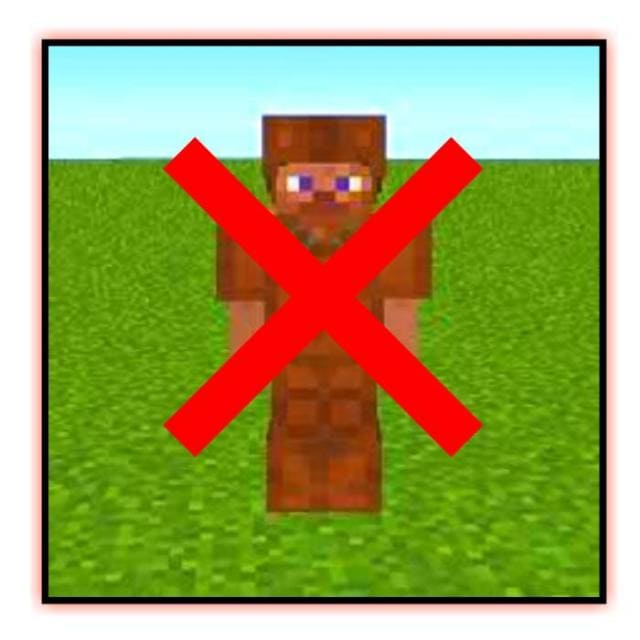
Sometimes it's quite important for armor to be completely invisible. Unfortunately, Minecraft Bedrock doesn't have the feature to disable armor display…
⬇ Download
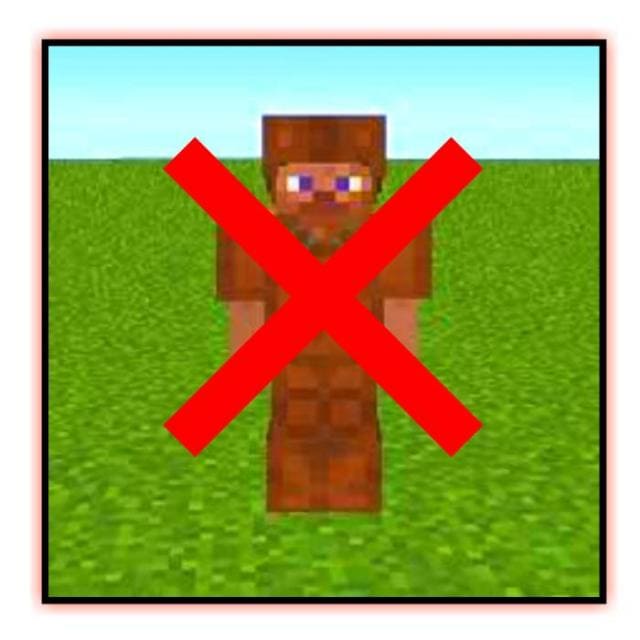

Иногда довольно важно, чтобы Броня была абсолютно невидимой. К сожалению, в Minecraft Bedrock нет функции отключения показа Доспехов, но есть текстуры Invisible Armor. Дополнение сделает любое снаряжение на персонаже прозрачным и невидимым.
Но у сборки есть некоторые ограничения: Кожаная броня, Шлем черепахи и Элитры будут по-прежнему видны.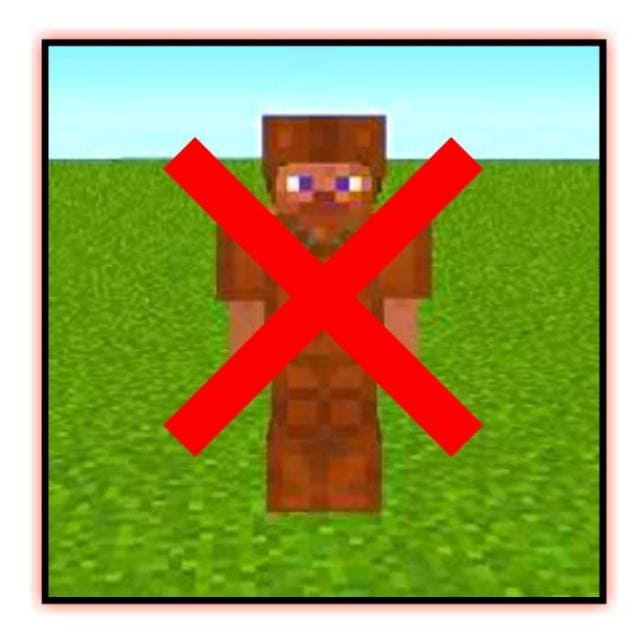 Изменения в новой версии
Но у сборки есть некоторые ограничения: Кожаная броня, Шлем черепахи и Элитры будут по-прежнему видны.
- Исправили ошибки
Quick facts
- Edition: Minecraft Bedrock
- File type: .mcpack
- Minecraft versions listed: 1.19.70, 1.19.60, 1.19.50
- How to install: Download the .mcpack. → Open it — Minecraft imports it under Resource Packs. → Activate it in Global Resources, or for one world under Resource Packs → Available.
- Where to get it: In MCModsHub, or directly above on this page.
Install steps are the general flow for this file type — How to install Minecraft Bedrock texture packs walks through it step by step.
File checked by MCModsHub
- Save it as 186410.mcaddon before opening — it downloads as .mcpack, but it is a .mcaddon pack
- Manifest requires Minecraft 1.2.6 or newer
- Complete pack — everything it depends on is inside the file
- Download size: 1.3 MB
- Download link checked 6 Jul 2026 — working
- Mirrored on our own servers — the download does not depend on the original host
These come from our own check of the pack file, not from the source page.