
Texture packsBedrock
SPARK SKY OVERLAY Textures
Bedrock texture pack listed for Minecraft 1.2–1.19. File opened and checked on 28 Sep 2026; installs from the MC Bedrock Mods app on Android.
A magical, dark blue sky with white particles will appear when you install SPARK SKY OVERLAY textures in Minecraft PE. The upper part of the blocky world…
⬇ Download




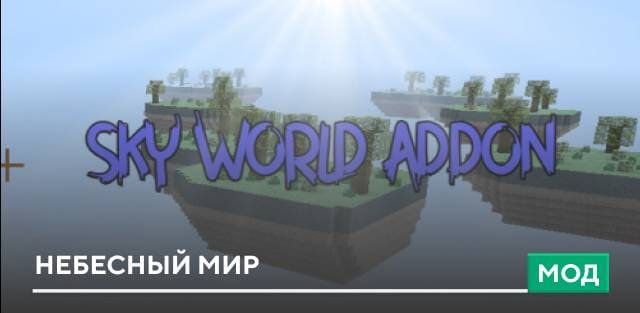
Сказочное, темно-синее небо с белыми частицами появится при установке текстур SPARK SKY OVERLAY в Майнкрафт ПЕ. Верхняя часть блочного мира будет выглядеть просто фантастически. Автор постарался максимально детализировать вид звездного неба, чтобы придать особую атмосферу и сказочный образ.
Небо станет темнее, ярче и насыщеннее. На скриншотах ниже можно все посмотреть, но лучше все примерить прямо в игре.
Небо станет темнее, ярче и насыщеннее. На скриншотах ниже можно все посмотреть, но лучше все примерить прямо в игре.



Quick facts
- Edition: Minecraft Bedrock
- File type: .mcpack
- Minecraft versions listed: 1.19.80, 1.19.70, 1.19.60
- How to install: Download the .mcpack. → Open it — Minecraft imports it under Resource Packs. → Activate it in Global Resources, or for one world under Resource Packs → Available.
- Where to get it: In MCModsHub, or directly above on this page.
Install steps are the general flow for this file type — How to install Minecraft Bedrock texture packs walks through it step by step.
File checked by MCModsHub
- Save it as 186471.mcaddon before opening — it downloads as .mcpack, but it is a .mcaddon pack
- Manifest requires Minecraft 1.2.6 or newer
- Complete pack — everything it depends on is inside the file
- Download size: 2.1 MB
- Download link checked 6 Jul 2026 — working
- Mirrored on our own servers — the download does not depend on the original host
These come from our own check of the pack file, not from the source page.