Texture packsBedrock
Rainbow Nether Portal Textures
Bedrock texture pack listed for Minecraft 1.13–1.19. File opened and checked on 21 Sep 2026; installs from the MC Bedrock Mods app on Android.
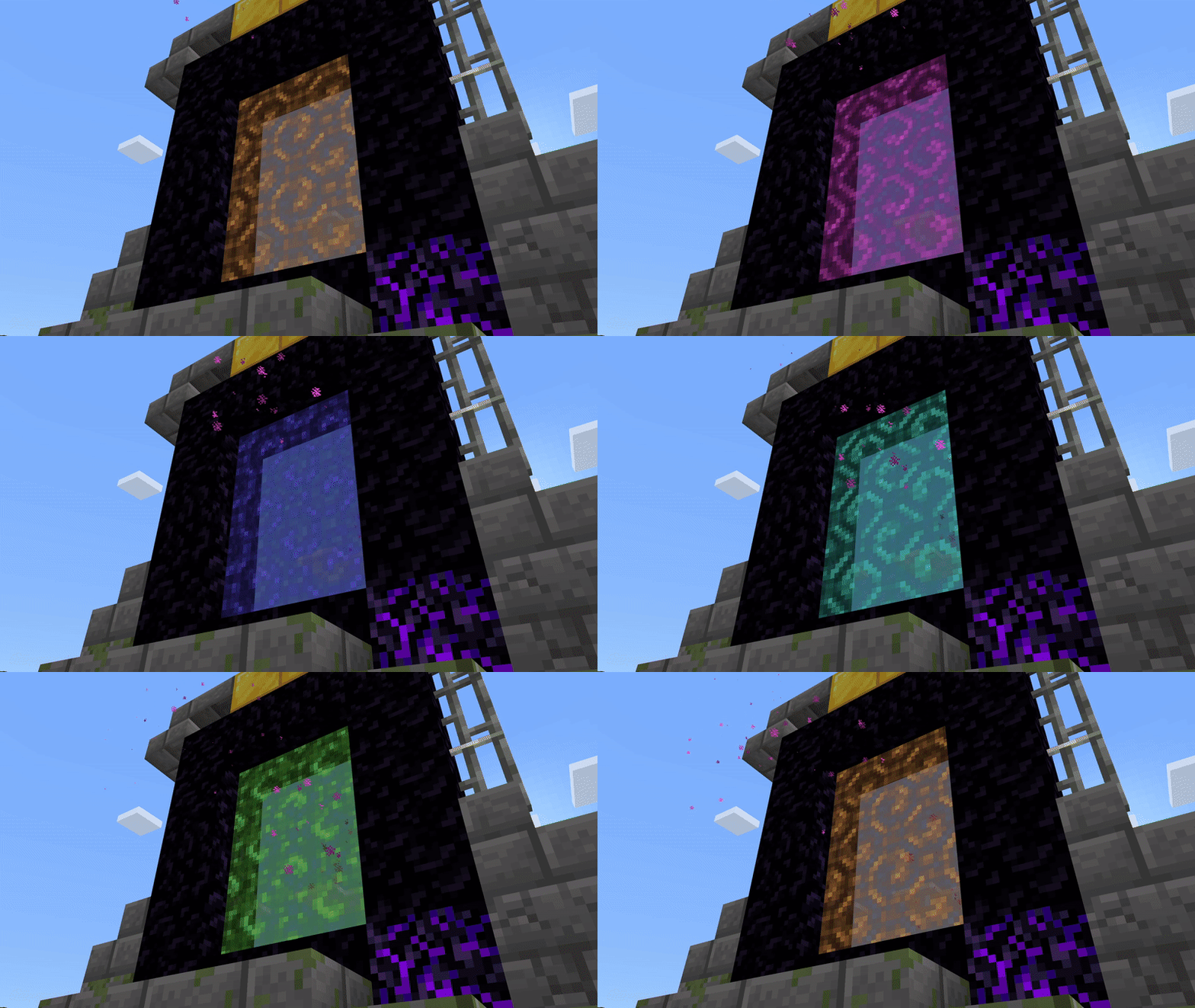
Rainbow Nether Portal textures will give an unusual appearance to the classic Nether portal. Immediately after creation, the portal will light up in the…
⬇ Download
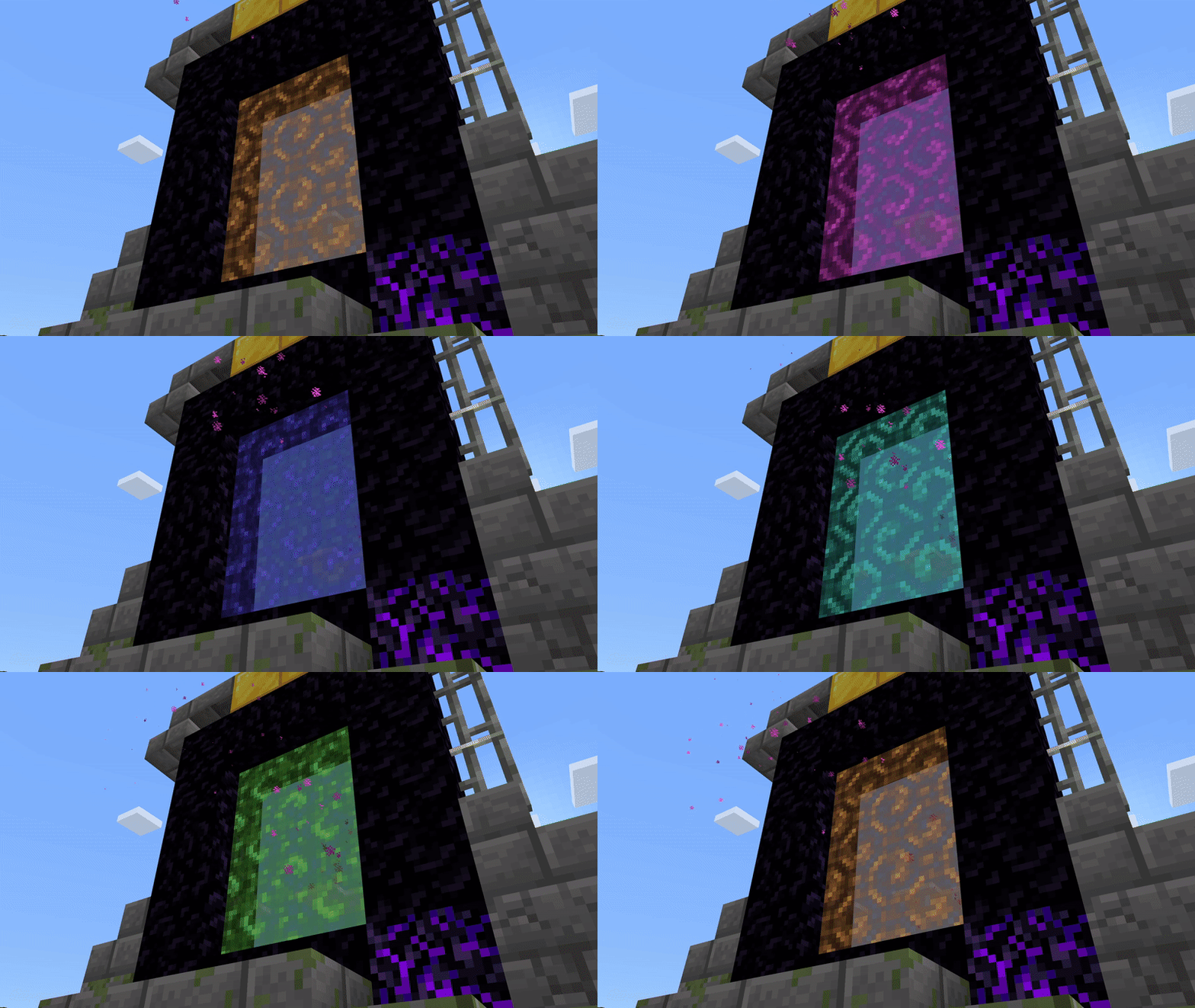
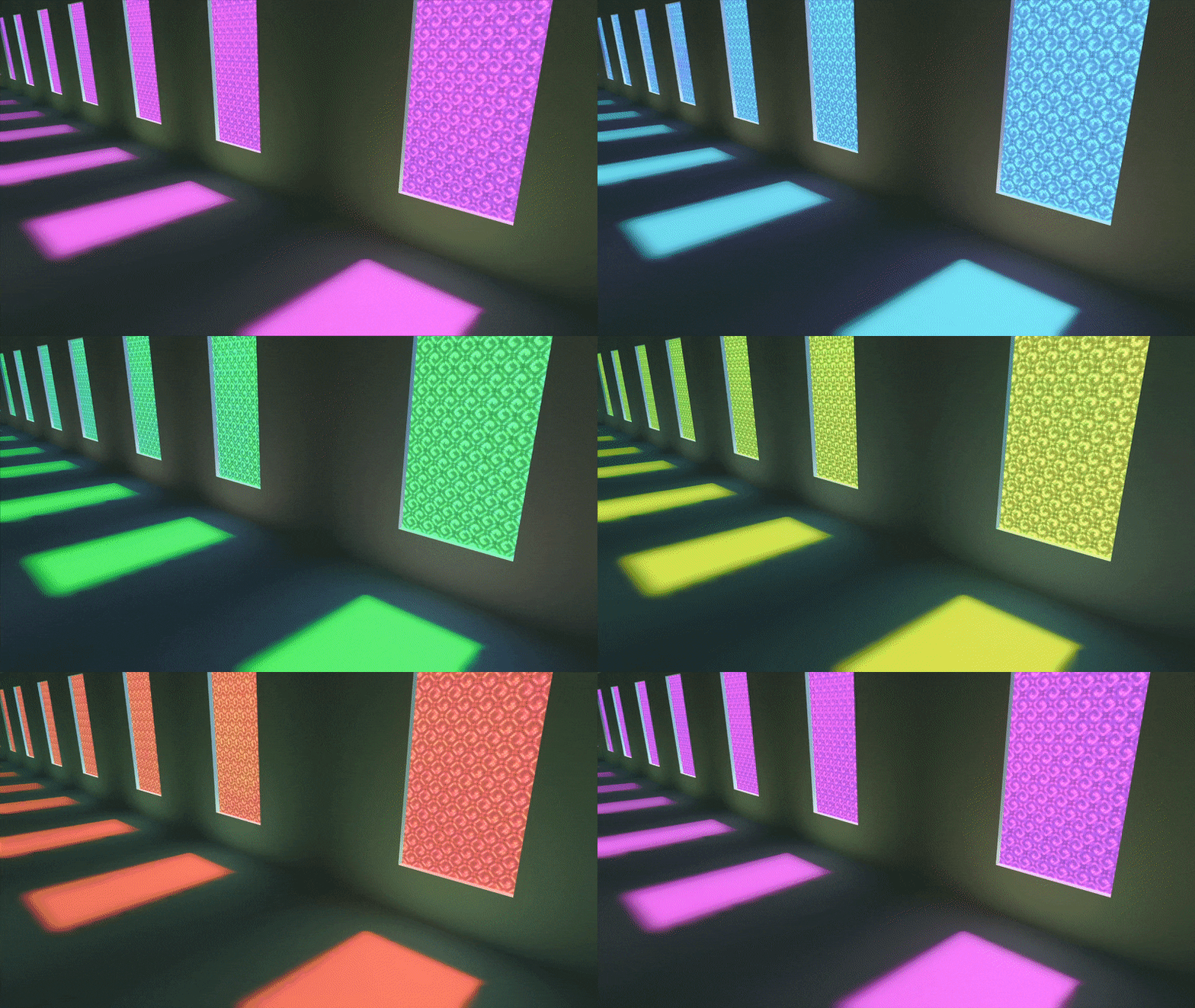
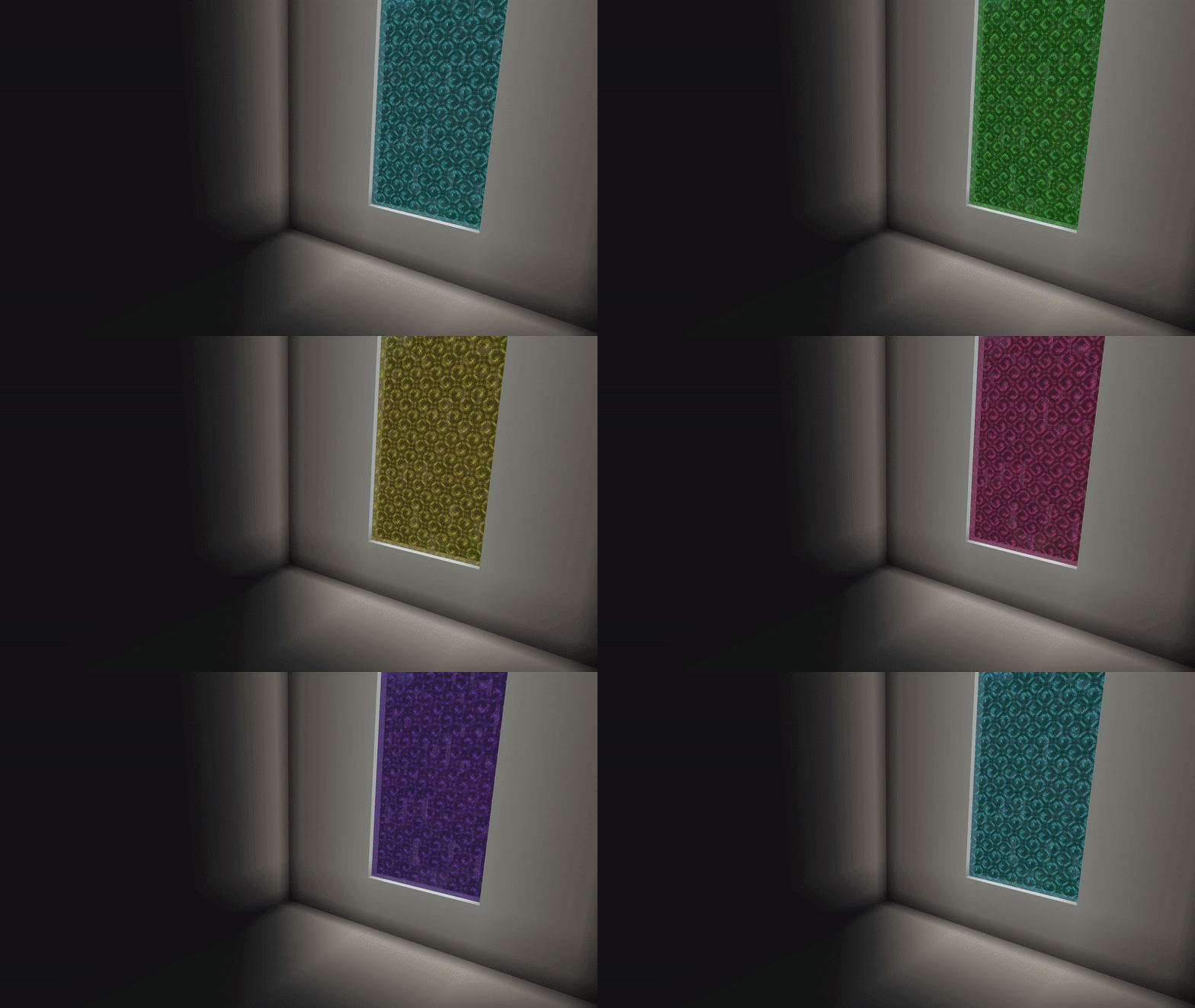

Текстуры Rainbow Nether Portal придадут необычный вид классическому порталу Нижнего Мира. Сразу после создания, портал загорится привычным фиолетовым цветом, а затем начнет переливаться во все оттенки радуги. Выглядит это очень круто и необычно. Если ты любишь небольшие улучшения графики в Майнкрафт, то эта сборка должна стать неотъемлемой частью твоего мира.
Сборка весит всего лишь один мегабайт: автор смог воссоздать детализированную анимацию без потери качества с минимальным весом файла.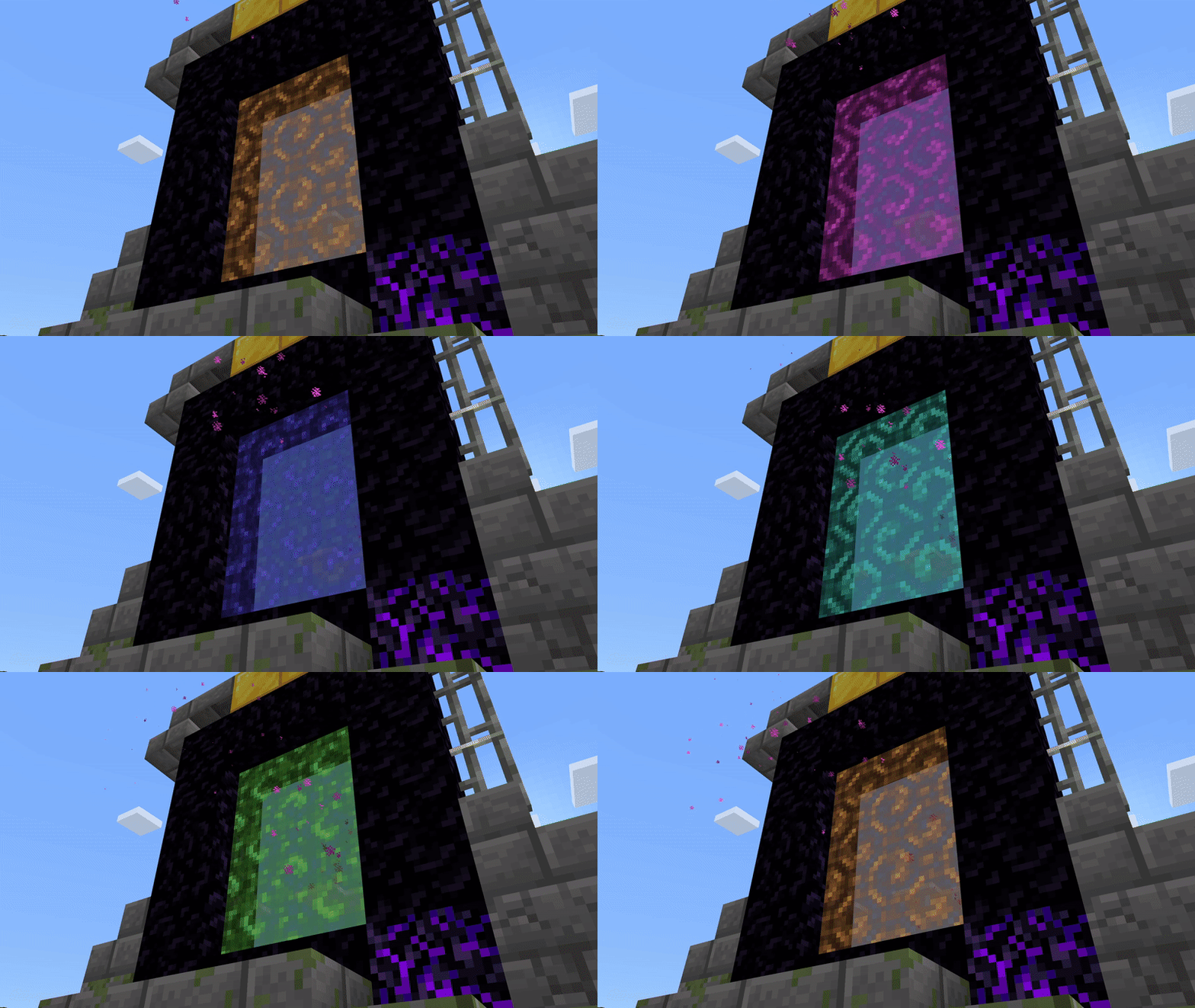 С RTX
С RTX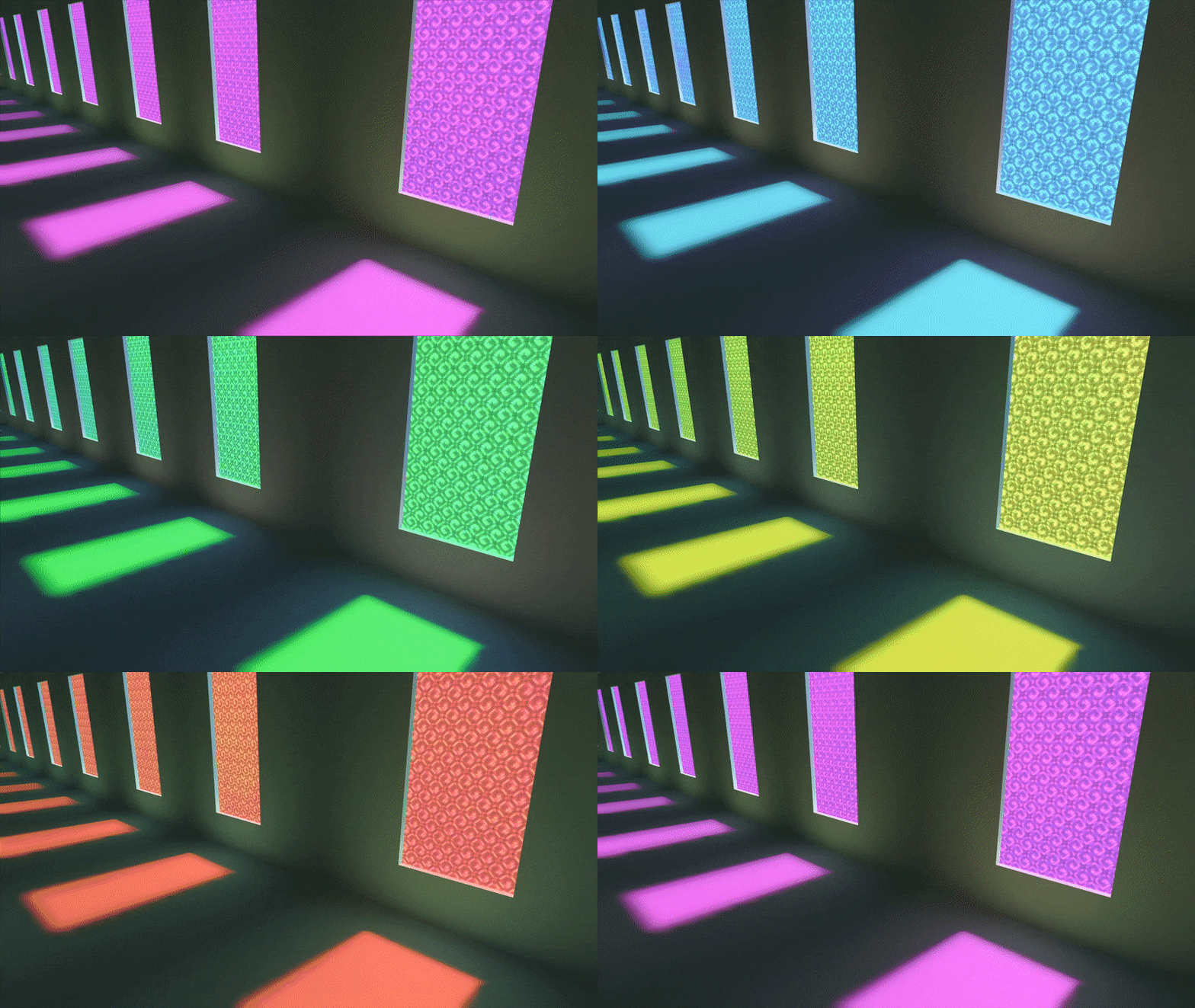
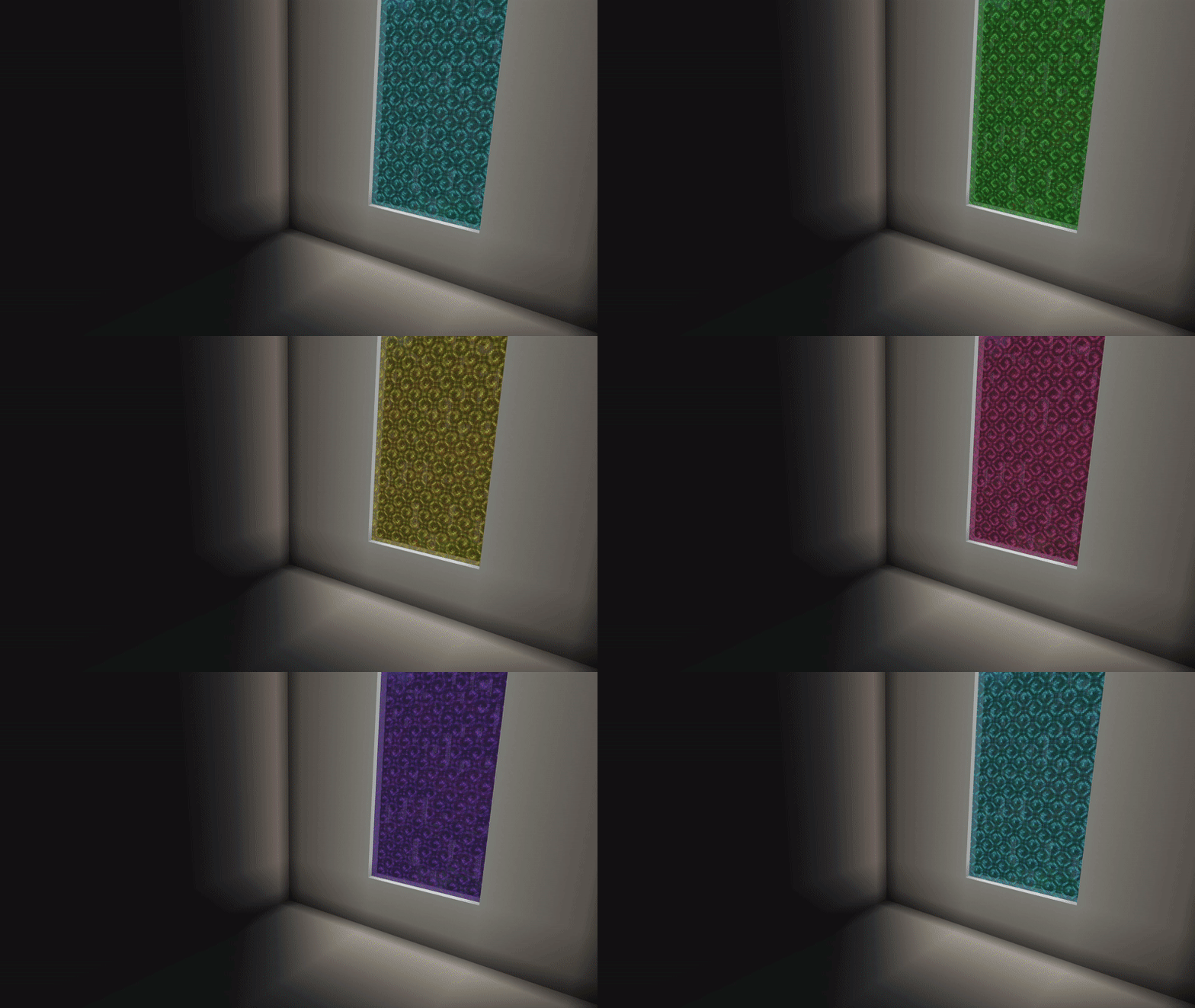 Изменения в новой версии
Сборка весит всего лишь один мегабайт: автор смог воссоздать детализированную анимацию без потери качества с минимальным весом файла.
- Небольшие улучшения
Quick facts
- Edition: Minecraft Bedrock
- File type: .mcpack
- Minecraft versions listed: 1.19.80, 1.19.70, 1.19.60
- How to install: Download the .mcpack. → Open it — Minecraft imports it under Resource Packs. → Activate it in Global Resources, or for one world under Resource Packs → Available.
- Where to get it: In MCModsHub, or directly above on this page.
Install steps are the general flow for this file type — How to install Minecraft Bedrock texture packs walks through it step by step.
File checked by MCModsHub
- Save it as 186483.mcaddon before opening — it downloads as .mcpack, but it is a .mcaddon pack
- Manifest requires Minecraft 1.13.0 or newer
- Complete pack — everything it depends on is inside the file
- Download size: 256 KB
- Download link checked 6 Jul 2026 — working
- Mirrored on our own servers — the download does not depend on the original host
These come from our own check of the pack file, not from the source page.