Texture packsBedrock
Arcdustry UI Textures
Bedrock texture pack listed for Minecraft 1.19. File opened and checked on 7 Oct 2026; installs from the MC Bedrock Mods app on Android.
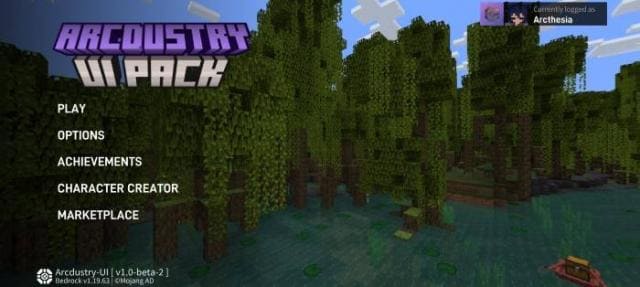
Want to update the main menu and other Minecraft elements? Use Arcdustry UI textures: this add-on offers a more modern and stylish interface. Only the…
⬇ Download
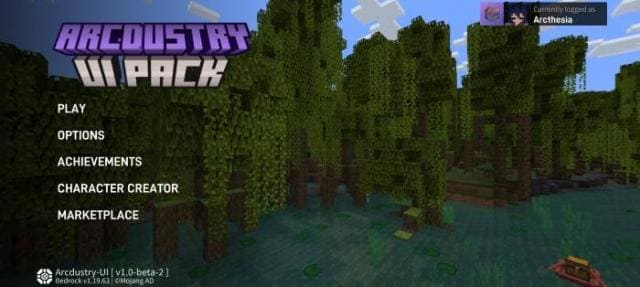
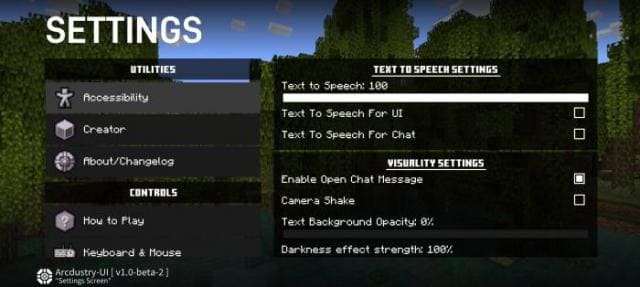
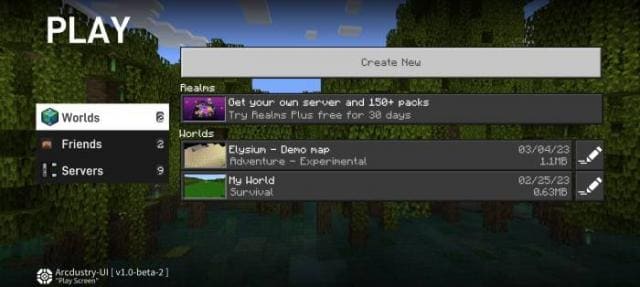
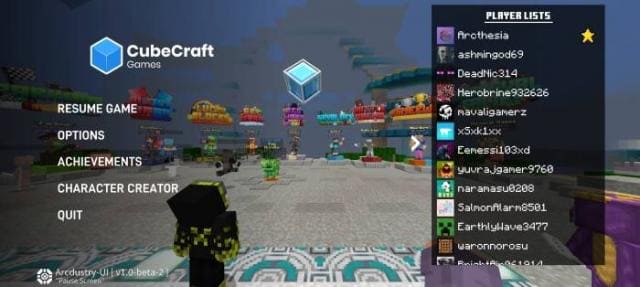
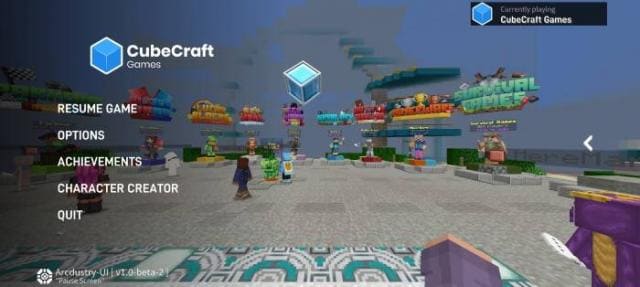
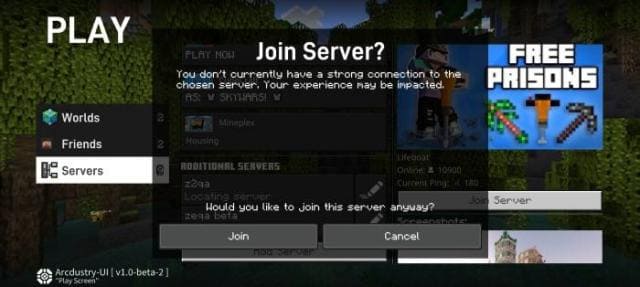
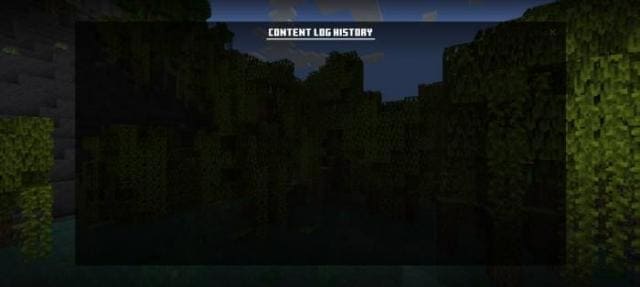
Хочешь обновить главное меню и прочие элементы Майнкрафт? Тогда используй текстуры Arcdustry UI: дополнение предлагает более современный и стильный интерфейс. Обновления получат только основные экраны и меню: в игре все останется таким же, кроме меню паузы. Все новшества можно увидеть как на превью, так и на скриншотах, которые расположены ниже. Оцени сборку и смело устанавливай к себе, чтобы улучшить игровой процесс.
Превью
Изменения в новой версии
Превью
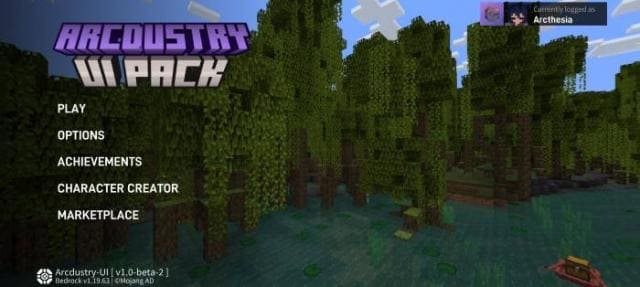
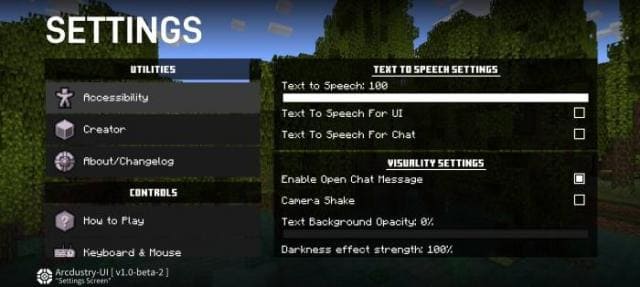
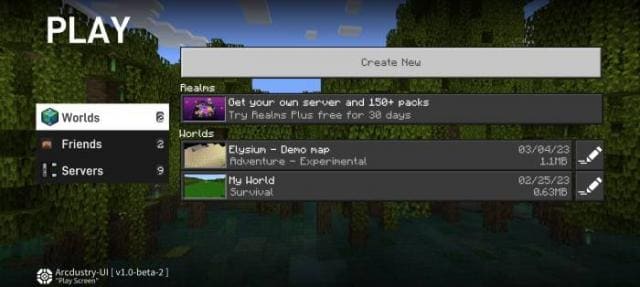
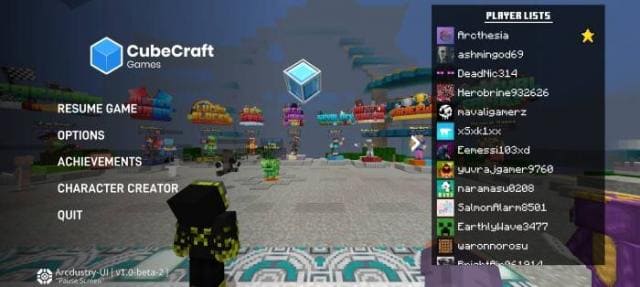
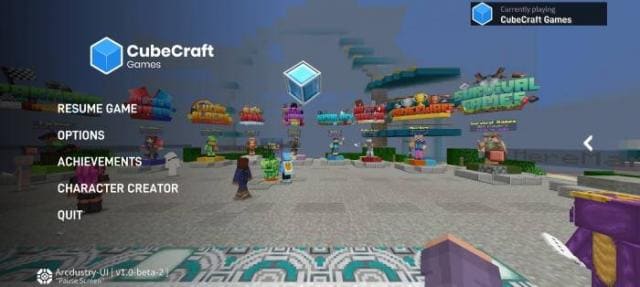
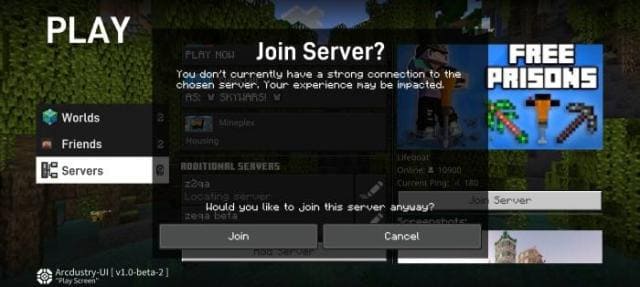
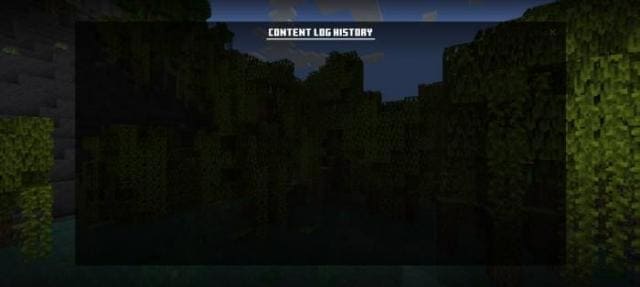
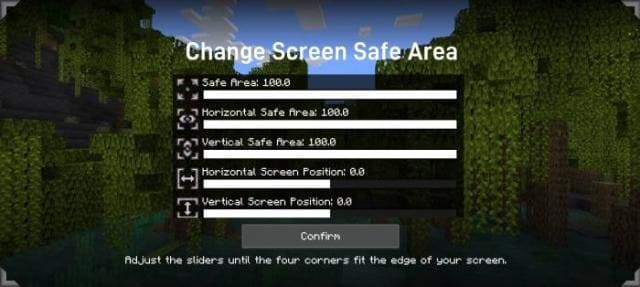
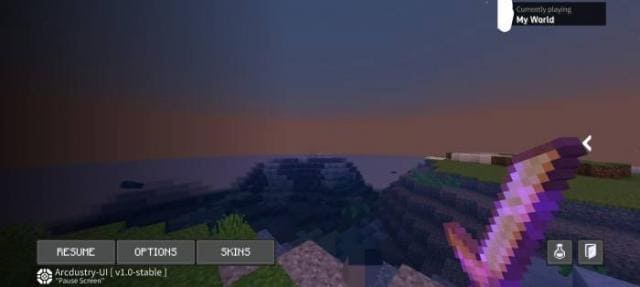
Изменения в новой версии
- Совместимость с новыми версиями игры
- Добавили анимации
- Улучшили кнопки
- Улучшили цвета
- Удалили некоторые окна
- Исправили ошибки
- Увеличили оптимизацию
Quick facts
- Edition: Minecraft Bedrock
- File type: .mcpack
- Minecraft versions listed: 1.19.70, 1.19.60
- How to install: Download the .mcpack. → Open it — Minecraft imports it under Resource Packs. → Activate it in Global Resources, or for one world under Resource Packs → Available.
- Where to get it: In MCModsHub, or directly above on this page.
Install steps are the general flow for this file type — How to install Minecraft Bedrock texture packs walks through it step by step.
File checked by MCModsHub
- Pack type: .mcpack — a single pack
- Manifest requires Minecraft 1.19.60 or newer
- Complete pack — everything it depends on is inside the file
- Download size: 1.0 MB
- Download link checked 6 Jul 2026 — working
- Mirrored on our own servers — the download does not depend on the original host
These come from our own check of the pack file, not from the source page.