Texture packsBedrock
Dark UI Textures
Bedrock texture pack listed for Minecraft 1.19. File opened and checked on 3 Oct 2026; installs from the MC Bedrock Mods app on Android.
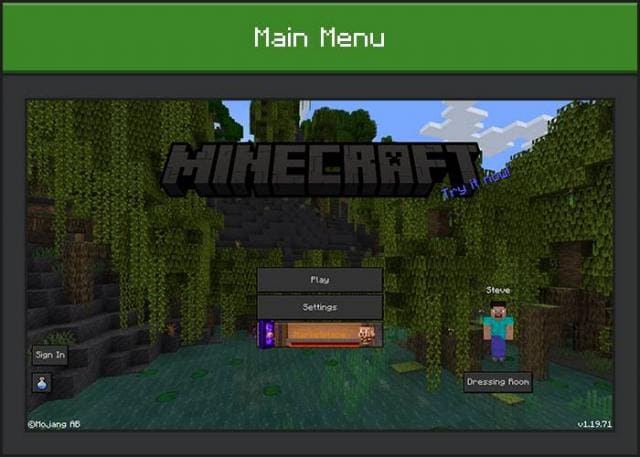
Dark UI textures change the user interface in Minecraft, giving it a dark shade. Everything works with the classic interface while making small…
⬇ Download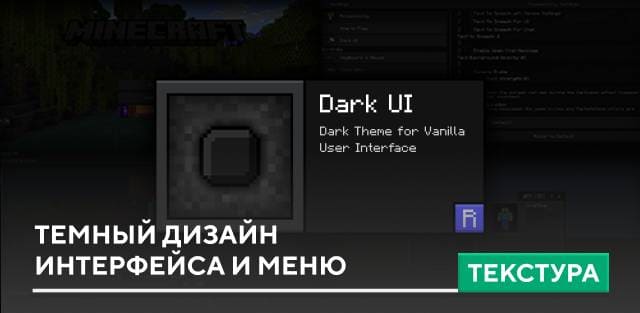
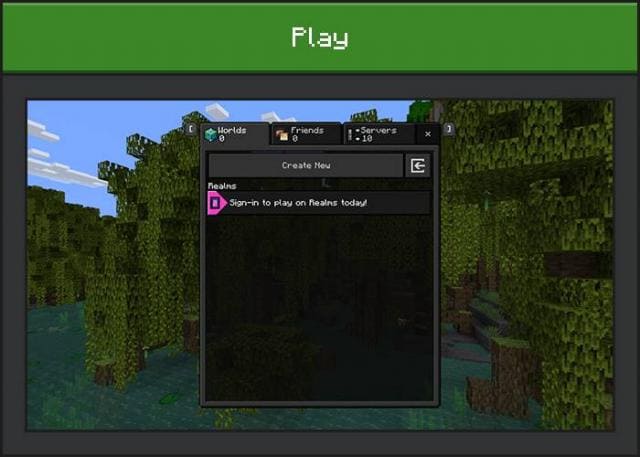
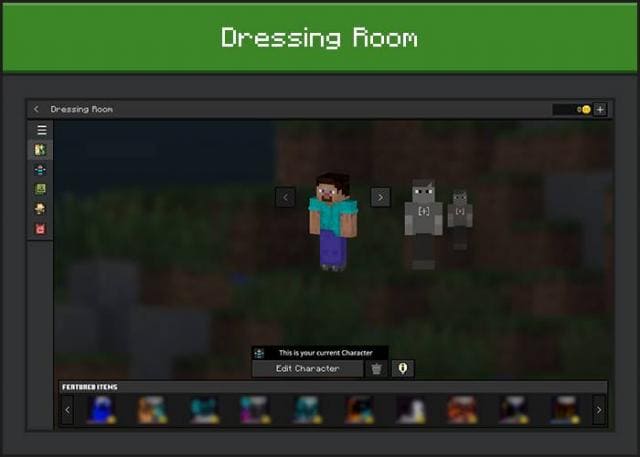
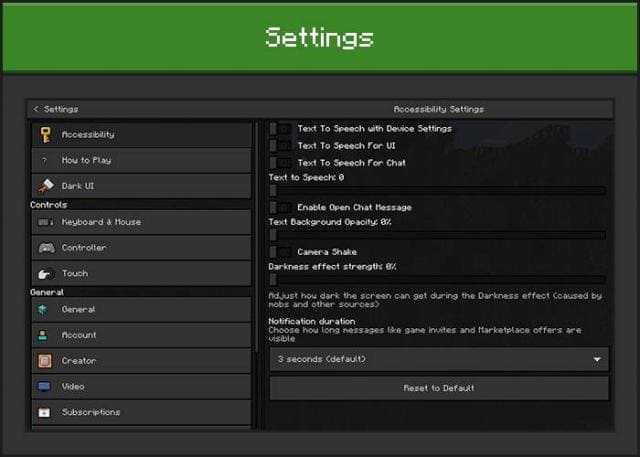
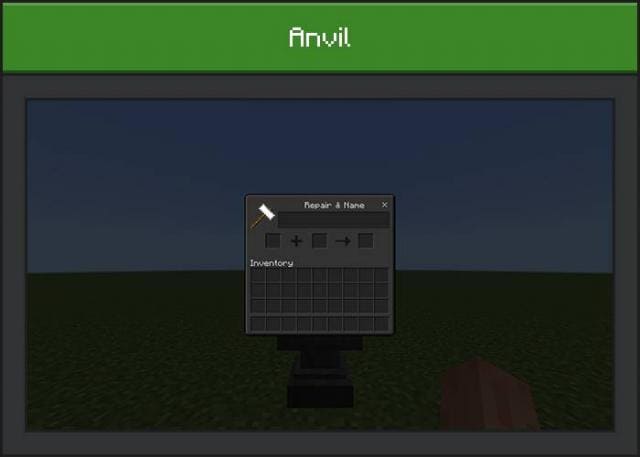
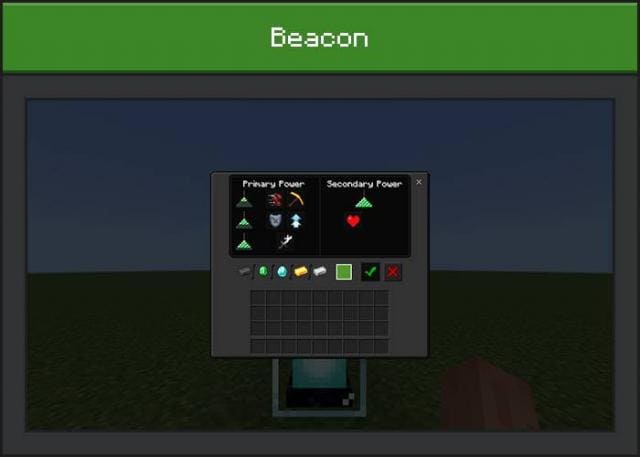
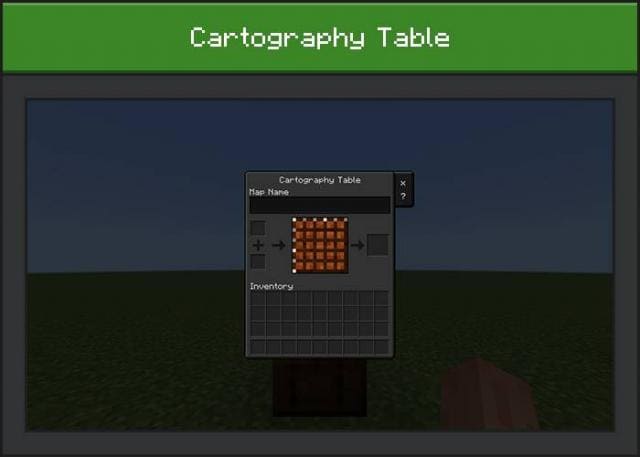
Текстуры Dark UI меняют пользовательский интерфейс в Майнкрафт, придавая ему темный оттенок. Все работает с классическим интерфейсом, но при этом вносят небольшие улучшения в основные элементы меню. Также доступны дополнения на прозрачный фон или контрастный шрифт в игре.
Прозрачный фон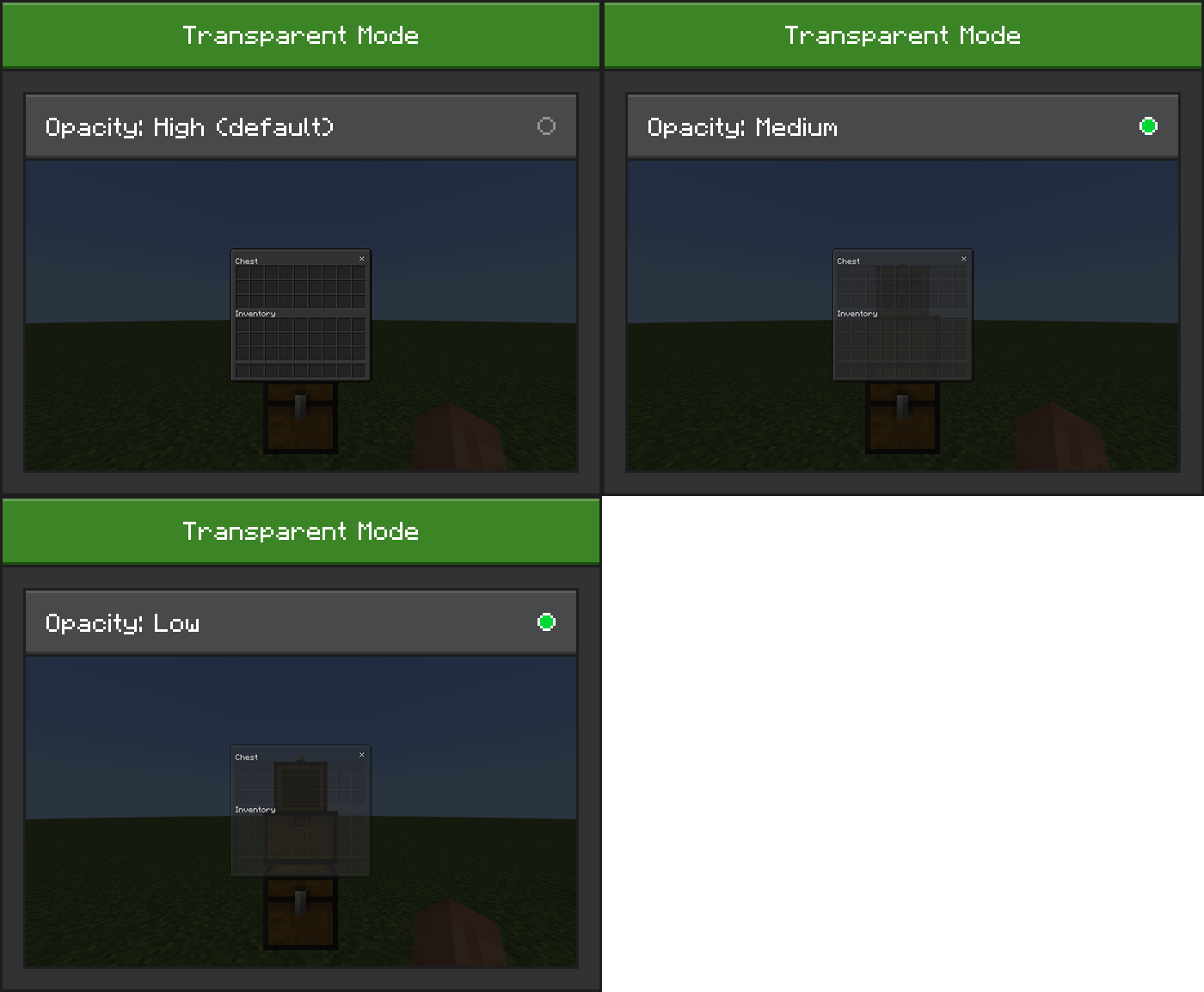 Контрастный шрифт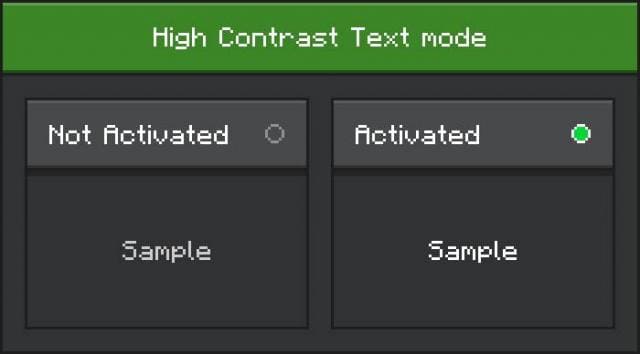
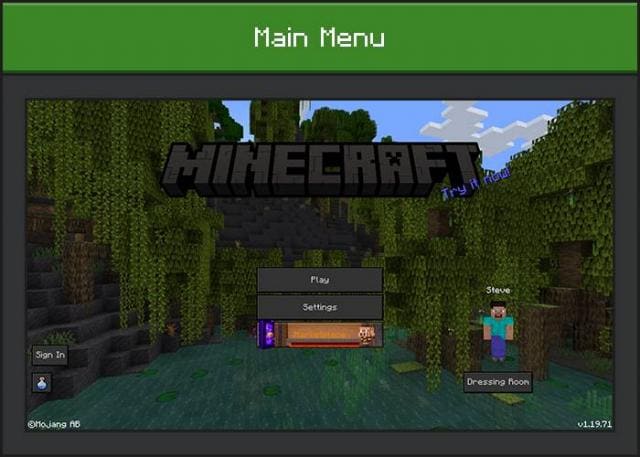
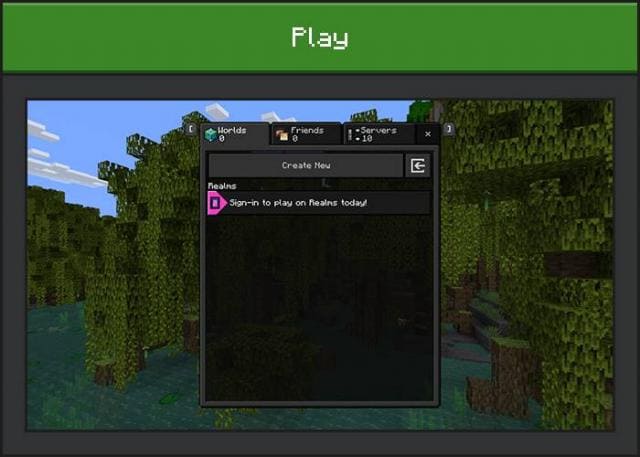
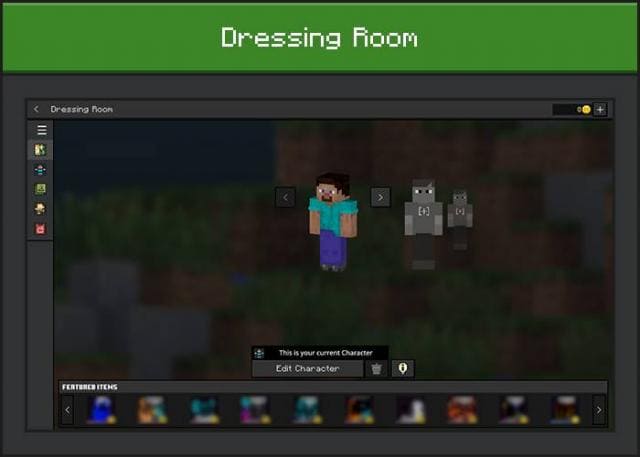
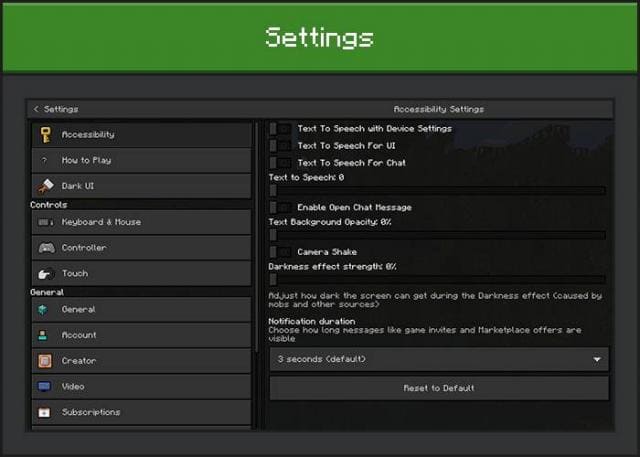
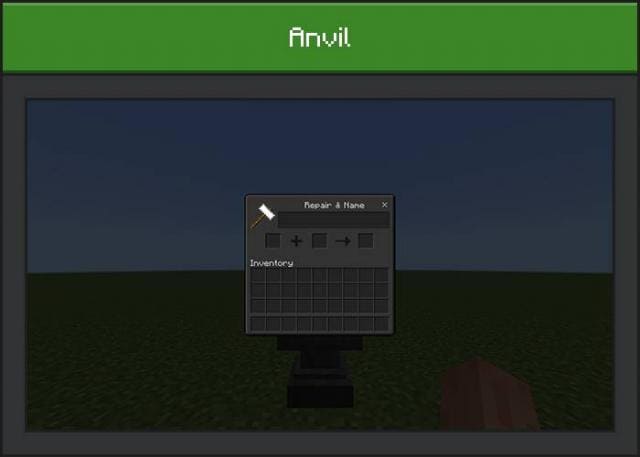
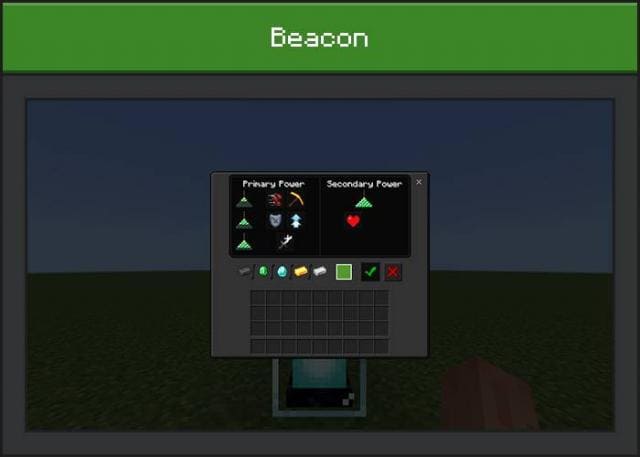
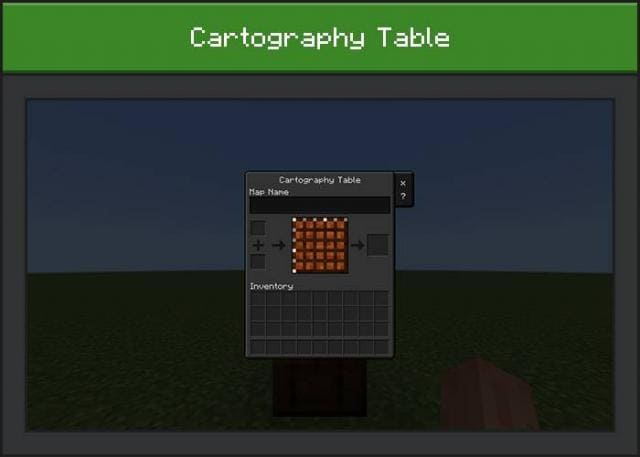
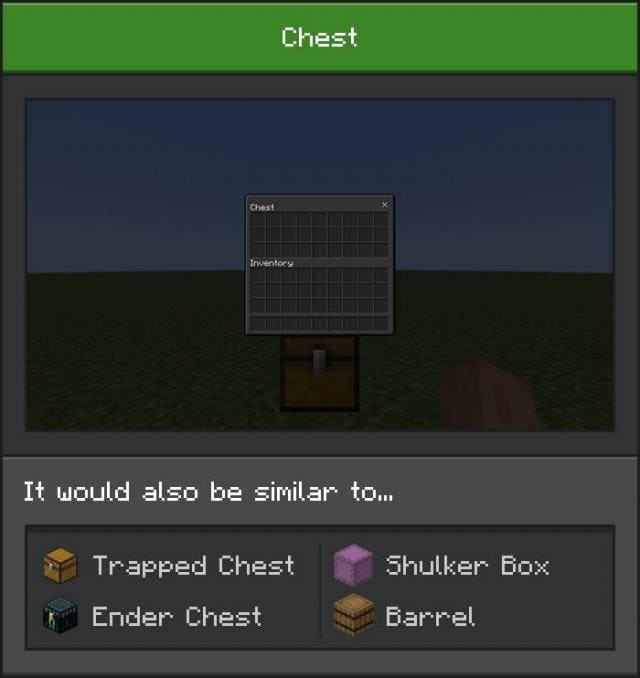
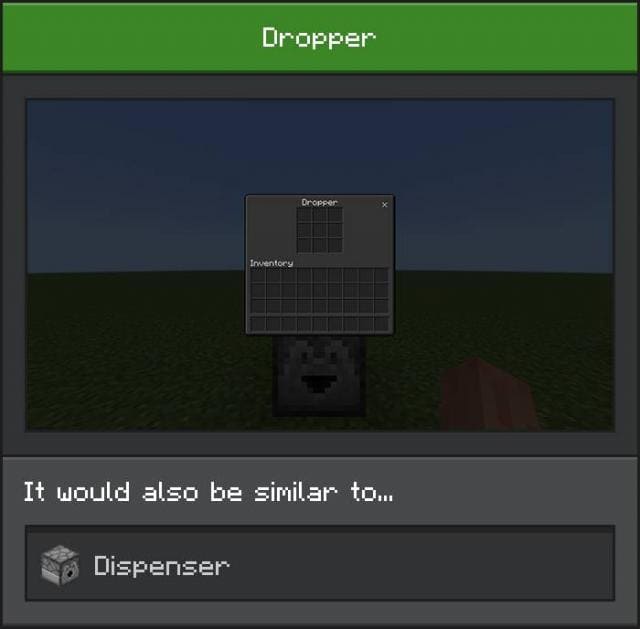
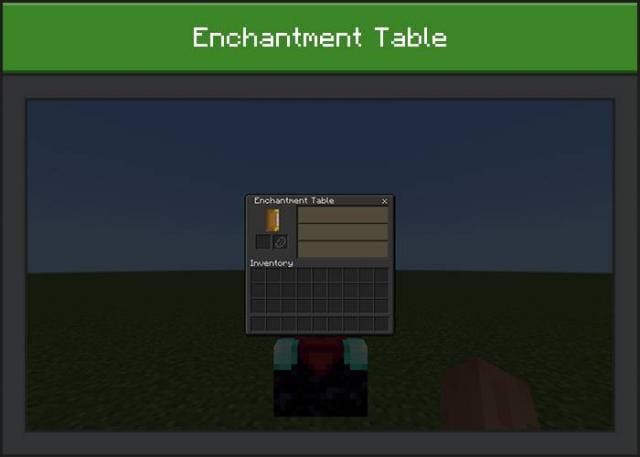
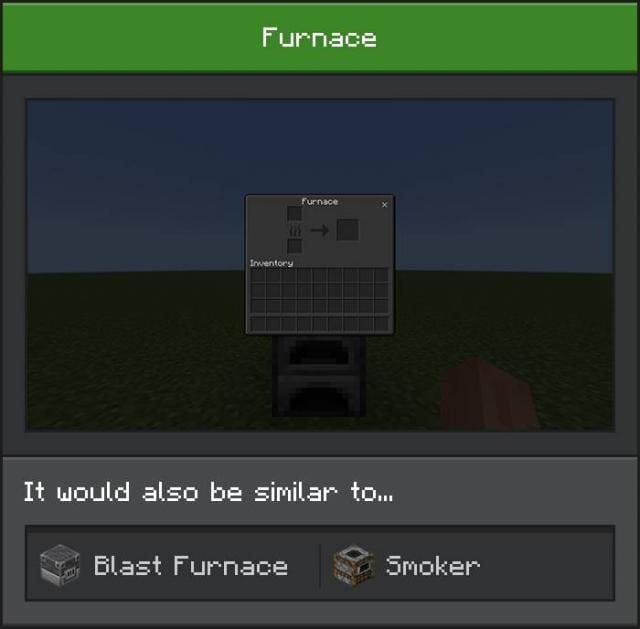
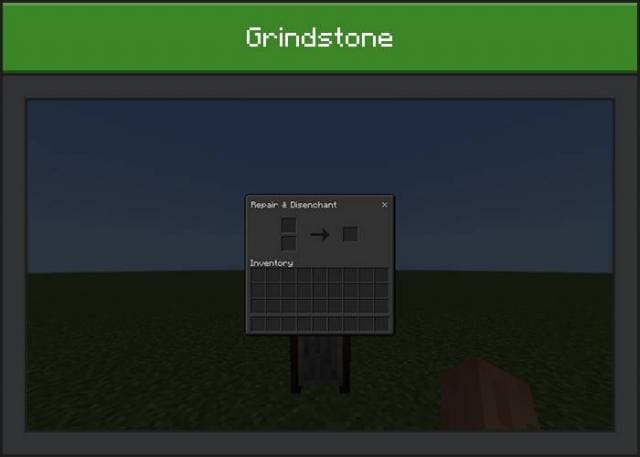
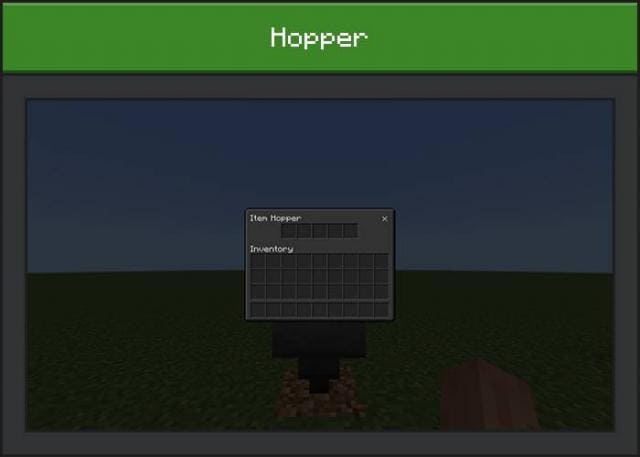
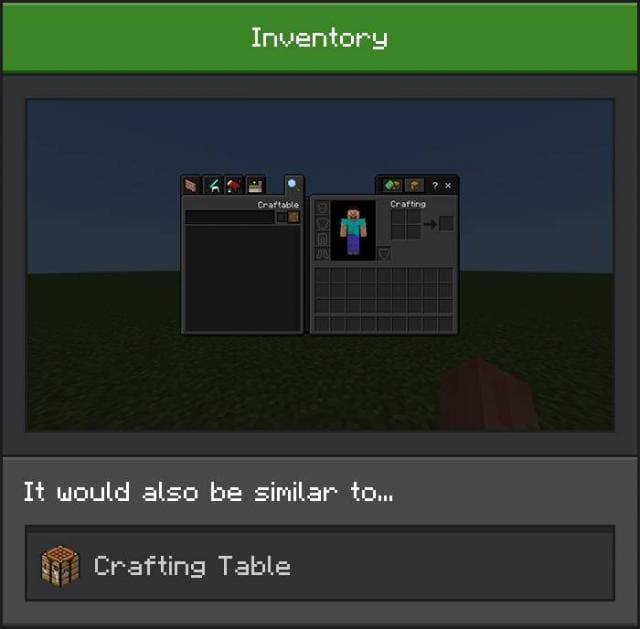
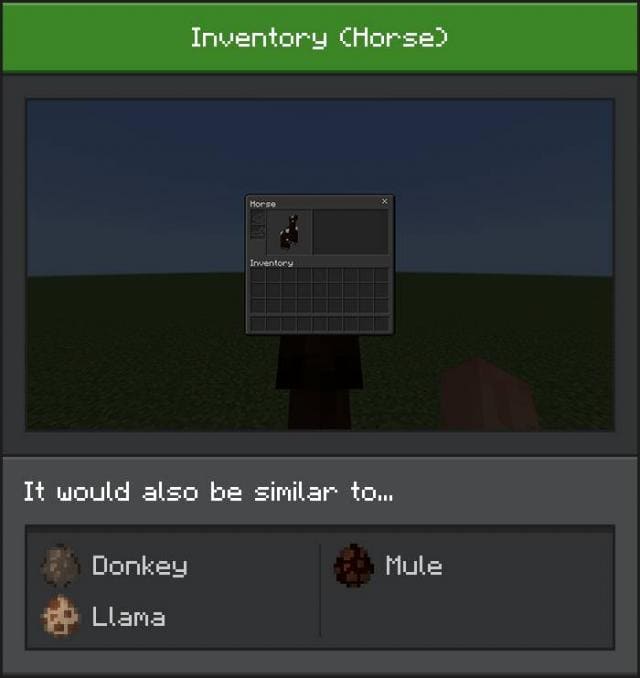
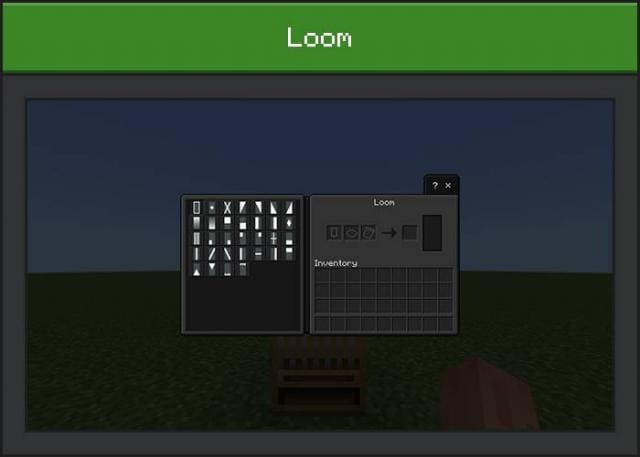
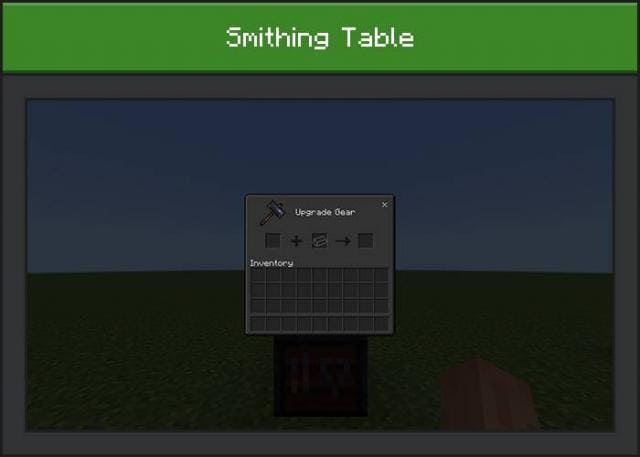
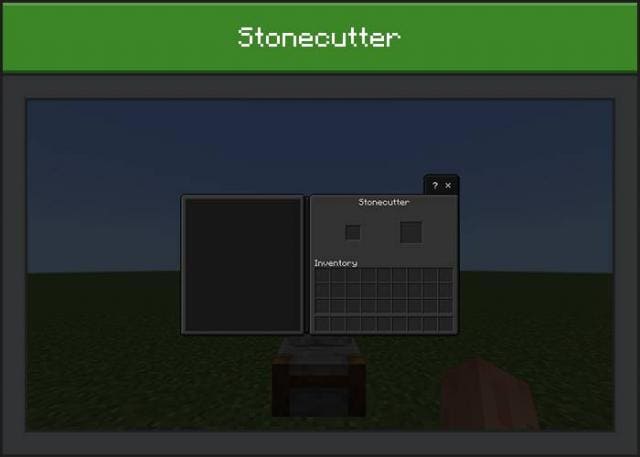
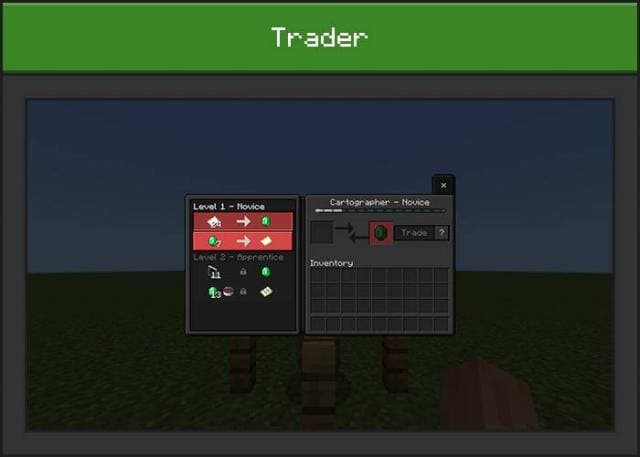
Прозрачный фон
- Меняется в настройках
- Отдельный файл
Quick facts
- Edition: Minecraft Bedrock
- File type: .mcpack
- Minecraft version listed: 1.19
- How to install: Download the .mcpack. → Open it — Minecraft imports it under Resource Packs. → Activate it in Global Resources, or for one world under Resource Packs → Available.
- Where to get it: In MCModsHub, or directly above on this page.
Install steps are the general flow for this file type — How to install Minecraft Bedrock texture packs walks through it step by step.
File checked by MCModsHub
- Save it as 186495.mcaddon before opening — it downloads as .mcpack, but it is a .mcaddon pack
- Manifest requires Minecraft 1.19.0 or newer
- Complete pack — everything it depends on is inside the file
- Download size: 867 KB
- Download link checked 6 Jul 2026 — working
- Mirrored on our own servers — the download does not depend on the original host
These come from our own check of the pack file, not from the source page.