Texture packsBedrock
Controller ToolTips Variants Textures
Bedrock texture pack listed for Minecraft 1.13–1.19. File opened and checked on 25 Sep 2026; installs from the MC Bedrock Mods app on Android.
If you haven't yet used a joystick for Minecraft PE, you're missing out. A joystick increases your action speed and simplifies survival. Controller…
⬇ Download
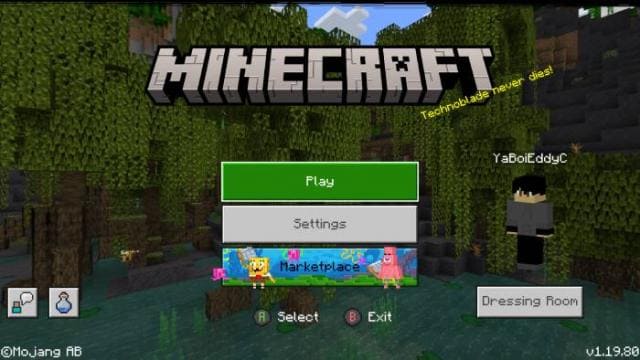
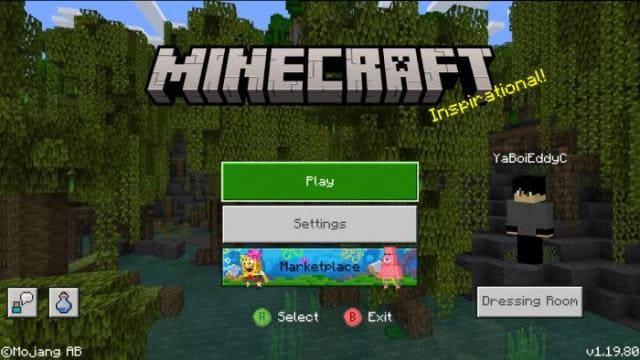
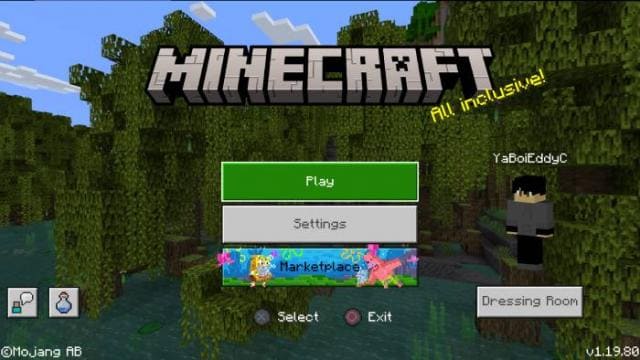
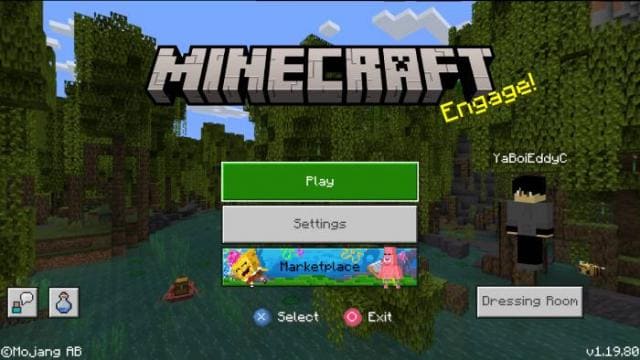
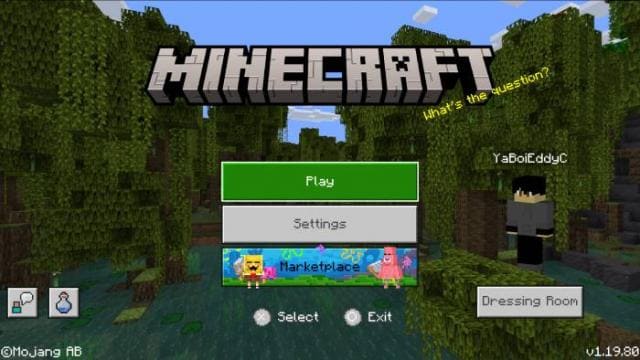
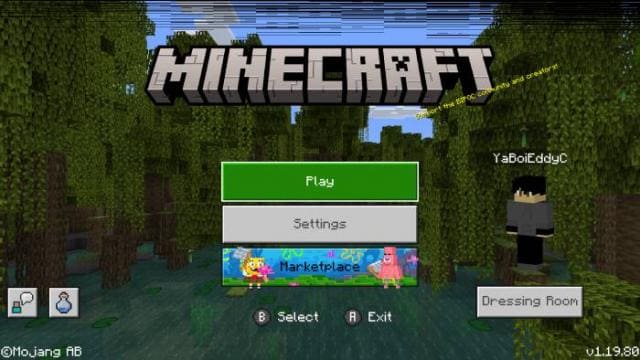
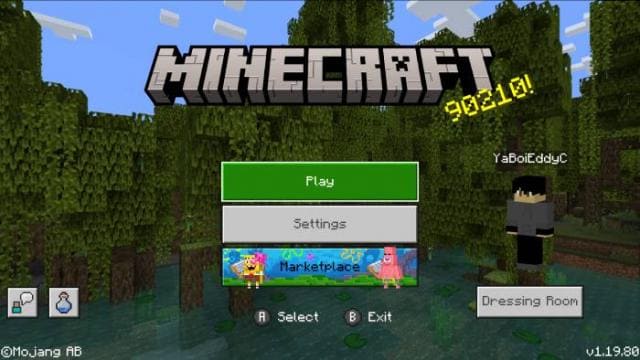
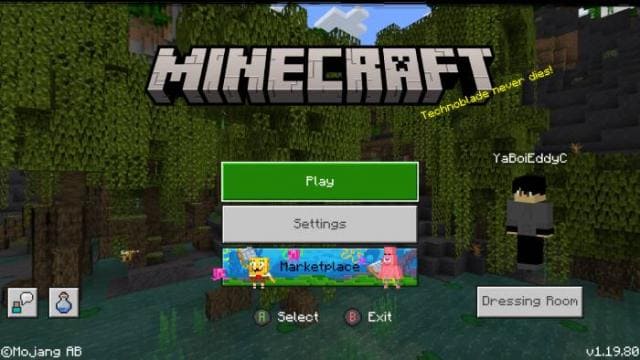
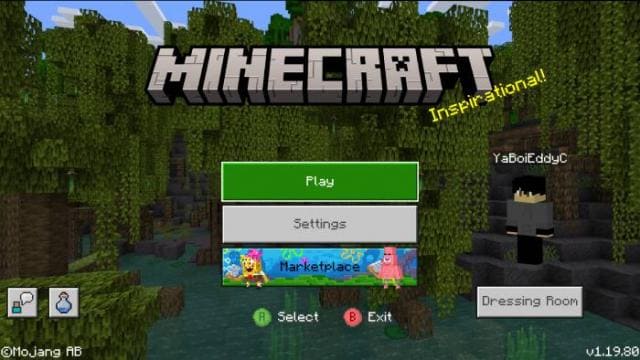
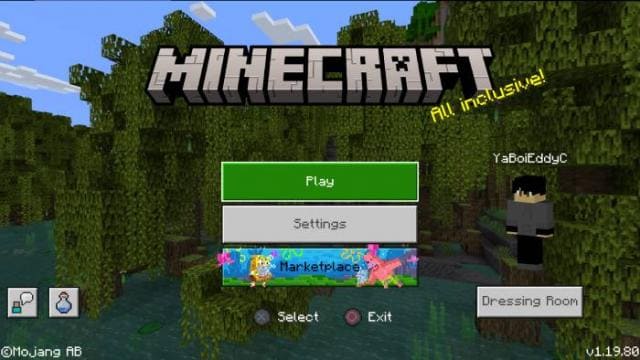
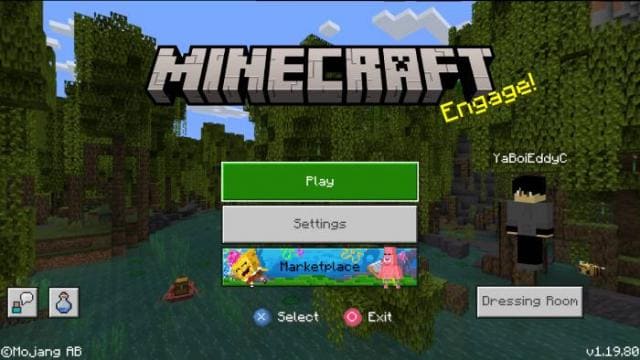
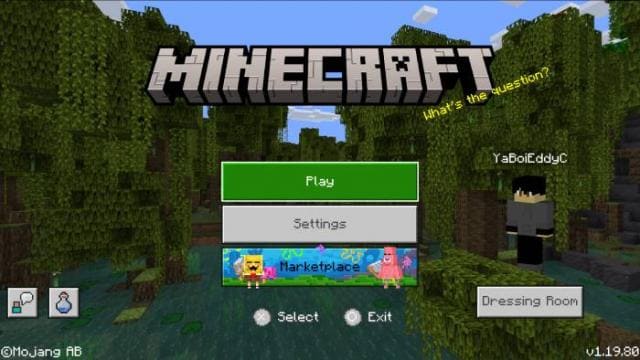
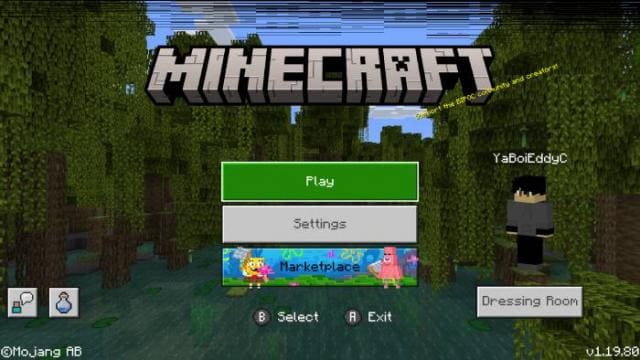
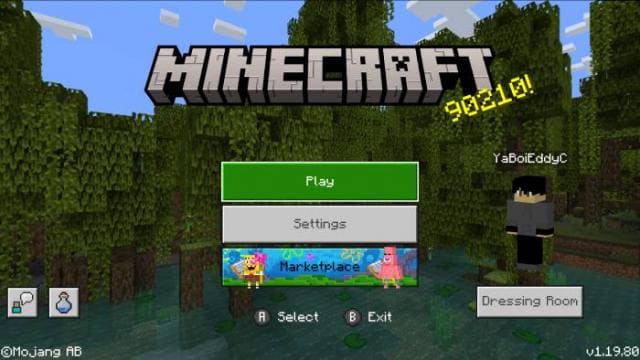
Если ты еще не пользуешься джойстиком для игры в Майнкрафт ПЕ, то многое теряешь. Джойстик увеличивает скорость твоих действий и упрощает выживание. А текстуры Controller ToolTips Variants помогут тебе быстро разобраться в управлении джойстиком. Благодаря подсказкам в игре, можно быстро понять, куда нажимать и что делать. Дополнение предлагает несколько вариантов дизайна подсказок на выбор.
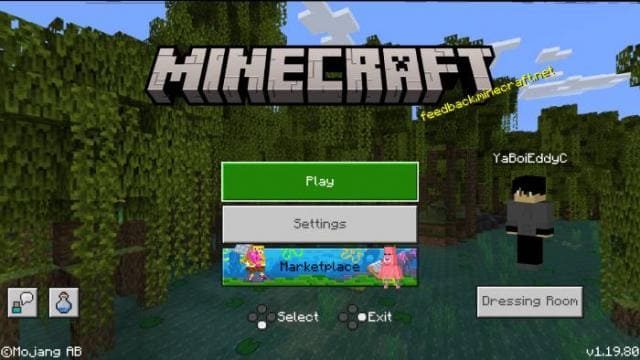
Каждый вариант доступен на скриншотах ниже.
Каждый вариант доступен на скриншотах ниже.
Quick facts
- Edition: Minecraft Bedrock
- File type: .mcpack
- Minecraft versions listed: 1.19.70, 1.19.60, 1.19.50
- How to install: Download the .mcpack. → Open it — Minecraft imports it under Resource Packs. → Activate it in Global Resources, or for one world under Resource Packs → Available.
- Where to get it: In MCModsHub, or directly above on this page.
Install steps are the general flow for this file type — How to install Minecraft Bedrock texture packs walks through it step by step.
File checked by MCModsHub
- Pack type: .mcpack — a single pack
- Manifest requires Minecraft 1.13.0 or newer
- Complete pack — everything it depends on is inside the file
- Download size: 204 KB
- Download link checked 6 Jul 2026 — working
- Mirrored on our own servers — the download does not depend on the original host
These come from our own check of the pack file, not from the source page.