Texture packsBedrock
Moonlight Textures
Bedrock texture pack listed for Minecraft 1.16–1.19. File opened and checked on 11 Oct 2026; installs from the MC Bedrock Mods app on Android.
Moonlight textures change many elements in Minecraft, including blocks, items, and even mobs. The pack can be applied to improve visual perception or…
⬇ Download
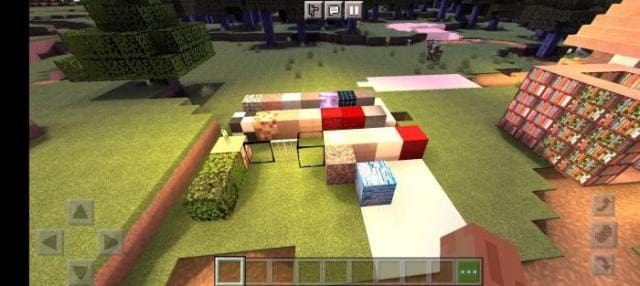
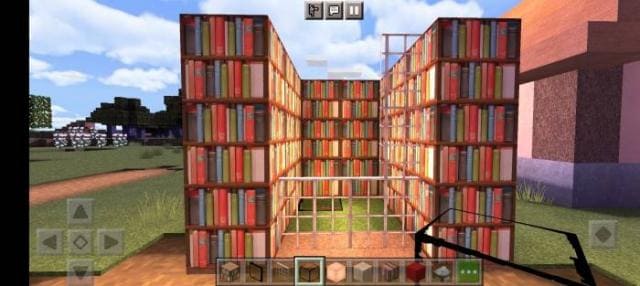
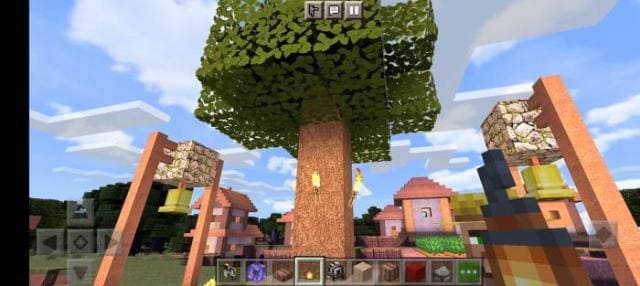
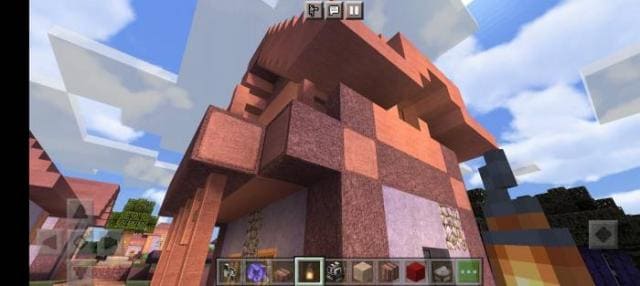
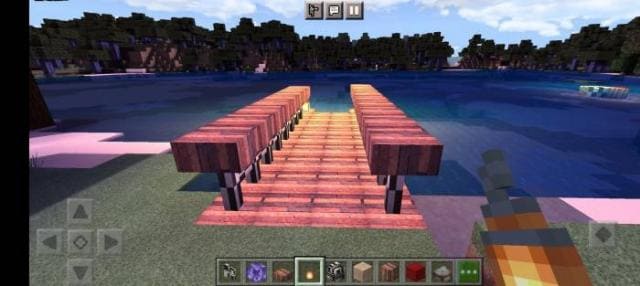

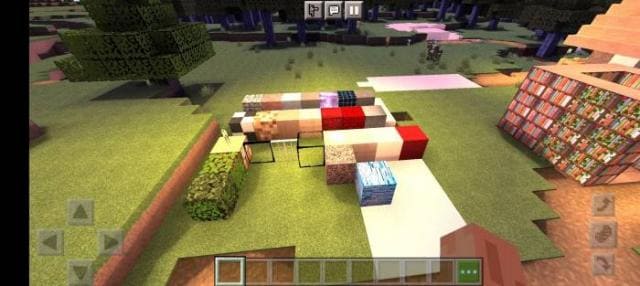
Текстуры Moonlight меняют множество элементов в Майнкрафт, включая блоки, предметы и даже мобов. Сборка может быть применена для улучшения визуального восприятия игры или для создания определенной темы или стиля. Сделай свою игру такой, какой ты пожелаешь.
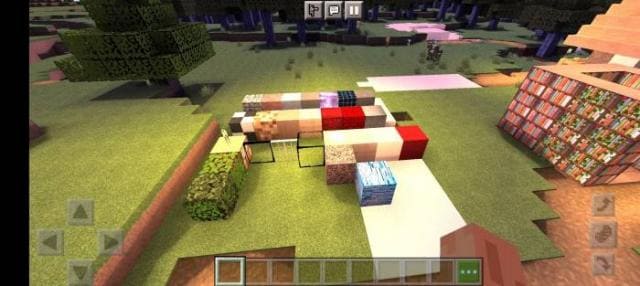
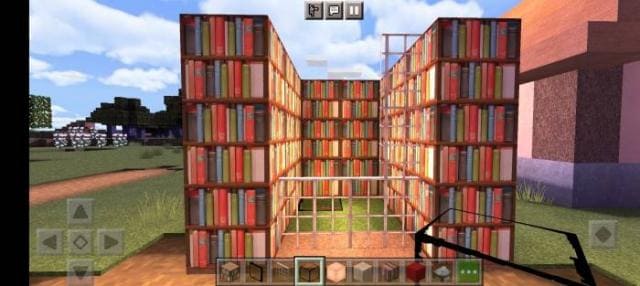
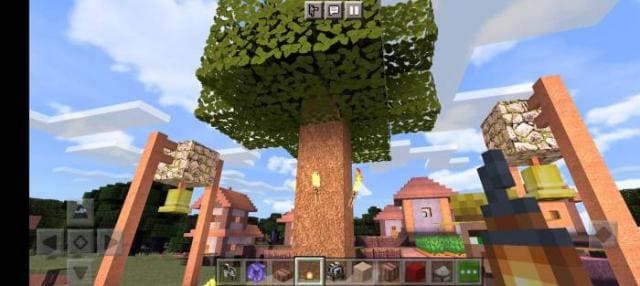
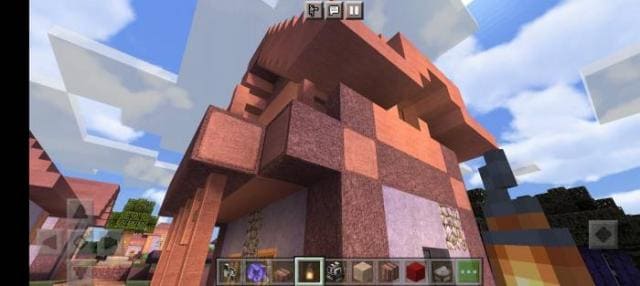
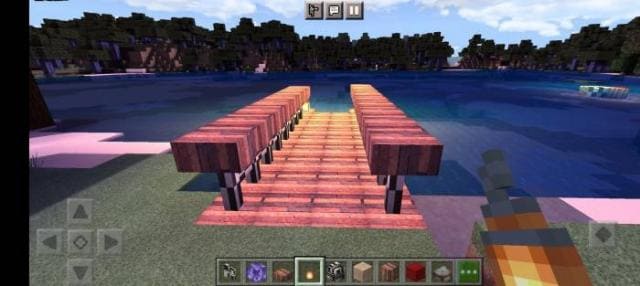
Ниже можно посмотреть на новый дизайн игры, который можно получить сразу после установки этого дополнения. Скриншоты позволят оценить, нужно ли тебе пробовать эту сборку или нет.
Ниже можно посмотреть на новый дизайн игры, который можно получить сразу после установки этого дополнения. Скриншоты позволят оценить, нужно ли тебе пробовать эту сборку или нет.
Quick facts
- Edition: Minecraft Bedrock
- File type: .mcpack
- Minecraft versions listed: 1.19.50, 1.19.40, 1.19.30
- How to install: Download the .mcpack. → Open it — Minecraft imports it under Resource Packs. → Activate it in Global Resources, or for one world under Resource Packs → Available.
- Where to get it: In MCModsHub, or directly above on this page.
Install steps are the general flow for this file type — How to install Minecraft Bedrock texture packs walks through it step by step.
File checked by MCModsHub
- Save it as 186503.mcaddon before opening — it downloads as .mcpack, but it is a .mcaddon pack
- Manifest requires Minecraft 1.17.0 or newer
- Complete pack — everything it depends on is inside the file
- Download size: 15.1 MB
- Download link checked 6 Jul 2026 — working
- Mirrored on our own servers — the download does not depend on the original host
These come from our own check of the pack file, not from the source page.